
In today’s rapidly evolving tech landscape, workflow automation and AI agents have become essential tools for businesses looking to streamline operations and enhance productivity. Two powerful platforms have emerged as leaders in this space: n8n, a flexible workflow automation tool, and OpenAI Agent Builder, a framework for creating intelligent AI assistants. While both aim to simplify complex processes, they approach automation from fundamentally different angles. This comprehensive comparison will help developers, business analysts, and tech decision-makers determine which platform best aligns with their specific needs and use cases.
Platform Overview: Understanding n8n and OpenAI Agent Builder
What is n8n?
n8n (pronounced “n-eight-n”) is a fair-code, self-hostable workflow automation tool designed for connecting apps, APIs, and services. At its core is a visual, node-based editor that allows users to create complex workflows by connecting various nodes representing different services or functions. With over 300 pre-built nodes and the ability to create custom nodes, n8n offers extensive flexibility for automating virtually any business process.
As a fair-code solution, n8n provides both open-source and commercial options, giving users control over their data and infrastructure. You can self-host n8n on your own servers or use their cloud offering, making it suitable for organizations with varying security and compliance requirements.
What is OpenAI Agent Builder?
OpenAI Agent Builder (part of the Assistants API) is a framework for building stateful, AI-powered assistants that can be integrated into applications. Unlike traditional workflow automation tools, Agent Builder focuses on creating intelligent agents that can understand natural language, maintain context across interactions, and perform complex tasks through a combination of AI reasoning and function calling.
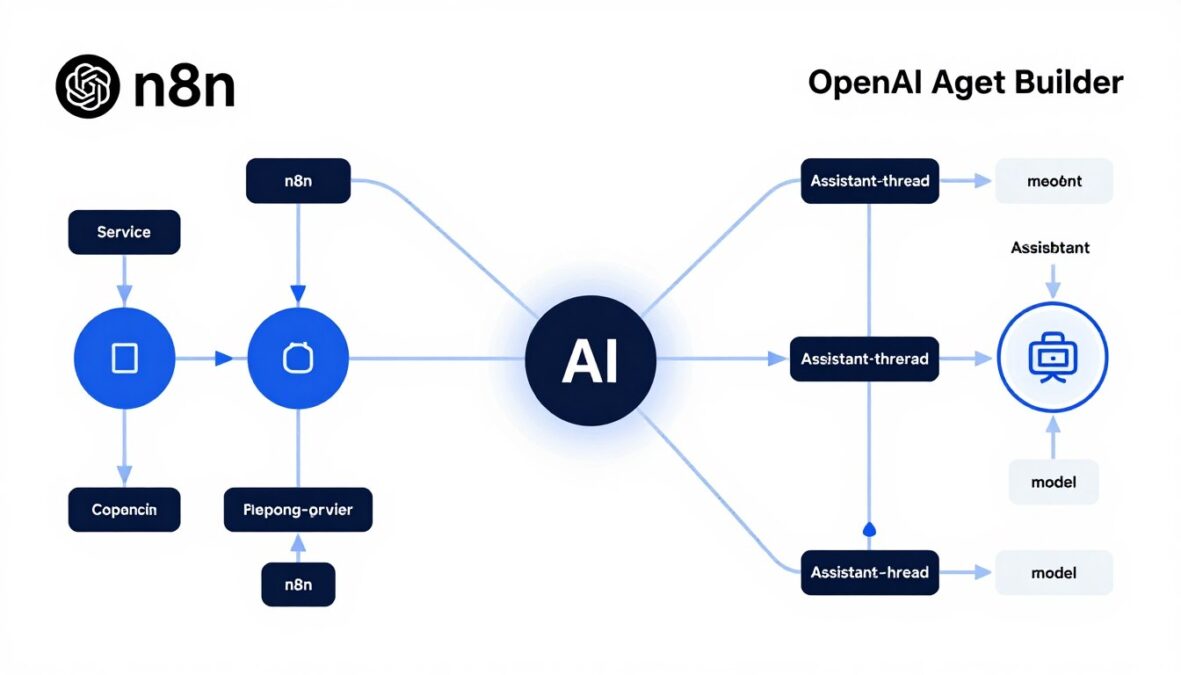
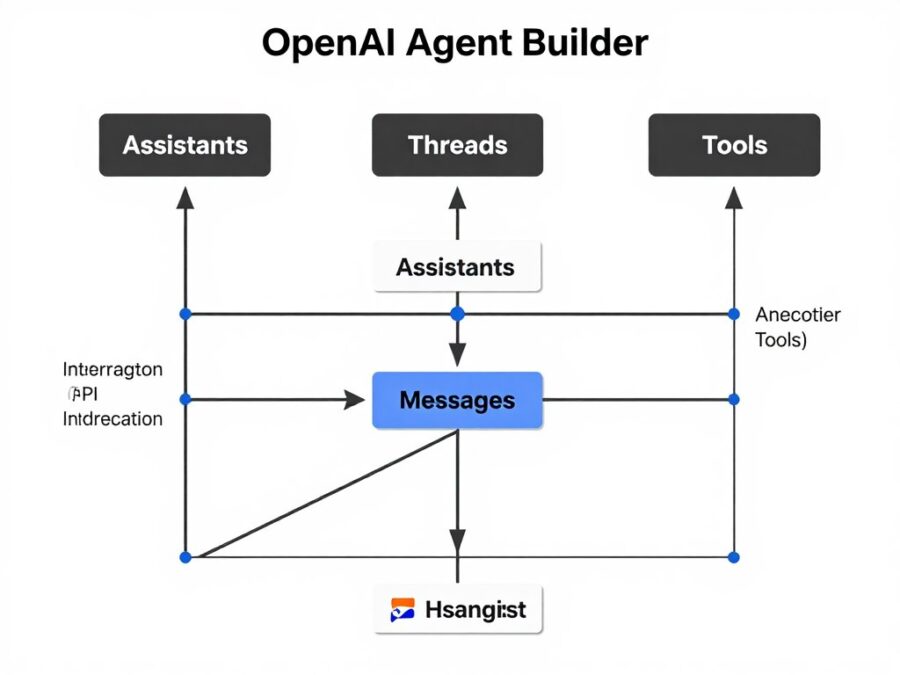
The platform is built around four core components: Assistants (the AI agents themselves), Threads (conversation sessions), Messages (the content exchanged), and Tools (capabilities like function calling, code interpretation, and file search). This architecture enables developers to create sophisticated AI assistants that can handle a wide range of tasks, from answering questions to executing complex workflows based on natural language instructions.
Core Comparison: n8n vs OpenAI Agent Builder
To help you understand the key differences between these platforms, we’ve created a comprehensive comparison table highlighting their core features, capabilities, and use cases.
| Feature | n8n | OpenAI Agent Builder |
| Primary Purpose | Workflow Automation | AI Agent Creation |
| Core Architecture | Node-based Visual Workflows | Assistant/Thread Model |
| Integration Model | 300+ Pre-built Nodes & HTTP Requests | Function Calling & Built-in Tools |
| AI Capabilities | Via AI nodes/API calls | Native, Central to Platform |
| State Management | Manual via nodes/variables | Automated via Threads |
| Deployment | Self-hosted, Cloud, Desktop | API-based |
| Pricing Model | Self-hosted free, Cloud tiers | Token-based usage |
Strengths and Use Cases: When to Choose Each Platform
Both n8n and OpenAI Agent Builder excel in different scenarios. Understanding their respective strengths will help you determine which platform is better suited for your specific needs.
When to Choose n8n
- Complex Business Process Automation: n8n excels at connecting different systems and automating multi-step processes like CRM synchronization, data pipelines, and notification systems.
- Data Transformation and ETL: When you need to extract, transform, and load data between different systems with precise control over each step.
- IT Orchestration: For automating IT operations, monitoring systems, and responding to events with specific actions.
- Self-Hosting Requirements: If data sovereignty and security requirements mandate keeping all automation on your own infrastructure.
- Deterministic Workflows: When you need predictable, rule-based processes that execute the same way every time.
- Custom API Integration: For connecting to internal or legacy systems that don’t have pre-built integrations elsewhere.
“n8n provides granular control over each step in your automation workflow, making it ideal for technical teams who need precise data handling and complex business logic.”
When to Choose OpenAI Agent Builder
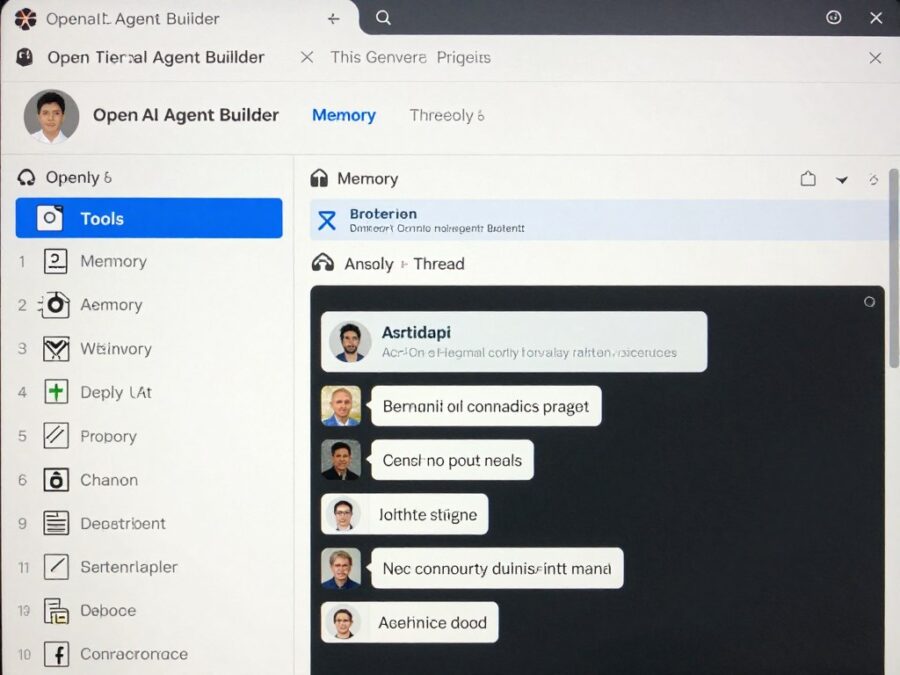
- Conversational AI Assistants: For building intelligent chatbots, customer support agents, and interactive assistants that understand natural language.
- Knowledge-Based Applications: When you need to create systems that can reason about complex information and provide insights.
- Coding and Data Analysis Copilots: For assistants that can help with programming tasks, analyze data, or generate content based on user requests.
- Natural Language Interfaces: When you want users to interact with your systems using everyday language rather than structured commands.
- Context-Aware Applications: For systems that need to maintain conversation history and context across multiple interactions.
- Rapid AI Feature Prototyping: When you need to quickly test and deploy AI capabilities without extensive infrastructure setup.
“OpenAI Agent Builder abstracts away much of the complexity of building intelligent agents, allowing you to focus on defining what your assistant should do rather than how it should do it.”
Key Differences Deep Dive: Understanding the Fundamental Distinctions
Beyond the feature comparison, there are several fundamental philosophical and architectural differences between n8n and OpenAI Agent Builder that are important to understand.
Deterministic vs. Probabilistic Approaches
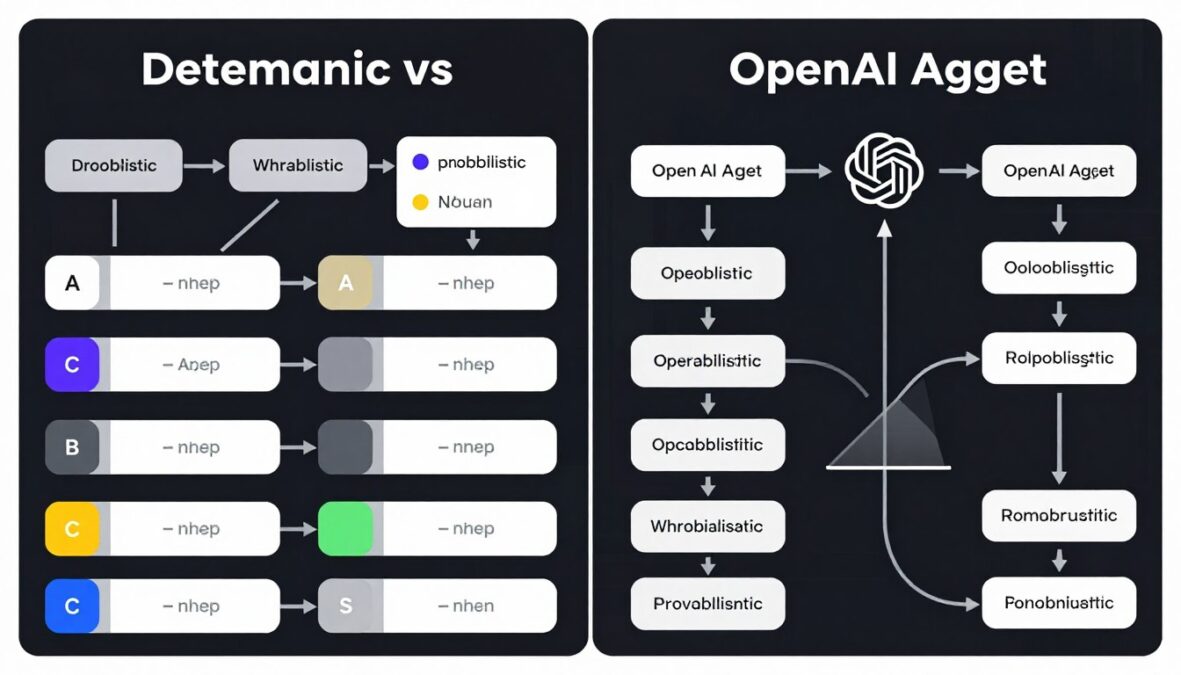
n8n: Deterministic Execution
n8n workflows are deterministic by nature. When you design a workflow, you explicitly define each step, condition, and action. Given the same inputs, an n8n workflow will always produce the same outputs, following the exact path you’ve specified. This predictability is crucial for mission-critical business processes where consistency is paramount.
For example, when processing a customer order, you want the exact same steps to occur every time: validate the order, update inventory, process payment, and send confirmation. Any deviation could cause significant issues.
OpenAI Agent Builder: Probabilistic Reasoning
OpenAI Agent Builder, powered by large language models, takes a probabilistic approach. Given the same input, an AI agent might generate slightly different responses or take different approaches to solving a problem. This flexibility allows agents to handle ambiguity and adapt to various situations, but it also means results aren’t always 100% predictable.
This approach shines in scenarios like customer support, where the agent needs to understand and respond to a wide range of unpredictable queries, adapting its tone and approach based on context.
Control vs. Abstraction
n8n: Granular Control
With n8n, you have precise control over every aspect of your workflow. You decide exactly how data is transformed, which conditions trigger which actions, and how errors are handled. This granularity is powerful for complex processes but requires more upfront design and maintenance.
This level of control is invaluable when you need to implement specific business rules or compliance requirements that must be followed exactly.
OpenAI Agent Builder: High-Level Abstraction
OpenAI Agent Builder abstracts away much of the complexity of building intelligent systems. Instead of defining every step, you provide high-level instructions and goals for your assistant. The underlying AI handles the details of understanding requests, generating responses, and executing functions.
This abstraction dramatically reduces development time for certain applications but gives you less control over exactly how the assistant processes information.
Integration Scope and Approach
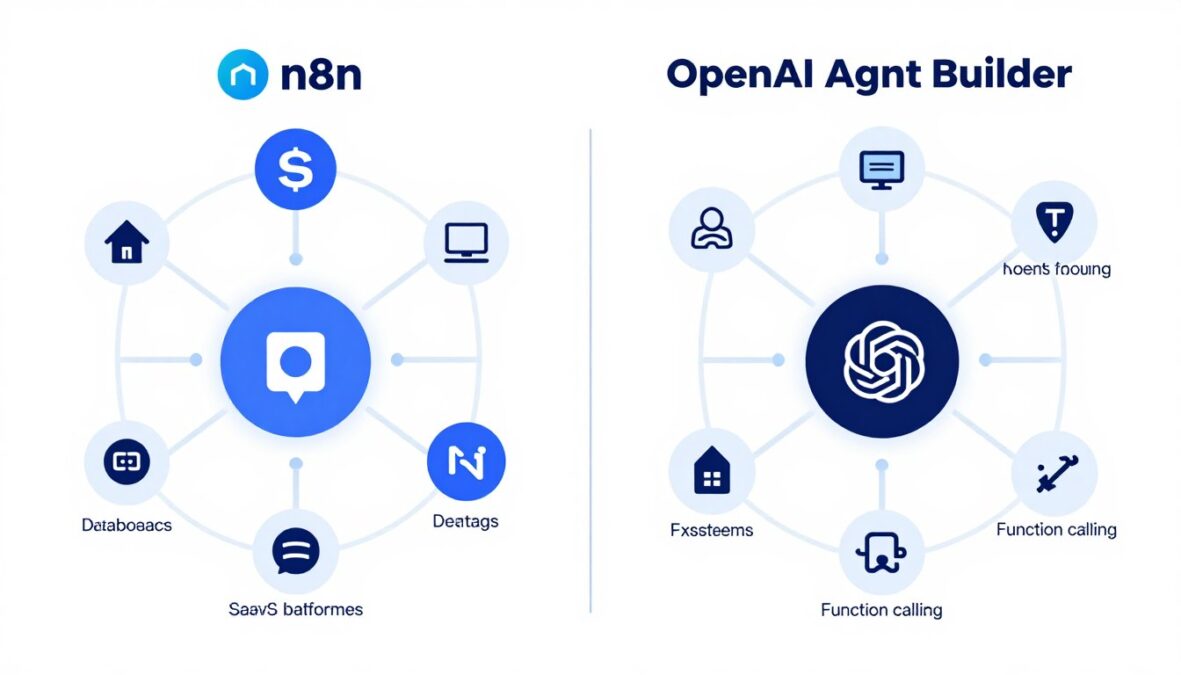
n8n: Wide Integration Surface
n8n’s strength lies in its extensive library of pre-built nodes for connecting to hundreds of different services, databases, and APIs. This breadth makes it exceptionally versatile for connecting disparate systems across your organization.
Additionally, n8n’s HTTP Request nodes allow you to connect to virtually any system with an API, even if there isn’t a pre-built node available.
OpenAI Agent Builder: Function-Centric Integration
OpenAI Agent Builder takes a different approach, focusing on function calling as its primary integration mechanism. You define functions that your assistant can call, which can then trigger actions in external systems.
While this approach is powerful for creating custom logic that your assistant can execute, it requires more development work to connect to external systems compared to n8n’s pre-built nodes.
Can They Work Together? Building Complementary Systems
Rather than viewing n8n and OpenAI Agent Builder as competing solutions, many organizations are finding value in using them together as complementary tools in their automation ecosystem.
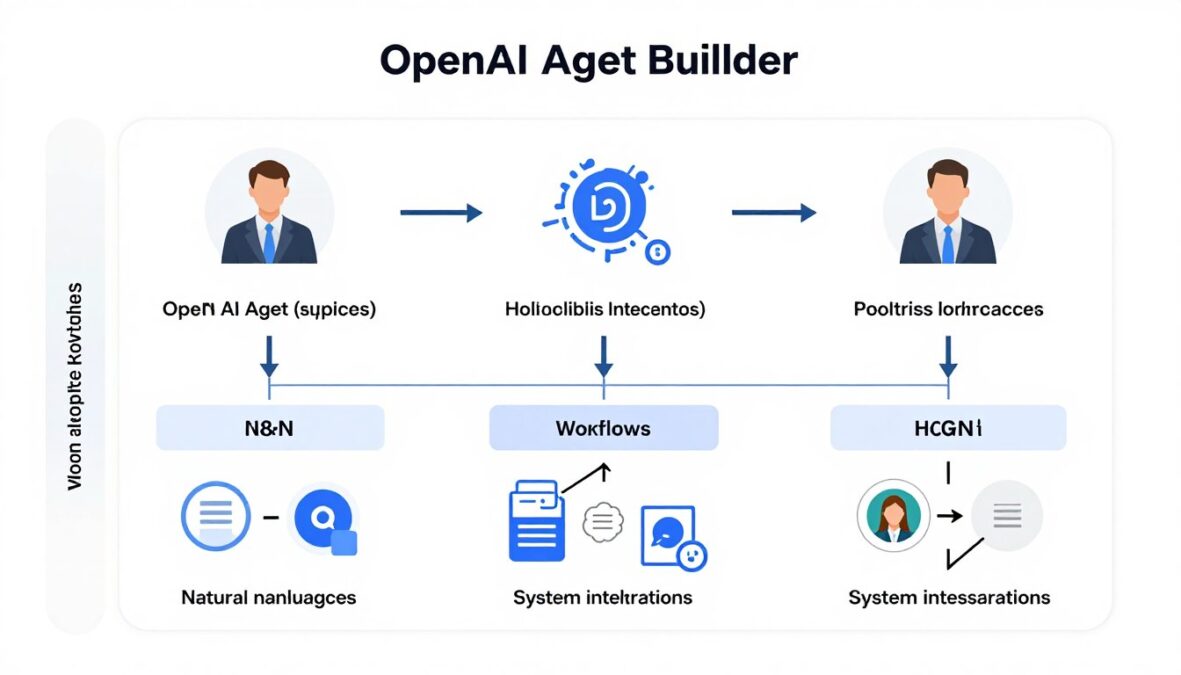
Integration Patterns
Here are several effective patterns for combining these platforms:
n8n as a Backend for AI Agents
Use OpenAI Agent Builder to create the intelligent frontend that interacts with users, then have the agent call n8n workflows to execute complex backend processes. This approach leverages the natural language capabilities of Agent Builder with the integration power of n8n.
Data Preprocessing with n8n
Use n8n to gather, clean, and structure data from various sources, then feed that data to an OpenAI assistant for analysis, summarization, or other AI-powered tasks. This pattern is particularly effective for business intelligence and reporting use cases.
AI-Enhanced Workflows
Embed OpenAI’s capabilities within n8n workflows by using n8n’s OpenAI nodes. This allows you to add intelligence to specific steps in your workflow while maintaining the structured, deterministic nature of n8n for the overall process.
Example: Customer Support Automation
Consider a customer support system that combines both platforms:
- An OpenAI assistant handles initial customer inquiries, understanding their needs through natural language.
- For simple questions, the assistant responds directly using its knowledge.
- For complex issues requiring data from multiple systems, the assistant triggers an n8n workflow.
- The n8n workflow retrieves customer data from the CRM, order history from the database, and shipping status from the logistics system.
- This aggregated data is returned to the assistant, which formulates a comprehensive, natural language response for the customer.
By combining these platforms, you get the best of both worlds: the natural language understanding and contextual awareness of OpenAI Agent Builder with the robust integration capabilities and deterministic workflows of n8n.
Practical Examples: Real-World Applications
To better illustrate when to use each platform, let’s examine some real-world scenarios and how they would be implemented in n8n versus OpenAI Agent Builder.
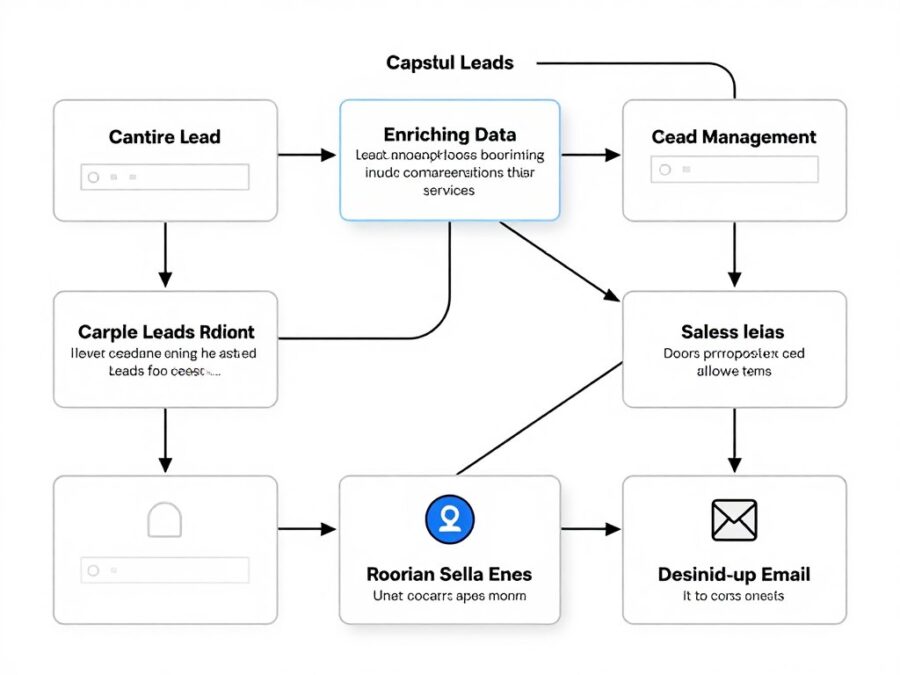
Lead Management Automation in n8n
Scenario: A marketing team needs to automate their lead qualification and routing process.
Implementation: In n8n, this would be built as a multi-step workflow:
- Trigger node captures new leads from form submissions
- HTTP Request node enriches lead data with third-party services
- Function node scores leads based on predefined criteria
- IF node routes leads to different paths based on score
- CRM nodes update customer records
- Email nodes send personalized follow-ups
Advantage: This approach provides precise control over the lead scoring algorithm and routing logic, ensuring consistent handling of every lead according to business rules.
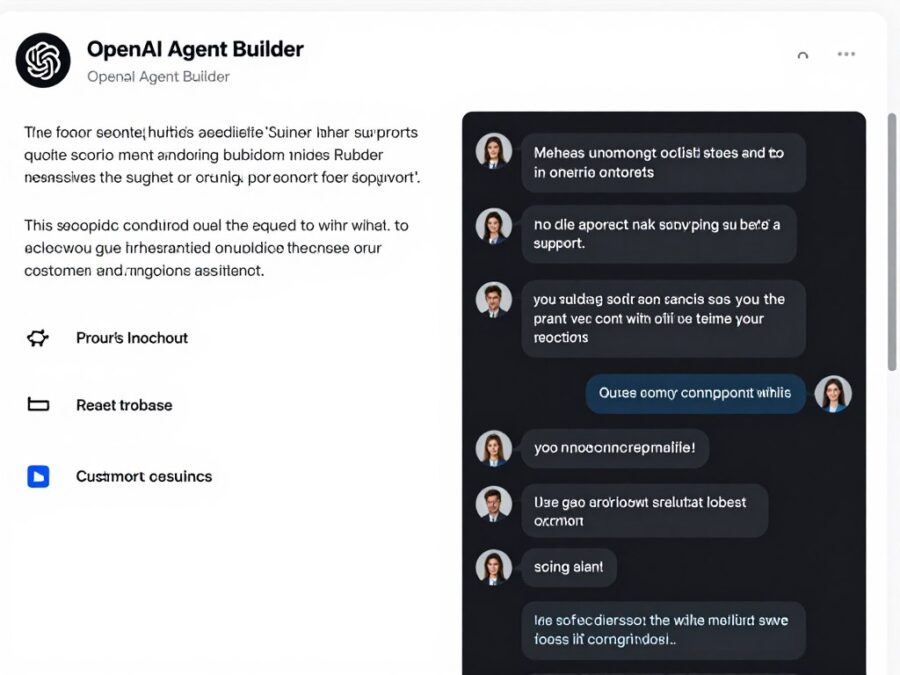
Customer Support Assistant in OpenAI Agent Builder
Scenario: A support team needs an intelligent assistant to handle common customer inquiries.
Implementation: In OpenAI Agent Builder, this would be built as an assistant:
- Create an assistant with instructions for handling support queries
- Add knowledge base files for product documentation
- Enable retrieval for searching those files
- Add function calling for checking order status or initiating returns
- Create threads for each customer conversation
- Use the assistant to generate contextually relevant responses
Advantage: This approach leverages natural language understanding to handle a wide variety of unpredictable customer queries, maintaining context throughout the conversation.
Data Integration Pipeline
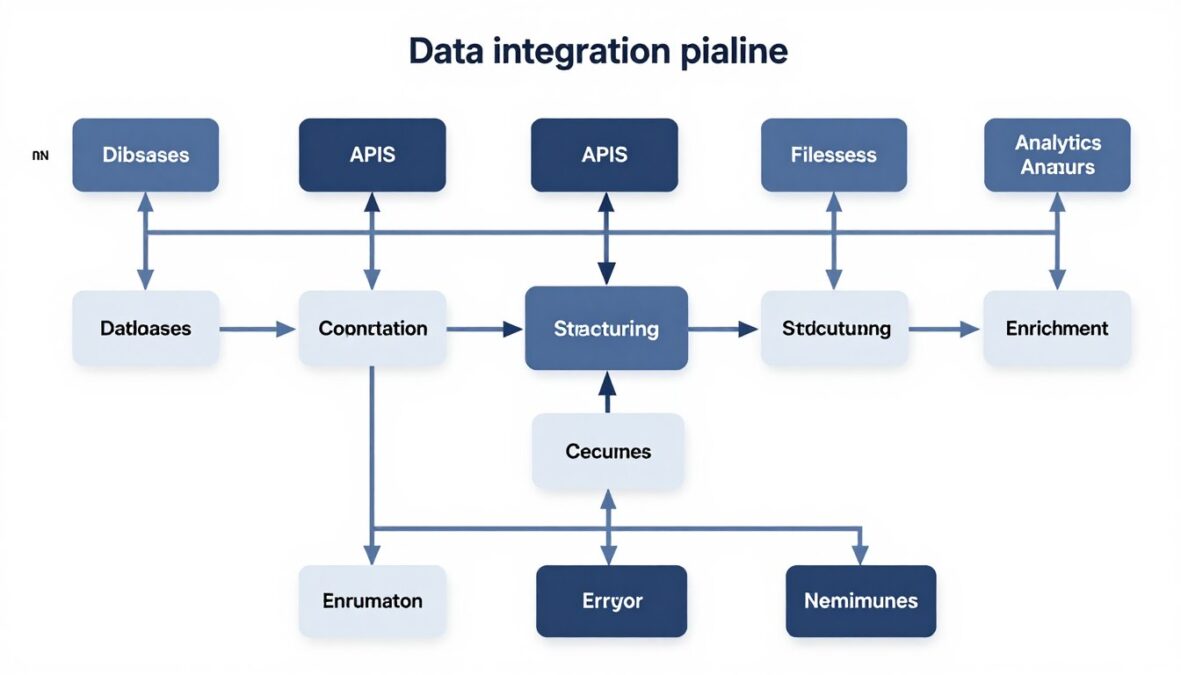
Best Tool: n8n
Why: Data integration pipelines require deterministic processing, precise transformations, and reliable scheduling. n8n’s node-based approach allows for explicit definition of each transformation step, error handling procedure, and data validation rule. The ability to self-host also addresses data sovereignty concerns that are common in ETL scenarios.
Research Assistant
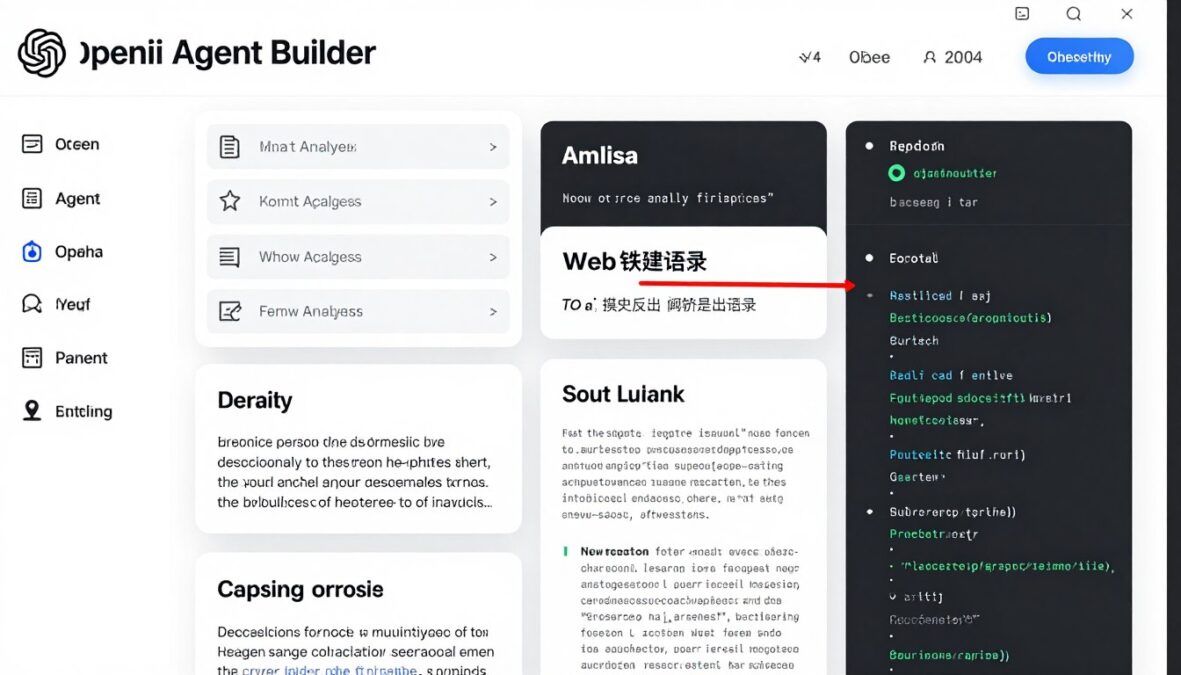
Best Tool: OpenAI Agent Builder
Why: Research tasks require understanding complex information, synthesizing insights across multiple sources, and generating coherent summaries. OpenAI Agent Builder’s natural language capabilities and reasoning make it ideal for tasks that require comprehension and generation of nuanced content. The built-in code interpreter can also help with data analysis tasks that might arise during research.
Decision Framework: Choosing the Right Tool
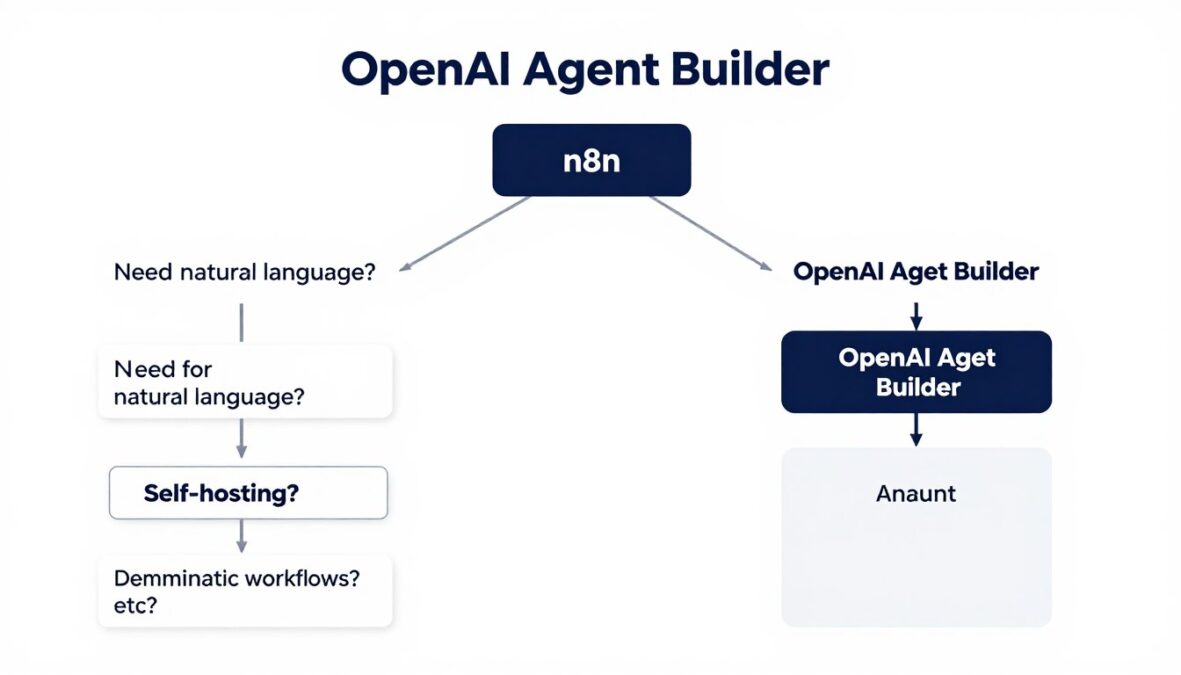
To help you make an informed decision, we’ve created a simple framework based on key factors that should influence your choice between n8n and OpenAI Agent Builder.
| If you need… | Choose | Why |
| Precise control over every step in a process | n8n | n8n’s node-based approach gives you explicit control over each action and condition |
| Natural language understanding | OpenAI Agent Builder | Built on powerful language models designed to understand and generate human language |
| Self-hosting for data sovereignty | n8n | n8n can be fully self-hosted, keeping all data within your infrastructure |
| Contextual memory across interactions | OpenAI Agent Builder | Thread-based architecture maintains conversation history automatically |
| Wide range of pre-built integrations | n8n | 300+ pre-built nodes for connecting to various services and systems |
| Advanced reasoning capabilities | OpenAI Agent Builder | Powered by GPT models with sophisticated reasoning abilities |
| Predictable, rule-based execution | n8n | Deterministic workflows that execute the same way every time |
| Rapid prototyping of AI features | OpenAI Agent Builder | Quick to set up with minimal infrastructure requirements |
Technical Considerations: Implementation and Integration
n8n Technical Considerations
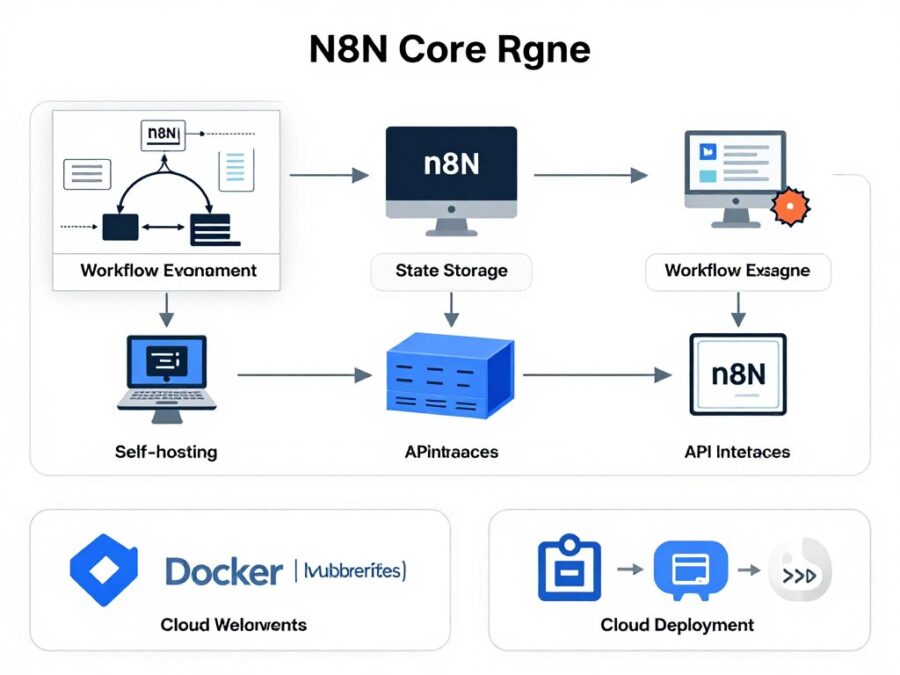
Deployment Options
- Self-Hosted: Docker, Kubernetes, or direct installation
- Cloud: n8n Cloud service with managed infrastructure
- Desktop: Local development and testing
Infrastructure Requirements
- Database for workflow storage (SQLite, PostgreSQL, MySQL)
- Node.js runtime environment
- Network access to integrated services
- Optional Redis for improved performance
Security Considerations
- Credential encryption for API keys and secrets
- Role-based access control (in paid versions)
- Self-hosting allows for custom security measures
- API authentication for triggering workflows
OpenAI Agent Builder Technical Considerations
Implementation Approach
- API-Based: Integrated via REST API calls
- SDK Support: Official libraries for Python, Node.js, etc.
- Serverless: No infrastructure to manage
Technical Requirements
- OpenAI API key with appropriate permissions
- Backend service to manage API calls and handle webhooks
- Storage for file attachments (if using file capabilities)
- Functions defined for custom tool capabilities
Security Considerations
- API key management and rotation
- Data handling policies (OpenAI processes your data)
- User authentication for accessing assistants
- Content filtering and moderation
Conclusion and Recommendations
Both n8n and OpenAI Agent Builder are powerful platforms that excel in different domains of automation and AI. The choice between them depends largely on your specific use case, technical requirements, and organizational constraints.
When to Choose n8n
- You need precise control over workflow execution
- Data sovereignty and self-hosting are requirements
- Your processes are deterministic and rule-based
- You need to integrate with a wide variety of systems
- Cost predictability is important
When to Choose OpenAI Agent Builder
- Natural language understanding is central to your application
- You’re building conversational or assistant-like interfaces
- Context retention across interactions is important
- You need advanced reasoning capabilities
- Rapid prototyping of AI features is a priority
For many organizations, the most powerful approach is to use both platforms together, leveraging the strengths of each:
- Use OpenAI Agent Builder for the intelligent, user-facing layer that understands natural language and maintains context
- Use n8n for the backend automation layer that connects to various systems and executes complex, deterministic workflows
- Connect them through function calling, allowing the AI assistant to trigger n8n workflows when needed
By understanding the fundamental differences between these platforms and aligning them with your specific needs, you can make an informed decision that maximizes the value of automation and AI in your organization.
Ready to Start Automating?
The best way to understand these platforms is to try them yourself. Both offer free options to get started and explore their capabilities.
Perfect for building flexible, self-hosted automation workflows
Ideal for creating intelligent, conversational AI assistants
Frequently Asked Questions
Can n8n integrate with OpenAI’s models?
Yes, n8n has dedicated nodes for OpenAI that allow you to leverage GPT models within your workflows. You can use these nodes to generate text, analyze sentiment, classify content, and more as part of your automation processes.
Is OpenAI Agent Builder suitable for production use?
Yes, OpenAI Agent Builder (part of the Assistants API) is designed for production applications. It includes features like error handling, rate limiting, and monitoring that make it suitable for production environments. However, as with any AI system, you should implement appropriate testing, monitoring, and fallback mechanisms.
How does pricing compare between n8n and OpenAI Agent Builder?
n8n offers a free self-hosted version with unlimited workflows and nodes, while their cloud offering has tiered pricing based on users and features. OpenAI Agent Builder follows a usage-based pricing model where you pay for the tokens processed by the AI models, plus any additional costs for file storage and retrieval. For high-volume applications, n8n self-hosted may be more cost-effective, while OpenAI’s model is more flexible for varying usage patterns.
Can I use n8n without coding experience?
n8n is designed with a visual interface that allows users to create workflows without writing code. However, for more complex scenarios, some understanding of data structures, APIs, and basic programming concepts is helpful. The platform does offer JavaScript nodes for advanced customization, but many workflows can be built using just the visual editor.
How do I handle sensitive data with OpenAI Agent Builder?
When working with sensitive data in OpenAI Agent Builder, you should implement several best practices: 1) Only share necessary information with the assistant, 2) Use function calling to keep sensitive operations in your own systems, 3) Implement proper user authentication and authorization, 4) Review OpenAI’s data usage policies, and 5) Consider using the data controls available in OpenAI’s enterprise offerings for additional protection.
There are no reviews yet. Be the first one to write one.