
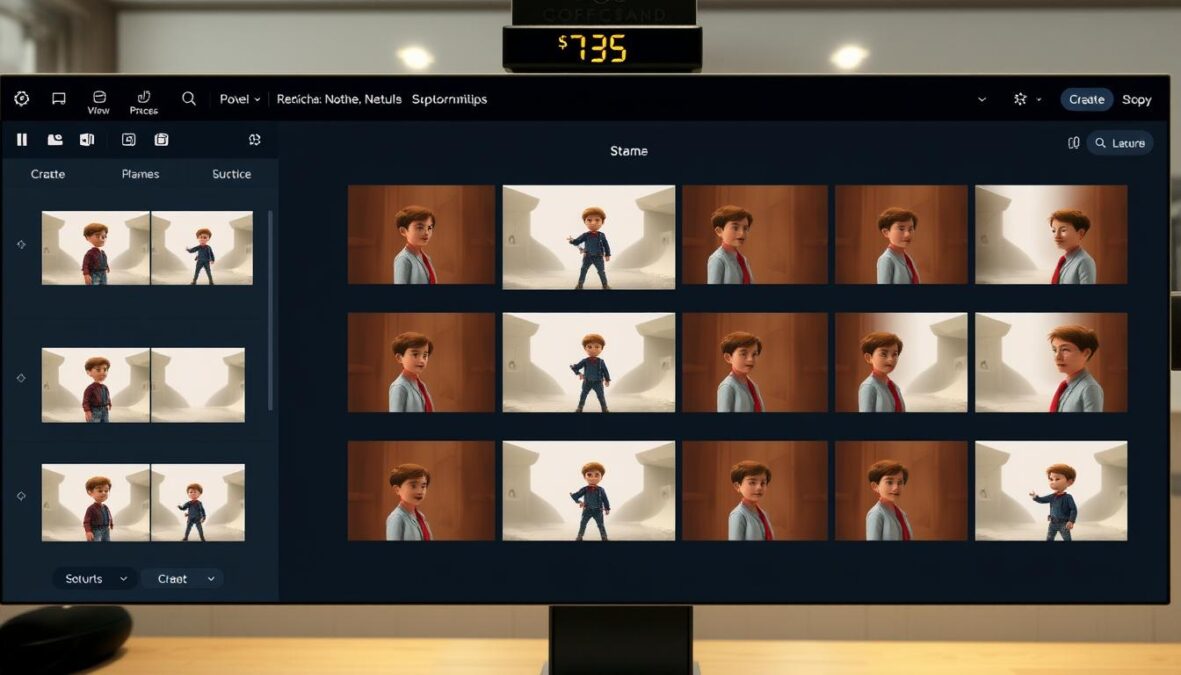
The creative process has always been limited by fragmented tools and complex workflows. Higgsfield Popcorn aims to change that by offering an integrated AI storyboard generator that promises cinematic quality and narrative coherence. In this comprehensive review, we’ll examine whether Popcorn delivers on its promises and how it compares to other AI video generation tools on the market.
What is Higgsfield Popcorn?
Higgsfield Popcorn is an AI-powered storyboard generator designed to create connected visual stories with consistent characters, settings, and atmospheres. It’s part of the broader Higgsfield platform, which has gained significant attention in the AI creative space with over 11 million users in just five months since launch.
Unlike traditional AI image generators, Popcorn focuses specifically on narrative continuity, allowing creators to build multi-frame stories where characters, lighting, and environments remain consistent across scenes. This makes it particularly valuable for filmmakers, marketers, and content creators who need to visualize sequences rather than isolated images.
Higgsfield, the company behind Popcorn, was founded by Alex Mashrabov, former Director of Generative AI at Snap Inc., and Erzat Dulat, an AI researcher. The company has secured $58.2 million in funding, including a $50 million Series A round led by GFT Ventures in September 2025.
Ready to Create Your First Storyboard?
Try Higgsfield Popcorn today and experience the future of AI-powered visual storytelling.
Key Features and Capabilities
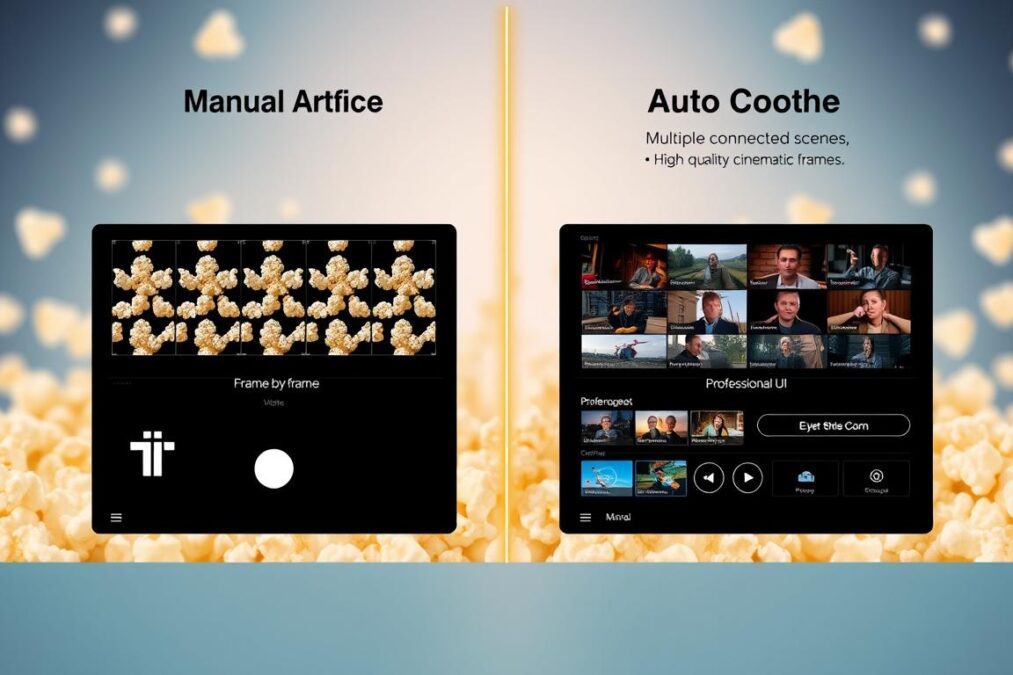
Popcorn offers a unique approach to AI-generated visual content with features designed specifically for narrative storytelling. Here’s what sets it apart:
Two Creation Modes
Manual Mode
In Manual Mode, you direct every frame individually, describing each scene separately. This gives you complete control over the narrative flow, similar to how a director plans each shot in a storyboard.
This approach works best when you already have a clear vision for your story structure, such as when planning a campaign storyboard, illustrated comic, or animation sequence.
Auto Mode
With Auto Mode, you write a single prompt and specify how many frames you want (typically four to eight). The AI then expands your description into a full visual sequence with consistent characters and settings.
This is ideal for quickly generating ideas or when you have a general concept but want the AI to develop the visual progression.
Multiple Input Support
Popcorn accepts up to four input images alongside text prompts. This allows you to provide reference images for:
- Character portraits
- Location settings
- Specific objects or props
- Visual references for lighting or costume
The system combines these inputs to create a cohesive visual world, maintaining consistency across all generated frames.
Flexible Aspect Ratios
The platform supports multiple aspect ratios to suit different storytelling formats:
- 3:4 – Ideal for portraits and story-focused visuals
- 2:3 – Balanced frame for cinematic shots
- 3:2 – Works for editorial and landscape emphasis
- 1:1 – Perfect for social feed visuals
- 9:16 – Optimized for Reels, TikTok, and Shorts
Image Editing Capabilities
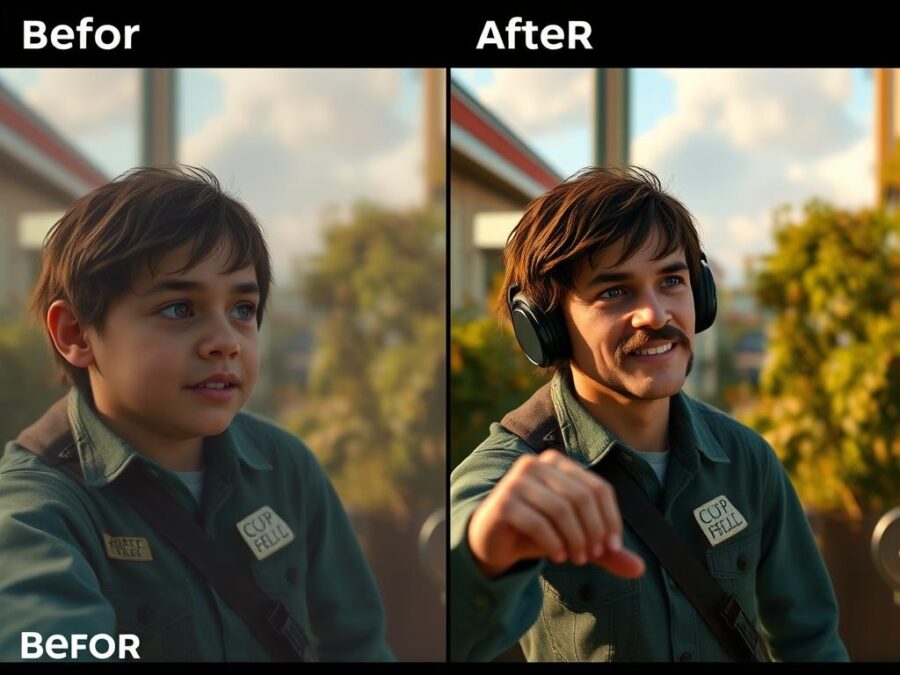
Beyond storyboard generation, Popcorn offers advanced image editing with multiple inputs. This allows you to:
- Generate or edit images with multiple reference inputs
- Maintain perfect continuity between characters, clothing, lighting, and environment
- Work with both prompt-based and reference-based edits
User Interface and Ease of Use
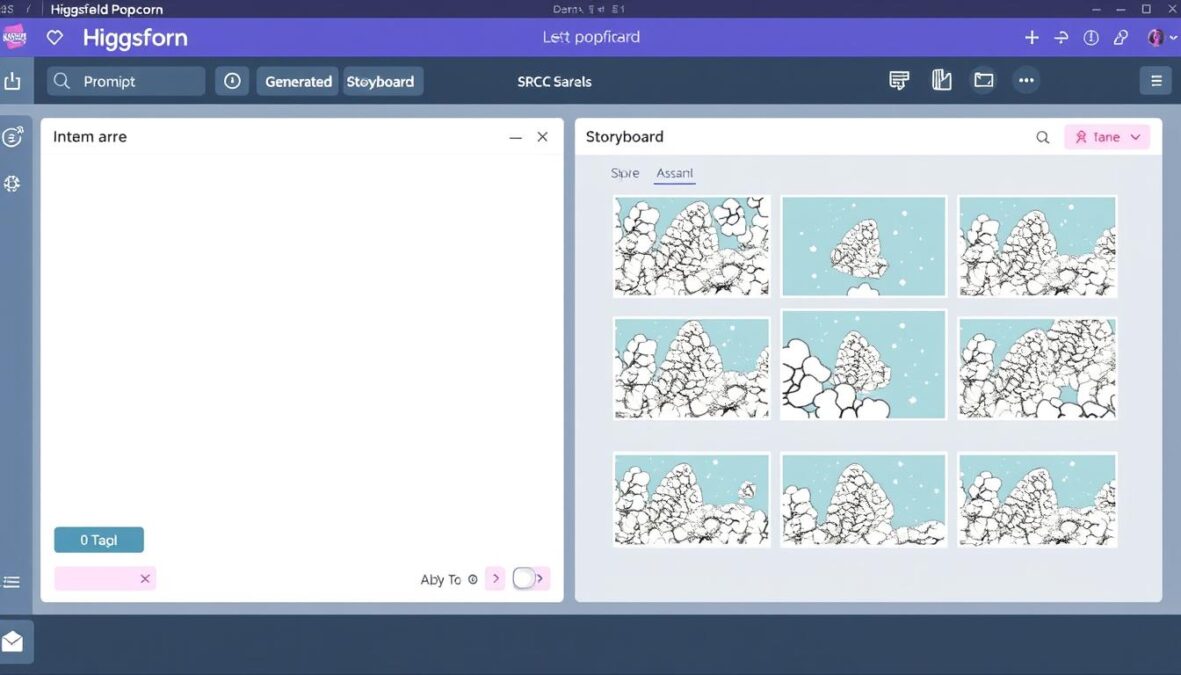
Popcorn’s interface is designed to streamline the creative workflow, eliminating the need to jump between multiple tools for generation, editing, and sequencing.
Prompt Structure
The platform rewards precision in prompts. For best results, Popcorn recommends structuring prompts in this order:
- Start with the main subject (character or person)
- Describe the setting or scene
- Include style references early (cinematic, Ghibli-inspired, realistic, etc.)
- Detail the action (movement, interaction, mood)
- End with atmosphere (lighting, emotion, pacing cues)
Example prompt: “Cinematic style. A woman from image one walking through a neon-lit Tokyo street from image three, holding the umbrella from image two, slow rain, reflections on asphalt, shallow depth of field.”
Learning Curve Assessment
While the interface is generally intuitive, mastering prompt writing for optimal results requires practice. The platform provides helpful guidance, but new users may need to experiment to understand how different prompt structures affect the output.
Output Quality Assessment
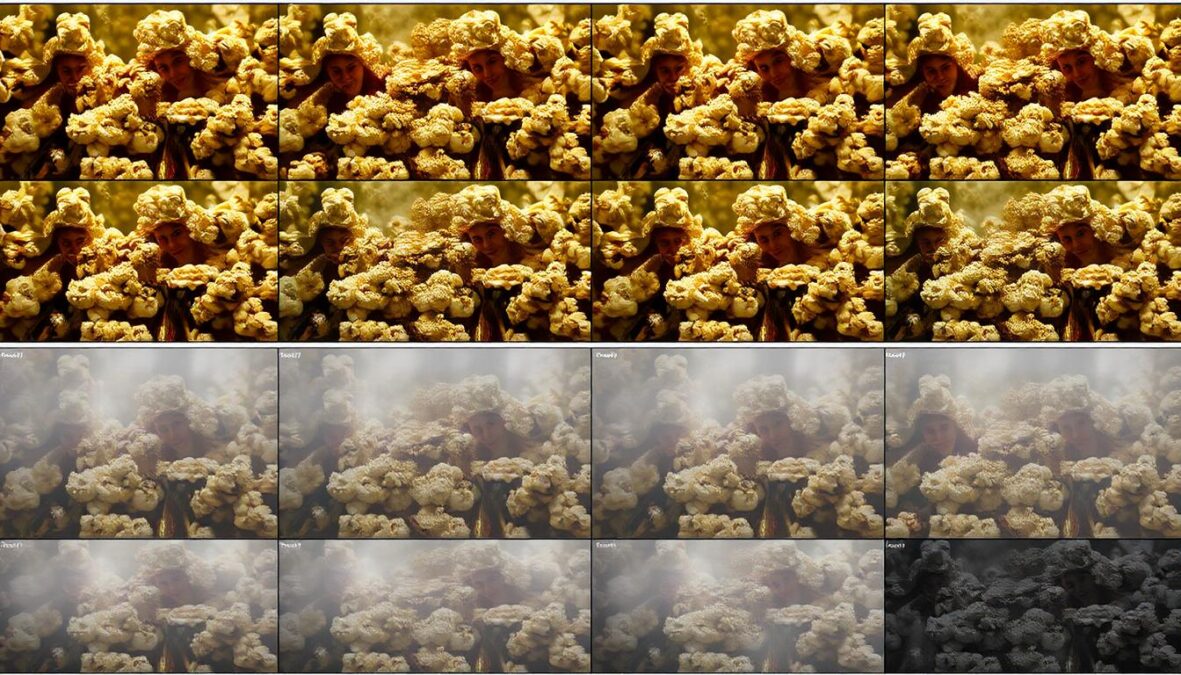
The quality of Popcorn’s output varies depending on the complexity of the prompt and the specific use case. We’ve evaluated the platform across several key dimensions:
Strengths
Popcorn excels at maintaining character consistency across frames, particularly when using reference images. The platform also handles lighting and atmosphere well, creating a cohesive visual style throughout a sequence.
Simple scenes with clear subjects and straightforward actions produce the best results. The cinematic quality is impressive for an AI tool, with realistic skin tones, fabric responses, and environmental light diffusion.
Limitations
More complex scenes can challenge the system. Temporal consistency sometimes breaks down in longer sequences, particularly with dynamic movements or complex interactions. The platform also struggles with extremely detailed prompts that contain multiple competing directives.
For maximum realism, treat prompts like screenplay directions, not captions. The more you think in shots, the more the system behaves like a cinematographer.
Pricing Structure
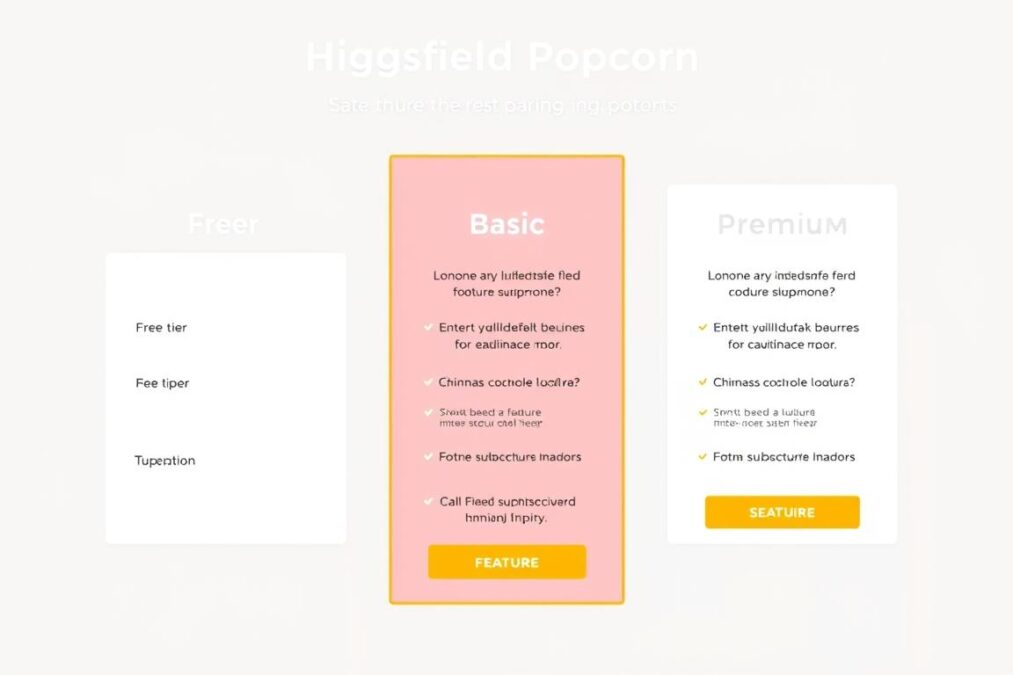
Higgsfield Popcorn offers a tiered pricing structure that caters to different user needs:
| Plan | Price | Features | Best For |
| Free | $0 | Limited daily credits, basic features, 720p resolution | Casual users, beginners exploring the platform |
| Basic | $9/month | More credits, access to all presets, 720p resolution | Content creators, social media managers |
| Premium | $29/month | Maximum credits, priority generation, advanced features | Professional creators, marketing teams |
| Enterprise | Custom | Team collaboration, API access, dedicated support | Businesses, agencies, production studios |
It’s worth noting that credits don’t roll over from month to month, which may be a consideration for occasional users. The platform does offer a free tier with daily credits, allowing users to test all features before committing to a subscription.
Start Creating with Free Credits
Sign up for Higgsfield Popcorn today and get free daily credits to test all features.
Comparison with Competitors
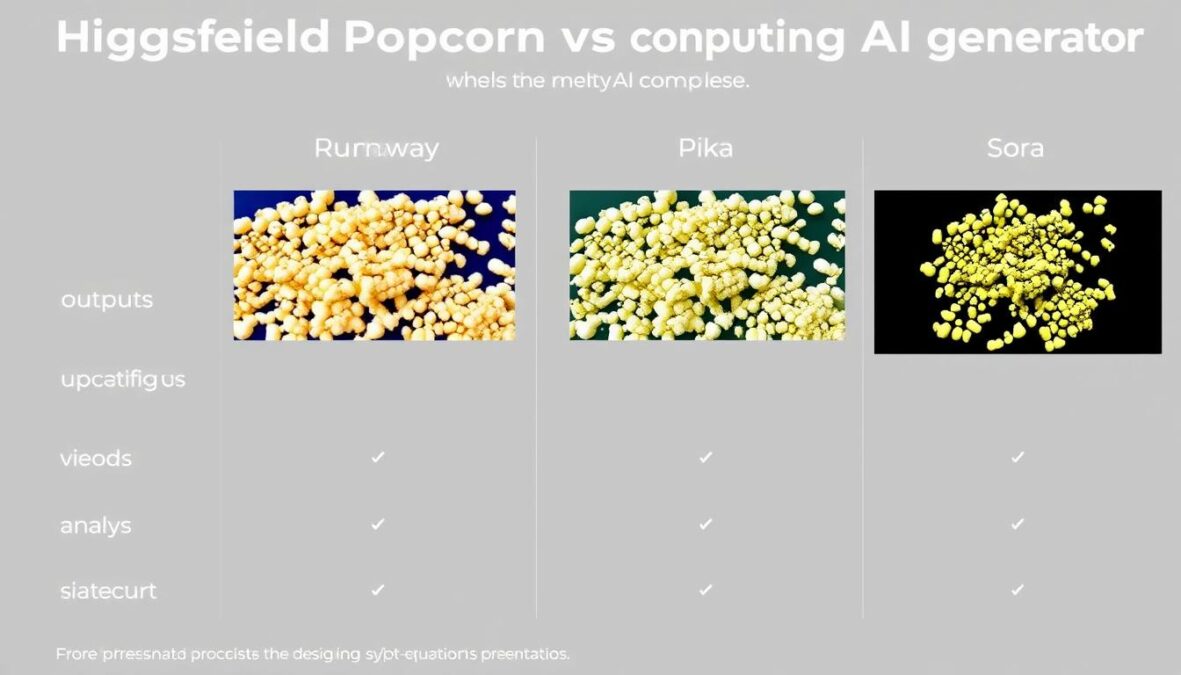
How does Popcorn stack up against other AI video and storyboard generators in the market? We’ve compared it with leading competitors:
- Specializes in narrative continuity across frames
- Accepts multiple reference images
- Strong character consistency
- Limited to 5-second clips
- 720p resolution
- Integrated with broader Higgsfield platform
Higgsfield Popcorn
- Longer video generation (up to 16 seconds)
- Higher resolution options
- More advanced motion capabilities
- Steeper learning curve
- Less focus on character consistency
- Higher price point
Runway
- Strong animation capabilities
- Better temporal consistency
- More style options
- Less intuitive interface
- Fewer reference image options
- Less integrated workflow
Pika
Popcorn’s unique strength lies in its ability to maintain character and setting consistency across multiple frames, making it particularly valuable for storyboarding and sequential visual storytelling. However, competitors like Runway and Pika offer advantages in video length, resolution, and certain motion capabilities.
Pros and Cons Analysis
Pros
- Excellent character and setting consistency across frames
- Intuitive interface that streamlines the creative workflow
- Support for multiple reference images
- Variety of aspect ratios for different content needs
- Free tier available to test features
- Integration with broader Higgsfield platform
- Regular updates and improvements
Cons
- Limited to 5-second clips in standard mode
- 720p resolution may be insufficient for professional use
- Temporal consistency issues with complex movements
- Monthly credits don’t roll over
- Steeper learning curve for optimal prompt writing
- Celebrity references require uploaded photos
- Performance varies significantly based on prompt complexity
Potential Use Cases
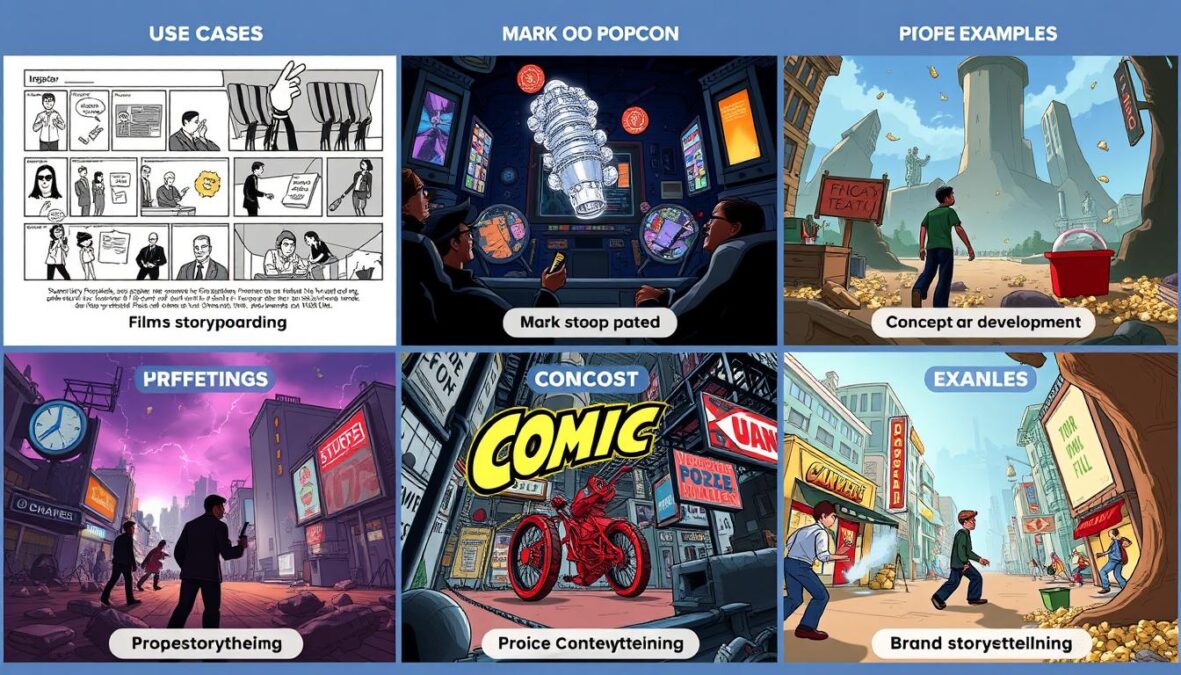
Popcorn’s unique capabilities make it suitable for a variety of creative and professional applications:
For Filmmakers and Video Creators
- Pre-visualization of scenes before shooting
- Storyboarding complex sequences
- Exploring visual styles and compositions
- Concept development for pitches and presentations
For Marketers and Brands
- Creating visual campaigns with consistent brand elements
- Developing multi-frame social media content
- Visualizing product stories and user journeys
- Rapid prototyping of ad concepts
For Artists and Designers
- Building illustrated stories or comics
- Developing concept art sequences for games or films
- Creating character studies in different environments
- Exploring narrative visual styles
Before Popcorn, creators had to jump between generators, editors, and upscalers just to build one sequence. Each frame had to be aligned manually, and character consistency was difficult to maintain. Popcorn eliminates this fragmentation.
Explore Creative Possibilities
Join thousands of creators using Higgsfield Popcorn to bring their visual stories to life.
Future Developments
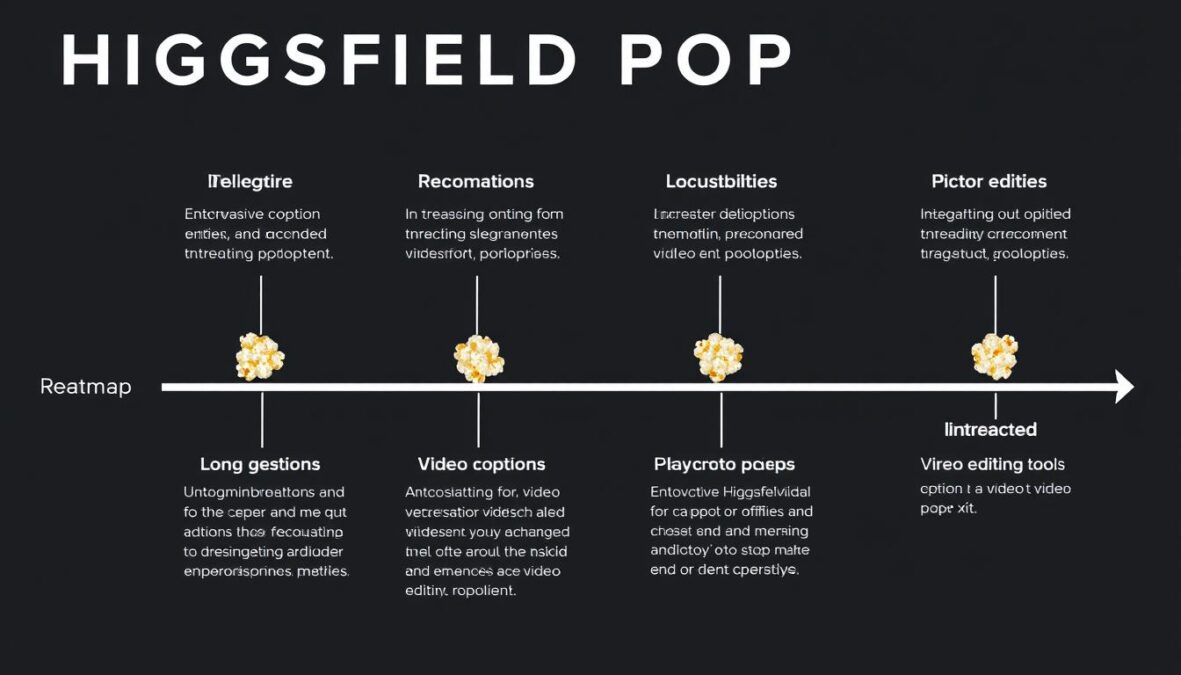
Based on Higgsfield’s development trajectory and industry trends, we can anticipate several improvements to Popcorn in the near future:
- Increased resolution options beyond the current 720p limit
- Extended clip length capabilities
- Improved temporal consistency for complex movements
- Integration with Higgsfield’s video generation tools
- More advanced editing and compositing features
- Enhanced team collaboration tools for enterprise users
Higgsfield has already mentioned plans to integrate Popcorn with their video generation capabilities, potentially allowing users to export storyboards directly to video generation models like Sora 2. This would create a seamless workflow from concept to final video.
Higgsfield’s recent $50 million Series A funding round suggests significant resources are being allocated to platform development, which bodes well for Popcorn’s continued evolution and improvement.
Final Verdict
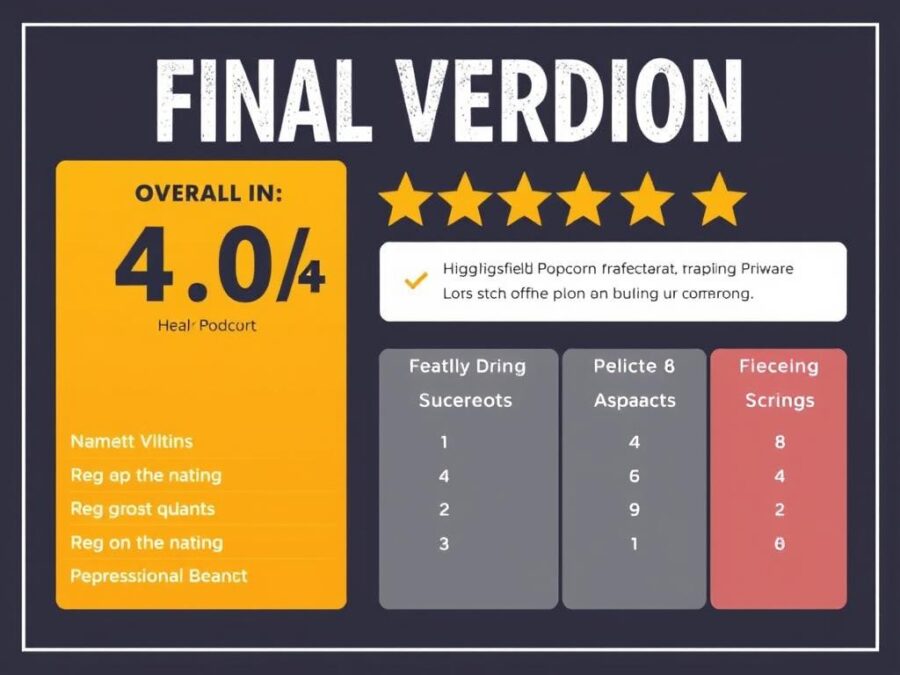
Who Should Use Higgsfield Popcorn?
Filmmakers & Storyboard Artists
Popcorn is an excellent tool for pre-visualization and storyboarding, allowing filmmakers to quickly explore visual concepts with consistent characters and settings.
Highly Recommended
Marketing Teams
For brands and marketers creating visual campaigns, Popcorn offers a streamlined way to develop consistent multi-frame content with brand elements intact.
Recommended
Professional Video Producers
Those requiring high-resolution, longer-form video content may find Popcorn’s current limitations restrictive, though it remains useful for concept development.
Consider Alternatives
Higgsfield Popcorn represents a significant step forward in AI-powered visual storytelling. Its focus on narrative continuity and character consistency fills a gap in the market that other AI image generators haven’t adequately addressed. While it has limitations in resolution and clip length, its strengths in maintaining visual coherence across frames make it a valuable tool for storyboarding and sequential visual content creation.
For creators who prioritize narrative continuity and character consistency in their visual storytelling, Popcorn offers a streamlined workflow that eliminates many of the frustrations associated with traditional storyboarding processes. The free tier provides a low-risk way to explore the platform’s capabilities before committing to a subscription.
Ready to Transform Your Visual Storytelling?
Join the thousands of creators already using Higgsfield Popcorn to bring their visual stories to life with AI-powered precision.
Frequently Asked Questions
What is Higgsfield Popcorn?
Higgsfield Popcorn is an advanced AI storyboarding tool that creates visually consistent scenes from text prompts and reference images. It maintains narrative control over characters and objects across multiple frames, allowing for coherent visual storytelling.
Is there a free trial available?
Yes! You can sign up and start creating right away. Higgsfield provides all users with free daily credits that allow you to test all of Popcorn’s features, from generating consistent characters to creating full storyboards.
How many scenes can I create in one sequence?
You can generate up to 8 images in a single sequence. However, the process is theoretically limitless. You can take the last image of your sequence and use it as a new reference input to continue the story, allowing you to build narratives of any length.
Can I animate the storyboard or generate video from the images?
According to Higgsfield, once your storyboard is finalized, you can use their built-in option to export the sequence to video generation tools like Sora 2. This turns your static storyboard into a dynamic video, streamlining the concept-to-video workflow.
There are no reviews yet. Be the first one to write one.