
Automation platforms have transformed how businesses operate. Activepieces AI stands out in 2026 as a powerful solution for teams seeking workflow automation without complex coding requirements.
This comprehensive Activepieces AI review examines every aspect of the platform. You’ll discover detailed insights into features, pricing plans, performance metrics, and real-world applications.
The automation landscape evolves rapidly. Activepieces has introduced significant updates in 2026, including enhanced AI agent capabilities and expanded MCP integration support.
Whether you’re a small business owner, marketing professional, or developer, this review provides the information you need. We analyze the free plan limitations, explore premium tier benefits, and compare Activepieces against leading competitors.
Start Automating Today
Join thousands of users who trust Activepieces for workflow automation. Try the platform free with unlimited pieces and community support.
What Is Activepieces AI?
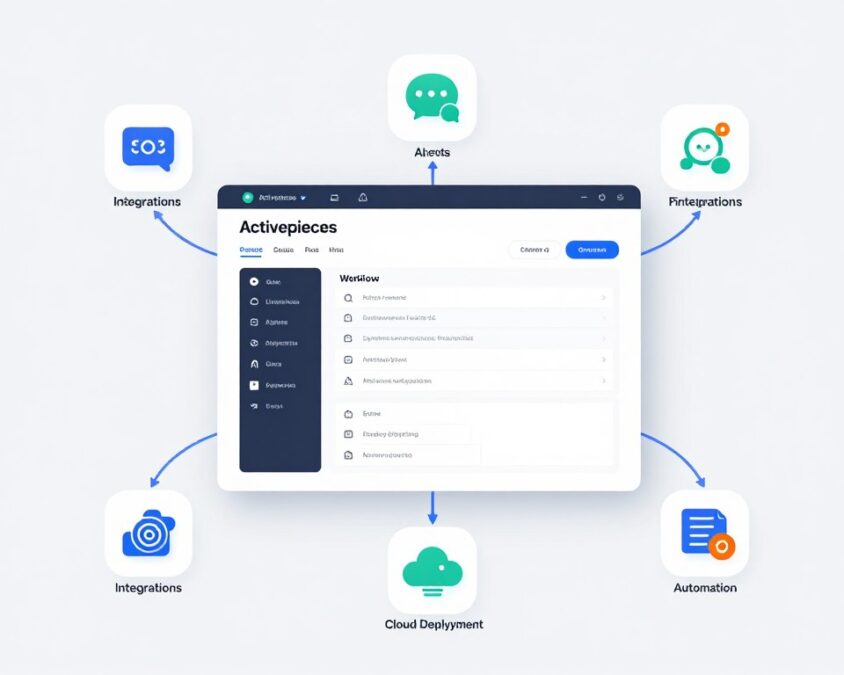
Activepieces AI represents a modern approach to workflow automation. The platform combines visual workflow building with AI-powered agents and extensive integration capabilities.
Built as an open-source alternative to traditional automation tools, Activepieces offers both cloud-hosted and self-hosted deployment options. This flexibility appeals to businesses with varying infrastructure requirements and security needs.
The platform supports automation across hundreds of apps and services. Users create workflows called “flows” by connecting different pieces, which are pre-built action blocks for specific tasks.
Core Platform Components
Activepieces consists of several key elements working together. The visual builder provides a drag-and-drop interface for creating automation workflows without writing code.
Visual Workflow Builder
The builder interface enables users to design complex automation flows. Each workflow starts with a trigger event and proceeds through sequential steps.
The interface displays connections between pieces visually. This makes it easy to understand logic flow and identify potential issues in automation sequences.
AI Agent System
AI agents in Activepieces handle sophisticated tasks requiring decision-making capabilities. These agents can process natural language, analyze data, and execute contextual actions.
The agent system integrates with MCP (Model Context Protocol) for enhanced AI functionality. This connection expands what automation can accomplish beyond simple rule-based actions.
Platform Architecture
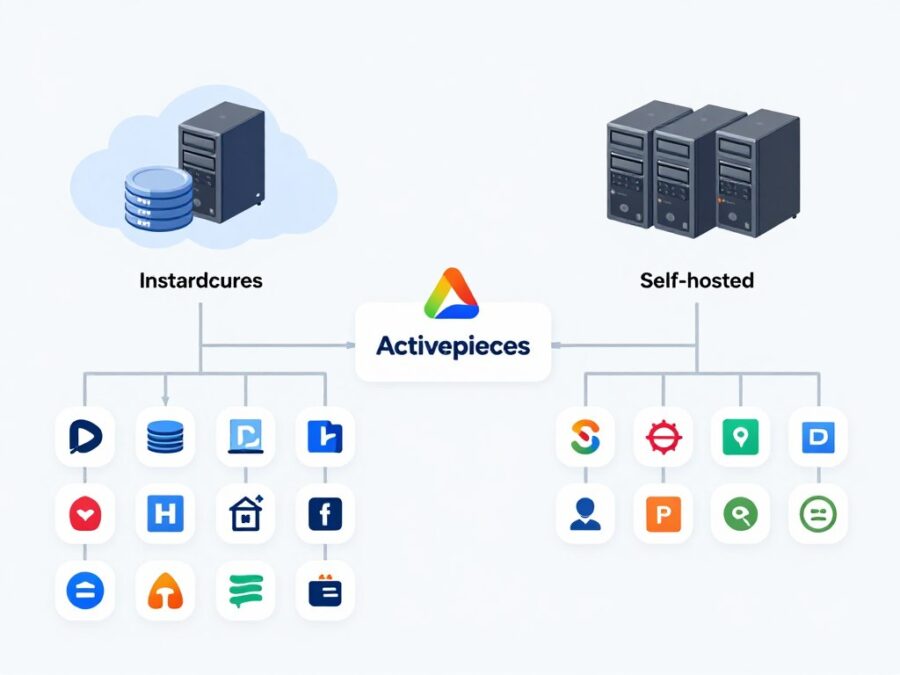
The platform operates on a modular architecture. This design allows developers to extend functionality through custom pieces and integrations.
Cloud instances run on secure infrastructure with automated scaling capabilities. Self-hosted deployments give organizations complete control over data location and processing.
Users access the platform through web browsers. No software installation is required for the cloud version, simplifying setup and maintenance.
Key Insight: Activepieces processes millions of automation tasks monthly across its user base. The platform handles everything from simple email notifications to complex multi-step business processes involving multiple applications.
Key Features and Capabilities
Activepieces delivers a comprehensive feature set for automation needs. The platform balances power with usability, making advanced automation accessible to users without technical backgrounds.
Visual Workflow Builder
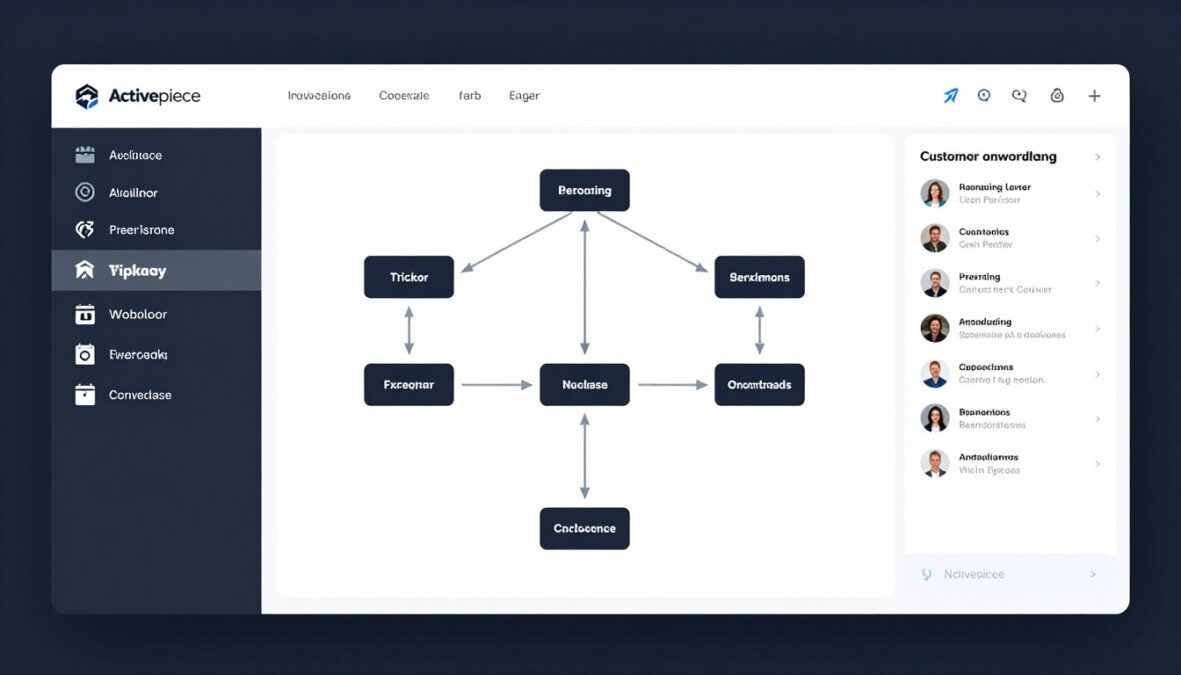
The workflow builder forms the core of the Activepieces experience. Users construct automation flows by dragging pieces onto a canvas and connecting them logically.
Each piece represents a specific action. Examples include sending emails, updating spreadsheets, posting to social media, or triggering AI agent tasks.
The builder supports conditional logic through branching. Workflows can take different paths based on data values, user inputs, or external conditions.
- Drag-and-drop interface with instant visual feedback
- Real-time testing capabilities within the builder
- Version control for workflow iterations
- Template library with pre-built automation flows
- Collaborative editing for team workflows
AI Agent Integration
AI agents represent the most powerful feature in the 2026 version of Activepieces. These intelligent components can understand context, make decisions, and adapt to changing conditions.
Agents access various AI models through the MCP integration layer. This provides flexibility in choosing the right AI capability for specific tasks.
Agent Capabilities
AI agents within Activepieces can handle diverse automation scenarios. They process natural language inputs, extract information from unstructured data, and generate content based on templates and examples.
The agent system maintains context across multiple steps. This allows for sophisticated workflows where earlier decisions influence later actions.

MCP Integration Support
Model Context Protocol integration distinguishes Activepieces from many automation platforms. MCP provides a standardized way for AI agents to access tools and data sources.
This integration enables agents to interact with external systems intelligently. Agents can query databases, read documentation, access APIs, and perform calculations without predefined workflows for every scenario.
The MCP connection expands automation possibilities significantly. Tasks requiring understanding, interpretation, or adaptive responses become feasible through this integration.
Integration Ecosystem
Activepieces connects with hundreds of apps and services. The integration library continues expanding based on user requests and market demand.
Popular integrations span multiple categories. These include communication tools, marketing platforms, CRM systems, e-commerce solutions, and development services.
Communication Tools
- Slack for team messaging
- Discord for community management
- Email services (Gmail, Outlook)
- SMS providers
Business Platforms
- Salesforce CRM integration
- HubSpot marketing automation
- Google Workspace apps
- Microsoft 365 services
Developer Tools
- GitHub repository actions
- GitLab pipeline triggers
- Webhook receivers
- API request handlers
Self-Hosting Options
The platform offers full self-hosting capabilities for organizations requiring data sovereignty. This feature sets Activepieces apart from many cloud-only automation tools.
Self-hosted instances provide complete control over data processing and storage. Organizations can deploy on their own infrastructure while maintaining all platform features.
Setup involves Docker containers for simplified deployment. The community provides documentation and support for various hosting configurations.
Workflow Templates
Activepieces includes a growing library of workflow templates. These pre-built flows accelerate automation setup for common business processes.
Templates cover diverse use cases across industries. Users can deploy templates directly or customize them for specific requirements.
The community contributes templates regularly. This collaborative approach ensures the template library reflects real-world automation needs and best practices.
Experience These Features Firsthand
Explore Activepieces capabilities with a free account. Build your first workflow in minutes using the visual builder and pre-built templates.
Pricing Plans and Options
Activepieces structures pricing to accommodate different user needs and organization sizes. The platform offers transparent pricing with clear feature distinctions across tiers.
All plans include core automation capabilities. Higher tiers unlock additional features, increased usage limits, and enhanced support options.
Free Plan
The free plan provides substantial functionality for individuals and small teams. This tier allows users to explore the platform and build meaningful automations without financial commitment.
Free plan users can create unlimited flows with unlimited pieces. This removes artificial restrictions found in many competing platforms where free tiers severely limit workflow complexity.
Free Plan Inclusions
- Unlimited workflow creation
- Unlimited pieces per workflow
- 5,000 tasks per month included
- Community support access
- Cloud hosting included
- Access to integration library
- Basic AI agent usage
Free Plan Limitations
- Task limit of 5,000 monthly runs
- Single user account only
- Community support exclusively
- Standard execution priority
- Limited MCP usage
The free plan suits individuals learning automation, freelancers with moderate workflow needs, or businesses evaluating the platform before committing to paid plans.
Plus Plan
The Plus plan targets growing teams requiring more automation capacity and collaborative features. This tier costs $19 per month and significantly expands usage limits.
Plus plan subscribers receive 20,000 tasks per month, quadrupling the free tier allocation. This capacity supports more extensive automation deployments across business operations.
Usage Capacity
The Plus plan includes 20,000 tasks per month. Additional tasks are available at competitive per-task pricing for organizations exceeding base allocations.
Task counting is transparent. Each action step in a workflow consumes one task from the monthly allocation when executed.
Team Features
Plus plan supports up to 5 team members. Collaborative workflow editing enables teams to build and maintain automations together.
Role-based permissions control who can edit, view, or execute specific workflows. This maintains security in multi-user environments.
Enhanced Support
Plus plan members access priority email support with faster response times. The support team assists with workflow optimization and troubleshooting.
Advanced documentation and video tutorials provide additional learning resources beyond community forums.
Pro Plan
The Pro plan serves organizations with extensive automation needs and enterprise requirements. Pricing starts at $99 per month for teams requiring maximum capabilities.
This tier removes many limitations present in lower plans. Pro users get significantly higher task allocations, unlimited team members, and premium support options.
| Feature | Free Plan | Plus Plan | Pro Plan |
| Tasks per Month | 5,000 | 20,000 | 100,000 |
| Team Members | 1 user | 5 users | Unlimited |
| MCP Usage | Limited | Standard | Advanced |
| Support Level | Community | Priority Email | Priority + Chat |
| Execution Priority | Standard | Enhanced | Highest |
| Custom Branding | No | No | Yes |
| Self-Hosting Support | Basic | Standard | Premium |
| SLA Guarantee | No | No | 99.9% |
Enterprise Pricing
Organizations requiring more than 100,000 tasks per month can arrange custom enterprise pricing. These arrangements include volume discounts, dedicated infrastructure options, and white-glove support.
Enterprise customers receive account management services. This includes workflow optimization consulting, training sessions for teams, and custom integration development when needed.
Security features expand in enterprise agreements. Options include SSO integration, advanced audit logging, and compliance certifications for regulated industries.
Cost Comparison Analysis
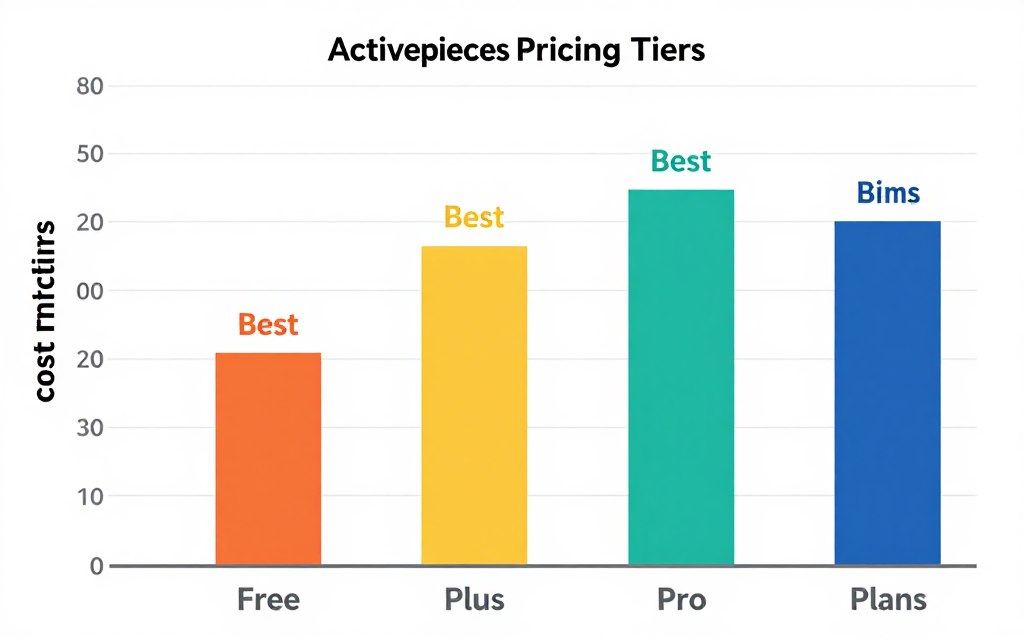
Evaluating cost-effectiveness requires considering tasks per month and cost per task. The free plan offers the highest value for low-volume users at zero cost.
The Plus plan reduces cost per task to approximately $0.00095, making it economical for moderate automation usage. Organizations executing 20,000 tasks monthly save significantly compared to purchasing additional task packs.
Pro plan pricing drops cost per task further to around $0.00099. The unlimited user access and premium features provide additional value beyond pure task economics for larger teams.
Pricing Tip: Most users start with the free plan to learn the platform and identify automation opportunities. Upgrading to Plus plan makes sense when consistently approaching the 5,000 task monthly limit or when team collaboration becomes necessary.
Find Your Perfect Plan
Compare all Activepieces pricing options side-by-side. Calculate your expected usage to determine the most cost-effective plan for your automation needs.
Advantages and Disadvantages
Every automation platform presents strengths and weaknesses. Understanding these helps determine whether Activepieces aligns with specific business requirements and technical capabilities.
Comprehensive Assessment
Advantages
- Generous free plan with unlimited workflows and 5,000 monthly tasks enables meaningful automation without cost barriers
- Open-source foundation provides transparency and allows community contributions to platform development
- Self-hosting capability gives organizations complete data control and eliminates vendor lock-in concerns
- Visual workflow builder requires no coding knowledge, making automation accessible to non-technical users
- AI agent integration with MCP support enables sophisticated automation beyond simple rule-based workflows
- Growing integration library covers major business tools and services across multiple categories
- Active community provides support, shares templates, and contributes to platform improvements
- Transparent pricing structure with clear feature distinctions across tiers eliminates confusion
- Regular platform updates introduce new features and improve existing capabilities consistently
- Flexible deployment options accommodate both cloud-preferring and on-premise-requiring organizations
- Workflow templates accelerate automation setup for common business processes and use cases
- Team collaboration features in paid plans enable multiple users to build and maintain workflows together
Disadvantages
- Smaller integration library compared to established competitors like Zapier or Make limits connection options
- Learning curve exists for advanced features despite intuitive interface for basic automation
- AI agent capabilities, while powerful, require understanding of prompts and MCP concepts to use effectively
- Community support only for free plan users means slower response times compared to paid support
- Task limits on free and Plus plans can be restrictive for high-volume automation scenarios
- Self-hosting requires technical expertise and infrastructure management capabilities
- Some advanced features remain less documented compared to core functionality
- Enterprise features limited compared to platforms specifically targeting large organizations
- Mobile app not available; web interface required for workflow management
- Execution monitoring and debugging tools less sophisticated than some enterprise alternatives
- Custom piece development requires JavaScript knowledge, limiting non-developer customization
Ideal Use Cases
Activepieces excels in specific scenarios. Understanding these optimal use cases helps identify when the platform provides maximum value.
Best Fit Scenarios
Small to medium businesses benefit most from Activepieces’ pricing and capabilities. The free plan supports initial automation needs while paid plans scale affordably with growth.
Organizations requiring self-hosted solutions find Activepieces particularly valuable. The open-source model and deployment flexibility address data sovereignty concerns.
Teams comfortable with visual workflow builders but lacking deep coding expertise thrive on the platform. The interface balances power with accessibility effectively.
Less Ideal Scenarios
Enterprise organizations with complex approval workflows and audit requirements may need more sophisticated governance features. Competing platforms offer more advanced enterprise capabilities.
Businesses heavily invested in niche tools without Activepieces integrations face limitations. Custom development or alternative platforms might serve better.
High-volume automation needs exceeding 100,000 monthly tasks require careful cost evaluation. Task pricing becomes a significant factor at scale.
User Experience Feedback
Community feedback highlights consistent themes about platform strengths and areas for improvement. Users frequently praise the free plan generosity and visual builder intuitiveness.
Common improvement requests focus on expanding the integration library and enhancing documentation for advanced features. The development team actively addresses these concerns through regular updates.
Customer support quality receives positive feedback from Plus and Pro plan subscribers. Community support effectiveness varies but generally provides helpful guidance for common scenarios.
Comparison With Competitors
The automation platform market offers numerous alternatives. Comparing Activepieces against leading competitors reveals distinct positioning and value propositions.
Market Position
Activepieces positions itself as an affordable, self-hostable alternative to established platforms. The open-source foundation differentiates it from proprietary competitors.
Major competitors include Zapier, Make (formerly Integromat), n8n, and traditional enterprise iPaaS solutions. Each platform targets slightly different user segments and use cases.
Zapier Comparison
Zapier dominates the automation market with the largest integration library and extensive brand recognition. The platform excels in ease of use and integration breadth.
| Feature | Activepieces | Zapier |
| Pricing Model | Task-based, $19-99/month | Task-based, $30-599/month |
| Free Plan Tasks | 5,000 per month | 100 per month |
| Integration Count | 200+ apps | 6,000+ apps |
| Self-Hosting | Yes, fully supported | No, cloud only |
| Open Source | Yes, community-driven | No, proprietary |
| AI Agents | Native with MCP | Limited AI features |
| Visual Builder | Advanced multi-step | Linear flow editor |
| Best For | Cost-conscious teams, developers | Non-technical users, quick setup |
Activepieces offers significantly better value for budget-conscious users. The free plan provides 50 times more tasks than Zapier’s equivalent tier.
However, Zapier’s massive integration library remains unmatched. Businesses using obscure or industry-specific tools often find required connections only in Zapier’s ecosystem.
Make (Integromat) Comparison
Make competes more directly with Activepieces on features and pricing. Both platforms emphasize visual workflow building and offer generous free tiers.
Make provides 1,000 operations monthly on its free plan compared to Activepieces’ 5,000 tasks. This represents a significant difference for users evaluating free options.
Activepieces Advantages Over Make
- Open-source model enables community contributions and customization
- Self-hosting option provides data sovereignty and deployment flexibility
- More generous free plan with higher task allocation
- Native AI agent integration with MCP support for advanced automation
- Simpler learning curve for users new to automation platforms
- More affordable paid plans at comparable feature levels
Make Advantages Over Activepieces
- More extensive integration library with broader app coverage
- More mature platform with longer development history
- Advanced data manipulation and transformation tools
- More sophisticated error handling and workflow monitoring
- Larger user community and more available templates
- Better documentation and learning resources
n8n Comparison
n8n represents the closest competitor in terms of positioning. Both platforms emphasize open-source development, self-hosting capabilities, and fair pricing.
n8n has been in market longer and offers a more mature product. The platform includes more integrations and sophisticated workflow features developed over additional years.
Activepieces differentiates through its AI agent focus and MCP integration. These features position it well for users prioritizing intelligent automation over traditional rule-based workflows.
Activepieces Strengths
- More intuitive interface for beginners
- Advanced AI agent capabilities
- MCP protocol support
- Simpler self-hosting setup
- More generous free tier
n8n Strengths
- More mature platform
- Larger integration library
- More advanced workflow logic
- Better enterprise features
- Stronger community
Shared Features
- Open-source foundations
- Self-hosting supported
- Visual workflow builders
- Fair pricing models
- Active development
Enterprise Platform Comparison
Enterprise iPaaS solutions like MuleSoft, Dell Boomi, or Workato target different market segments. These platforms focus on complex integrations, enterprise governance, and high-volume processing.
Activepieces cannot match enterprise platform capabilities for large organization needs. However, it offers 90 percent of required functionality at a fraction of enterprise pricing for many use cases.
The self-hosting capability makes Activepieces viable for mid-market organizations with data sovereignty requirements but lacking enterprise budgets. This sweet spot positioning creates opportunity in an underserved market segment.
See Why Users Choose Activepieces
Experience the platform that balances power, affordability, and flexibility. Compare features hands-on with a free account.
User Experience and Interface
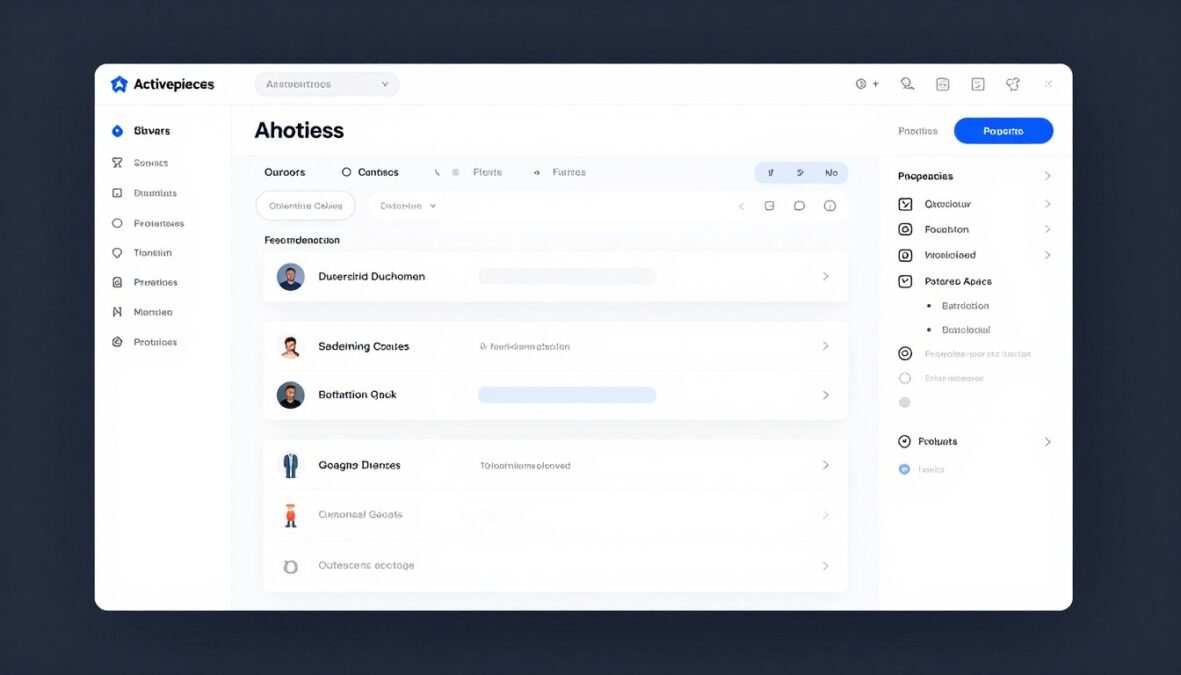
Interface design significantly impacts user adoption and productivity. Activepieces prioritizes clean design and intuitive navigation throughout the platform experience.
Dashboard Overview
The main dashboard provides immediate access to key functions. Users see their active workflows, recent runs, and quick-action buttons upon login.
Navigation follows common design patterns. A left sidebar organizes primary sections including flows, connections, templates, and settings.
The dashboard displays workflow status visually. Color coding indicates running, successful, and failed executions at a glance without requiring detailed investigation.
Workflow Builder Experience
The builder interface represents where users spend most time. Activepieces invested heavily in making this experience smooth and responsive.
Builder Components
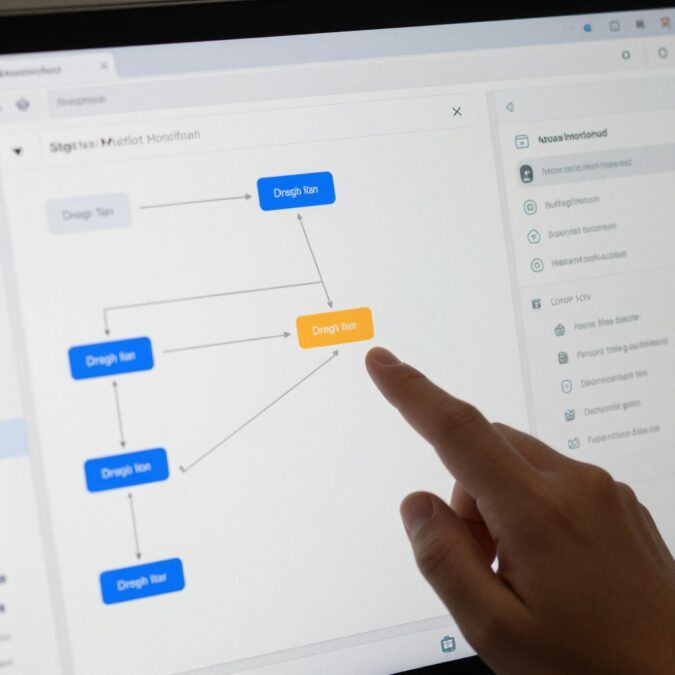
The canvas occupies the central area with unlimited space for workflow expansion. Users zoom and pan freely to navigate complex automations.
A left sidebar contains available pieces organized by category. Search functionality helps locate specific actions quickly from the growing library.
The right panel shows configuration options for selected steps. This context-sensitive approach keeps relevant settings accessible without cluttering the main workspace.
Mobile Responsiveness
The web interface adapts to different screen sizes. While a dedicated mobile app doesn’t exist, the responsive design enables workflow monitoring on tablets and phones.
Creating complex workflows on mobile devices remains challenging due to screen space limitations. Most users prefer desktop browsers for workflow building but appreciate mobile access for monitoring and quick edits.
Learning Curve Analysis
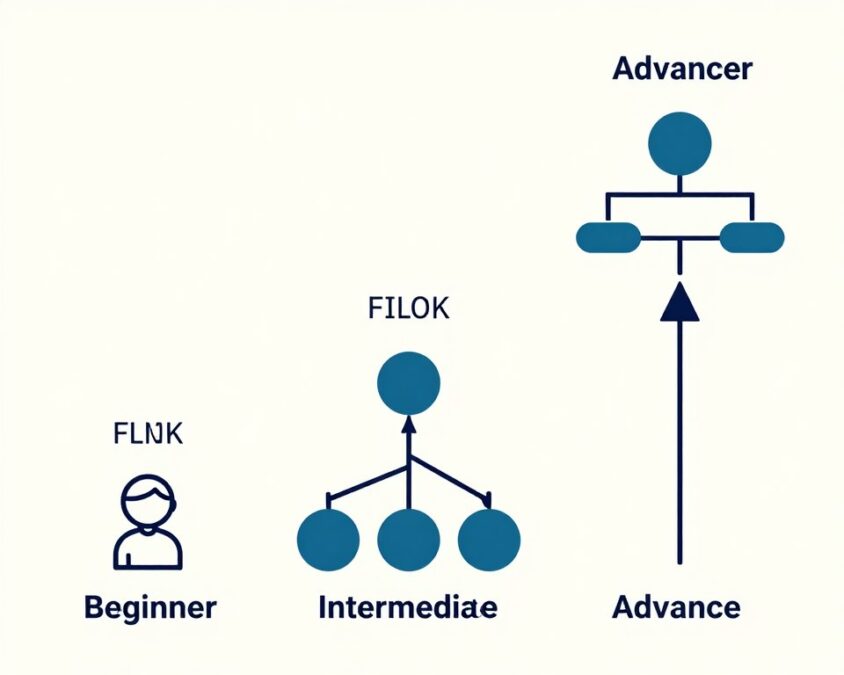
New users typically create their first workflow within minutes of account creation. The template library and intuitive interface accelerate initial learning.
Basic automation mastery occurs within a few hours of exploration. Users comfortable with concepts like triggers, actions, and conditions progress quickly.
Advanced features require more investment. Understanding AI agents, MCP integration, and complex conditional logic takes days or weeks depending on technical background and use case complexity.
- First workflow creation: 5-10 minutes for template-based flows
- Basic competency: 2-3 hours exploring interface and features
- Intermediate skills: 1-2 weeks building diverse workflows
- Advanced mastery: 1-2 months for AI agents and complex logic
Accessibility Features
The platform includes basic accessibility considerations. Keyboard navigation works throughout the interface, enabling users to operate without mice.
Screen reader support exists but requires improvement. The visual nature of workflow building presents inherent challenges for non-visual usage.
Color contrast meets WCAG guidelines in most interface areas. High-contrast mode availability would benefit users with vision impairments further.
Performance and Responsiveness
Interface responsiveness remains consistent across typical workflow sizes. The canvas handles flows with dozens of steps without noticeable lag.
Very large workflows with hundreds of steps can experience performance degradation. The development team continues optimizing rendering for complex automations.
Page load times stay minimal. Server response for actions like testing workflows or viewing execution logs occurs within seconds under normal conditions.
UX Highlight: The instant testing feature stands out as particularly useful. Users can test individual workflow steps or entire sequences directly within the builder without deploying to production. This accelerates development and troubleshooting significantly.
Integration Options
Integration depth and breadth determine automation platform utility. Activepieces connects with a growing ecosystem of business tools and services across multiple categories.
Integration Architecture
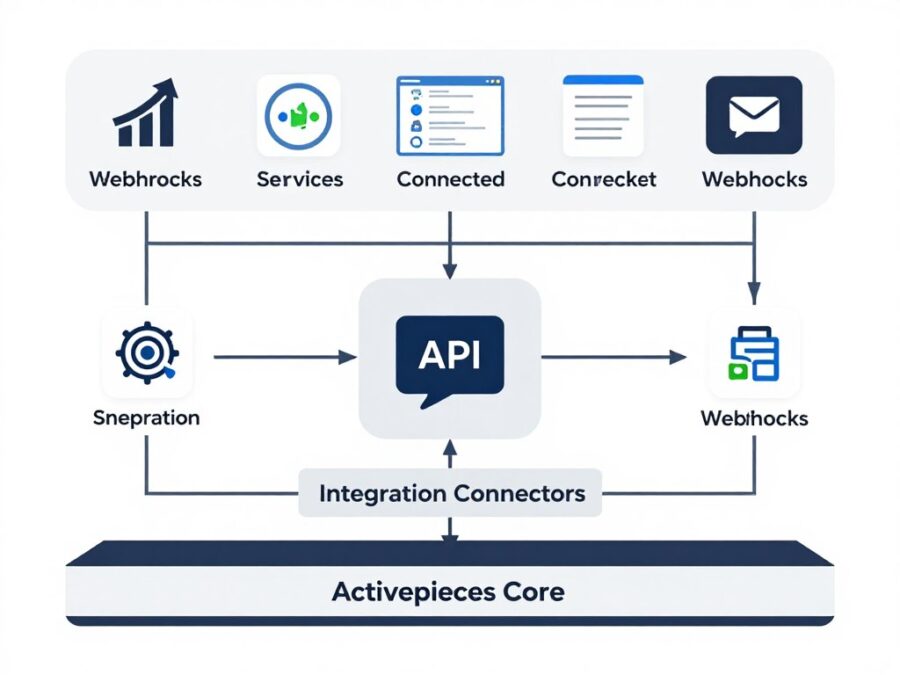
Activepieces uses a piece-based integration model. Each piece represents a pre-built connector to a specific service with common actions and triggers available.
The platform supports multiple connection methods. OAuth authentication works for services requiring secure authorization, while API keys provide simpler authentication for others.
Webhook support enables real-time triggering. External services can push data to Activepieces workflows instantly rather than relying on polling schedules.
Major Integration Categories
The integration library organizes into logical categories based on business function. This structure helps users discover relevant connections for specific use cases.
Communication
- Slack team messaging
- Discord community management
- Email services (multiple providers)
- Telegram messaging
- SMS platforms
- Microsoft Teams
Business Tools
- Google Workspace suite
- Microsoft 365 apps
- Notion workspace
- Airtable databases
- Trello project management
- Monday.com workflows
Marketing Platforms
- Mailchimp email marketing
- HubSpot CRM and automation
- ActiveCampaign sequences
- ConvertKit creators
- Social media platforms
- Analytics tools
Database and Storage Integrations
Activepieces connects with popular database and storage solutions. These integrations enable data persistence and complex data manipulation within workflows.
SQL database support includes PostgreSQL and MySQL connections. NoSQL options cover MongoDB and similar document stores.
Cloud storage integrations work with Google Drive, Dropbox, OneDrive, and Amazon S3. These connections facilitate file operations within automated workflows.
Developer-Focused Integrations
Developers benefit from technical integrations supporting software development workflows. These connections automate coding, deployment, and monitoring tasks.
GitHub and GitLab integrations enable repository automation. Workflows can respond to commits, pull requests, and issue events automatically.
Webhook pieces provide flexible integration with any service supporting HTTP callbacks. This universal connector type fills gaps where pre-built pieces don’t exist.
API Request Piece
The HTTP request piece enables custom API calls to any endpoint. Users configure request methods, headers, authentication, and body content.
This flexibility means any service with an API becomes integrable. While requiring more setup than pre-built pieces, the capability ensures no integration gaps exist.
Custom Piece Development
Developers can create custom pieces using TypeScript. The platform provides templates and documentation for building pieces that integrate with the ecosystem.
Community members share custom pieces. This crowdsourced approach accelerates integration library growth beyond official development efforts.
E-Commerce Integrations
E-commerce businesses find valuable integrations with major platforms. These connections automate order processing, inventory management, and customer communication.
Shopify integration provides comprehensive store automation capabilities. Workflows trigger on new orders, abandoned carts, or inventory changes.
WooCommerce support serves WordPress-based stores. Payment processor integrations include Stripe and PayPal for transaction-related automation.
CRM and Sales Integrations
Customer relationship management integrations form a critical category. Sales teams use these connections to automate lead management and customer communications.
Salesforce integration offers extensive CRM capabilities. Users can create leads, update opportunities, and sync data between Salesforce and other tools.
HubSpot connections support marketing, sales, and service hubs. The integration depth enables sophisticated customer journey automation across the HubSpot ecosystem.
Integration Limitations
While the library grows steadily, some notable services lack pre-built pieces. Users requiring connections to niche or industry-specific tools may need custom development.
Enterprise software integrations remain limited compared to dedicated iPaaS solutions. Complex systems like SAP or Oracle often require more sophisticated integration approaches than Activepieces currently provides.
The community actively requests new integrations. The development team prioritizes based on user demand and technical feasibility, with new pieces added regularly.
Performance and Reliability
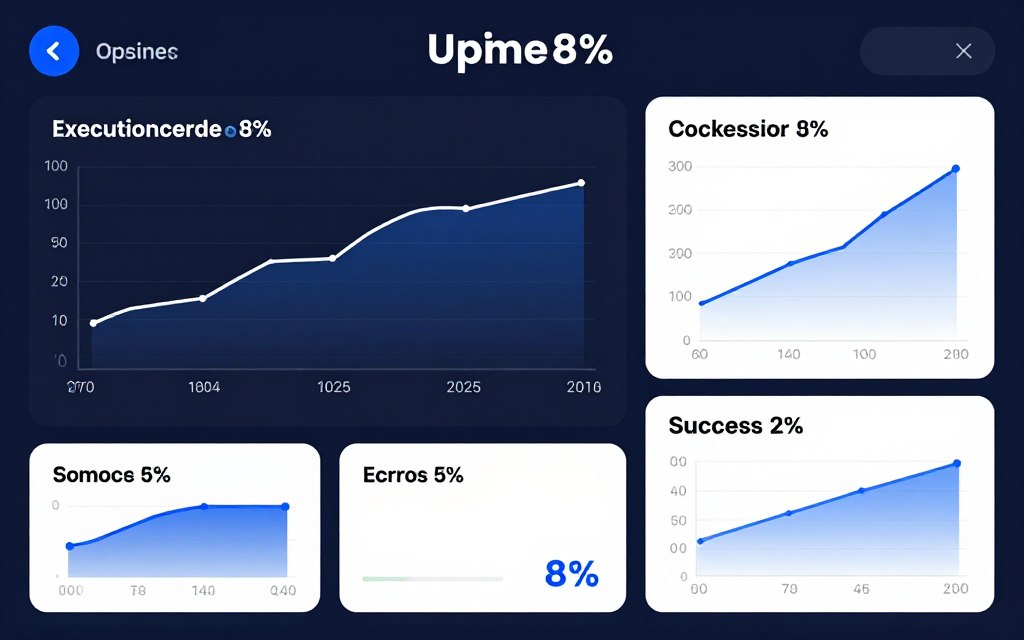
Automation reliability directly impacts business operations. Failures or delays in automated workflows can cascade into significant business problems.
Execution Performance
Workflow execution speed varies based on complexity and integration response times. Simple workflows complete within seconds from trigger to final action.
Most workflows finish execution in under 30 seconds. Complex flows with multiple API calls or data processing steps may require one to two minutes depending on external service response times.
The platform processes workflows asynchronously. This architecture prevents one slow workflow from blocking others, ensuring consistent execution for high-priority automations.
Uptime and Availability
Cloud-hosted Activepieces maintains strong uptime statistics. The platform targets 99.5 percent availability for standard plans and guarantees 99.9 percent for Pro tier subscribers.
Scheduled maintenance windows occur during low-traffic periods. The team provides advance notice through email and status page updates before planned downtime.
Unplanned outages remain rare based on public status page history. When incidents occur, the team provides transparent communication about cause and resolution timeline.
Error Handling
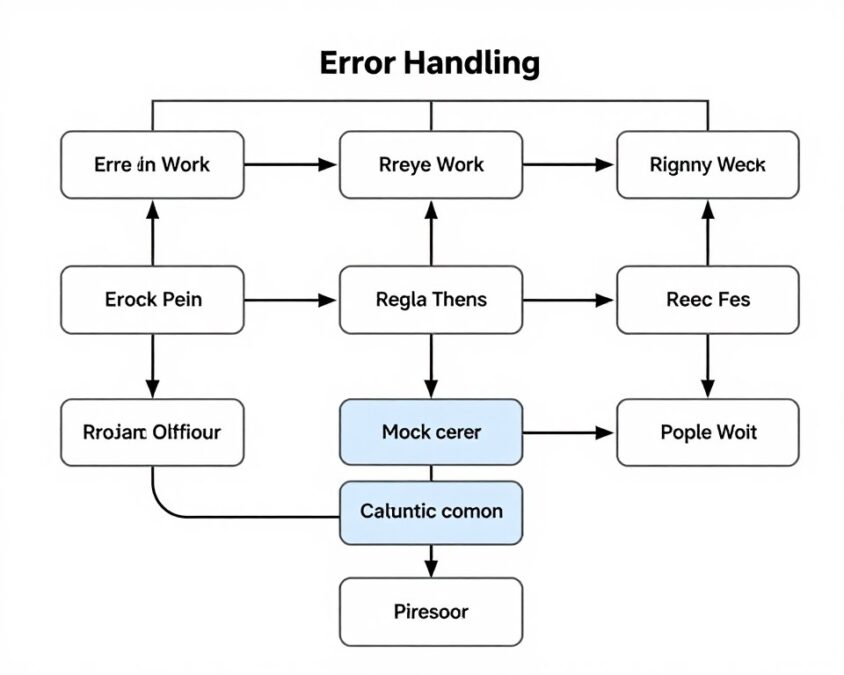
The platform includes built-in error handling mechanisms. Workflows can specify retry behavior when steps fail due to temporary issues.
Users configure retry attempts and delays between retries. This flexibility allows workflows to handle transient failures without manual intervention.
Failed executions generate notifications through configured channels. Email, Slack, or other messaging integrations can alert teams immediately when critical workflows fail.
Monitoring and Logging
Execution logs provide detailed information about workflow runs. Users can review each step’s input, output, and execution time for troubleshooting.
Log retention varies by plan tier. Free plan users access seven days of execution history, while paid plans retain logs for 30 days or longer.
The execution dashboard shows workflow statistics over time. Success rates, average execution duration, and error frequency help identify problematic automations.
Scalability Considerations
Cloud infrastructure scales automatically based on demand. The platform handles usage spikes without requiring manual intervention or configuration changes.
Self-hosted deployments require appropriate sizing. Organizations running extensive automation workloads need sufficient compute and memory resources allocated to their instances.
Very high-volume scenarios benefit from discussing architecture with the support team. Custom deployments or dedicated infrastructure may optimize performance for extreme use cases.
Performance Note: External integration speed significantly impacts overall workflow performance. A slow-responding third-party API creates bottlenecks regardless of Activepieces platform performance. Consider external service reliability when designing critical automations.
Customer Support
Support quality affects user success with any platform. Activepieces provides tiered support matching plan levels while maintaining an active community resource.
Support Channels by Plan
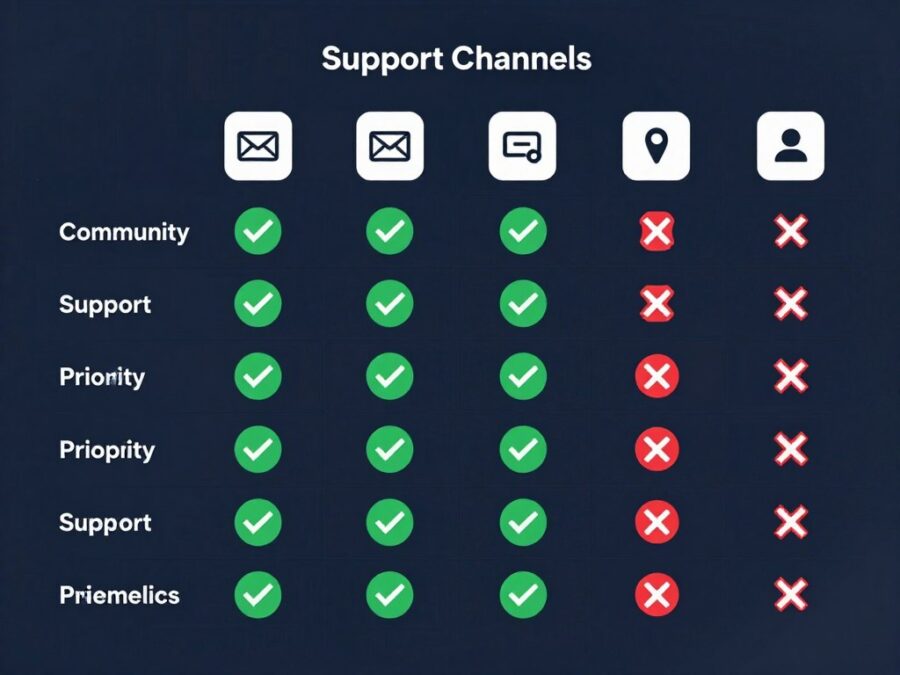
Free plan users access community support exclusively. The Discord server and community forums provide peer-to-peer assistance for troubleshooting and learning.
Plus plan subscribers gain priority email support. Response times average 24-48 hours for non-critical inquiries and faster for urgent issues.
Pro plan members receive priority email plus live chat support during business hours. This adds real-time assistance for time-sensitive problems or complex troubleshooting.
| Support Feature | Free Plan | Plus Plan | Pro Plan |
| Community Forums | Yes | Yes | Yes |
| Discord Community | Yes | Yes | Yes |
| Email Support | No | Priority | Priority |
| Live Chat | No | No | Yes |
| Phone Support | No | No | Enterprise Only |
| Response Time | Community-dependent | 24-48 hours | 12-24 hours |
| Workflow Consultation | No | Limited | Yes |
| Onboarding Assistance | Self-service | Documentation | Guided Setup |
Community Resources
The Activepieces community provides valuable support beyond official channels. Active users share solutions, templates, and best practices regularly.
The Discord server hosts real-time discussions. Users get quick answers to simple questions from experienced community members often within hours.
GitHub repository serves technical users well. Developers can report bugs, request features, and contribute code improvements directly to the project.
Documentation Quality
Official documentation covers core platform functionality comprehensively. Getting started guides walk new users through account setup and first workflow creation.
Integration-specific documentation explains available triggers and actions for each piece. Examples demonstrate common use cases for popular integrations.
Advanced topics receive less documentation depth. AI agent configuration, MCP setup, and custom piece development require more community learning resources.
- Getting started guides with step-by-step instructions
- Integration reference documentation for each piece
- Video tutorials covering common workflows
- API documentation for developers building extensions
- Community-contributed guides and examples
- Troubleshooting articles for common issues
Response Time Analysis
Community support response varies by question complexity and timing. Simple questions often receive answers within a few hours during active times.
Email support for paid plans typically responds within stated timeframes. Complex issues requiring investigation may take longer but receive regular status updates.
Enterprise customers negotiate specific support SLAs. These agreements define maximum response and resolution times based on issue severity levels.
Training and Onboarding
Self-service onboarding works well for technical users. The interface intuitiveness and template library enable independent learning for most scenarios.
Pro plan customers can request onboarding assistance. The support team provides guided setup calls to accelerate initial deployment and workflow creation.
Webinar series covers platform features and automation best practices. These recorded sessions serve as supplementary learning resources available to all users.
Support Tip: Before contacting paid support, search the community Discord and forums. Many questions have been answered previously with detailed solutions. This approach often provides faster answers than waiting for official support responses.
Real-World Use Cases
Practical applications demonstrate platform value better than feature lists. These use cases show how different user types leverage Activepieces for automation.
Marketing Automation Use Cases
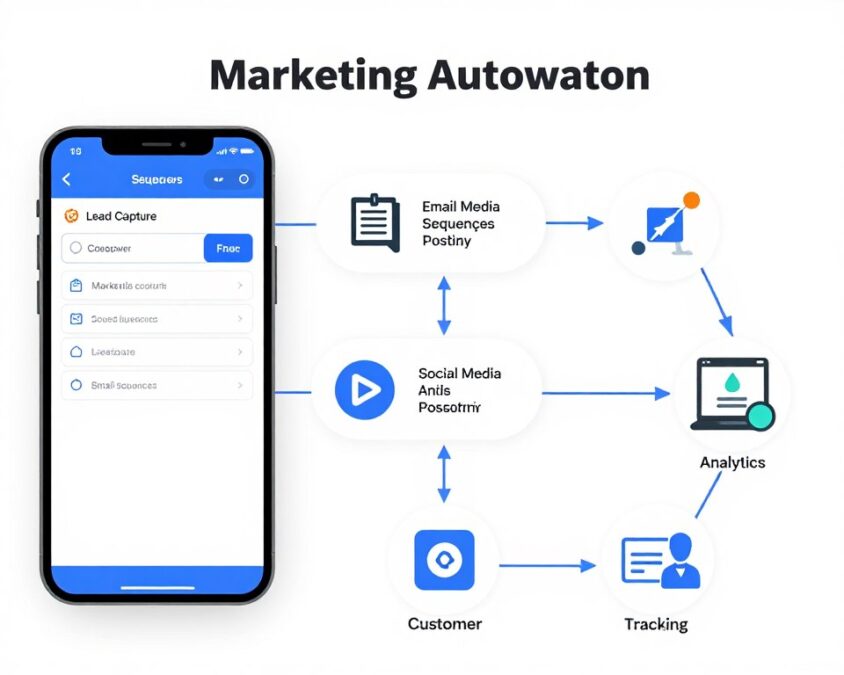
Marketing teams automate repetitive tasks to focus on strategy and creativity. Activepieces handles lead management, content distribution, and campaign reporting effectively.
Social Media Management
A social media workflow monitors mentions across platforms. When brand mentions appear, the workflow captures content, analyzes sentiment using AI agents, and routes to appropriate team members.
Automated posting schedules distribute content across multiple channels. The workflow pulls approved posts from a content calendar, formats them for each platform, and publishes at optimal times.
Engagement tracking workflows collect metrics from all social platforms. Data flows into central dashboards for unified reporting without manual data gathering.
Lead Nurturing Sequences
Lead capture workflows trigger when forms submit on websites. Contact information flows into CRM systems, email marketing platforms, and team notification channels simultaneously.
Nurture sequences send personalized emails based on lead behavior. The workflow tracks opens, clicks, and downloads to segment leads for targeted follow-up.
Lead scoring automation updates based on engagement signals. Points accumulate as leads interact with content, triggering sales notifications when scores reach thresholds.
Campaign Performance Reporting
Marketing teams automate weekly performance reports. Workflows pull data from advertising platforms, email services, and analytics tools.
The AI agent analyzes metrics to identify trends and anomalies. Reports generate automatically with insights highlighted and deliver via email or Slack.
Budget tracking workflows monitor campaign spending in real-time. Alerts notify managers when spending approaches limits or performance deviates from targets.
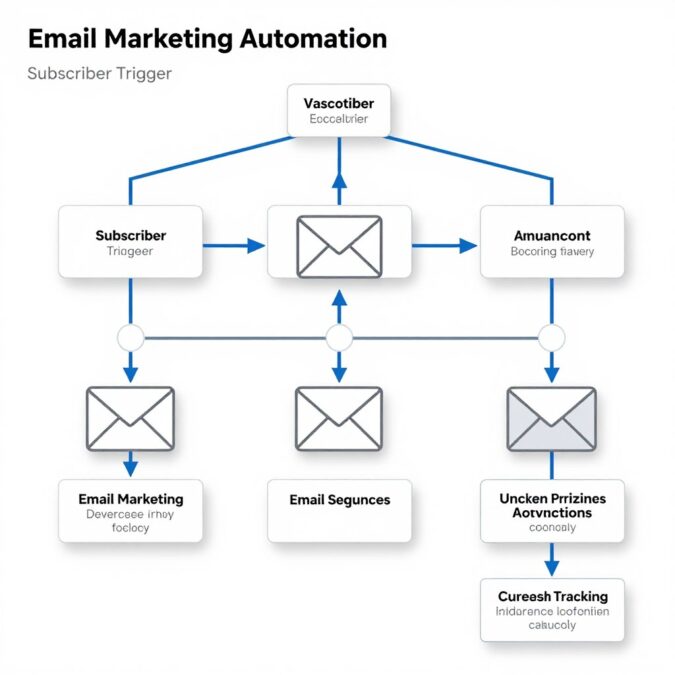
Email Marketing Automation
Automated welcome series trigger when subscribers join lists. Behavioral triggers send relevant content based on subscriber actions and interests tracked through engagement.
Abandoned cart emails deploy for e-commerce businesses. The workflow detects incomplete purchases and sends timed reminder sequences with personalized product recommendations.
Content Distribution
Blog post publishing triggers multi-channel distribution. Content automatically formats and posts to social media, sends to email subscribers, and updates content aggregation services.
Video uploads trigger transcription and repurposing. AI agents create social snippets, blog articles, and quote graphics from video content automatically.
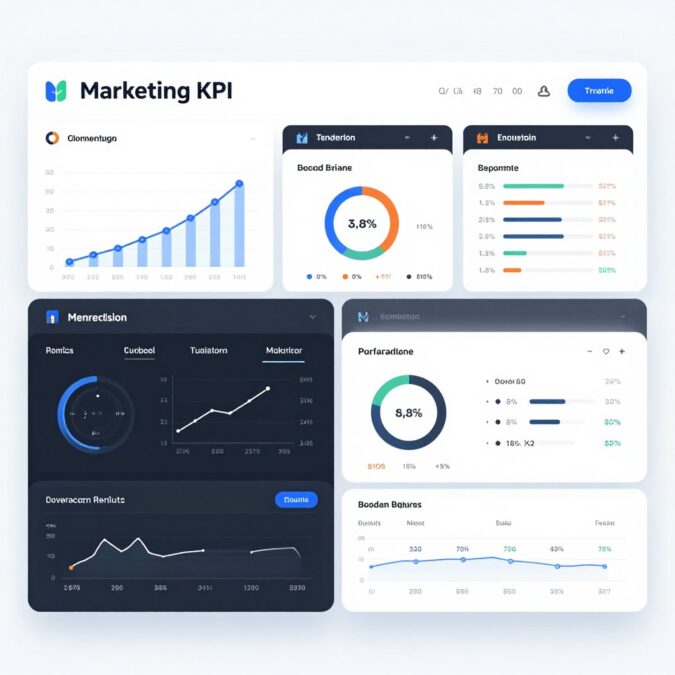
Analytics Automation
Daily analytics workflows compile metrics from all marketing tools. Unified dashboards display cross-platform performance without manual data entry or spreadsheet updates.
Anomaly detection alerts identify unusual traffic patterns, conversion drops, or engagement spikes requiring immediate attention from marketing teams.
Business Operations Use Cases
Operations teams leverage automation for process efficiency. Activepieces connects disparate business systems to eliminate manual data transfer and reduce errors.
Customer Onboarding Automation
New customer workflows trigger from CRM deal closures. The automation creates project management tasks, generates welcome emails, provisions user accounts, and schedules onboarding calls.
Document collection workflows request and track required paperwork. Reminders send automatically when documents remain outstanding beyond specified timeframes.
Account setup workflows configure customer access across multiple systems. Single workflow execution replaces manual setup in each platform individually.
Invoice and Payment Processing
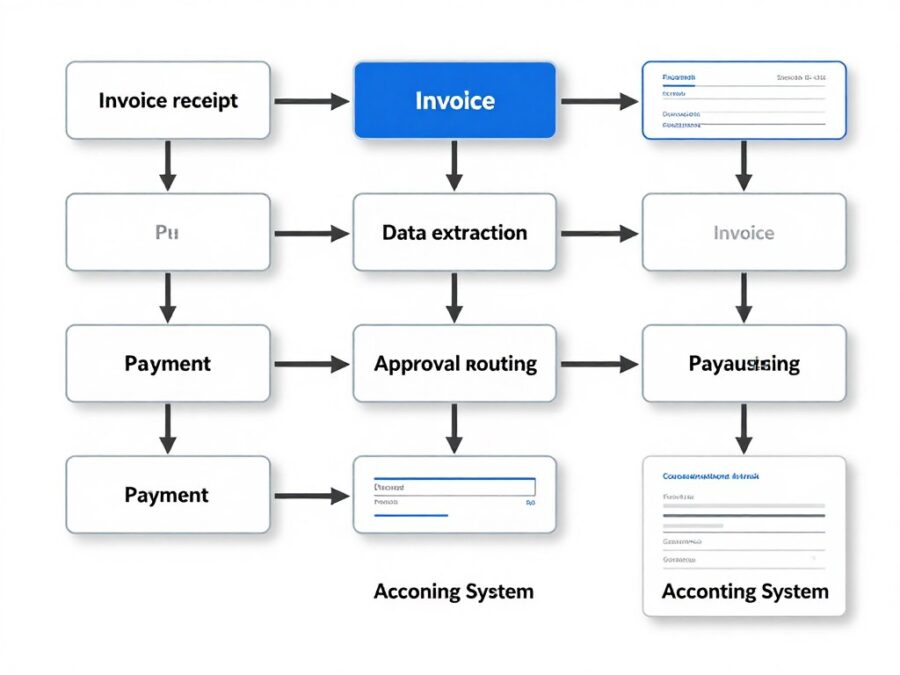
Invoice workflows trigger when accounting systems create invoices. Automated delivery sends invoices via customer-preferred channels with payment links and instructions.
Payment received workflows update accounting systems, send receipts, and notify relevant team members. Overdue payment workflows send reminder sequences at specified intervals.
Expense approval workflows route employee submissions to appropriate managers. Approved expenses flow into accounting systems automatically without manual data entry.
Inventory Management
Stock level monitoring workflows check inventory across locations. Low stock triggers reorder processes and notifies procurement teams before stockouts occur.
Multi-channel inventory sync keeps quantities accurate across e-commerce platforms. Sales on any channel update inventory everywhere to prevent overselling.
Supplier order workflows generate purchase orders automatically based on inventory levels and demand forecasts. Order tracking workflows monitor shipments and update receiving schedules.
Developer Workflow Use Cases
Development teams automate software lifecycle tasks. Activepieces connects development tools to streamline coding, testing, and deployment processes.
CI/CD Pipeline Integration
Code commit workflows trigger automated testing. Results post to team communication channels and update project management tools with test status.
Deployment workflows automate release processes. Successful builds deploy to staging environments, run integration tests, and notify teams for production release approval.
Issue tracking workflows create tickets from various sources. Bug reports from customer support, monitoring alerts, and error logs generate development tasks automatically.
Documentation Automation
Code documentation workflows generate and update technical docs. Changes in code repositories trigger documentation reviews and updates.
API documentation workflows publish updated specifications automatically. Developers commit changes to API definitions, and documentation sites update without manual publishing steps.
Changelog generation workflows compile release notes from commit messages and pull request descriptions. Release announcements generate and distribute automatically.
Monitoring and Alerting
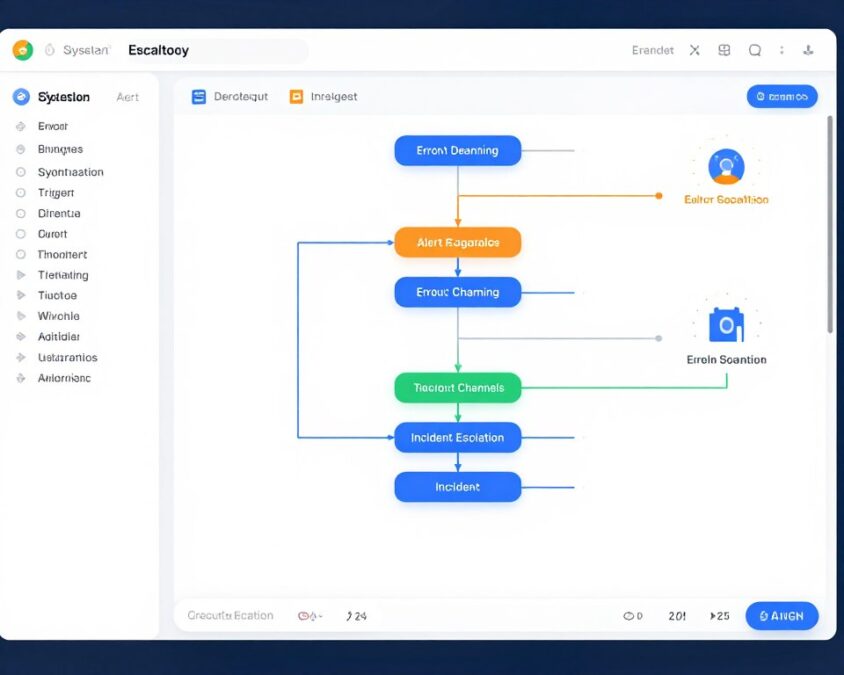
Application monitoring workflows process health check results. Performance degradation or errors trigger alert workflows notifying on-call teams.
Log aggregation workflows collect and analyze application logs. AI agents identify patterns indicating potential issues before they cause outages.
Incident response workflows coordinate team communication during outages. Status page updates, customer notifications, and internal coordination occur through automated workflows.
Build Your First Automation
Transform these use cases into your own workflows. Start with templates or build custom automation matching your specific needs.
AI Agent Features in 2026
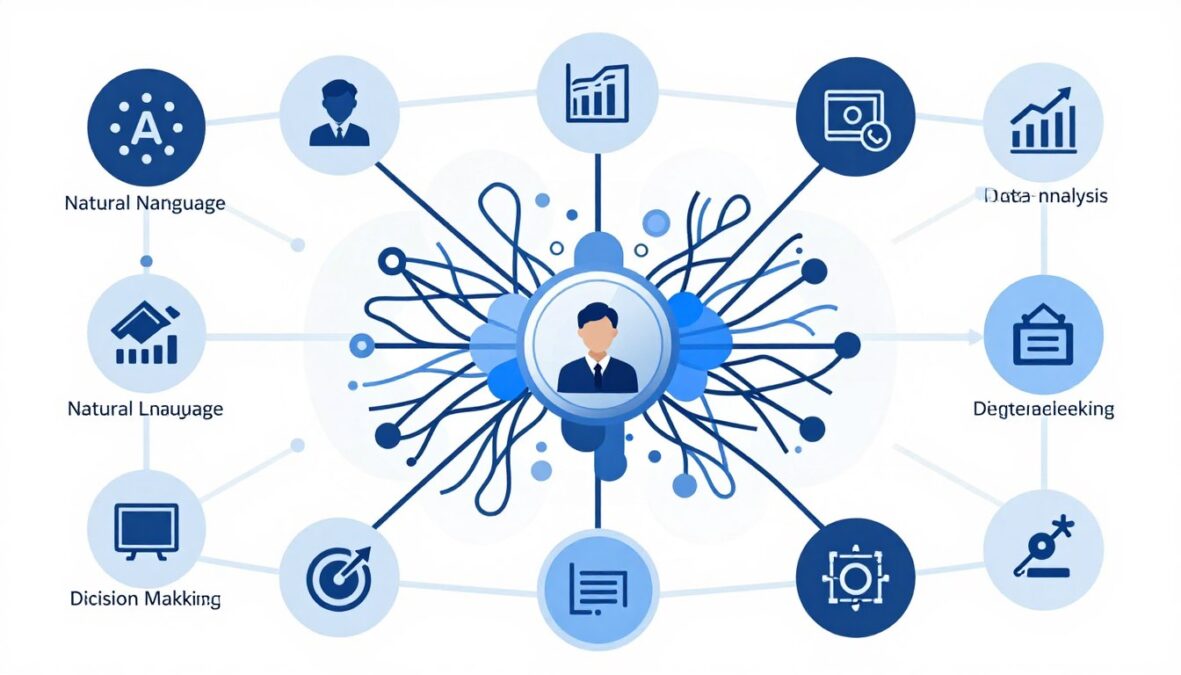
AI agents represent the most significant advancement in Activepieces during 2026. These intelligent components elevate automation beyond simple rule-based workflows into adaptive, context-aware processes.
Agent Architecture Overview
Agents function as specialized pieces within workflows. Unlike traditional pieces executing predefined actions, agents make decisions based on instructions, context, and learned patterns.
The architecture connects agents to AI models through the Model Context Protocol. This standardized interface allows workflows to leverage different AI providers without workflow redesign.
Agents maintain conversation history within workflow execution. This context awareness enables multi-step reasoning where later agent decisions consider earlier interactions and results.
Natural Language Processing
NLP agents understand and generate human language. These capabilities enable workflows to process customer inquiries, generate content, and extract information from unstructured text.
Text Analysis Applications
Sentiment analysis agents evaluate customer feedback tone. Support ticket workflows automatically prioritize based on detected frustration levels.
Entity extraction agents identify key information in messages. Names, dates, amounts, and other critical data pull from emails or chat messages automatically.
Language detection agents identify message languages. Workflows route communications to appropriate language-speaking team members.
Content Generation Applications
Writing agents draft emails, social posts, or documentation based on brief instructions. Marketing teams accelerate content production with AI assistance.
Translation agents convert content between languages. Multi-language support automation becomes feasible without human translators for routine communications.
Summarization agents condense lengthy documents into key points. Meeting notes, articles, or reports summarize automatically for quick review.
Decision Making Capabilities
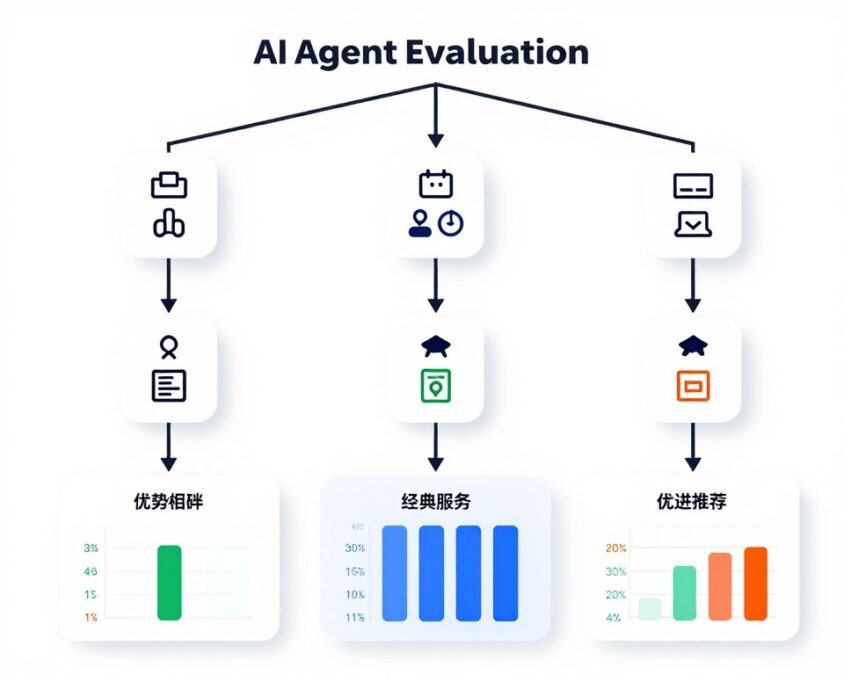
Decision agents evaluate situations and choose appropriate actions. This capability enables workflows to adapt to varying conditions without exhaustive conditional logic programming.
Classification agents categorize inputs into predefined groups. Support tickets route automatically based on issue type classification rather than keyword matching.
Recommendation agents suggest optimal actions based on historical patterns. Sales workflows recommend next steps based on lead behavior and past conversion patterns.
MCP Integration Benefits
Model Context Protocol support fundamentally expands agent capabilities. MCP provides standardized access to tools and data sources agents can use during reasoning.
Agents with MCP access can query databases dynamically. Instead of pre-loading all possible data into workflows, agents fetch relevant information as needed during execution.
API interactions become flexible through MCP. Agents determine which API calls to make based on context rather than following rigid workflow paths.
- Dynamic database queries based on runtime conditions
- Adaptive API interactions without predefined sequences
- Tool selection from available options based on task requirements
- Context-aware decision making using current state information
- Multi-step reasoning with intermediate result consideration
- External knowledge base access for information lookup
Agent Configuration
Configuring agents requires defining instructions, providing context, and selecting appropriate AI models. The interface simplifies this setup while maintaining flexibility.
System prompts define agent behavior and capabilities. Clear instructions improve agent performance and reliability in workflow execution.
Context provision involves specifying what information agents can access. Workflows pass relevant data to agents for informed decision making.
Model selection balances capability and cost. More powerful models handle complex reasoning but consume more resources per execution.
Agent Performance Considerations
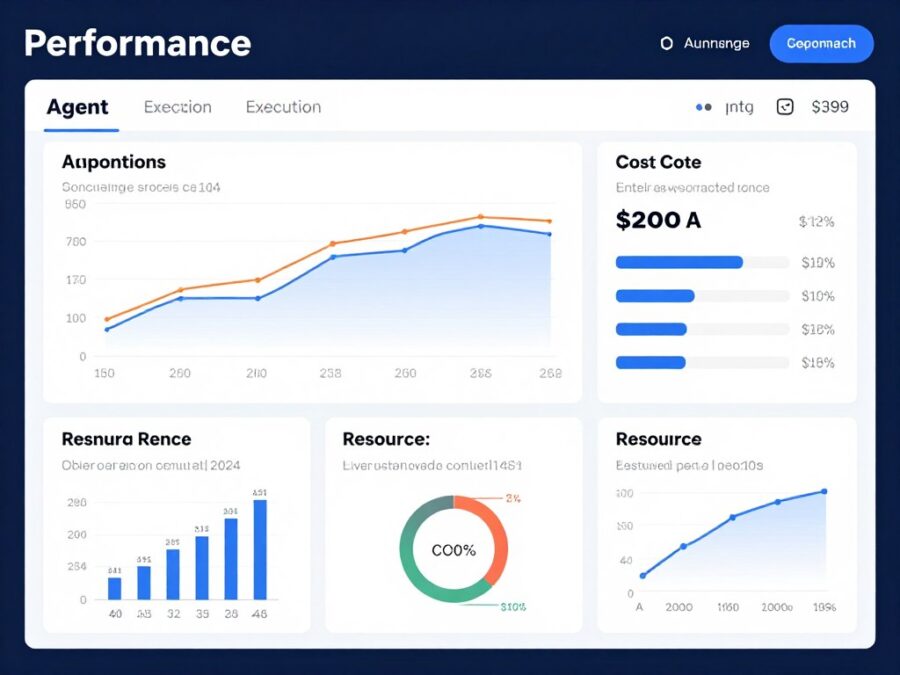
Agent execution takes longer than traditional pieces. AI model processing requires seconds rather than milliseconds typical of API calls or data transformations.
Cost implications exist for agent usage. AI model access incurs per-request charges passed through to users based on usage volume.
Accuracy varies by task complexity and prompt quality. Testing and refinement improve agent reliability for specific use cases over time.
Important: AI agents can occasionally produce unexpected results. Critical workflows should include human review steps for agent outputs affecting important business processes or customer interactions.
Future Agent Developments
The agent system continues evolving. Planned enhancements include improved reasoning capabilities, expanded tool access, and better performance optimization.
Multi-agent collaboration represents an upcoming feature. Workflows will orchestrate multiple specialized agents working together on complex tasks.
Fine-tuning capabilities will allow organizations to customize agents for specific domains. This specialization should improve accuracy for industry-specific or company-specific use cases.
Security and Compliance
Security considerations affect automation platform selection significantly. Businesses handling sensitive data require robust security measures and compliance certifications.
Data Protection Measures
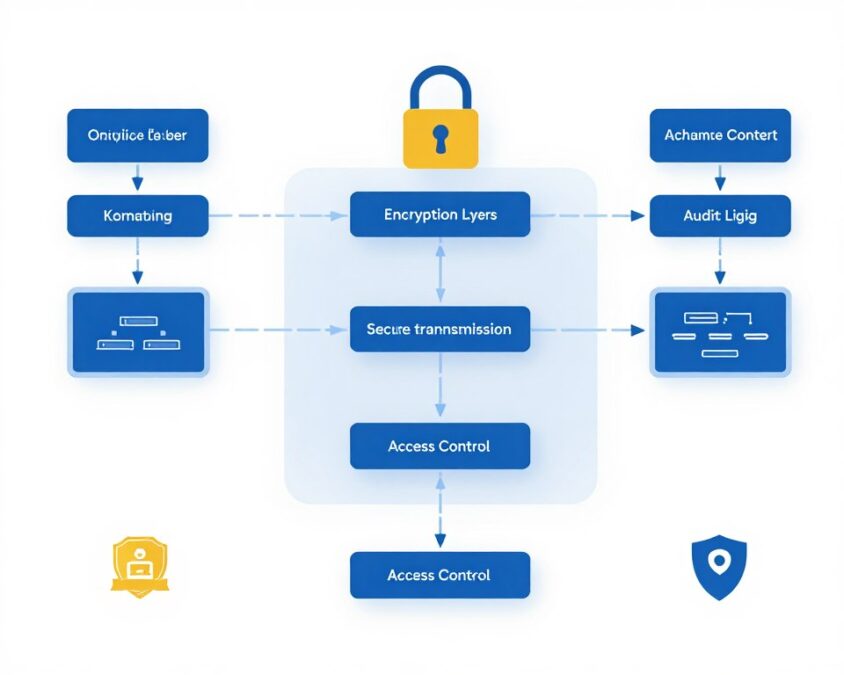
Activepieces encrypts data in transit using industry-standard TLS protocols. All communication between users and the platform travels through encrypted connections.
Data at rest encryption protects stored workflow configurations and execution logs. Database encryption prevents unauthorized access even if storage systems are compromised.
Self-hosted deployments provide maximum data control. Organizations keep all workflow data within their own infrastructure when security requirements demand it.
Access Control
Role-based access control manages user permissions. Administrators assign roles determining who can create, edit, or execute specific workflows.
Team features in paid plans enable collaboration with appropriate restrictions. Users see only workflows and data relevant to their roles.
API authentication uses secure token mechanisms. Programmatic access requires proper credentials preventing unauthorized workflow execution or data access.
Compliance Certifications
The platform pursues relevant compliance certifications. Cloud-hosted service works toward SOC 2 Type II certification demonstrating security controls.
GDPR compliance applies for European users. Data processing agreements and privacy controls meet European data protection requirements.
Self-hosted deployments inherit compliance from host infrastructure. Organizations can achieve industry-specific compliance by deploying on certified infrastructure.
Security Features
- TLS encryption for all data transmission
- Database encryption at rest
- Role-based access control system
- Secure credential storage with encryption
- Audit logging of user actions
- Two-factor authentication support
- IP allowlisting capabilities
Compliance Capabilities
- GDPR compliance for EU data
- SOC 2 certification in progress
- Data residency options via self-hosting
- Audit trail maintenance
- Data processing agreements available
- Regular security assessments
- Vulnerability disclosure program
Credential Management
Integration credentials store securely within the platform. Encryption protects API keys, OAuth tokens, and other sensitive authentication information.
Credentials never appear in execution logs. This prevents accidental exposure through debugging or monitoring activities.
Credential sharing among team members happens securely. Users don’t need individual credentials for shared integrations in team environments.
Audit and Monitoring
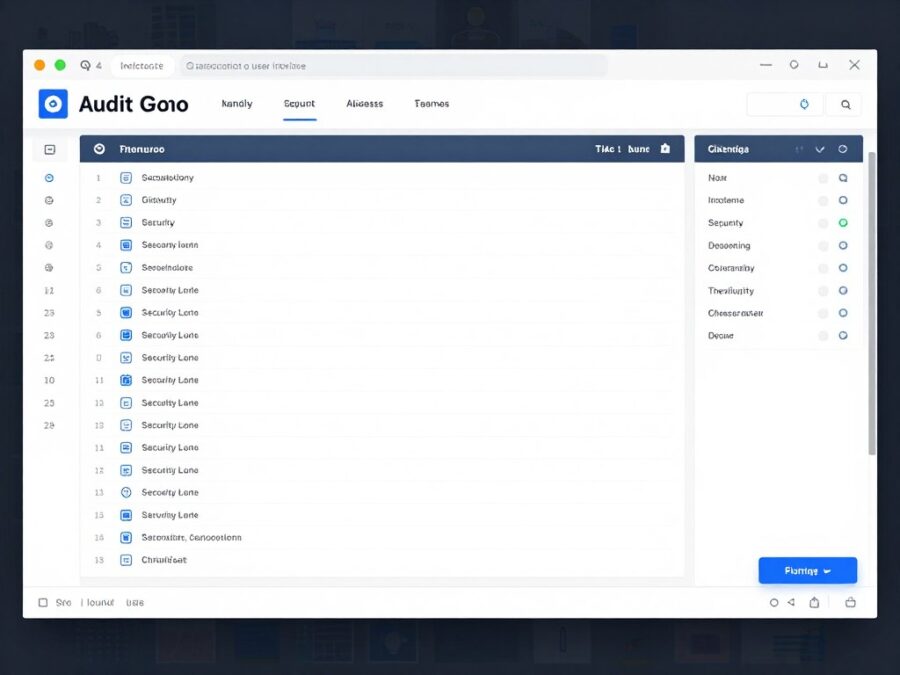
Execution logs track all workflow runs. This audit trail supports compliance requirements and troubleshooting efforts.
User activity logging records configuration changes. Administrators can review who modified workflows, integrations, or settings.
Security event monitoring detects unusual patterns. Multiple failed authentication attempts or unexpected API usage triggers alerts.
Data Retention Policies
Execution log retention varies by plan tier. Organizations needing longer retention for compliance purposes can configure extended log storage.
Deleted workflow data undergoes secure removal. The platform doesn’t maintain copies of deleted configurations or execution results beyond retention periods.
Export capabilities allow organizations to archive data externally. This supports long-term retention requirements exceeding platform standard policies.
Getting Started With Activepieces
Beginning with a new automation platform can feel overwhelming. This step-by-step guide accelerates your path from account creation to functional workflows.
Account Setup Process
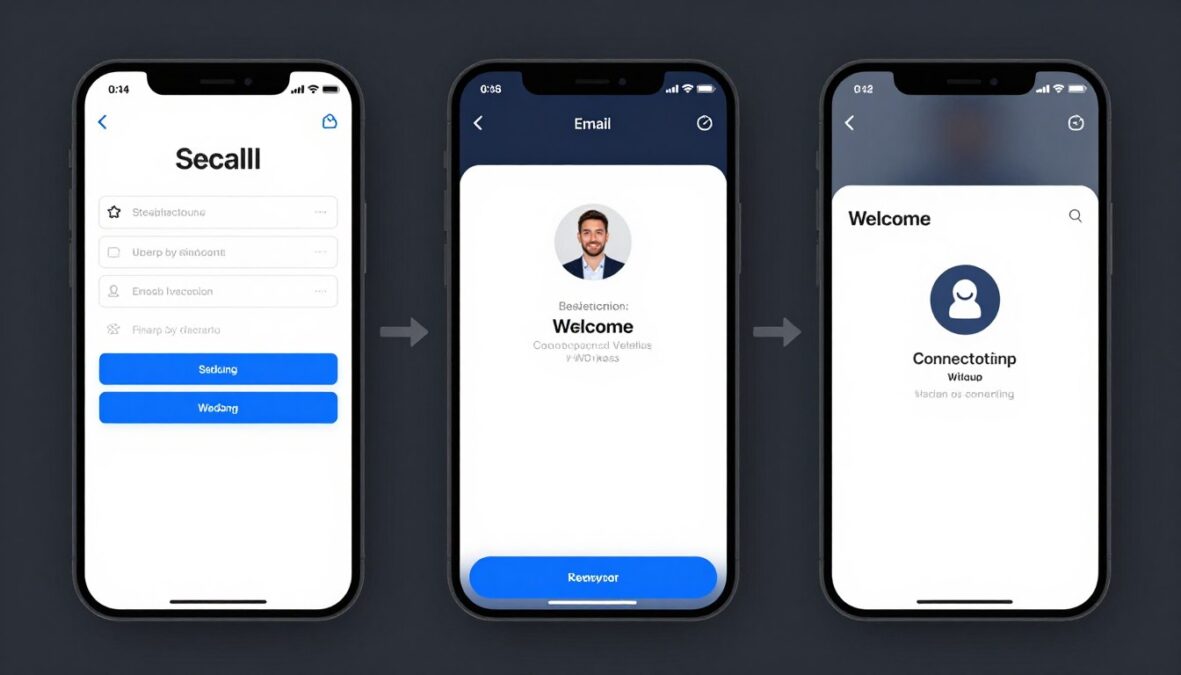
Creating an Activepieces account takes minutes. Visit the signup page, provide email and password, and verify your email address through the confirmation link.
The free plan activates immediately upon verification. No credit card required for initial access means risk-free exploration of platform capabilities.
Initial setup wizard guides new users through basic configuration. Connect first integration, explore the template library, or dive directly into workflow building.
First Workflow Creation
Creating your first workflow demonstrates core concepts. Follow this simple example to understand the workflow building process.
Understanding Triggers
Triggers initiate workflow execution. Understanding available trigger types helps design effective automations.
Schedule Triggers
Time-based execution runs workflows at specified intervals. Daily reports, weekly data syncs, or hourly monitoring tasks use schedule triggers.
Configure frequency from minutes to months depending on automation requirements. Cron expressions provide advanced scheduling flexibility.
Webhook Triggers
External systems initiate workflows by sending data to unique webhook URLs. Real-time processing happens when events occur rather than on schedules.
Most integrations provide webhook support for instant triggering. Form submissions, payment completions, or status changes trigger workflows immediately.
Polling Triggers
Workflows check external systems periodically for changes. New emails, updated records, or modified files trigger workflow execution when detected.
Polling frequency balances responsiveness against task consumption. More frequent polling provides faster response but uses more monthly task allocation.
Working With Templates
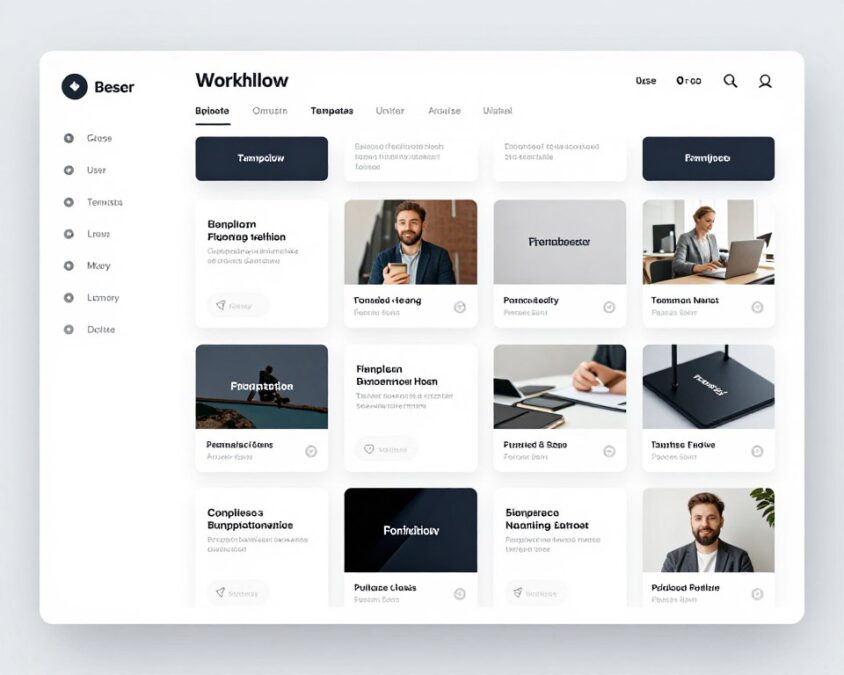
Templates provide pre-built workflows for common scenarios. Browsing the template library offers inspiration and accelerates automation development.
Template deployment requires only authentication setup. Connect your accounts for integrations used in the template, then enable the workflow.
Customizing templates adapts them to specific needs. Edit trigger conditions, modify actions, or add new steps to match exact requirements.
Integration Connection Setup
Most workflows require connecting external services. This authentication process grants Activepieces permission to access connected apps on your behalf.
OAuth integrations redirect to service login pages. Approve access permissions, then return to Activepieces with authenticated connection ready for use.
API key integrations require manual credential entry. Copy keys from service settings pages and paste into Activepieces connection configuration.
Saved connections work across multiple workflows. Authentication happens once per service, then all workflows access the same connection.
Testing and Debugging
Testing workflows before enabling prevents issues. The platform provides testing tools for validation during development.
Test mode executes workflows without consuming production task allocations. Review results to verify correct operation before enabling automatic execution.
Execution logs show detailed step-by-step information. Input data, output results, and any errors appear clearly for troubleshooting.
Pro Tip: Start with simple workflows when learning. Master basic trigger-action patterns before attempting complex multi-step automations with conditional logic and AI agents. Complexity builds progressively as comfort with the platform grows.
Common Beginner Mistakes
New users often encounter similar challenges. Awareness of these common issues helps avoid frustration during initial learning.
- Insufficient trigger configuration causing workflows to never execute automatically
- Incorrect data mapping between steps leading to errors or unexpected results
- Forgetting to enable workflows after creation and testing
- Not understanding task consumption leading to unexpected limit exhaustion
- Overly complex first workflows attempting too much too soon
- Inadequate testing before enabling production workflow execution
- Ignoring execution logs when troubleshooting problematic workflows
Learning Resources
Multiple resources support learning beyond trial-and-error experimentation. Leveraging these accelerates skill development and problem-solving capabilities.
Documentation provides comprehensive reference material. Search for specific features, integration guides, or troubleshooting articles when needed.
Video tutorials demonstrate workflows visually. Watch experienced users build automations to learn techniques and best practices.
Community forums answer questions from other users facing similar challenges. Search existing discussions before posting new questions to find faster answers.
Live webinars cover advanced topics and new features. Attend sessions or watch recordings to deepen platform knowledge progressively.
Ready to Build Your First Workflow?
Join thousands of users automating their work with Activepieces. Create your free account and start building within minutes.
Platform Limitations and Considerations
Every platform has boundaries. Understanding Activepieces limitations helps set realistic expectations and determine suitability for specific use cases.
Task Allocation Constraints
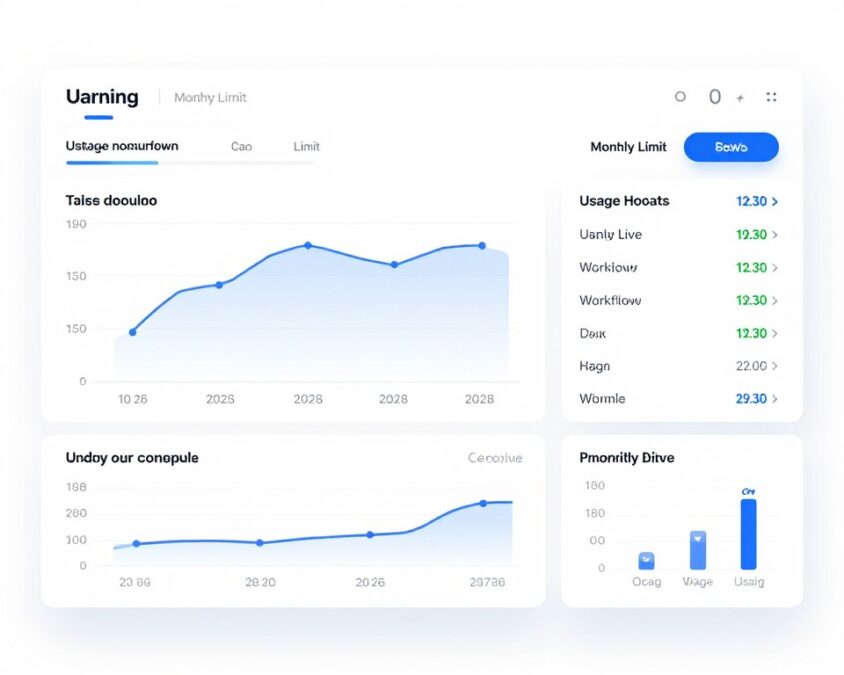
Monthly task limits affect all plans including free tier. Each workflow step execution consumes one task from the allocation.
Complex workflows consume tasks quickly. A ten-step workflow uses ten tasks per execution, meaning 5,000 tasks support only 500 complete workflow runs monthly on the free plan.
Task overages can surprise new users. Monitoring usage regularly prevents unexpected workflow pausing when limits are reached.
Integration Coverage Gaps
The integration library, while growing, lacks some services available in competing platforms. Niche tools or industry-specific software may not have pre-built pieces.
Workarounds exist for missing integrations. The HTTP request piece enables custom API calls, though requiring more configuration than pre-built pieces.
Custom piece development fills specific gaps. Organizations with development resources can build needed integrations contributing back to the community.
Execution Time Limits
Workflows must complete within time limits. Long-running processes requiring hours cannot execute as single workflows.
The timeout duration varies by plan tier. Free and Plus plans enforce shorter limits than Pro plans for individual workflow execution.
Breaking long processes into smaller workflows addresses this limitation. Multiple workflows chained together can accomplish tasks exceeding individual execution limits.
Concurrent Execution Limits
The platform limits simultaneous workflow executions. Very high-volume scenarios may encounter queuing when many workflows trigger simultaneously.
Most users never hit concurrency limits. Typical automation volumes process well within platform capacity without delays.
Enterprise customers needing guaranteed concurrent execution can arrange dedicated infrastructure. This removes shared resource constraints affecting multi-tenant environments.
Advanced Feature Learning Curve
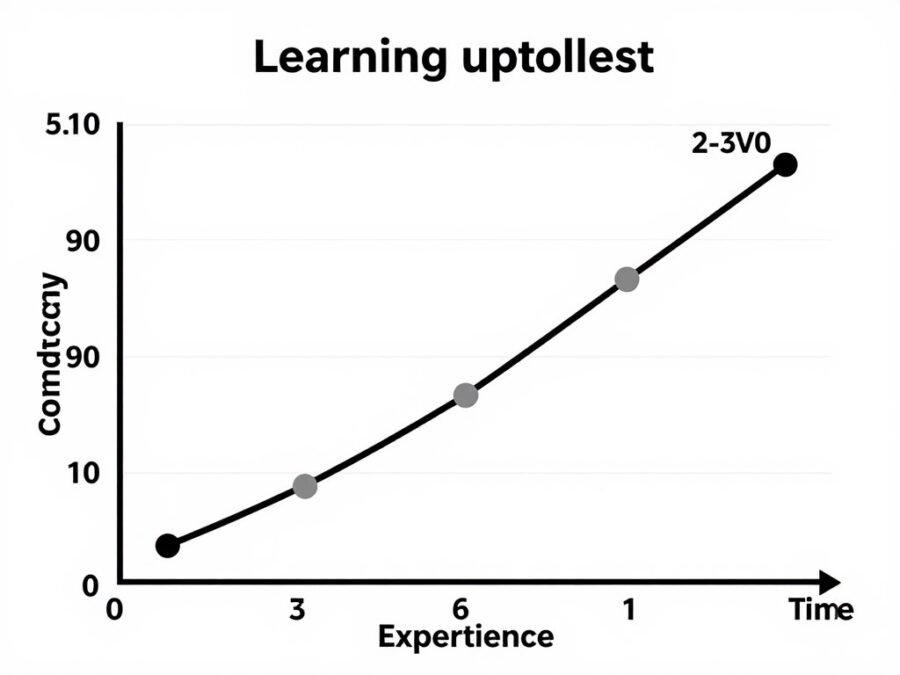
AI agents and MCP integration require understanding beyond basic automation concepts. Non-technical users may struggle with advanced features without technical support.
Documentation for advanced features needs improvement. Community resources fill some gaps, but official guidance remains limited for complex scenarios.
Experimentation time investment pays off. Advanced features provide significant capability once mastered, justifying the initial learning investment.
Enterprise Feature Gaps
Large organizations require features not fully developed in Activepieces. Advanced approval workflows, sophisticated access controls, and comprehensive audit trails need enhancement.
Compliance certifications remain in progress. Organizations in highly regulated industries may need to wait for specific certifications before adoption.
The platform targets small to medium businesses primarily. Enterprise customers should carefully evaluate whether current capabilities meet their requirements.
Current Limitations
- Task limits can constrain high-volume workflows
- Integration library smaller than established competitors
- Workflow execution time limits
- Advanced features require technical knowledge
- Enterprise capabilities less mature
- Mobile app not yet available
- Some compliance certifications pending
Mitigation Strategies
- Monitor usage to optimize workflow efficiency
- Use HTTP pieces for missing integrations
- Break long processes into shorter workflows
- Leverage community for advanced feature learning
- Self-host for enhanced control and capacity
- Use responsive web interface on mobile devices
- Engage with roadmap for upcoming features
Performance Considerations
Workflow execution speed depends on external service response times. Slow third-party APIs create bottlenecks regardless of platform performance.
Very complex workflows with many conditional branches can become difficult to manage. Organizing logic clearly and documenting workflow purpose helps maintain complex automations.
The visual builder performs well for typical workflow sizes. Extremely large flows with hundreds of steps may experience interface lag during editing.
2026 Roadmap and Future Updates
Platform development continues actively. Understanding planned enhancements helps evaluate whether Activepieces will meet future needs as it evolves.
Confirmed Upcoming Features
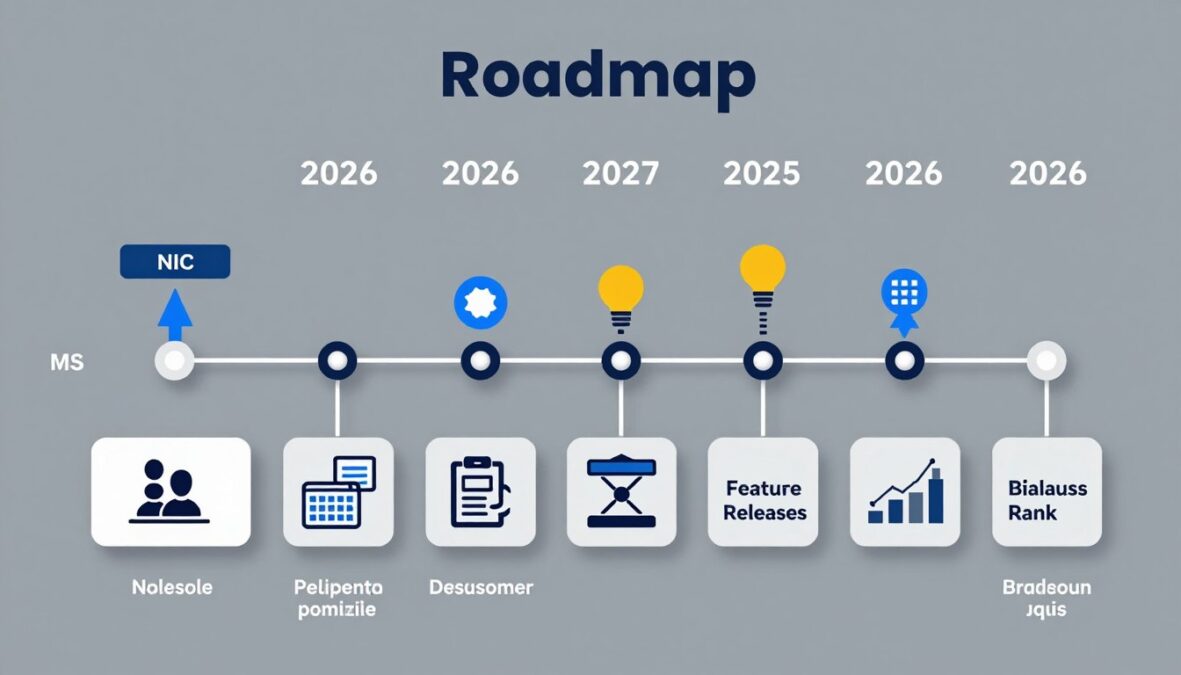
The development team publicly shares roadmap priorities. This transparency helps users anticipate capabilities and plan automation strategies accordingly.
Enhanced AI agent capabilities top the priority list. Improvements include better reasoning, expanded tool access, and simplified configuration for non-technical users.
Integration library expansion continues aggressively. The team adds 10-15 new pieces monthly based on community requests and market demand.
Q2 2026 Planned Features
- Multi-agent collaboration workflows
- Enhanced error recovery mechanisms
- Improved mobile web interface
- Additional enterprise integrations
- Advanced debugging tools
H2 2026 Planned Features
- Native mobile applications (iOS/Android)
- Advanced approval workflow capabilities
- Enhanced audit logging and reporting
- SOC 2 Type II certification completion
- AI agent fine-tuning capabilities
Future Considerations
- Industry-specific workflow templates
- Advanced analytics and insights
- Workflow marketplace for buying/selling
- Additional compliance certifications
- Enterprise-grade governance features
Community-Driven Development
The open-source model enables community contribution. Users submit feature requests, vote on priorities, and contribute code improvements directly.
Popular feature requests receive development priority. The team evaluates community input alongside strategic product direction when planning updates.
Contributor recognition program acknowledges community developers. Significant contributions earn recognition and influence platform direction.
Integration Expansion Plans
Integration development focuses on popular business tools lacking current support. CRM systems, marketing platforms, and industry-specific software receive priority.
Partnership programs with software vendors accelerate integration development. Official partnerships ensure integration quality and long-term maintenance.
The community contributes integrations frequently. User-submitted pieces undergo review before inclusion in the official library.
AI and MCP Evolution

AI capabilities will expand significantly throughout 2026. Multi-agent workflows enable complex task decomposition across specialized agents.
MCP standard adoption increases agent utility. More tools and services supporting MCP provide agents with expanded capabilities without custom integration work.
Agent performance optimization reduces execution time and costs. Improved prompting techniques and model selection help workflows run more efficiently.
Enterprise Feature Development
Enterprise capabilities receive increased focus as the platform matures. Advanced approval workflows, sophisticated role-based access controls, and comprehensive audit trails are in active development.
Compliance certification efforts continue. SOC 2 Type II completion targets mid-2026, with additional certifications planned based on customer demand.
White-label capabilities will enable resellers and agencies. Custom branding and client management features support partner business models.
Platform Performance Improvements
Ongoing performance optimization work addresses execution speed and interface responsiveness. Infrastructure improvements reduce workflow execution time systematically.
Monitoring and debugging tools will become more sophisticated. Enhanced visibility into workflow execution helps identify and resolve issues faster.
Scaling improvements support larger deployments. Organizations running thousands of workflows will benefit from architectural enhancements.
Pricing Value Assessment
Cost-effectiveness analysis helps determine whether Activepieces provides good value compared to alternatives and in-house development costs.
Free Plan Value Proposition
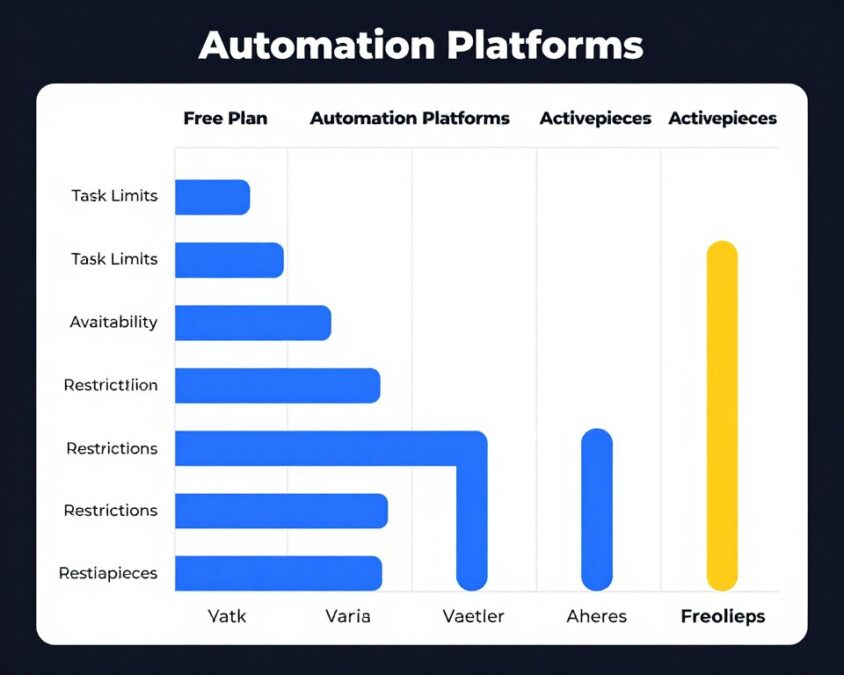
The free plan offers exceptional value for its zero cost. 5,000 monthly tasks with unlimited workflows surpasses most competitor free tiers significantly.
Small businesses can operate entirely on the free plan. Many automation needs fit within the task allocation, making Activepieces a truly free solution for appropriate use cases.
The free tier enables extended evaluation. Users can thoroughly test platform capabilities in production scenarios before committing to paid plans.
Plus Plan Cost Benefit
At $19 per month, the Plus plan provides strong value for growing teams. The 20,000 task allocation costs approximately $0.00095 per task.
Compare this to hiring manual labor for repetitive tasks. Even at minimum wage, automated workflow execution costs a tiny fraction of human labor costs.
The team collaboration features justify the upgrade alone for multi-person organizations. Shared workflow development increases efficiency beyond individual task cost savings.
Pro Plan ROI Analysis
Pro plan pricing of $99 monthly targets organizations with substantial automation needs. The 100,000 task allocation reduces per-task cost further to approximately $0.00099.
Premium support and unlimited team members provide additional value. Support time savings and productivity gains from collaboration often exceed the plan cost difference.
Enterprise features like custom branding and SLA guarantees benefit agencies and larger organizations. These capabilities enable business models impossible on lower tiers.
| Cost Factor | Manual Process | Activepieces Plus | Savings |
| Data Entry (100 hrs/mo) | $1,500 | $19 | $1,481 (99%) |
| Email Processing (50 hrs/mo) | $750 | $19 | $731 (97%) |
| Report Generation (20 hrs/mo) | $300 | $19 | $281 (94%) |
| Social Media Posting (30 hrs/mo) | $450 | $19 | $431 (96%) |
| Customer Onboarding (40 hrs/mo) | $600 | $19 | $581 (97%) |
Total Cost of Ownership
Beyond subscription fees, consider implementation and maintenance costs. Activepieces requires minimal setup time compared to enterprise platforms.
Training costs remain low due to intuitive interface. Teams achieve productivity quickly without extensive training programs or external consultants.
Maintenance overhead is minimal. Unlike custom-built solutions requiring developer time for updates and fixes, Activepieces handles platform maintenance automatically.
Competitive Pricing Comparison
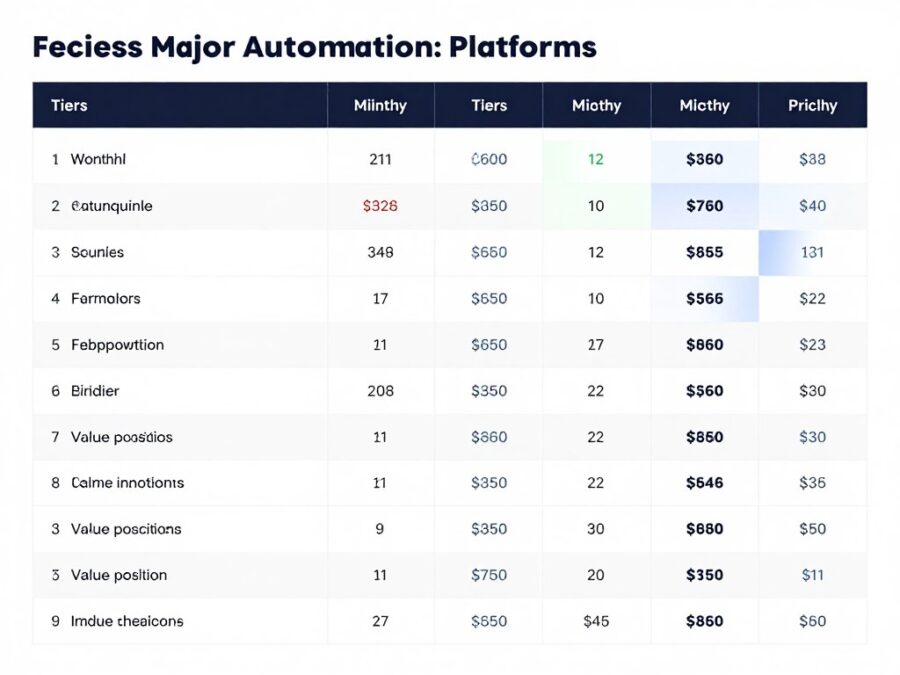
Zapier’s entry-level paid plan costs $30 monthly for 750 tasks. Activepieces Plus plan provides 26 times more tasks at 37 percent lower cost.
Make offers competitive pricing but fewer free tier tasks. The 5,000 free tasks in Activepieces versus 1,000 in Make represents a 5x advantage.
Enterprise platforms like MuleSoft cost thousands monthly. Activepieces provides adequate functionality for most use cases at a fraction of enterprise pricing.
ROI Calculation Framework
Calculate automation ROI by estimating time savings value. Multiply hours saved monthly by hourly labor cost, then subtract subscription fees.
Most organizations achieve positive ROI within the first month. Even modest automation saves enough time to justify subscription costs quickly.
Ongoing ROI compounds as more workflows deploy. Each new automation adds incremental value without proportional cost increases until task limits require plan upgrades.
ROI Example: A marketing team automating social media posting, lead data entry, and weekly reporting saves 15 hours weekly. At $25/hour labor cost, monthly savings reach $1,500. The Plus plan at $19/month provides 7,800 percent ROI on subscription investment alone.
Final Recommendations
Choosing the right automation platform depends on specific needs, technical capabilities, and budget constraints. These recommendations help match Activepieces to appropriate use cases.
Best Fit User Profiles
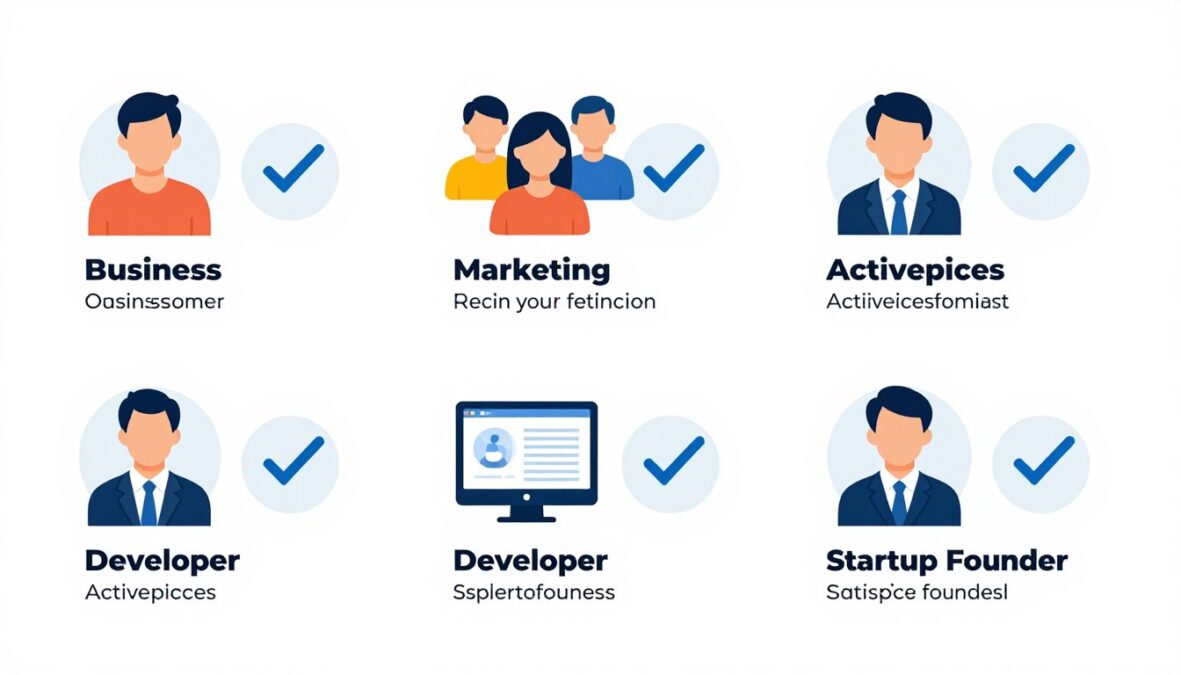
Small Business Owners
Small businesses benefit tremendously from Activepieces’ generous free tier and affordable paid plans. The platform provides enterprise-level automation capabilities at small business pricing.
Non-technical owners can build meaningful automations independently. The visual interface and template library remove coding barriers that prevent automation adoption.
Self-hosting options provide data control for businesses handling sensitive information. This capability typically requires enterprise-tier platforms from competitors.
Marketing Teams
Marketing automation use cases align perfectly with Activepieces capabilities. Lead management, social media automation, and campaign reporting workflows deploy easily.
Integration coverage includes major marketing tools. Email platforms, social media services, analytics tools, and CRM systems all connect through pre-built pieces.
AI agents enable sophisticated marketing automation. Content generation, sentiment analysis, and personalization tasks benefit from intelligent automation capabilities.
Development Teams
Developers appreciate the open-source foundation and self-hosting flexibility. Custom piece development enables extending the platform for specific technical requirements.
CI/CD integration supports software development workflow automation. GitHub, GitLab, and deployment platform connections streamline development operations.
API-first design allows programmatic workflow management. Teams can integrate Activepieces deeply into their technical stack beyond web interface usage.
Agencies and Consultants
Agencies can deploy Activepieces for multiple clients efficiently. Self-hosted instances per client provide data isolation while centralizing management expertise.
The affordable pricing enables agencies to include automation in service packages profitably. Reasonable costs don’t eat significantly into project budgets.
White-label capabilities coming in 2026 will enhance agency use cases. Custom branding for client deployments professionalizes service delivery.
When to Choose Competitors
Certain scenarios favor alternative platforms over Activepieces. Honest assessment prevents choosing poorly-fitting solutions.
Choose Zapier When
Your workflows require integrations with obscure or niche tools. Zapier’s massive integration library covers more services than any competitor including Activepieces.
Non-technical users need the absolute simplest interface. Zapier’s linear workflow approach sacrifices power for maximum simplicity.
Budget allows premium pricing for maximum convenience. Zapier’s higher cost buys the most polished experience and broadest integration ecosystem.
Choose Make When
Your workflows require very sophisticated data transformations. Make’s advanced data manipulation tools exceed Activepieces current capabilities.
You need the most mature visual workflow builder. Make’s longer market presence shows in refinement details and edge case handling.
Integration coverage for your specific tools is better in Make. Check both platforms’ integration libraries before committing.
Choose Enterprise iPaaS When
Your organization operates at massive scale with millions of transactions monthly. Enterprise platforms handle extreme volumes more reliably.
Complex approval workflows and governance requirements exceed Activepieces capabilities. Large organizations often need sophisticated enterprise features.
Regulatory compliance requires specific certifications not yet available from Activepieces. Heavily regulated industries may need established enterprise platforms.
Plan Selection Guidance
Choose Free Plan If
- Monthly workflow runs stay under 5,000 tasks consistently
- Single user operates all workflows
- Community support provides adequate assistance
- Budget constraints prevent paid subscription
- Evaluating platform before commitment
Choose Plus Plan If
- Task usage exceeds 5,000 but stays under 20,000 monthly
- Team of 2-5 people need collaboration
- Priority email support provides value
- Budget allows $19 monthly investment
- Free plan limits constrain operations
Choose Pro Plan If
- Task usage regularly exceeds 20,000 monthly
- Team has more than 5 members
- Live chat support is important
- Custom branding is required
- SLA guarantee matters to business
Implementation Success Factors
Successful automation deployment requires more than selecting the right platform. These factors determine whether implementations deliver expected value.
- Start with simple high-value workflows before attempting complex automations
- Document workflows clearly for team understanding and maintenance
- Monitor execution regularly to catch and fix issues promptly
- Iterate workflows based on results and feedback over time
- Involve end users in workflow design for better adoption
- Plan for task usage growth and upgrade timing proactively
- Leverage community resources and templates extensively
- Allocate time for learning advanced features progressively
Migration Considerations
Organizations switching from other platforms should plan transitions carefully. Activepieces provides adequate capabilities for most migration scenarios.
Export workflow documentation from current platforms. Rebuilding workflows in Activepieces requires understanding existing automation logic thoroughly.
Test migrated workflows extensively before decommissioning old platform. Run parallel for a transition period to ensure reliability.
Some workflow redesign may be necessary. Platform differences mean direct one-to-one migration isn’t always possible or optimal.
Make Your Decision With Confidence
Experience Activepieces risk-free with the generous free plan. Evaluate all features, build real workflows, and see if the platform meets your automation needs before committing to paid plans.
Conclusion
Activepieces AI establishes itself as a compelling automation platform in 2026. The combination of generous free tier, affordable paid plans, and open-source foundation creates strong value for small to medium businesses.
The platform excels in several key areas. Visual workflow building removes technical barriers, making automation accessible to non-developers. AI agent integration provides sophisticated capabilities typically requiring custom development.
Self-hosting capability differentiates Activepieces from many competitors. Organizations requiring data sovereignty or custom deployment scenarios benefit from this flexibility without sacrificing features.
Key Strengths Recap
The free plan generosity enables meaningful automation without financial commitment. This removes adoption barriers for budget-conscious organizations exploring automation benefits.
Pricing transparency and affordability continue through paid tiers. The Plus plan at $19 monthly provides exceptional value compared to competitor offerings at similar price points.
Active development and community engagement signal platform longevity. Regular updates introduce new features while community contributions accelerate integration library growth.
Areas for Improvement
Integration library breadth lags established competitors. While growing steadily, users requiring extensive integration variety may encounter gaps.
Enterprise features need continued development. Large organizations should evaluate whether current capabilities meet their governance and compliance requirements.
Advanced feature documentation requires enhancement. Users tackling complex scenarios often rely on community resources more than official guides.
Final Verdict
Activepieces AI earns strong recommendation for small businesses, marketing teams, and developers seeking affordable, flexible automation. The platform delivers 80-90 percent of functionality found in premium competitors at a fraction of the cost.
The free plan makes trying Activepieces risk-free. Organizations can evaluate thoroughly before financial commitment, reducing adoption risk significantly.
The 2026 roadmap addresses current limitations systematically. Planned features will close gaps and enhance capabilities throughout the year, making the platform increasingly competitive.
For organizations prioritizing cost-effectiveness, self-hosting flexibility, and community-driven development, Activepieces represents an excellent choice. The platform balances power, usability, and affordability effectively.
Organizations serious about automation should evaluate Activepieces alongside alternatives. The free tier enables hands-on comparison without financial risk, allowing informed decisions based on actual experience rather than marketing claims.
The automation landscape will continue evolving rapidly. Activepieces positions itself well for this future through open-source flexibility, active development, and community engagement.
Whether Activepieces becomes your automation platform depends on specific requirements and priorities. For many organizations, particularly those in the small to medium business segment, the platform offers an ideal combination of capability, affordability, and flexibility that few competitors match.
There are no reviews yet. Be the first one to write one.