

Software development is evolving rapidly with AI assistance, and Google’s Jules represents a significant leap forward. Unlike traditional coding assistants that merely suggest completions, Jules functions as a true autonomous coding agent that understands your entire codebase and executes complex tasks asynchronously. With the introduction of Jules Tools, developers can now harness this powerful AI directly from their terminal environment, bringing intelligent automation to where coding actually happens.
What is Google Jules AI Coding Agent?
Jules is Google’s asynchronous coding agent that integrates directly with your existing repositories. Unlike code completion tools or co-pilots that work line-by-line, Jules understands the full context of your project and operates autonomously to perform complex coding tasks while you focus on other priorities.
Originally introduced through Google Labs, Jules has now entered public beta with the addition of Jules Tools – a command-line interface that brings the power of this AI coding agent directly to your terminal environment.
Jules operates asynchronously in secure Google Cloud virtual machines, cloning your codebase to understand its structure before performing requested tasks. Upon completion, it presents its plan, reasoning, and changes – all while keeping your code private and isolated.
Key Capabilities of Jules AI Coding Agent
Jules Tools: Terminal Integration for Enhanced Developer Workflow

Jules Tools represents a significant evolution in how developers interact with AI coding agents. This lightweight command-line interface allows you to harness Jules’ capabilities without leaving your terminal – the environment where developers spend most of their time testing, building, debugging, and shipping code.
Why Terminal Integration Matters
Developers live in the terminal. It’s the central hub of productivity where coding workflows begin and end. Jules Tools recognizes this reality by bringing AI assistance directly to this environment, eliminating context switching and maintaining your existing workflow patterns.
Before Jules Tools
With Jules Tools
Getting Started with Jules Tools
Installation is straightforward using npm, making Jules Tools immediately accessible to JavaScript and Node.js developers:
npm install -g jules-tools
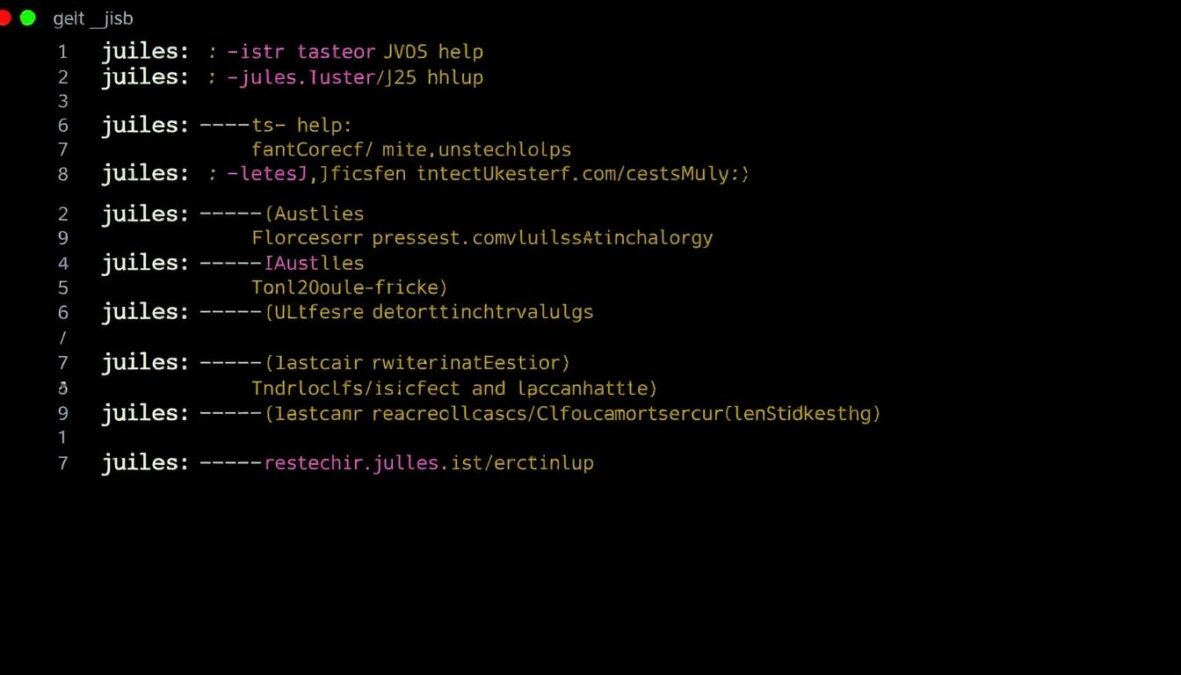
After installation, you can immediately begin using Jules through simple commands that follow an intuitive pattern of commands and flags:
Ready to transform your coding workflow?
Install Jules Tools now and experience AI-powered coding assistance directly in your terminal.
Powerful Terminal Integration Capabilities

Jules Tools transforms how developers interact with AI coding assistance through comprehensive terminal integration. The command-line interface provides full access to Jules’ capabilities while maintaining the efficiency and control developers expect from terminal environments.
Core Terminal Commands
| Command | Description | Example Usage |
| jules –remote | Lists all your remote tasks with status updates | jules –remote –status=active |
| jules –new | Creates a new coding task with interactive prompting | jules –new –repo=myproject |
| jules –generate | Generates code based on natural language description | jules –generate “Python script to sort JSON data” |
| jules –fix | Analyzes and fixes bugs in specified files | jules –fix src/components/login.js |
| jules –test | Generates test cases for specified code | jules –test src/utils/parser.js |
Interactive Terminal Dashboard
Beyond simple commands, Jules Tools offers a Terminal User Interface (TUI) that provides an interactive dashboard for managing tasks and monitoring progress:
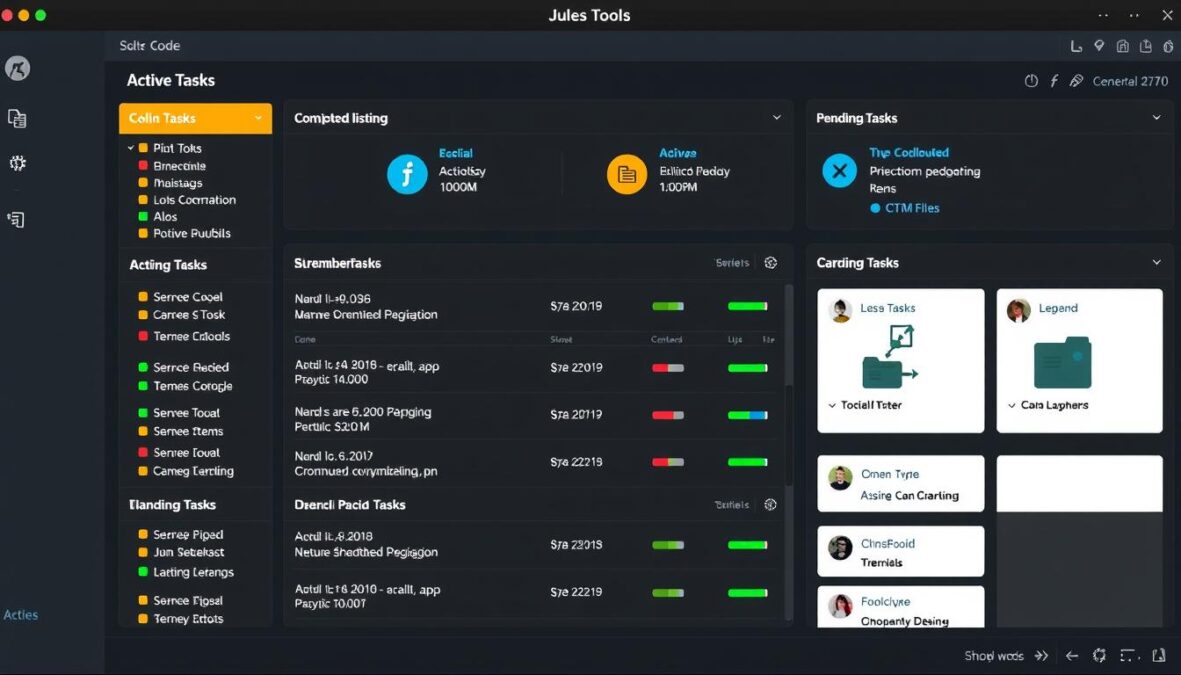
The dashboard provides real-time visibility into Jules’ operations, allowing you to:
Jules Tools isn’t just an interface, it’s a way to wire Jules into everything you already do at the terminal.
Real-World Use Cases for Google Jules AI Coding Agent
Jules AI Coding Agent excels across numerous development scenarios, streamlining workflows and boosting productivity. Here are key use cases where Jules demonstrates particular value:
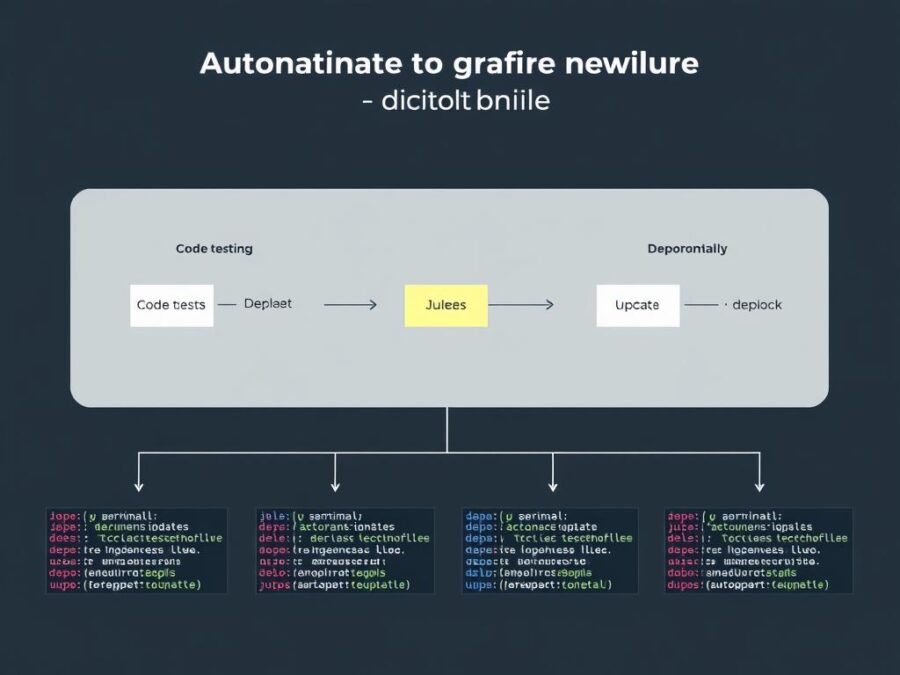
DevOps Automation
DevOps teams leverage Jules to automate repetitive tasks in their CI/CD pipelines, reducing manual intervention and accelerating deployment cycles.
Test Suite Generation
One of Jules’ most powerful capabilities is comprehensive test generation that understands both code functionality and business requirements.
jules –test src/payment –coverage=90 –include-edge-cases
This command instructs Jules to analyze the payment module and generate tests targeting 90% coverage while specifically addressing edge cases that might otherwise be overlooked.
Legacy Code Modernization
Jules excels at understanding and refactoring legacy codebases, helping teams gradually modernize without disrupting functionality:
Rapid Prototyping
Developers use Jules to quickly prototype new features or entire applications based on high-level descriptions:
jules –generate “REST API for user authentication with email verification and password reset”
This generates a complete implementation with proper security practices, error handling, and documentation – ready for customization and integration.
Step-by-Step Implementation Example
Let’s walk through a practical example of using Jules Tools to solve a common development challenge: implementing a new feature with proper testing.
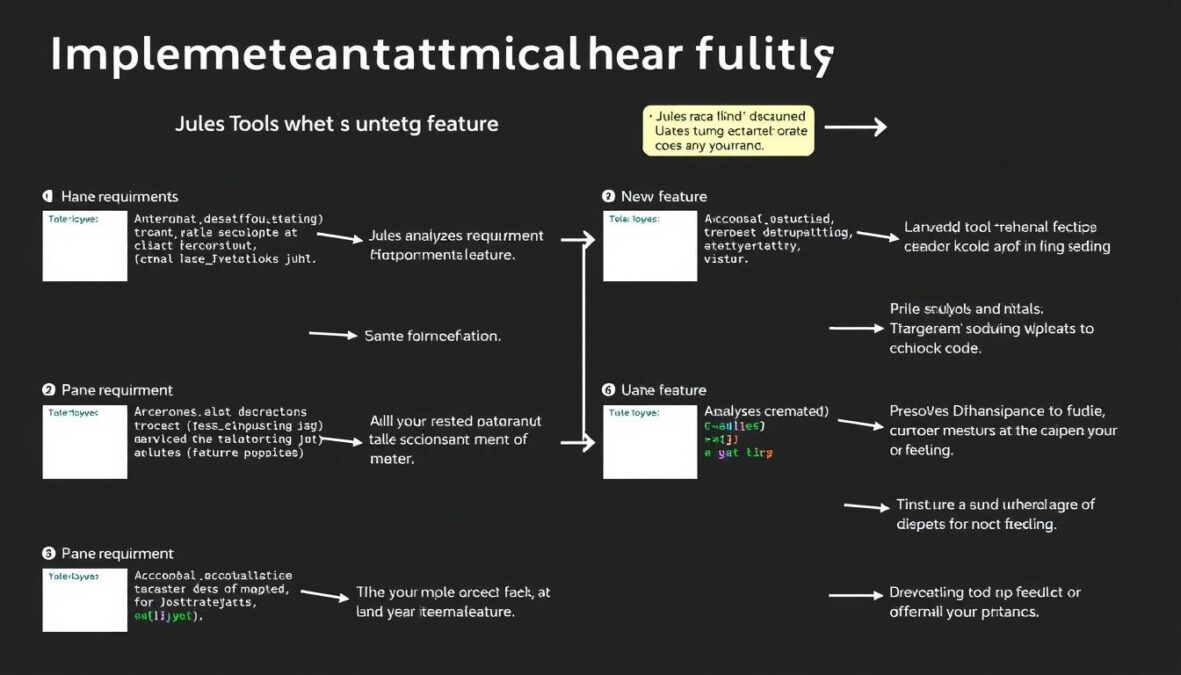
Scenario: Adding Data Export Functionality
In this example, we’ll use Jules to add CSV and JSON export functionality to an existing web application:
Step 1: Initialize the task
jules –new –repo=myapp –branch=feature/data-export
This command creates a new task and branch specifically for our feature.
Step 2: Define the feature requirements
jules –describe “Add data export functionality to the UserData component that allows exporting the current table view as either CSV or JSON. Include proper error handling and progress indication.”
Step 3: Review Jules’ implementation plan
Step 4: Execute the implementation
jules –execute –plan-id=export-plan-1234
Jules now works asynchronously to implement the feature according to the approved plan.
Step 5: Review the implementation
jules –review –task-id=export-task-1234
This opens an interactive review session where you can examine the changes, request modifications, and approve the final implementation.
Step 6: Generate tests
jules –test –files=src/components/UserData.js,src/utils/exportUtils.js –coverage=95
Jules analyzes the implementation and generates comprehensive tests targeting 95% coverage.
Step 7: Submit for review
jules –submit –task-id=export-task-1234 –reviewers=sarah@example.com,dev-team
This creates a pull request with all the implemented changes and assigns the specified reviewers.
The entire process from feature request to pull request can be completed with minimal developer intervention, allowing you to focus on other high-priority tasks while Jules handles the implementation details.
Competitive Advantages of Google Jules AI Coding Agent

Jules represents a significant advancement over traditional coding tools and even other AI coding assistants. Its unique approach and capabilities provide several distinct advantages:
- Truly autonomous operation that completes tasks without constant supervision
- Full codebase context understanding rather than file-by-file analysis
- Asynchronous execution in dedicated cloud VMs for better performance
- Terminal-first approach that integrates with existing developer workflows
- Built-in critic capability that reviews code before submission
- Audio changelogs for efficient code review and understanding
Jules Advantages
- Line-by-line suggestions requiring constant developer attention
- Limited context awareness restricted to open files
- Local execution competing for system resources
- Web-based interfaces requiring context switching
- Separate tools needed for code review and quality assurance
- Text-only documentation requiring careful reading
Traditional Tools Limitations
The Hybrid Development Approach
Jules embraces what Google calls a “hybrid” approach to development tools:
We believe the future of development tools is hybrid. Jules Tools points in that direction.
Future Implications for AI in Software Development

Google Jules AI Coding Agent represents an early glimpse into the future of software development, where AI transitions from passive suggestion tools to active development partners. This evolution has profound implications for how software will be built in the coming years.
The Evolution of Developer Roles
As tools like Jules mature, the role of developers will evolve from writing every line of code to becoming architects and directors of AI-assisted development processes:
Accelerated Innovation Cycles
The ability to rapidly prototype, implement, and test new features will dramatically compress development timelines:
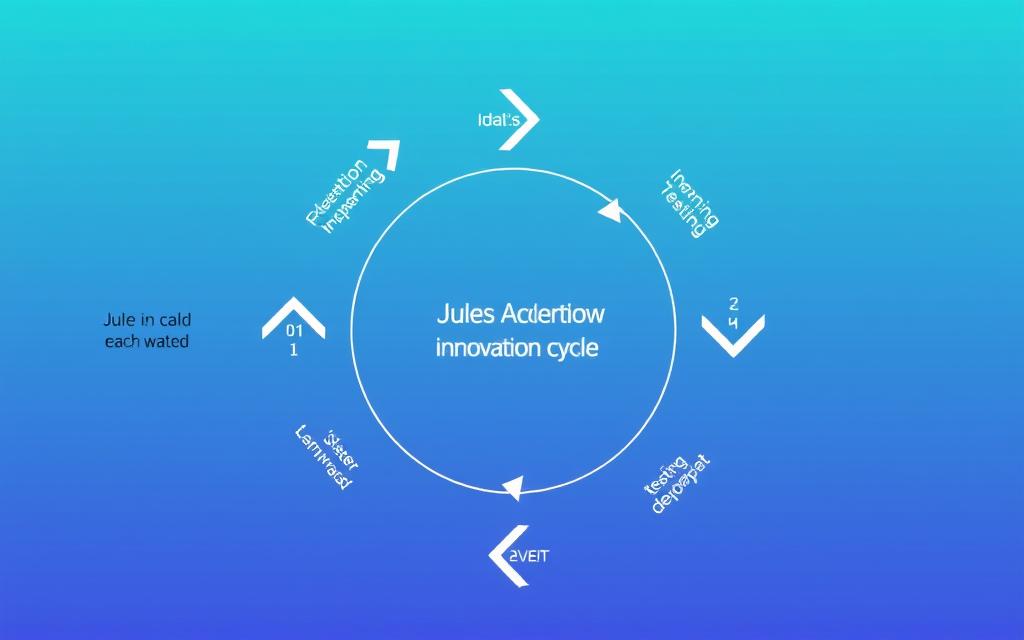
This acceleration will enable organizations to experiment more freely, test market hypotheses quickly, and respond to user feedback with unprecedented agility.
Democratized Development
Perhaps most significantly, tools like Jules will make software development more accessible to those without formal programming training:
We’re at a turning point: agentic development is shifting from prototype to product and quickly becoming central to how software gets built.
Embrace the Future of Coding with Google Jules AI
Google Jules AI Coding Agent and Jules Tools represent a significant step forward in the evolution of software development. By bringing powerful AI assistance directly to the terminal environment where developers work, Jules seamlessly integrates into existing workflows while dramatically enhancing productivity and code quality.
As an asynchronous, context-aware coding agent, Jules handles complex tasks independently, allowing developers to focus on higher-level concerns and creative problem-solving. The introduction of Jules Tools extends these capabilities directly to the command line, eliminating context switching and making AI assistance an organic part of the development process.
Whether you’re writing tests, building new features, refactoring legacy code, or automating DevOps processes, Jules provides intelligent assistance that understands your codebase and your intent. The future of software development is hybrid – combining human creativity with AI efficiency – and Jules is leading the way.
Ready to transform your development workflow?
Get started with Google Jules AI Coding Agent today and experience the future of software development.
wow
wow