
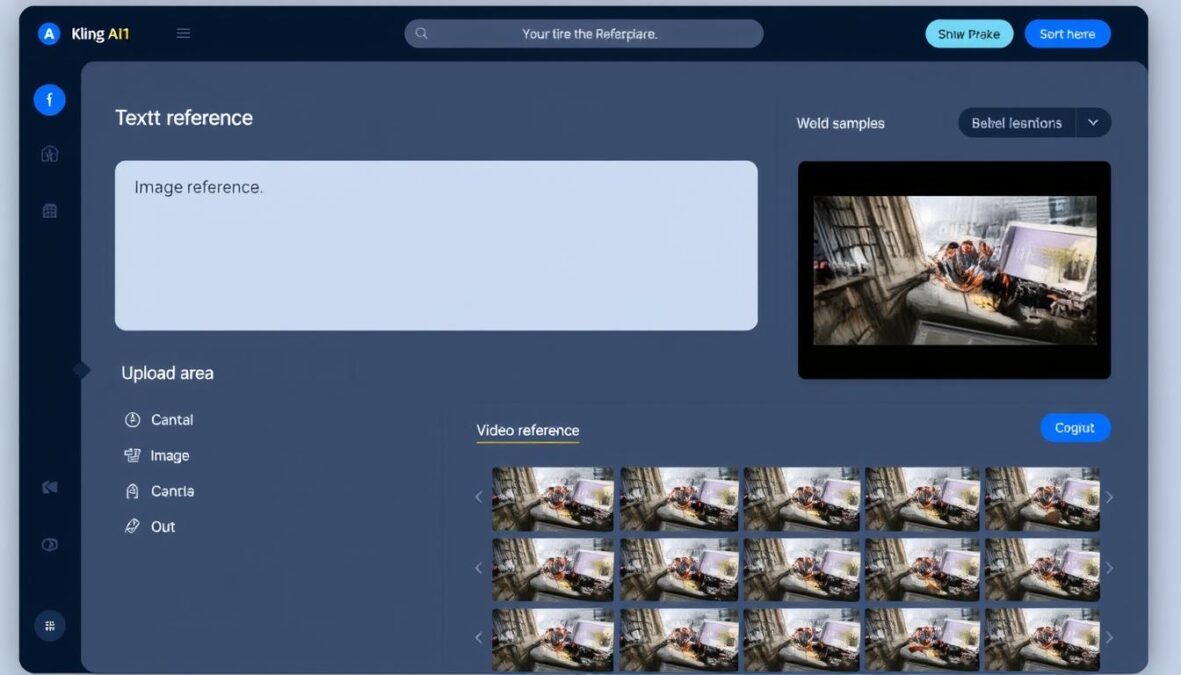
The AI video generation landscape has been fragmented and complex—until now. Kling AI O1, released in December 2025, represents a paradigm shift as the world’s first truly unified multimodal video model. Unlike previous tools that required juggling multiple applications for generation, editing, and refinement, Kling O1 integrates everything into a single, cohesive system. In this comprehensive review, we’ll explore how this revolutionary model is changing the game for content creators, marketers, and filmmakers.
What is Kling AI O1? Understanding the Unified Multimodal Approach
Kling O1 is a groundbreaking AI video model that unifies what previously required multiple specialized tools. It’s the first model to seamlessly integrate text-to-video, image-to-video, video editing, and scene extension capabilities within a single architecture. This unified approach means you can generate, edit, and refine videos using natural language instructions without switching between different applications or learning multiple interfaces.
At its core, Kling O1 employs Multi-modal Visual Language (MVL), which allows it to understand and process text, images, and video as a single, fluid language. This means the model comprehends that the word “cat,” an image of a cat, and a video clip of a cat are all representations of the same concept—enabling unprecedented flexibility in how you interact with and manipulate video content.
Key Innovation: Unlike traditional AI video tools that operate as isolated “generators,” Kling O1 functions as both creator and editor, understanding the semantic meaning of visual elements and allowing for precise, natural-language editing of any part of your video.
Core Features and Capabilities of Kling O1
Unified Generation and Editing
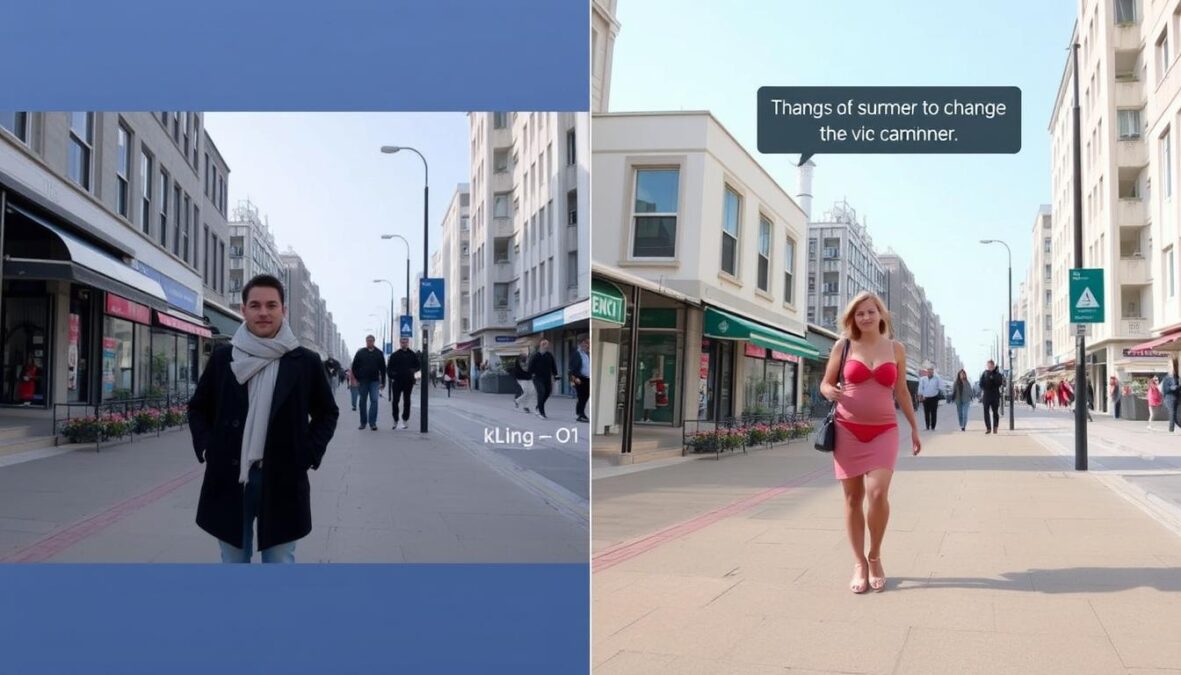
Kling O1’s most revolutionary aspect is its ability to both generate and edit videos through the same interface and underlying model. You can:
- Generate videos from text descriptions alone
- Create videos based on reference images or existing video clips
- Edit specific elements within a video using natural language (e.g., “change the background to a beach sunset”)
- Extend scenes naturally, maintaining visual consistency
- Modify lighting, style, and camera movements with simple instructions
This unified approach eliminates the need to export between different tools, dramatically streamlining the creative workflow.
Conversational Editing
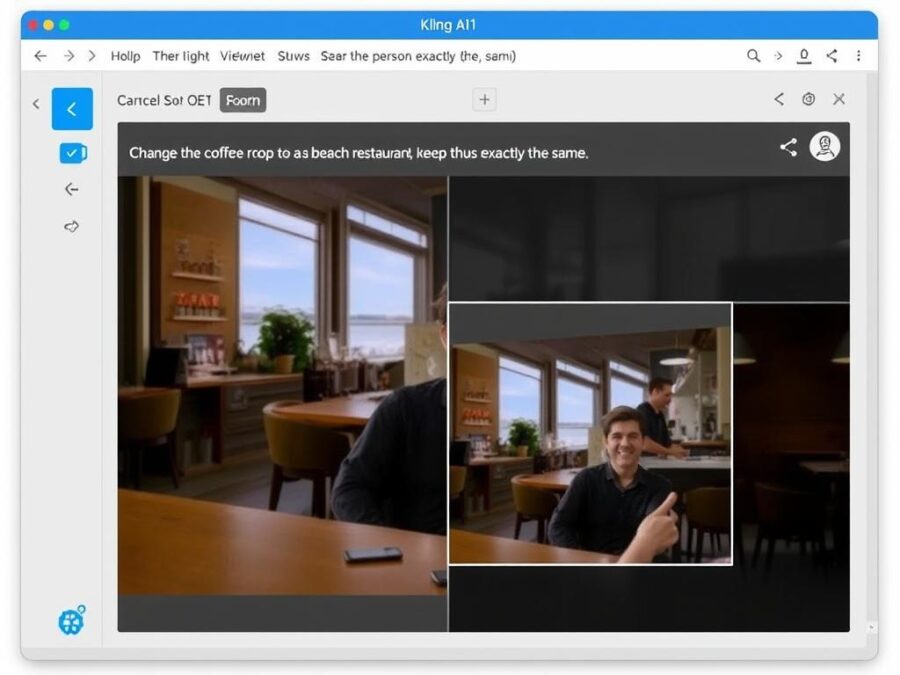
Perhaps the most impressive feature is what Kling calls “conversational editing.” Instead of complex masking, keyframing, or rotoscoping, you simply tell the AI what you want to change using natural language. For example:
“Remove the people walking in the background”
“Change the character’s red shirt to a blue suit”
“Transform the daytime scene to sunset with golden lighting”
The model understands the context of your video and performs these edits with remarkable precision, maintaining consistency across frames without the typical artifacts associated with AI editing.
Experience Conversational Editing
Try Kling O1’s revolutionary editing capabilities on Pollo AI and transform your video workflow today.
Character and Scene Consistency
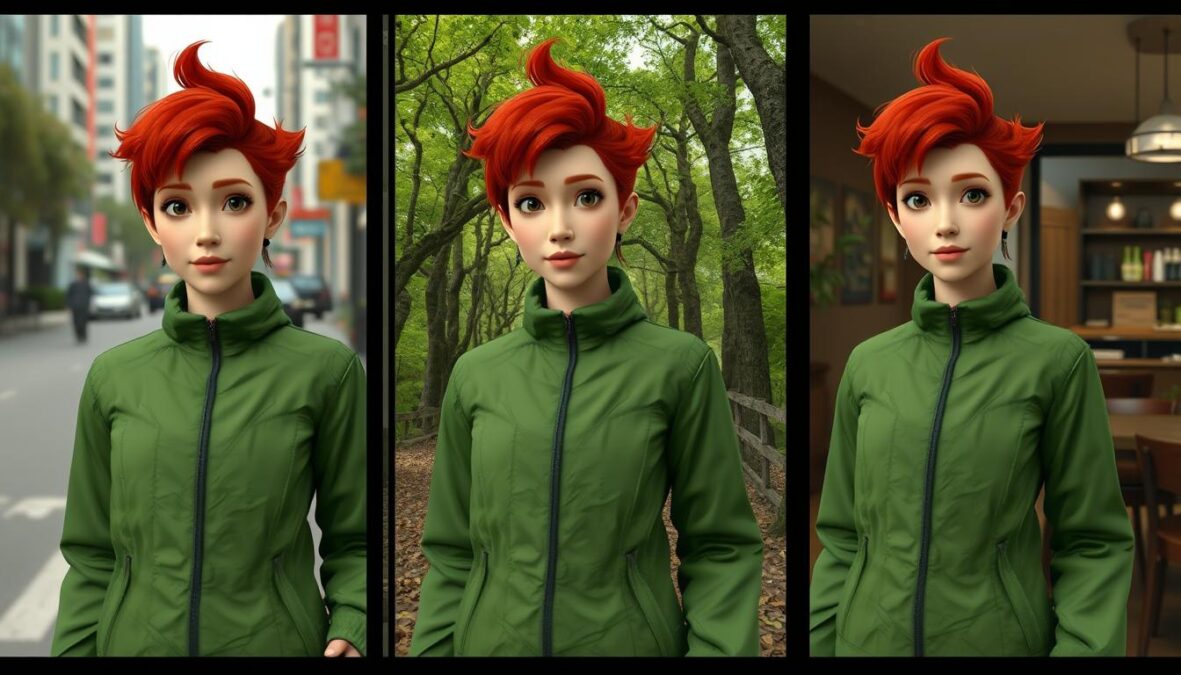
One of the most frustrating aspects of previous AI video tools was the “shapeshifting problem”—characters changing appearance between shots or even within the same clip. Kling O1 addresses this with industrial-grade consistency technology.
By allowing you to upload multiple reference images, the model “locks in” the identity of characters, props, and settings. It functions like a strict continuity director, ensuring your protagonist looks the same whether they’re standing still, running, or viewed from different angles.
Multi-modal Input System
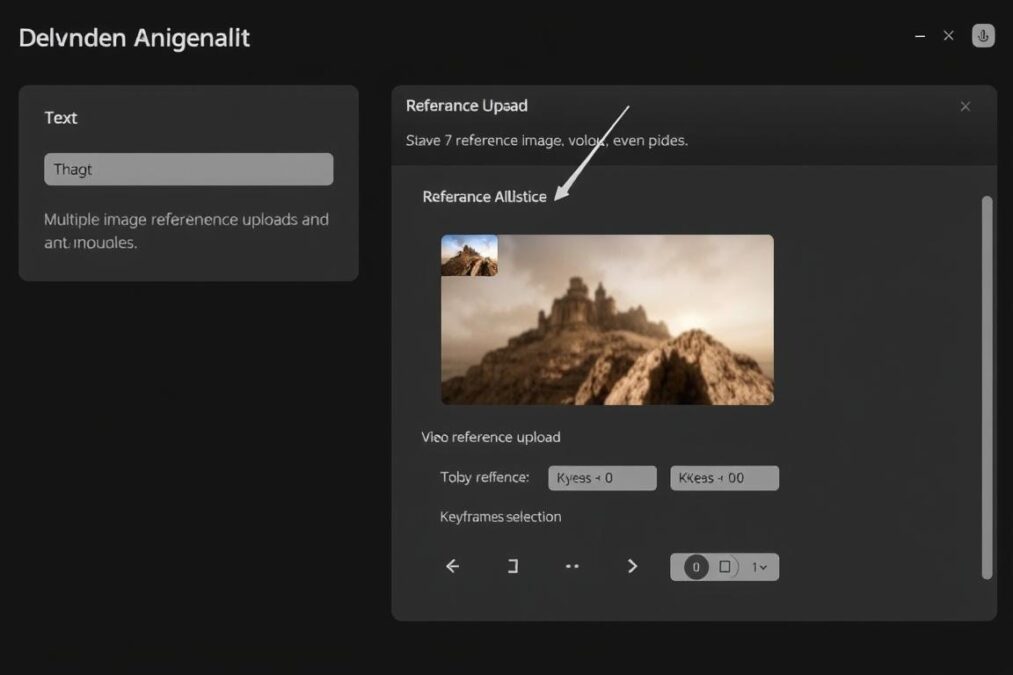
Kling O1 accepts multiple input types to guide its generation and editing:
- Text prompts: Detailed descriptions of what you want to create or edit
- Reference images: Up to 7 images to establish character identity, style, or scene elements
- Video references: Existing clips to guide motion, camera work, or for editing
- Keyframes: Specific start and end frames to control scene progression
This flexibility allows for unprecedented control over the creative process, whether you’re starting from scratch or refining existing footage.
Performance Evaluation: How Kling O1 Performs in Real-World Testing
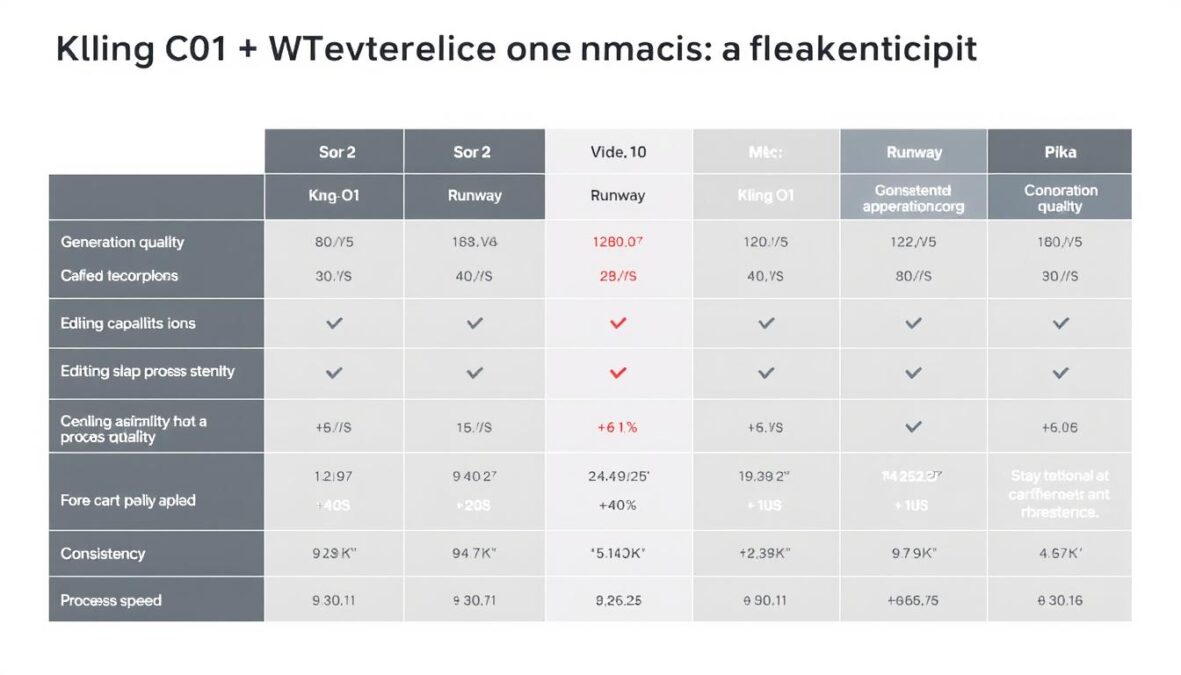
To evaluate Kling O1’s real-world performance, we tested it across multiple scenarios that would challenge even professional video editors. The results were impressive in most areas, though with some limitations worth noting.
Video Generation Quality
In our testing, Kling O1 consistently produced videos with cinematic quality, realistic motion, and excellent adherence to prompts. The model excels particularly in maintaining visual consistency—characters, objects, and environments remain stable throughout clips, even during complex movements or lighting changes.

Editing Capabilities
Where Kling O1 truly shines is in its editing capabilities. We tested several challenging editing scenarios:


The model handled complex edits with remarkable precision. When asked to “change the winter scene to summer,” it not only modified the environment (adding leaves to trees, changing the lighting) but also intelligently adjusted the character’s clothing while maintaining their identity perfectly.
Similarly impressive was its ability to remove or add objects without disturbing the background or creating artifacts—a task that would typically require meticulous rotoscoping in traditional editing software.
Processing Speed and Output Options
Kling O1 offers flexible output options, with clip durations ranging from 3 to 10 seconds per generation. While this might seem limiting, the model’s ability to extend scenes and stitch clips together mitigates this constraint for most use cases.
Processing times vary based on complexity, but most generations complete within 30-90 seconds on standard hardware, with editing operations often completing even faster. The model offers two quality settings:
- Professional: Highest quality output with maximum detail and consistency
- Standard: Faster processing with slightly reduced visual fidelity
Note: While Kling O1 excels at visual generation and editing, it does not currently generate native audio. For projects requiring synchronized sound, you may want to explore Kling 2.6, which offers integrated audio capabilities.
Practical Applications: Who Should Use Kling O1?
Kling O1’s versatility makes it valuable across multiple industries and use cases. Here are the primary scenarios where it excels:
Content Marketing and Advertising
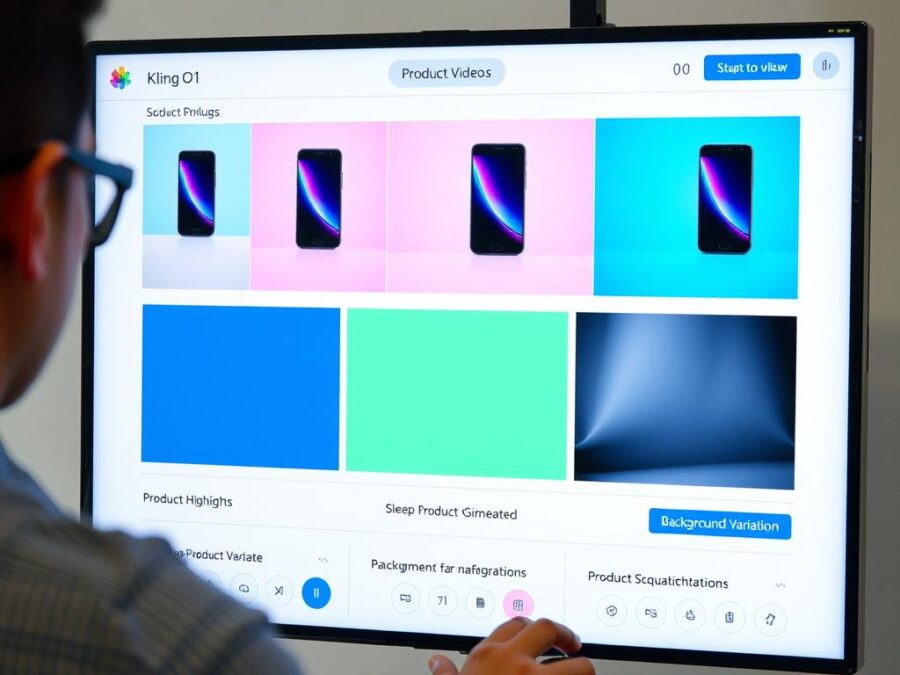
For marketers, Kling O1 offers unprecedented flexibility in creating and iterating on video content:
- Generate multiple product video variations with different settings, lighting, or styles
- Create A/B test versions without reshooting
- Quickly adapt existing footage for different markets or platforms
- Transform static product images into dynamic video showcases
“We reduced our product video production time from weeks to hours. Being able to edit and iterate without reshooting has completely transformed our workflow.”
Filmmaking and Pre-visualization
Filmmakers can use Kling O1 to:
- Create detailed storyboards and animatics that actually move
- Test different camera angles, lighting setups, and scene compositions
- Visualize complex VFX sequences before committing to expensive production
- Generate background plates or extend limited location footage
Social Media Content Creation
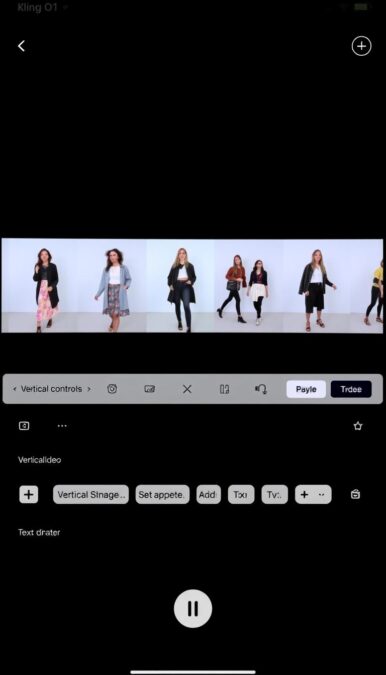
Social media creators benefit from:
- Rapid iteration on short-form video content
- Easy adaptation of content for different platforms and aspect ratios
- The ability to maintain consistent character presence across multiple videos
- Quick style transfers to match trending aesthetics
Educational Content
Educators and e-learning developers can:
- Create engaging visual explanations of complex concepts
- Generate historical reenactments or scientific visualizations
- Produce consistent tutorial series with virtual presenters
- Translate static diagrams into dynamic, animated sequences
Transform Your Creative Workflow
Join thousands of professionals already using Kling O1 to revolutionize their video production process.
Pricing and Accessibility: How to Access Kling O1
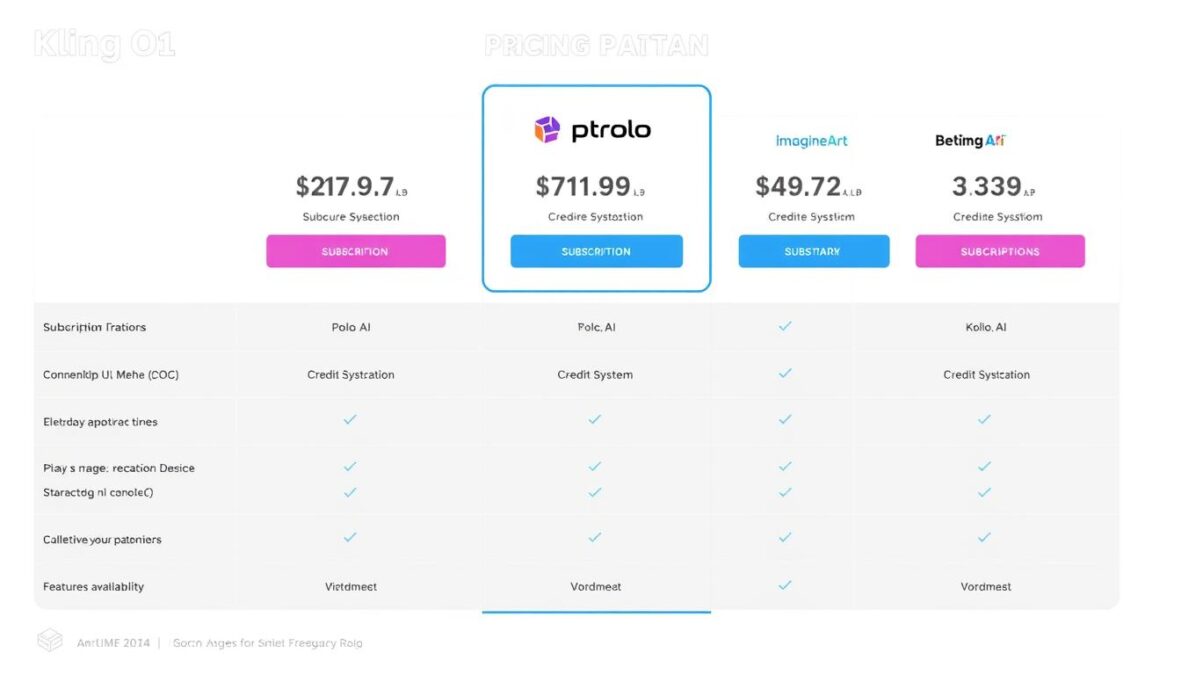
Kling O1 is available through several AI content creation platforms, each with different pricing structures and accessibility options. Here’s how they compare:
| Platform | Free Tier | Paid Plans | Credit System | Key Features |
| Pollo AI | Limited daily generations | $19-$99/month | Generation-based | Full editing capabilities, multiple model access |
| ImagineArt | 100 free credits daily | $29-$199/month | Credit-based with rollover | Character personalization, template library |
| GetImg.ai | Limited generations | $24-$129/month | Generation-based | Content Generator integration, image-to-video |
Most platforms offer a free tier that allows you to test Kling O1’s capabilities before committing to a subscription. For professional use, paid plans typically provide higher generation limits, priority processing, and additional features like private generations and team collaboration.
Best Value Option: For most users, Pollo AI offers the best balance of affordability and features, with plans starting at $19/month and access to multiple AI models beyond just Kling O1.
Enterprise options with custom pricing are also available for organizations requiring high-volume generation or specialized integration needs.
Kling AI O1 vs. Competitors: How Does It Stack Up?
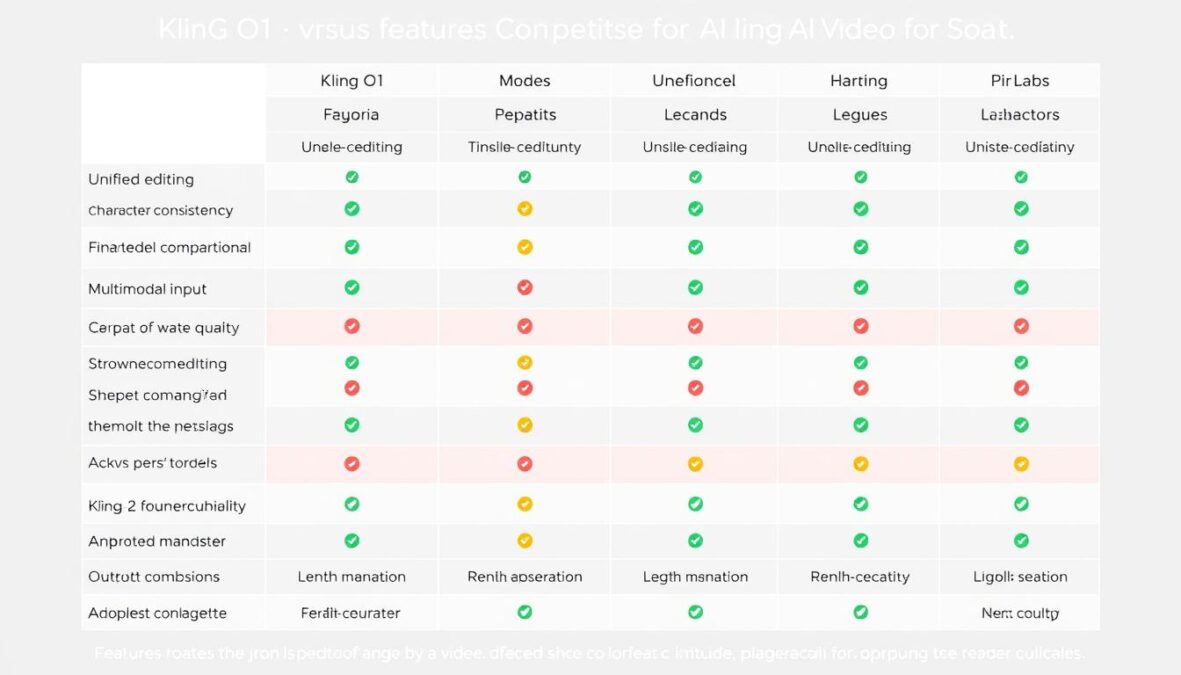
The AI video generation landscape is evolving rapidly, with several strong competitors. Here’s how Kling O1 compares to other leading models:
Kling O1 Advantages
- Unified generation and editing in one model
- Superior character and scene consistency
- Natural language editing capabilities
- Excellent multi-reference handling
- Strong motion control and physics simulation
Kling O1 Limitations
- No native audio generation
- 3-10 second clip length limitation
- Higher computational requirements
- Less specialized for certain niche styles
- Learning curve for optimal prompting
Compared to Sora 2
OpenAI’s Sora 2 offers impressive long-form generation (up to 60 seconds) and excellent visual quality but lacks Kling O1’s editing capabilities and multi-reference handling. Sora excels at narrative continuity in longer clips, while Kling O1 provides more precise control and editing flexibility.
Compared to Runway Gen-2
Runway’s Gen-2 pioneered many video AI concepts and offers strong style transfer capabilities, but its generation and editing remain separate processes. Kling O1’s unified approach provides more seamless workflows, especially for projects requiring multiple iterations.
Compared to Pika Labs
Pika offers excellent animation capabilities and stylized outputs but doesn’t match Kling O1’s photorealistic quality or editing precision. Pika may be preferable for creative, stylized content, while Kling O1 excels at realistic, cinematic output.
“What sets Kling O1 apart isn’t just generation quality—it’s the paradigm shift of treating video as a fluid, editable medium rather than a one-shot output. This fundamentally changes how creators approach AI video.”
Maximizing Results: Kling O1 Prompting Guide
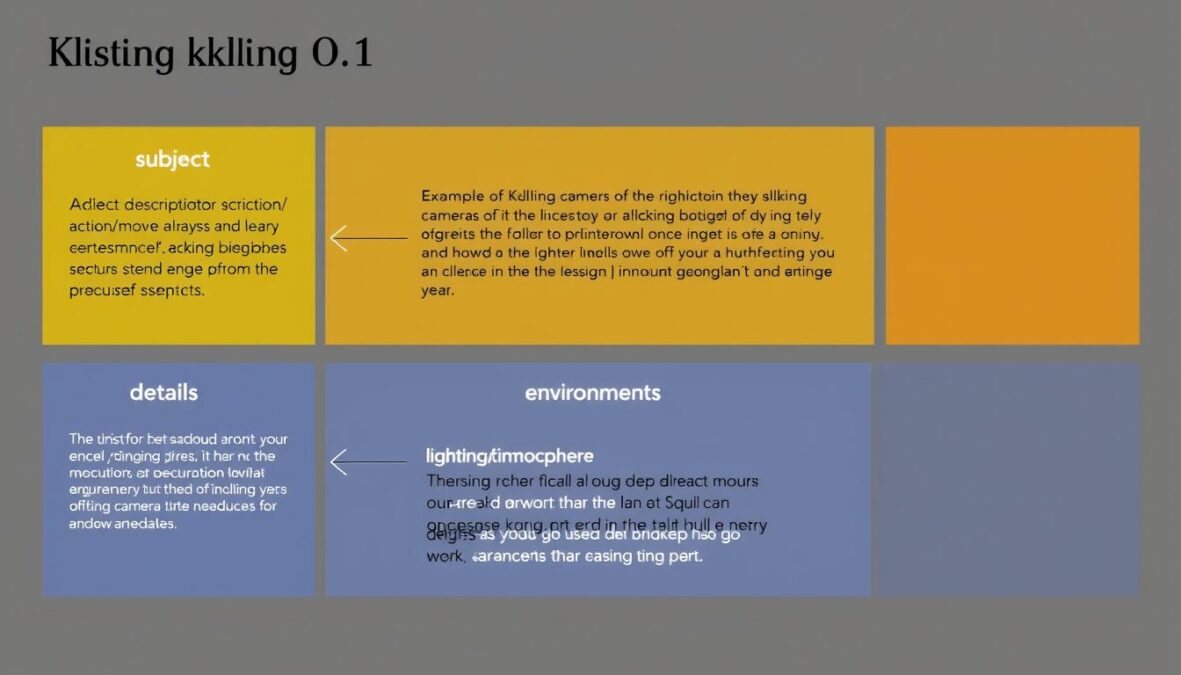
To get the best results from Kling O1, effective prompting is essential. Here’s a structured approach to crafting prompts that yield optimal results:
Basic Prompt Structure
For best results, structure your prompts in this order:
[Subject description] + [Action/movement] + [Environment/background] + [Lighting/atmosphere] + [Camera instructions]
For example:
“A young woman with long brown hair wearing a red dress [subject] walks confidently through [action] a modern office with glass walls and minimalist furniture [environment] illuminated by soft morning light streaming through large windows [lighting] in a slow-motion tracking shot that follows her from behind [camera].”
Editing Prompts
When editing existing footage, be direct and specific:
- To add: “Add [object] to the scene”
- To remove: “Remove the [object] from the background”
- To modify: “Change the character’s outfit to a blue business suit”
- To transform: “Transform the daytime scene to night with street lights”
Using References Effectively
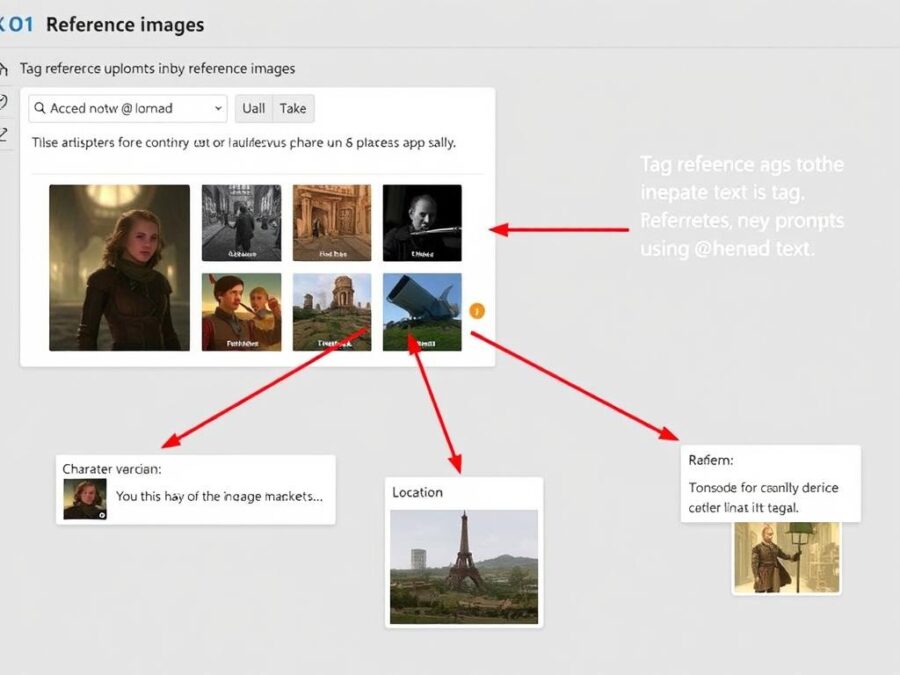
When using reference images or videos:
- Use the @ symbol to tag specific references in your prompt
- Provide multiple angles of characters for better consistency
- Include style references to guide the visual aesthetic
- For video references, specify which aspects you want to preserve (motion, lighting, composition)
Pro Tip: For complex scenes, start with a simple generation, then use that output as a reference for more detailed iterations. This “building block” approach often yields better results than attempting everything in one complex prompt.
Future Development: What’s Next for Kling O1?
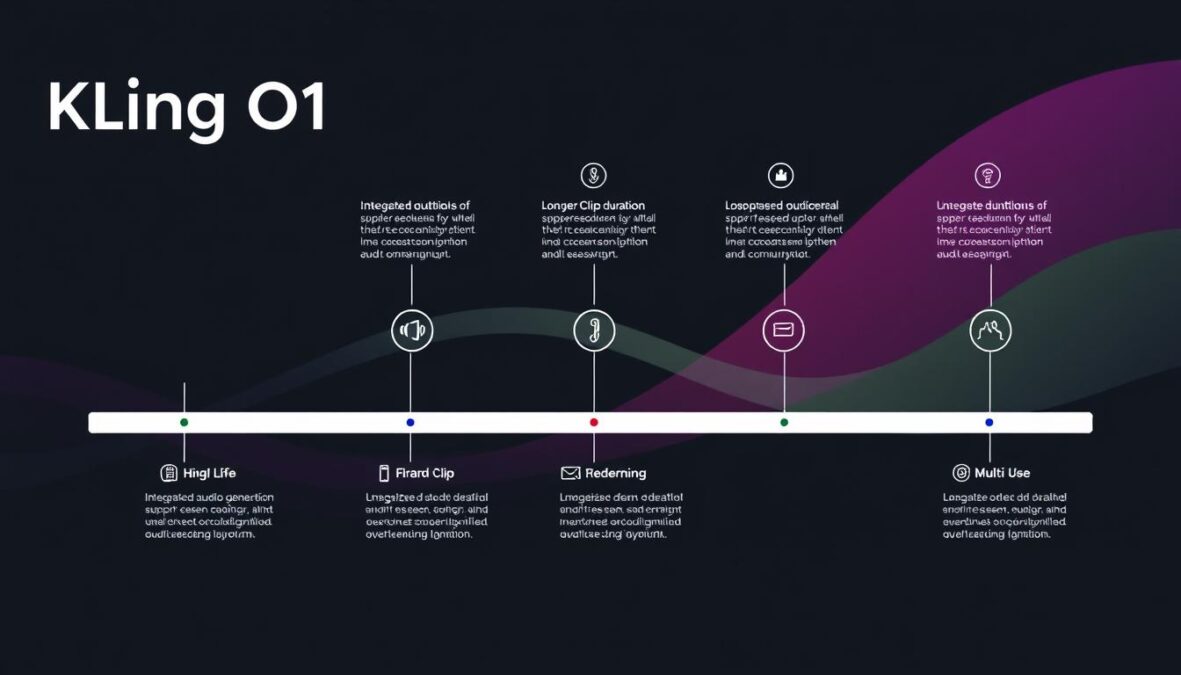
Based on official announcements and industry analysis, here’s what we can expect from Kling O1’s development roadmap:
Near-Term Updates (Q1-Q2 2026)
- Integrated Audio Generation: Native audio capabilities to complement video
- Extended Clip Duration: Support for 15-30 second generations
- Enhanced Character Customization: More precise control over character attributes
- Improved Motion Control: More natural physics and movement options
Mid-Term Roadmap (Q3-Q4 2026)
- Real-time Editing: Lower latency for more interactive editing workflows
- Multi-user Collaboration: Team-based editing and generation
- Advanced Camera Controls: More cinematic options and precise movement
- API Access: Developer integration for custom applications
The most anticipated development is the integration of audio generation, which would transform Kling O1 into a truly end-to-end solution for video creation. This would address one of the few remaining gaps in its capabilities compared to specialized tools.
“The unified model approach pioneered by Kling O1 represents the future direction of AI creative tools. We expect to see this paradigm expand to other creative domains, eventually leading to truly unified content creation systems.”
Final Verdict: Is Kling O1 Worth It?
After extensive testing and analysis, Kling O1 represents a genuine paradigm shift in AI video creation. Its unified approach to generation and editing solves many of the fragmentation problems that have plagued AI video workflows, while its character consistency and natural language editing capabilities set new standards for the industry.
Who should use Kling O1:
- Content marketers needing to produce multiple video variations quickly
- Filmmakers looking for powerful pre-visualization and concept development tools
- Social media creators requiring consistent character presence across content
- Educators developing visual explanations of complex concepts
- Anyone currently juggling multiple AI and traditional tools for video creation
Who might want to wait:
- Users requiring integrated audio generation (consider Kling 2.6 instead)
- Projects needing clips longer than 10 seconds without stitching
- Teams with limited computational resources
The future of video creation is not just about generating content—it’s about treating video as a fluid, editable medium where iteration and refinement are seamless parts of the creative process. Kling O1 is the first model to truly deliver on this vision, making it a worthwhile investment for serious content creators.
Experience the Future of Video Creation
Try Kling O1 today and transform how you create, edit, and refine video content.
There are no reviews yet. Be the first one to write one.