
The AI video generation landscape has transformed dramatically in 2025, with Kling AI and Google’s Veo 3 emerging as frontrunners in creating professional-quality videos from simple prompts. Whether you’re a content creator, marketer, or business owner looking to produce engaging video content without specialized equipment or technical expertise, choosing between these powerful platforms requires understanding their unique strengths and limitations.
Platform Overview: What Are Kling AI and Veo 3?
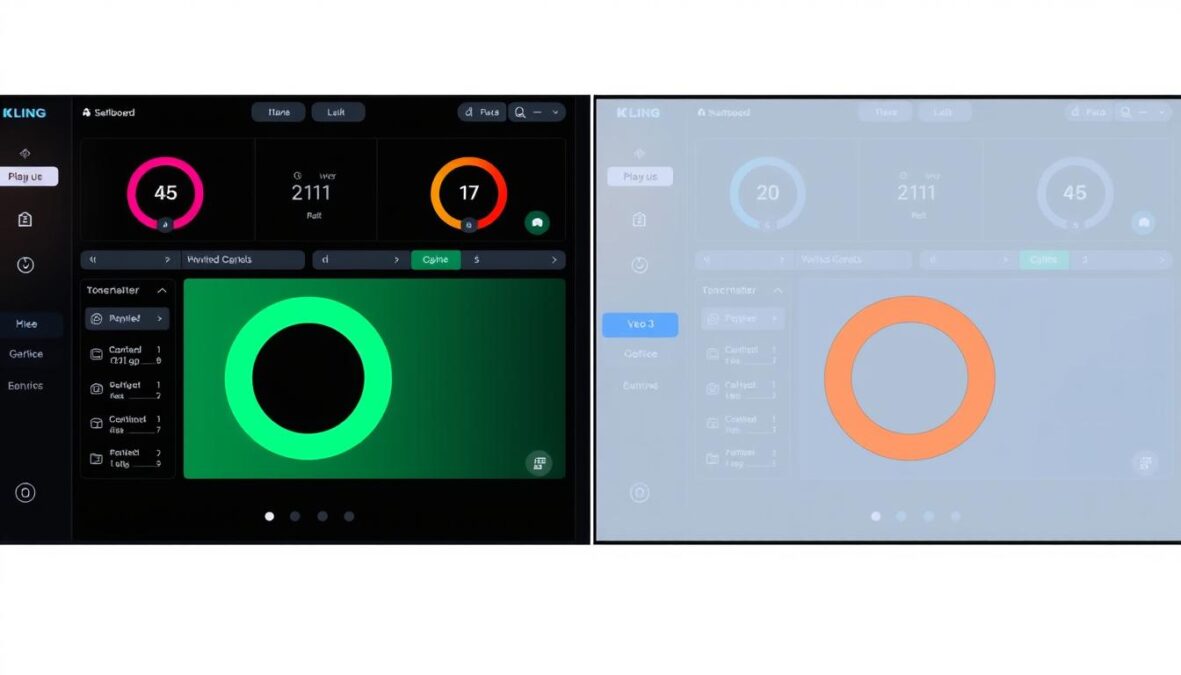
The user interfaces of Kling AI (left) and Google Veo 3 (right) showcase their different approaches to AI video generation
Kling AI 2.1
Kling AI 2.1 represents the latest iteration of ByteDance’s powerful video generation platform. Known for its exceptional image-to-video capabilities and flexible pricing tiers, Kling has built a reputation for delivering high-quality results that balance creative control with accessibility. The platform excels in motion physics, camera movements, and maintaining visual consistency across frames.
Google Veo 3
Google Veo 3 is DeepMind’s cutting-edge text-to-video model that integrates seamlessly with Google’s AI ecosystem. Its standout feature is native audio generation, automatically creating synchronized sound effects and ambient audio. Veo 3 leverages Google’s vast AI research to deliver cinematic quality videos with advanced physics simulation and exceptional prompt adherence.
Video Quality and Resolution Capabilities
When evaluating AI video generators, output quality is often the primary consideration. Both platforms offer impressive results, but with notable differences in their approach to resolution, frame rates, and visual fidelity.

Visual quality comparison between Kling AI (left) and Veo 3 (right) using the same prompt
| Feature | Kling AI 2.1 | Veo 3 |
| Maximum Resolution | 1080p standard, 4K available for premium tiers | 4K for paid users, 720p for free access |
| Frame Rate | 24-30 fps with consistent transitions | 24-30 fps (varies based on prompt complexity) |
| Aspect Ratios | 1:1, 16:9, 9:16 (flexible for different platforms) | 16:9 standard, 9:16 vertical in recent updates |
| Visual Consistency | High, especially with reference images | Very high with strong character/scene coherence |
Resolution and Detail Analysis
Veo 3 generally produces sharper details and more realistic textures at equivalent resolutions, particularly in complex scenes with multiple elements. However, Kling AI compensates with superior motion fluidity and more natural camera movements, creating videos that often feel more cinematic despite potentially lower resolution in standard tiers.
“Veo 3’s 4K output delivers stunning detail in static elements, while Kling 2.1’s strength lies in its natural motion and transitions that feel professionally choreographed.”
Text-to-Video Generation Performance
The core functionality of both platforms is transforming text prompts into compelling video content. Their approaches to prompt interpretation, scene construction, and overall fidelity vary significantly.
Text-to-video generation process comparison between platforms
Prompt Adherence
Veo 3 excels in accurately interpreting complex prompts, thanks to its integration with Google’s Gemini language model. It can handle nuanced descriptions, camera directions, and scene compositions with remarkable precision. Kling AI requires more specific formatting but offers greater control over stylistic elements once you master its prompt structure.
Physics and Motion Simulation
Both platforms have made significant strides in simulating realistic physics:
Kling AI Strengths:
- Superior character animation and natural body movement
- Excellent handling of complex camera movements
- Better representation of weight and momentum in moving objects
- More natural transitions between scenes
Veo 3 Strengths:
- More accurate environmental physics (water, smoke, fire)
- Better handling of lighting and shadows
- Superior depth perception and spatial relationships
- More realistic interaction between multiple elements
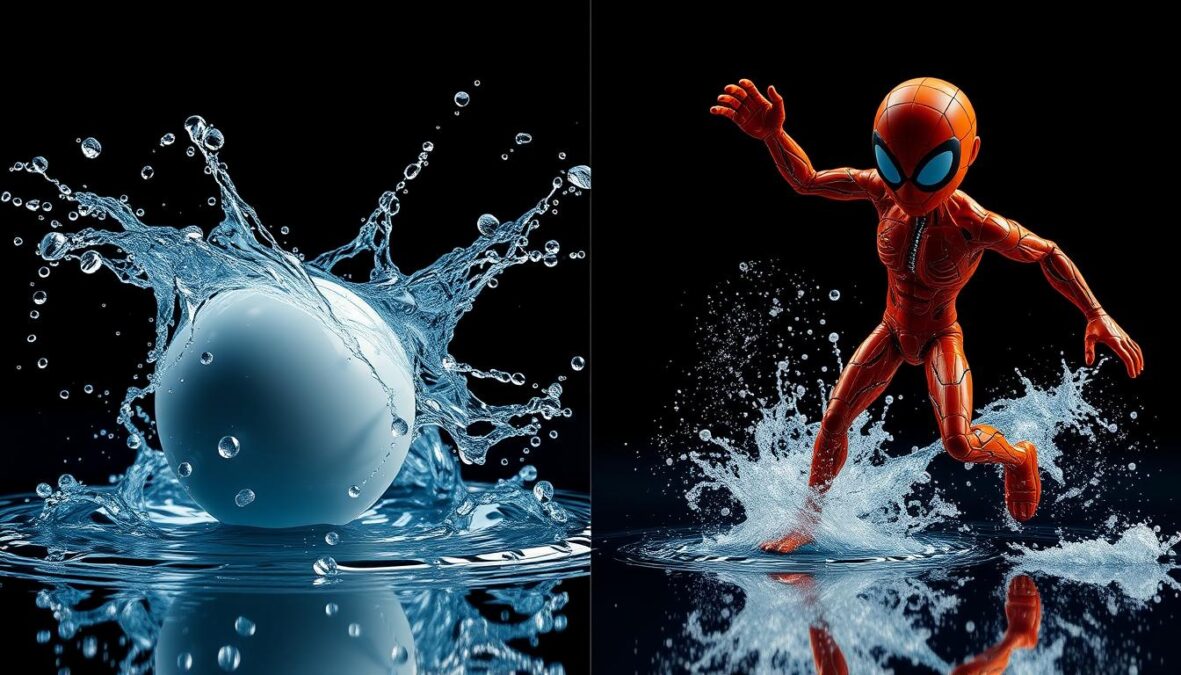
Physics simulation comparison: water effects and object interaction
Audio Integration Capabilities
Perhaps the most significant differentiator between these platforms is their approach to audio integration, with Veo 3 offering a revolutionary built-in solution while Kling requires external tools.
Audio integration capabilities comparison
Veo 3 Audio Integration
- Native audio generation synchronized with video
- Automatic ambient sounds based on scene context
- Background music that matches the mood
- Dialogue capabilities with synchronized lip movements
- No additional editing required for complete videos
Kling AI Audio Limitations
- No built-in audio generation
- Requires third-party tools for sound design
- Manual synchronization needed
- Supports lip-syncing but requires separate audio input
- Additional workflow steps for complete videos
For creators who prioritize a streamlined workflow and don’t want to handle audio separately, Veo 3’s integrated approach offers significant advantages. However, those who prefer more control over their audio mix or already have established sound design processes may not find Kling’s limitations problematic.
Customization and Control Options
Both platforms offer various ways to customize your video output, but their approaches to creative control differ substantially.
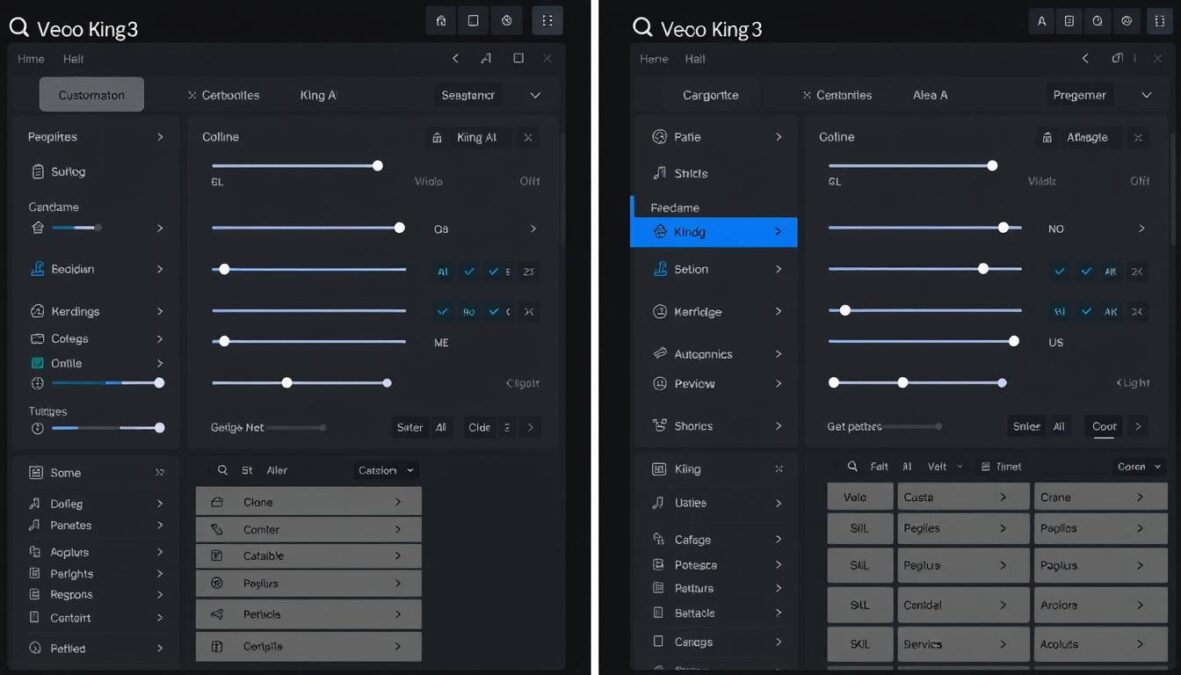
Customization interfaces comparison
Kling AI’s Customization Strengths
Kling AI provides more granular control over specific elements:
- Multi-Element Editor: Precise control over individual objects in a scene
- Motion Brush: Define specific movement patterns for selected elements
- Restyle Feature: Change visual style without regenerating the entire video
- Negative Prompting: Explicitly exclude unwanted elements from generation
- Reference Image Control: Strong adherence to visual references
Veo 3’s Customization Approach
Veo 3 focuses on prompt-driven customization:
- Natural Language Control: Describe desired changes in plain English
- Cinematic Parameters: Specify camera angles, lighting, and mood through text
- Audio Direction: Control sound elements through descriptive prompts
- Scene Extension: Seamlessly extend generated clips
- Background Modification: Easily swap environments while maintaining subjects
“Kling AI offers a more traditional editing-style approach to customization, while Veo 3 embraces a conversational, prompt-based workflow that feels more intuitive but potentially less precise.”
Processing Speed and Generation Times
In production environments, generation speed can be as important as quality. Both platforms have made significant improvements in processing efficiency, but with different approaches to balancing speed and quality.
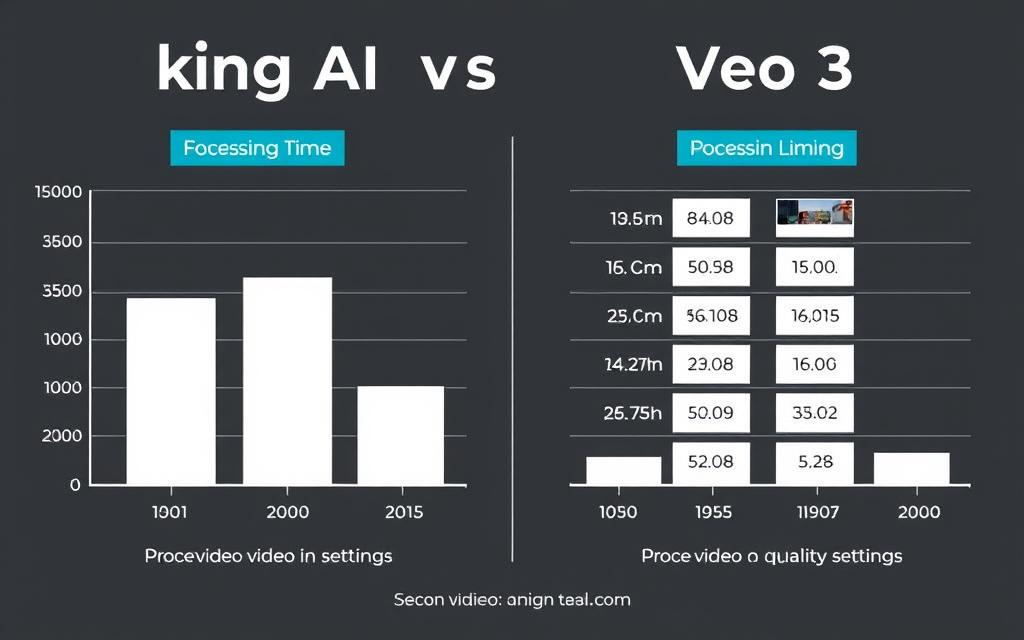
Processing time comparison across different video lengths and quality settings
Generation Speed Comparison
| Platform | Standard Mode | Fast/Turbo Mode | Factors Affecting Speed |
| Kling AI 2.1 | 3-5 minutes for complex videos | ~1 minute with Turbo mode | Prompt complexity, resolution, subscription tier (premium users get priority) |
| Veo 3 | 1-2 minutes for standard quality | Under 1 minute with Fast mode | Server load, prompt complexity, audio integration, resolution |
Quality vs. Speed Tradeoffs
Both platforms offer accelerated generation modes that sacrifice some quality for speed:
- Veo 3 Fast Mode: Reduces credit consumption by 80% (20 credits vs. 150) with minimal quality reduction
- Kling Turbo Mode: Prioritizes speed with some compromise in detail and motion smoothness
For time-sensitive projects like social media content or rapid prototyping, both platforms’ fast modes deliver acceptable quality with significantly reduced wait times. For premium content requiring maximum fidelity, standard modes remain the better choice.
User Interface and Ease of Use
The learning curve and overall user experience can significantly impact productivity, especially for teams or individuals without technical backgrounds.
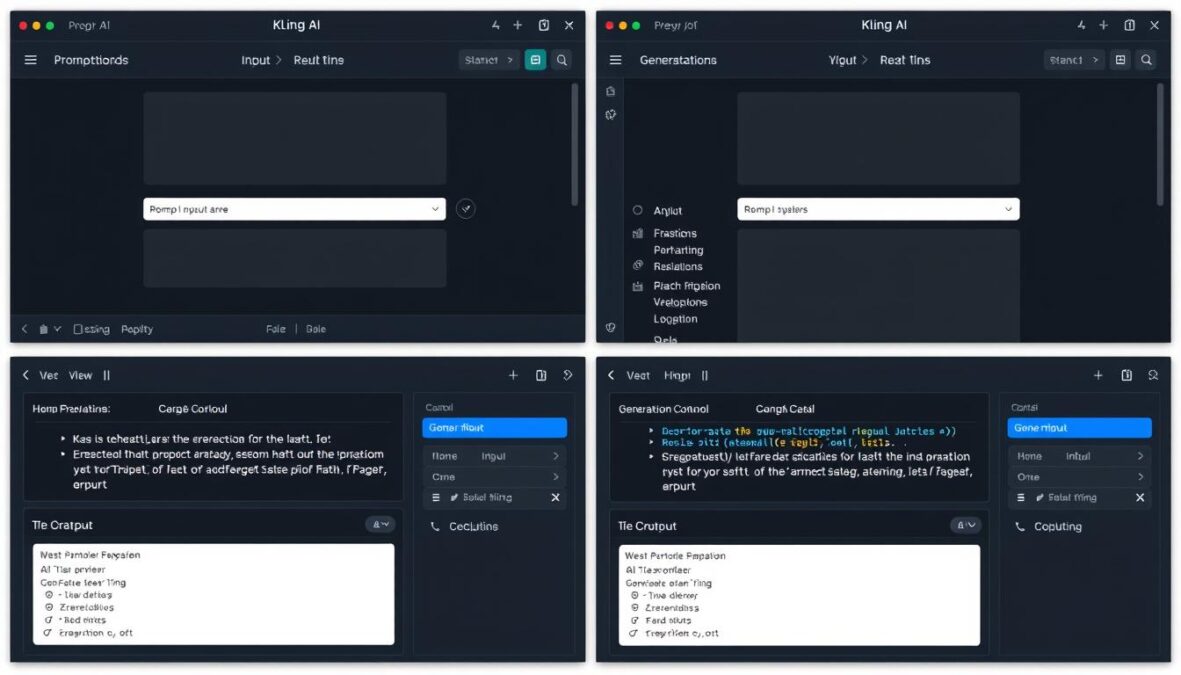
User interface comparison highlighting key workflow differences
Platform Accessibility
Kling AI Interface
- Custom web platform with mobile apps available
- More traditional editing-style interface
- Steeper learning curve but more precise control
- Some interface elements primarily in Chinese
- Comprehensive documentation available
Veo 3 Interface
- Integrated with Google Flow and Gemini ecosystem
- Conversation-style prompt interface
- More intuitive for beginners
- Clean, minimalist design
- Limited to English language currently
Veo 3’s integration with Google’s ecosystem provides a more streamlined experience for users already familiar with Google products. Kling AI offers a more standalone experience with greater flexibility but requires more time to master fully.
Video Length and Duration Capabilities
The maximum duration of generated videos is a critical consideration for many projects, with significant differences between the platforms.
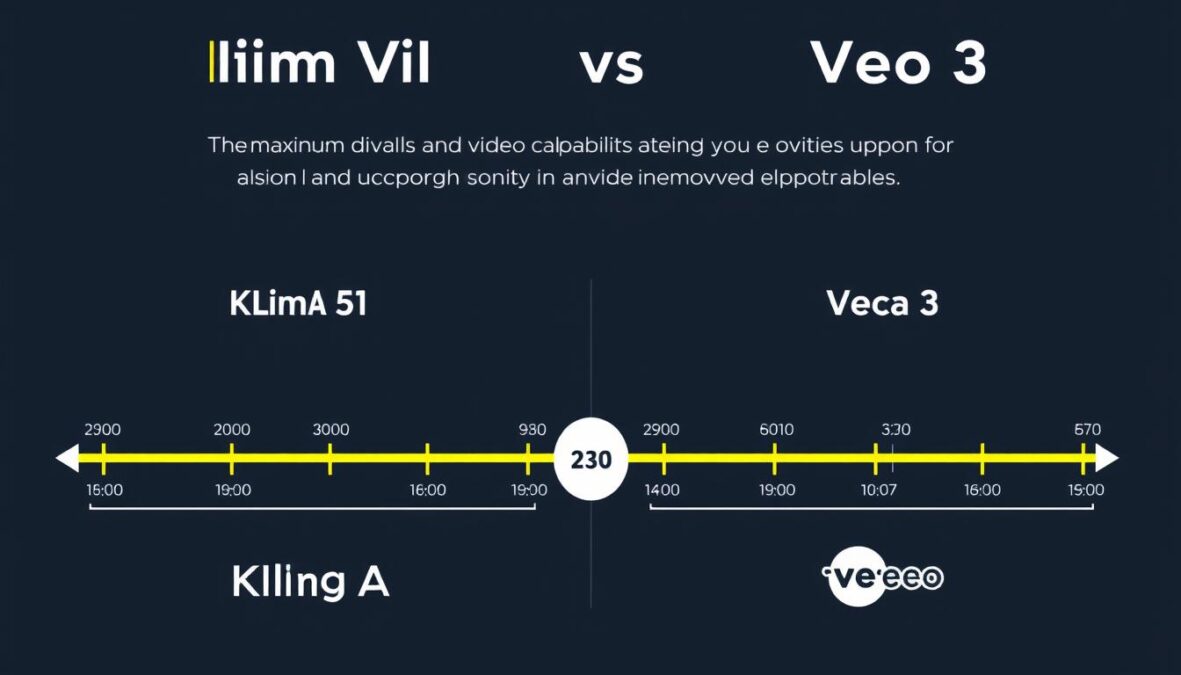
Maximum video duration comparison
Duration Limitations
- Kling AI: Up to 10 seconds per clip standard, extendable to 2-3 minutes with the “Extend” feature
- Veo 3: Limited to 8 seconds per generation, requires third-party tools for extension
For longer-form content, Kling AI currently offers a significant advantage with its native extension capabilities. Veo 3 users need to employ additional tools or techniques to chain multiple clips together for extended narratives.
Pro Tip: For longer videos with Veo 3, use the last frame of your first clip as a reference image for your next generation to maintain visual consistency across multiple segments.
Pricing Structure Comparison
Cost considerations are often decisive when choosing between AI video platforms, especially for regular content production needs.
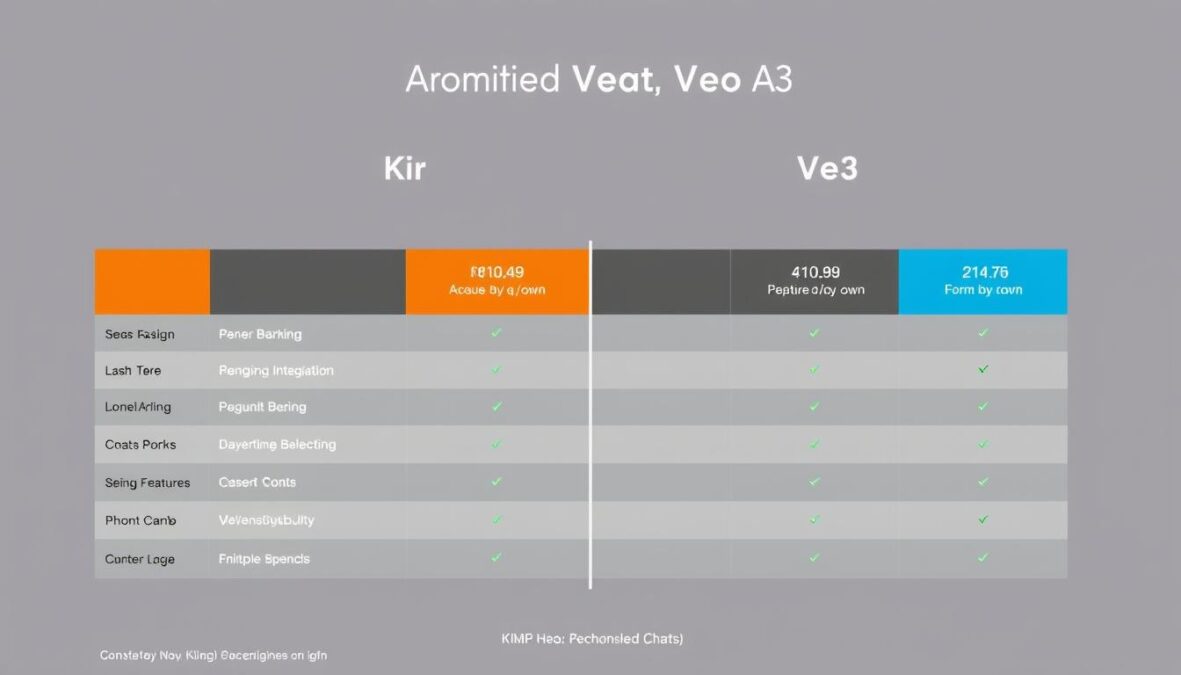
Pricing tier comparison between platforms
Kling AI Pricing Model
- Free Tier: 66 daily credits for basic access
- Standard Plan: $10/month with 660 monthly credits
- Premier Plan: $92/month with 8,000 monthly credits
- Credit Packs: Available from $50 to $3,500 for flexible usage
- Credit Consumption: 70 credits for Turbo mode, 200 credits for Professional quality
Veo 3 Pricing Model
- Standard Generation: 150 credits per video (100 credits in some platforms)
- Fast Mode: 20 credits per video (80% reduction)
- Monthly Subscription: $249.99 for Google AI Ultra plan with additional daily generations
- Per-Second Pricing: $0.20 per second for video without audio, $0.25 with audio
- Fast Mode Pricing: $0.10 per second without audio, $0.15 with audio
Try Both Platforms with Minimal Investment
Many third-party services offer access to both Kling AI and Veo 3 with lower entry costs than direct subscriptions. These platforms provide a great way to test both technologies before committing.
Target Audience Analysis
Each platform has distinct strengths that make it better suited for specific user groups and use cases.
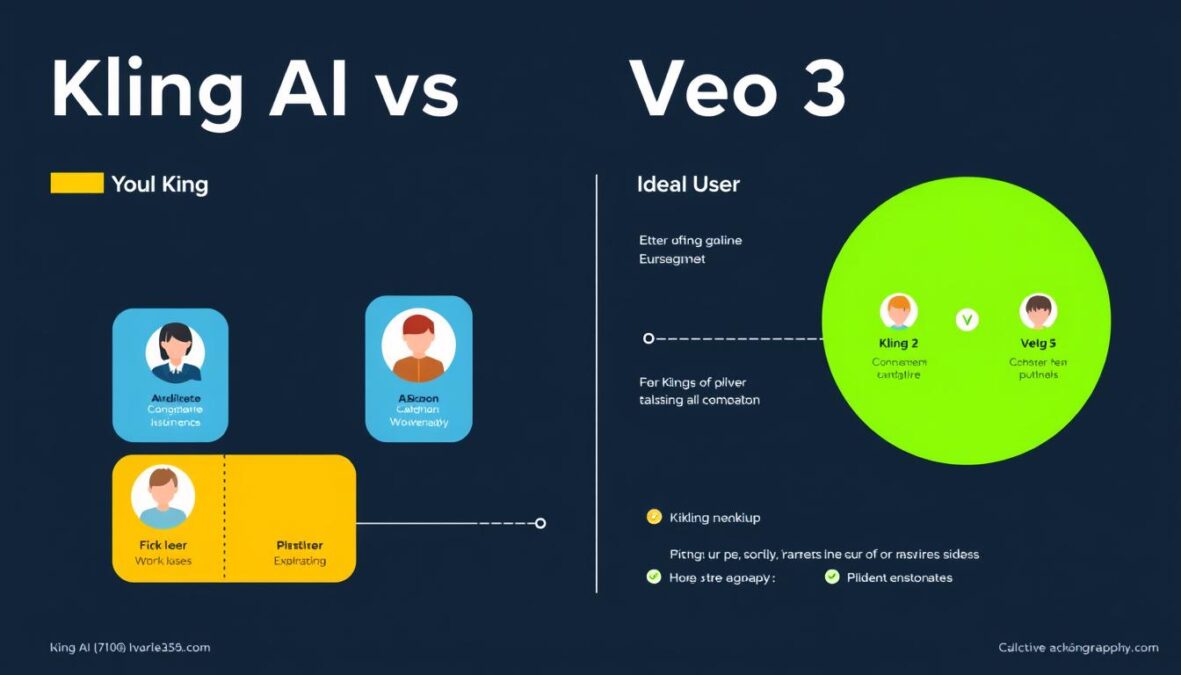
Ideal user profiles for each platform
Ideal Users for Kling AI
- Social Media Content Creators: Benefit from flexible aspect ratios and longer video capabilities
- Budget-Conscious Professionals: More affordable entry points and scaling options
- High-Volume Content Producers: Better economics for multiple daily generations
- Visual Artists: More granular control over aesthetics and motion
- Product Marketers: Superior image-to-video capabilities for product demonstrations
Ideal Users for Veo 3
- Professional Studios: Higher quality output for premium content
- Audio-Visual Content Creators: Integrated audio saves significant production time
- Marketing Agencies: Cinematic quality for client presentations and campaigns
- Educational Content Developers: Natural audio integration for explanatory content
- Google Ecosystem Users: Seamless integration with existing Google workflows
Comprehensive Pros and Cons
Let’s summarize the key advantages and limitations of each platform to help you make an informed decision.
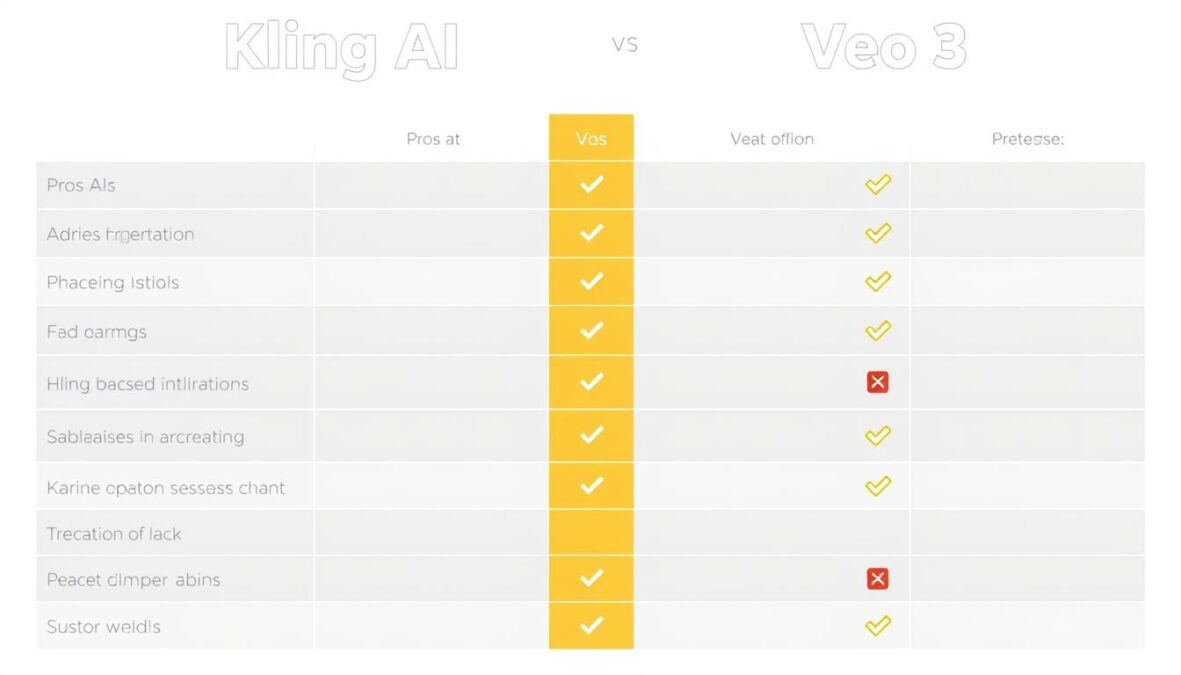
Visual summary of platform strengths and weaknesses
Kling AI Advantages
- More affordable pricing tiers
- Superior image-to-video capabilities
- Longer video duration (up to 3 minutes)
- More flexible aspect ratios for different platforms
- Better motion control and camera movements
- More granular editing capabilities
- Daily free credits for experimentation
Kling AI Limitations
- No native audio generation
- Steeper learning curve
- Some interface elements in Chinese
- Less intuitive prompt system
- Lower resolution in standard tiers
- Less realistic environmental physics
- Longer processing times for complex videos
Veo 3 Advantages
- Integrated audio generation
- Superior text-to-video quality
- Better environmental physics
- More intuitive prompt system
- Faster generation times
- Higher resolution output (4K)
- Seamless Google ecosystem integration
Veo 3 Limitations
- Higher cost structure
- Limited to 8-second clips
- Fewer aspect ratio options
- English-only interface
- Less granular editing control
- US-only availability through Google Flow
- Less flexible for image-to-video conversion
Optimal Use Case Scenarios
Understanding where each platform excels helps you choose the right tool for specific project types.
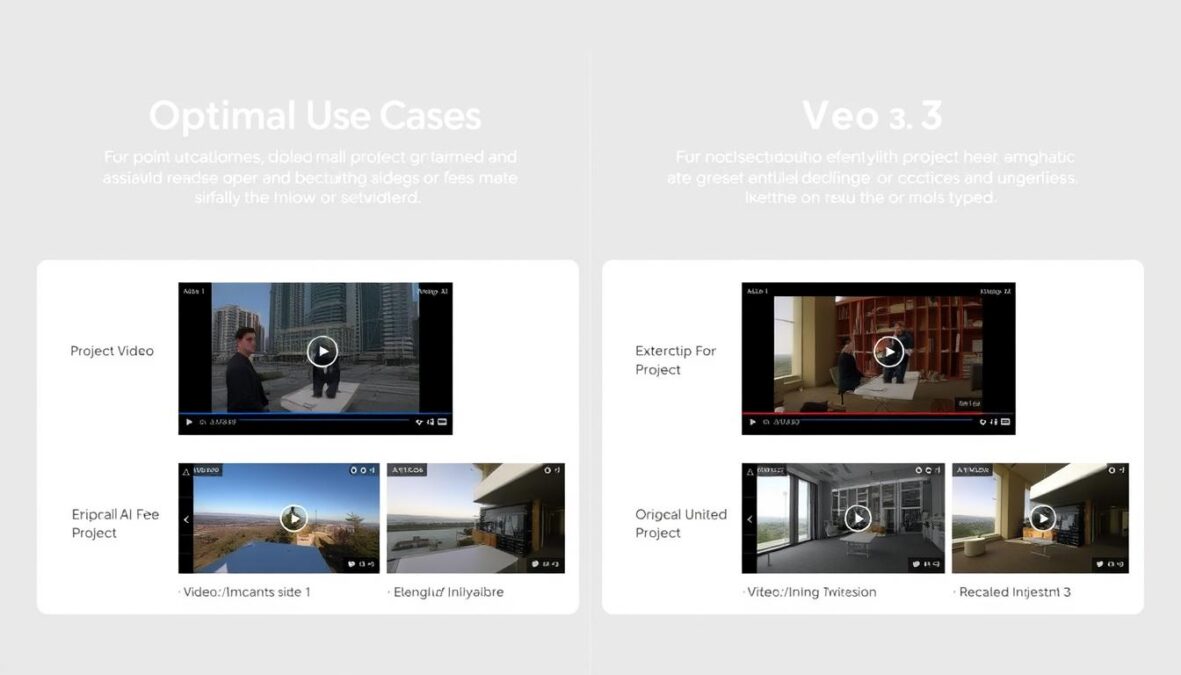
Optimal project types for each platform
When to Choose Kling AI
Social Media Content
Kling’s flexible aspect ratios and longer duration capabilities make it ideal for creating platform-specific content for Instagram, TikTok, and YouTube Shorts.
Product Demonstrations
Superior image-to-video capabilities allow for realistic product animations from existing photography, perfect for e-commerce and product marketing.
High-Volume Production
More cost-effective pricing structure makes Kling the better choice for teams needing to produce multiple videos daily without breaking the budget.
When to Choose Veo 3
Premium Marketing
Superior visual quality and integrated audio make Veo 3 perfect for high-end marketing campaigns where production value is paramount.
Educational Content
Synchronized audio and excellent text-to-video capabilities create seamless explanatory content without additional audio production steps.
Cinematic Storytelling
Superior environmental physics and lighting make Veo 3 better for narrative content with emotional impact and cinematic quality.
Future Development Roadmaps
Both platforms are evolving rapidly, with several anticipated improvements on the horizon.
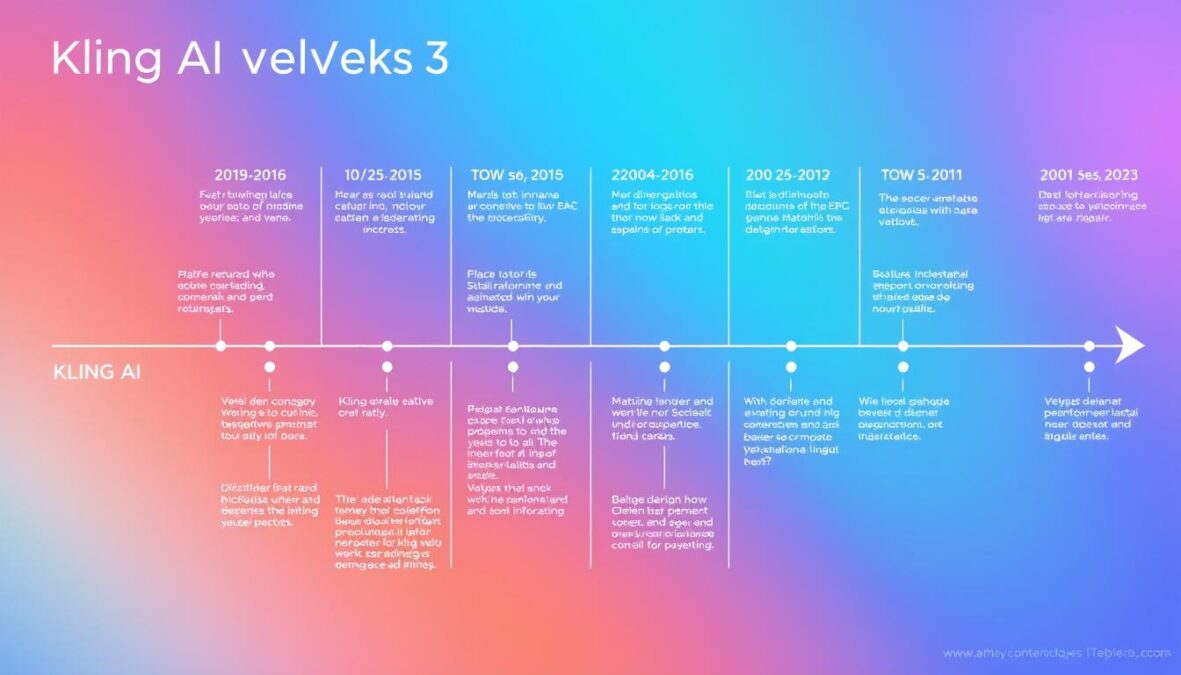
Anticipated feature developments for both platforms
Expected Kling AI Improvements
- Native audio generation capabilities
- Improved English-language interface
- Enhanced environmental physics
- API access for enterprise integration
- Expanded resolution options
Expected Veo 3 Improvements
- Extended video duration capabilities
- More aspect ratio options
- International availability expansion
- More granular editing controls
- Enhanced image-to-video capabilities
As both platforms continue to evolve, the gap between their capabilities is likely to narrow, with each adopting successful features from the other while maintaining their core strengths.
Recommendations for Different User Types
Based on our comprehensive analysis, here are our recommendations for specific user categories.
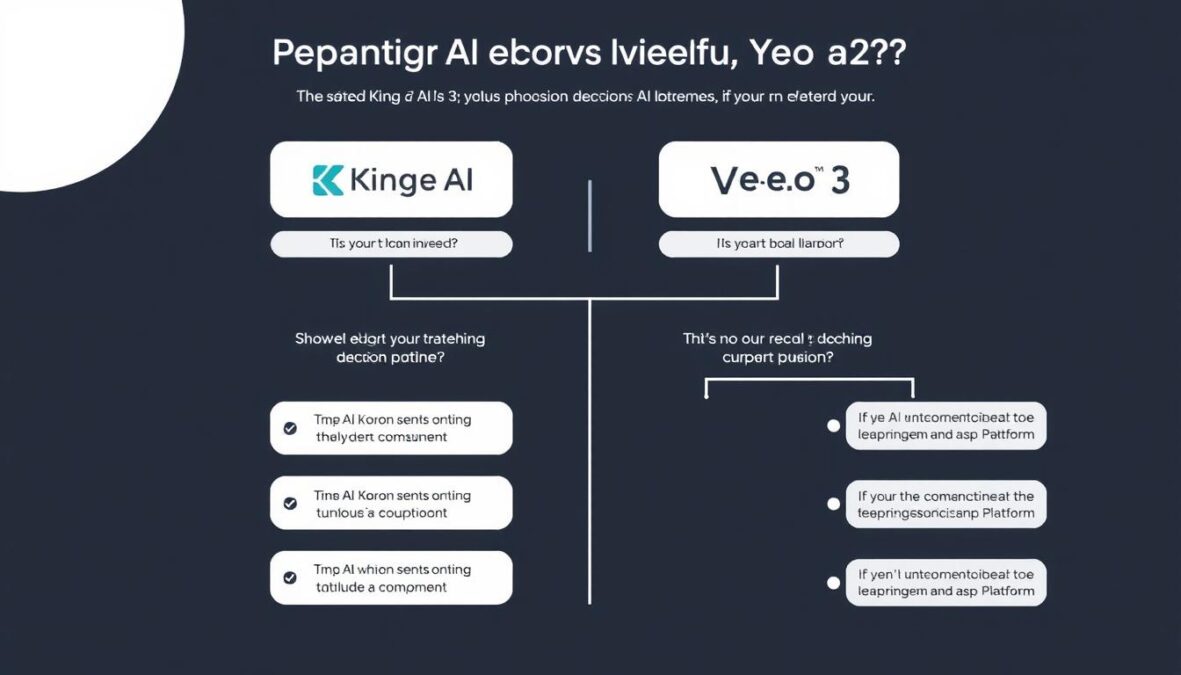
Decision framework for platform selection
For Beginners
If you’re new to AI video generation:
- Limited Budget: Start with Kling AI’s free tier to experiment without financial commitment
- Ease of Use Priority: Veo 3’s intuitive interface may be worth the higher cost
- Learning Recommendation: Begin with simple, short clips before attempting complex scenes
For Professional Content Creators
If you create content regularly:
- Social Media Focus: Kling AI offers better value and format flexibility
- Premium Content: Veo 3’s quality and audio integration justify the higher cost
- Hybrid Approach: Consider using both platforms for different project types
For Businesses
If you’re implementing AI video in a business context:
- Marketing Teams: Veo 3 for hero content, Kling for high-volume social media
- E-commerce: Kling’s image-to-video capabilities excel for product showcases
- Enterprise Integration: Consider API access and ecosystem compatibility
Ready to Transform Your Video Content?
Start creating professional-quality videos with AI today. Both platforms offer ways to begin with minimal investment.
Conclusion: Making Your Final Decision
The choice between Kling AI and Veo 3 ultimately depends on your specific needs, budget constraints, and creative priorities. Both platforms represent the cutting edge of AI video generation technology, with distinct advantages that make them suitable for different use cases.
Kling AI offers a more accessible entry point with flexible pricing, superior image-to-video capabilities, and longer duration videos. It’s ideal for social media content, high-volume production, and budget-conscious creators who don’t mind handling audio separately.
Veo 3 delivers premium quality with integrated audio, superior environmental physics, and seamless Google ecosystem integration. It’s perfect for professional marketing content, educational videos, and situations where audio-visual synchronization is critical.
As both platforms continue to evolve, we recommend experimenting with both if possible to determine which better fits your workflow and output requirements. The AI video generation landscape is changing rapidly, and staying flexible with your tools will help you adapt to new capabilities as they emerge.
Start Creating Amazing AI Videos Today
Whether you choose Kling AI, Veo 3, or both, now is the perfect time to incorporate AI video generation into your creative toolkit.
There are no reviews yet. Be the first one to write one.