
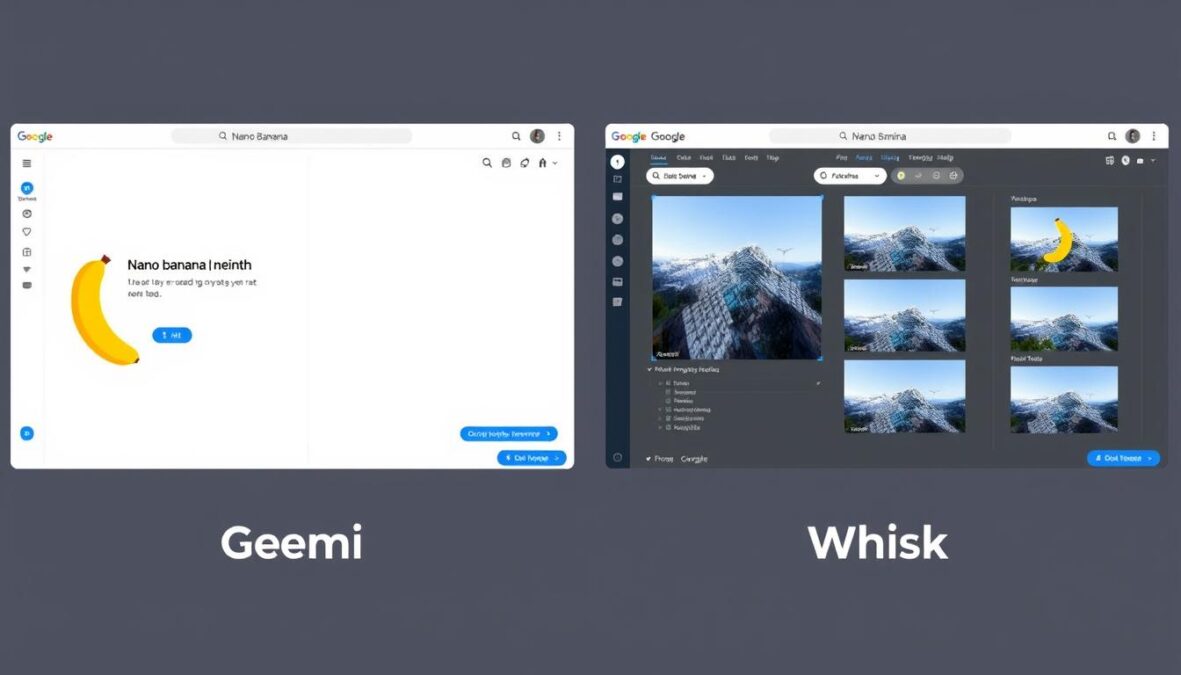
The world of AI image generation is evolving rapidly, with Google introducing powerful tools like Nano Banana and Whisk that are changing how we create and edit images. If you’re confused about the differences between these tools or wondering which one is right for your creative projects, you’re not alone. In this comprehensive guide, we’ll explore what sets nano banana vs whisk apart, their unique features, and how they can work together to enhance your creative workflow.
What Are Nano Banana and Whisk?
Nano Banana and Whisk interfaces side by side
Before diving into the comparison, let’s clarify what these tools actually are, as they’re not kitchen utensils despite their playful names!
Nano Banana
Nano Banana is Gemini’s fast, accessible image-creation model designed for quick, playful, and casual creativity. It excels at blending photos, maintaining character consistency, and making small local edits with minimal effort.
Perfect for transforming selfies, reimagining pictures with fun themes, or combining images creatively, Nano Banana prioritizes speed and simplicity over complex controls.
Whisk
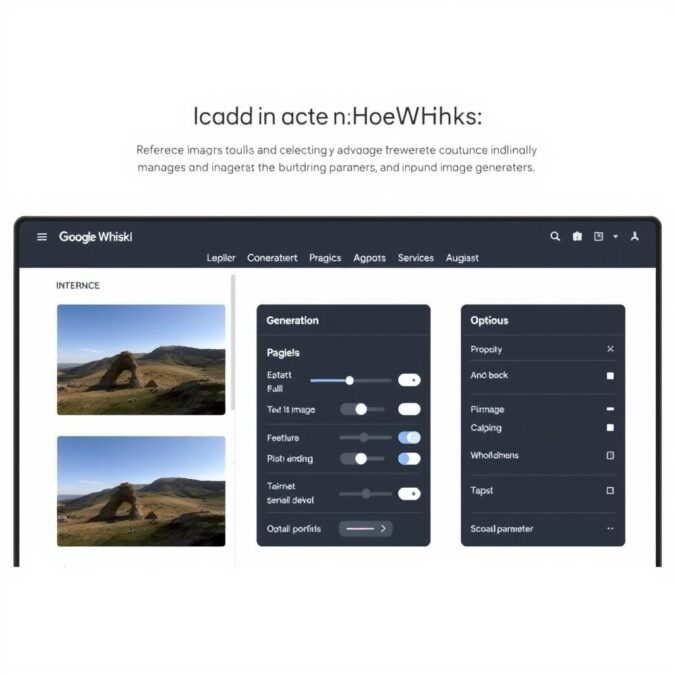
Google Whisk is an AI-powered image generation tool that allows users to input reference images to define the subject, scene, and style of the desired output. Unlike tools that rely solely on text prompts, Whisk emphasizes visual references.
Built on Google’s latest Imagen 3 model, Whisk generates images within seconds, making it ideal for rapid visual exploration and iteration.
Key Differences: Nano Banana vs Whisk
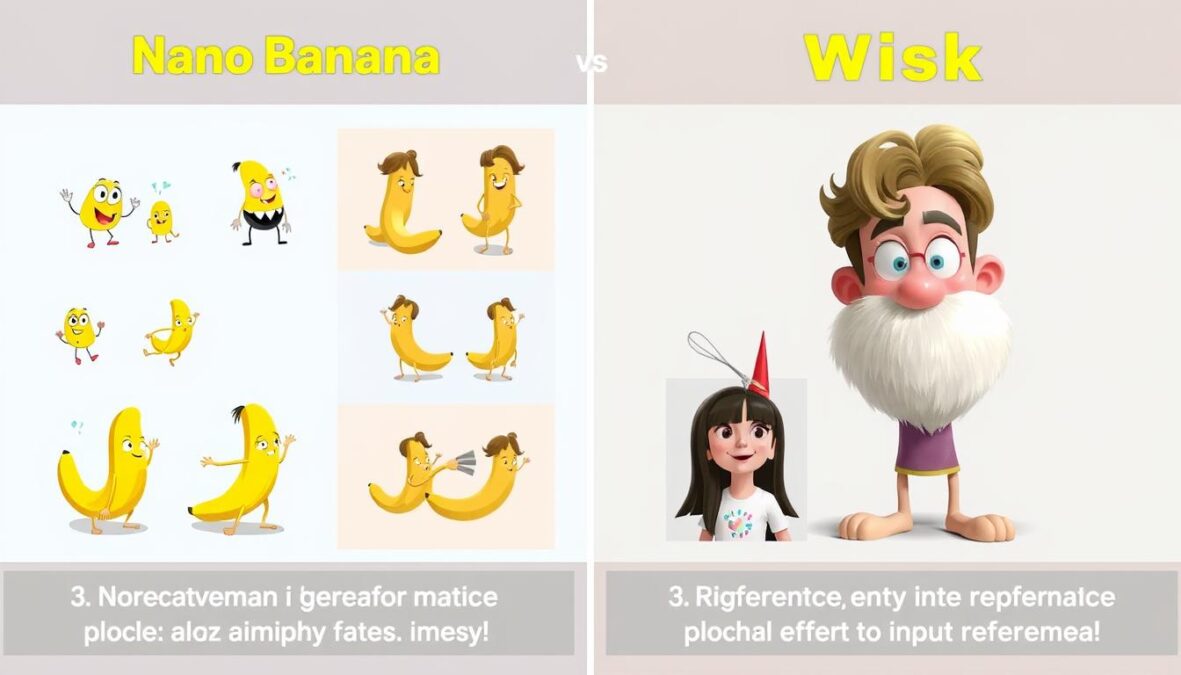
Output comparison: Nano Banana (left) vs Whisk (right)
| Feature | Nano Banana | Whisk |
| Primary Purpose | Quick, fun image transformations | Reference-based image generation |
| Input Method | Text prompts with optional image | Multiple reference images + text |
| Speed | Very fast (seconds) | Fast (seconds to generate) |
| Complexity | Simple, minimal controls | More detailed control options |
| Best For | Casual users, quick edits | Visual artists, specific references |
| Underlying Model | Specialized Gemini model | Imagen 3 |
| Integration | Built into Gemini app | Standalone tool in Google Labs |
Not Sure Which Tool to Try First?
Both tools are free to use with a Google account. Start with Nano Banana for quick, fun edits or Whisk for more reference-based creations.
When to Use Each Tool: Practical Applications
Best Uses for Nano Banana
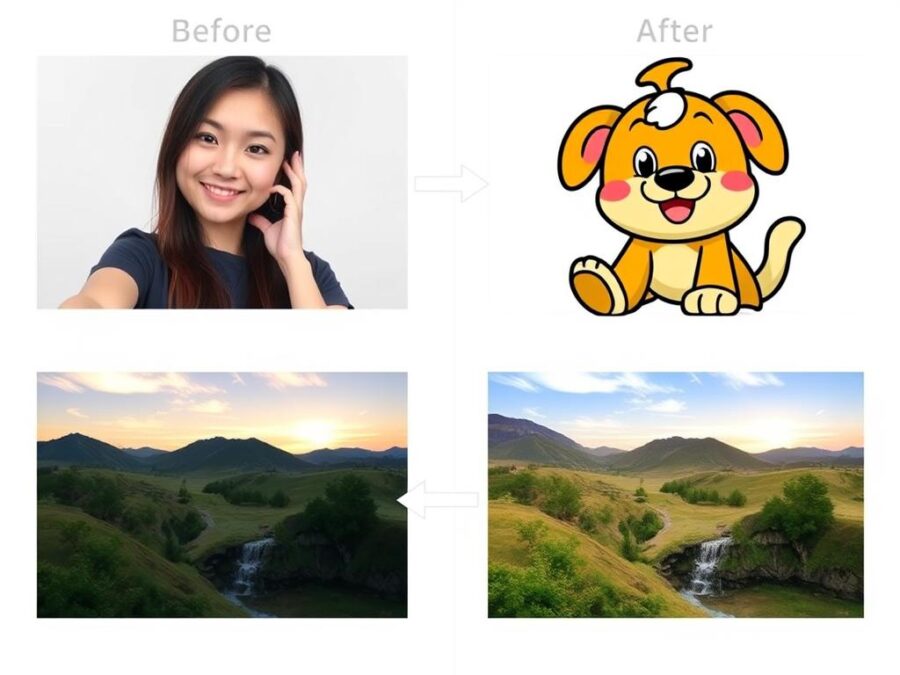
“Nano Banana is perfect when you want quick, fun transformations without getting lost in complex settings. It’s the go-to for casual creativity.”
Try This: Nano Banana Style Transfer
Upload a photo of yourself and ask Nano Banana to “transform me into a cyberpunk character” or “make me look like a renaissance painting.”
Best Uses for Whisk
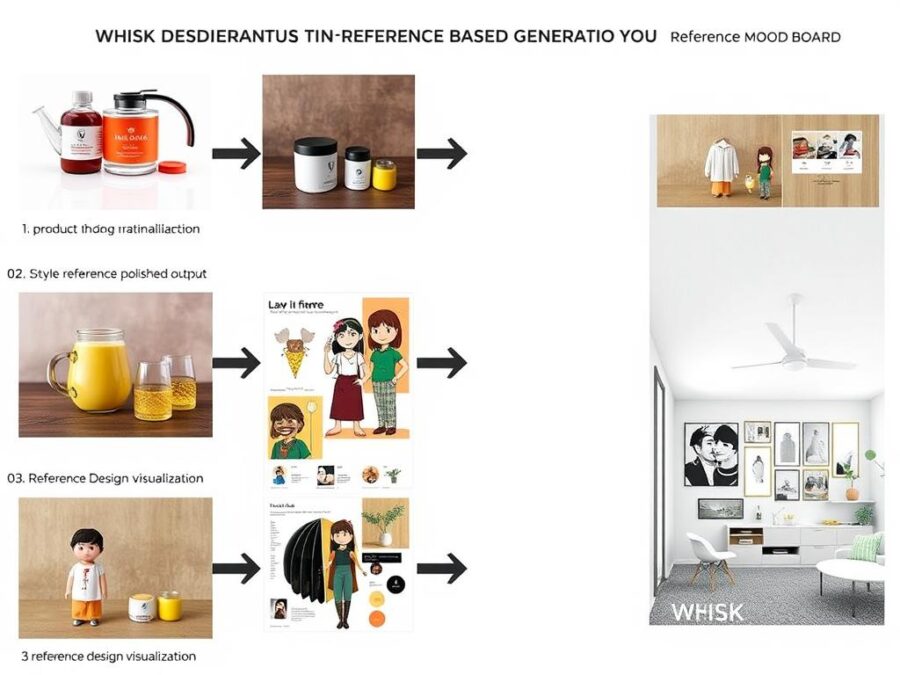
“Whisk’s reference-based approach gives me much more control over the final output. I can show it exactly what I want rather than trying to describe it perfectly.”
Try This: Whisk Reference Mixing
Upload a photo of an object as your subject, a landscape as your scene, and an artwork as your style to see how Whisk combines them.
How to Use Nano Banana and Whisk Together
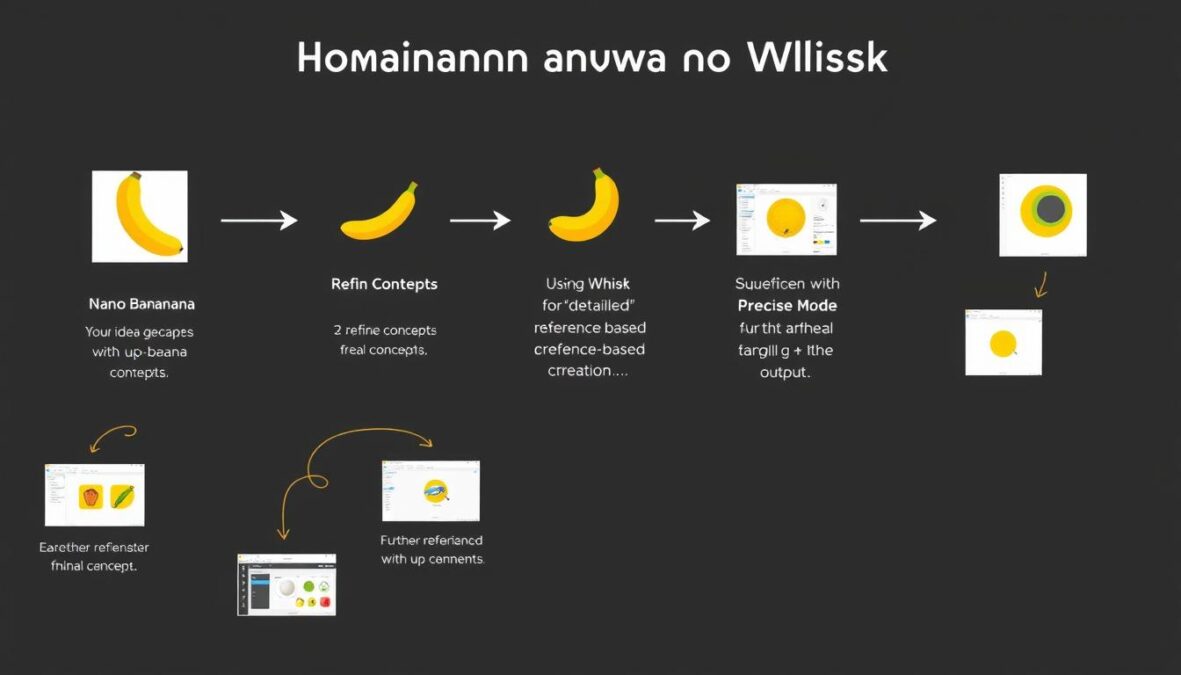
Workflow combining Nano Banana and Whisk for optimal results
The real power comes when you use both tools together in your creative workflow. Here’s how they can complement each other:
Pro Tip: The latest update to Whisk now includes “Precise reference powered by nano-banana” which combines the strengths of both tools. This integration allows for better consistency and control when generating images based on references.
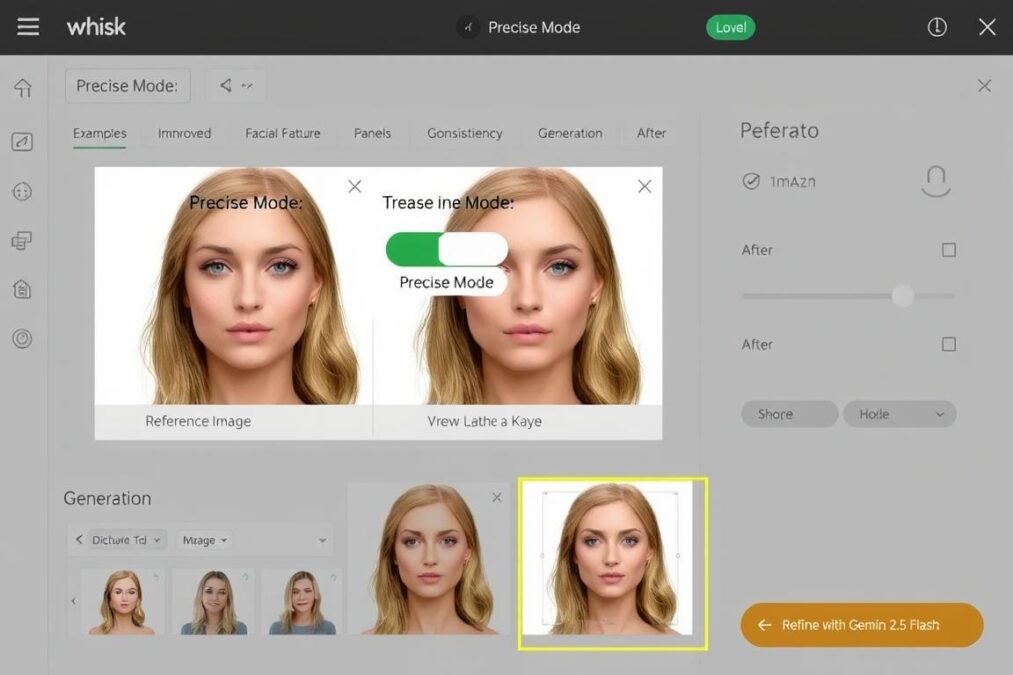
The new Precise Mode in Whisk powered by Nano Banana technology
Ready to Try the Combined Workflow?
Experience the power of using both tools together with the new Precise Mode in Whisk.
Real-World Examples: Nano Banana vs Whisk
Portrait Transformation
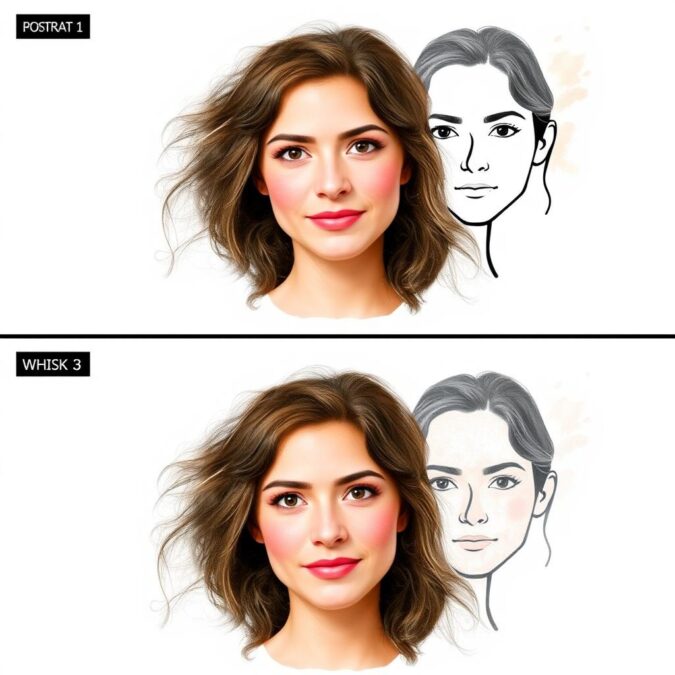
Nano Banana: Quick stylization with simplified features
Whisk: Detailed transformation with better preservation of facial features
Product Visualization
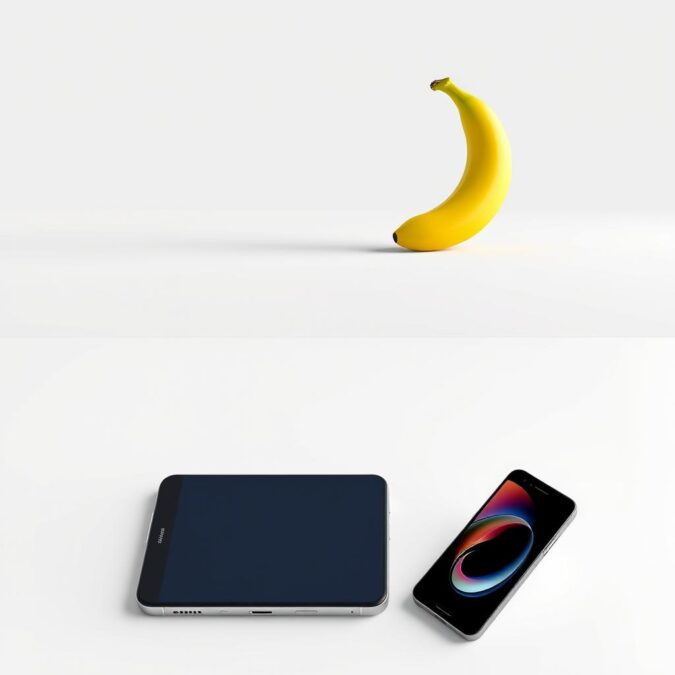
Nano Banana: Conceptual, stylized product rendering
Whisk: Photorealistic product visualization with detailed lighting
Scene Composition
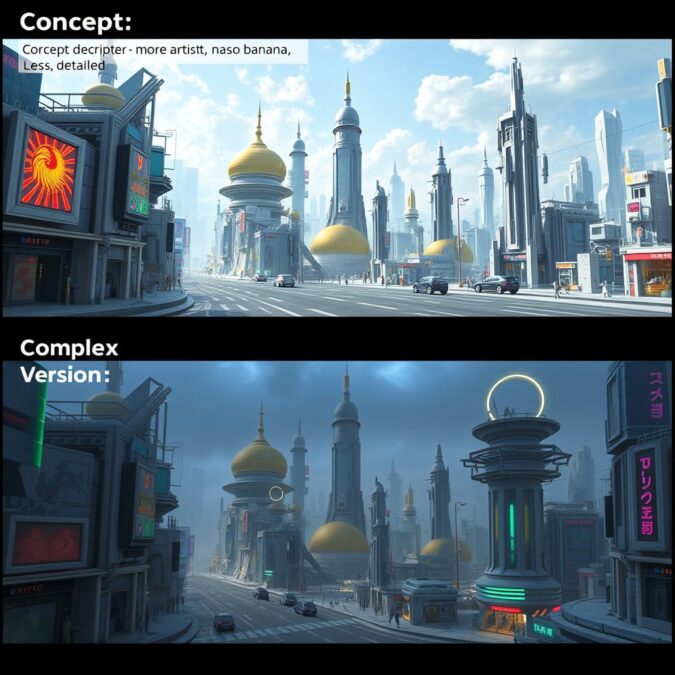
Nano Banana: Creative interpretation with artistic freedom
Whisk: Complex scene with better spatial relationships and lighting
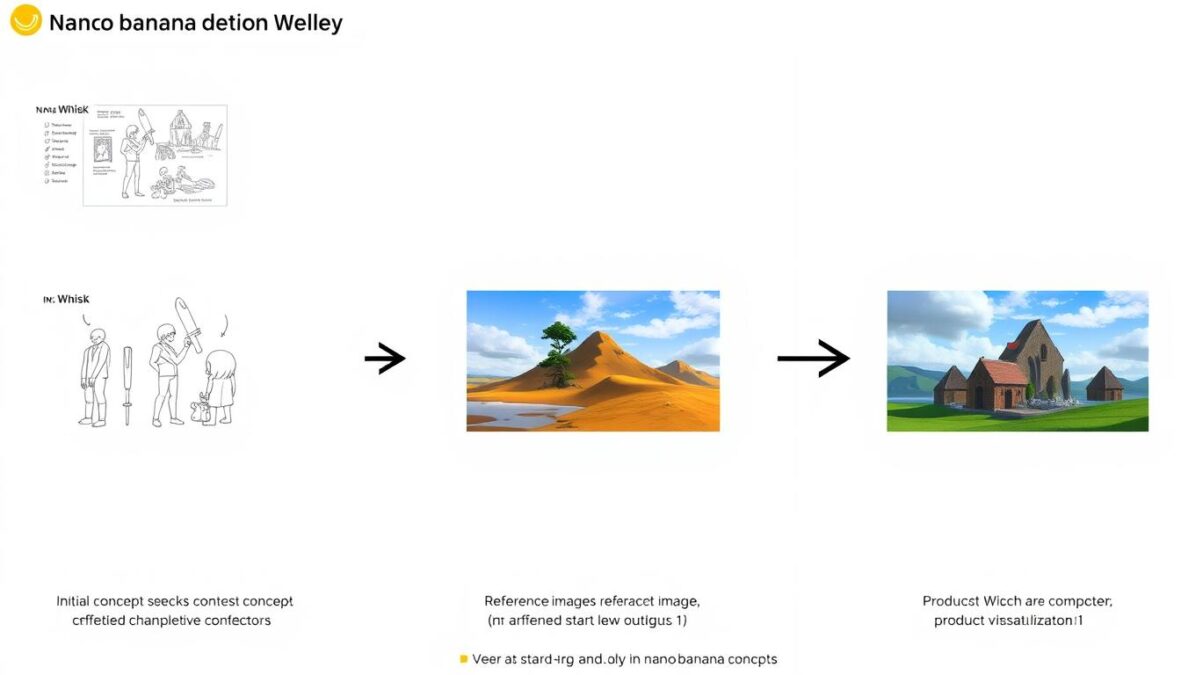
Progression from Nano Banana concepts to refined Whisk outputs
Nano Banana Strengths
- Extremely fast generation
- Simple, intuitive interface
- Perfect for quick creative experiments
- Built directly into Gemini
- Great for beginners
Whisk Strengths
- Reference-based for precise control
- Better detail preservation
- More professional-looking results
- Precise Mode for fine-tuning
- Better for serious creative work
Frequently Asked Questions About Nano Banana vs Whisk
Are Nano Banana and Whisk free to use?
Yes, both tools are currently free to use with a Google account. Whisk is available through Google Labs, while Nano Banana is accessible through the Gemini app.
Can I use images created with these tools commercially?
Usage rights for AI-generated images can be complex. Currently, Google allows personal use of images created with these tools, but you should review Google’s latest terms of service for commercial usage guidelines.
How is Precise Mode different from regular Whisk?
Precise Mode in Whisk is powered by Nano Banana technology and gives you greater control over preserving facial features, scenes, and styles in your creations. It’s especially useful when you need consistency across multiple generated images.
Do I need special hardware to run these tools?
No, both Nano Banana and Whisk run in the cloud through your web browser or the Gemini app. The processing happens on Google’s servers, so you don’t need a powerful computer or specialized hardware.
Which tool is better for beginners?
Nano Banana is generally more beginner-friendly due to its simpler interface and integration with Gemini. Whisk offers more control but has a slightly steeper learning curve with its reference-based approach.
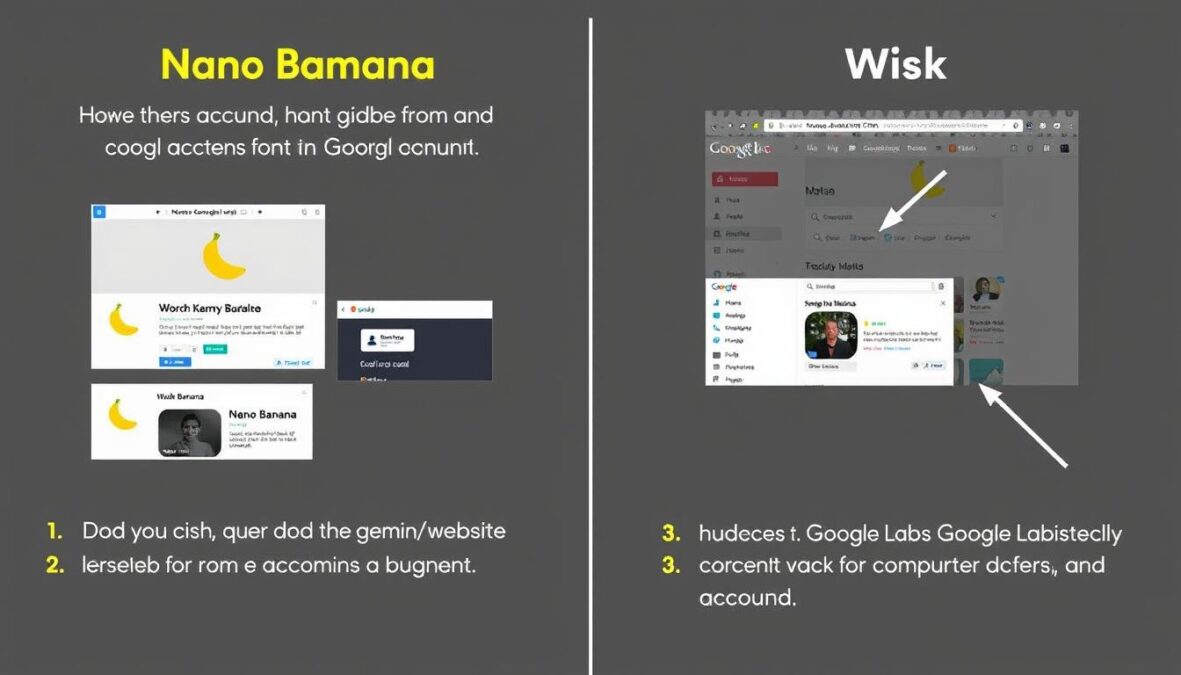
How to access both Nano Banana and Whisk from your Google account
Conclusion: Choosing Between Nano Banana and Whisk
In the nano banana vs whisk comparison, there’s no clear “winner” – each tool serves different purposes in the creative process. Nano Banana excels at quick, fun transformations with minimal effort, making it perfect for casual users and rapid ideation. Whisk provides more control through its reference-based approach, making it ideal for more serious creative work where precision matters.
The best approach is to use both tools as part of your creative workflow: start with Nano Banana for quick concept exploration, then move to Whisk for refinement and precision. With the new Precise Mode in Whisk powered by Nano Banana technology, Google is already working to combine the strengths of both tools.
As AI image generation continues to evolve, we can expect even more integration between these tools, making the creative process more intuitive and powerful. Whether you’re a casual creator or a professional designer, both Nano Banana and Whisk offer exciting possibilities for your visual projects.
Ready to Start Creating?
Try both tools today and discover which works best for your creative needs.
Explore the creative possibilities with both Nano Banana and Whisk
There are no reviews yet. Be the first one to write one.