
Design tools have transformed dramatically over recent years. Traditional methods once required hours of manual work. Now AI changes everything. Uizard stands at this intersection of artificial intelligence and user interface design.
This comprehensive Uizard AI review examines the platform’s capabilities in 2026. We tested every feature thoroughly. Our goal is helping you decide if Uizard fits your design workflow.
Whether you create mobile apps, websites, or digital products, understanding modern design tools matters. The right software saves time and improves product quality. Poor choices waste resources and frustrate teams.
What Is Uizard AI and How Does It Work
Uizard represents a new generation of design tools powered by artificial intelligence. The platform enables users to create app and website interfaces without traditional design skills. Using Uizard feels different from conventional software.
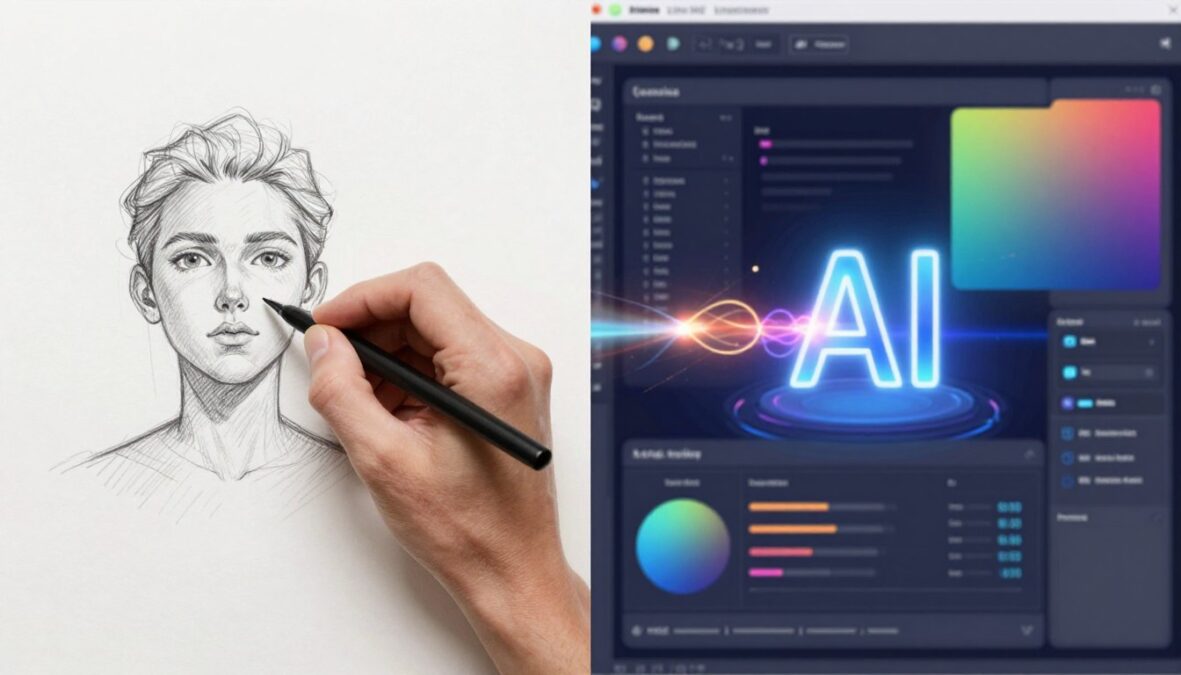
The tool transforms simple inputs into professional designs. You can sketch ideas on paper, take a photo, and watch AI convert it into editable screens. Text descriptions generate complete interfaces. Screenshot imports become editable templates.
Core Technology
Uizard’s AI engine processes visual information rapidly. Machine learning algorithms recognize design patterns. The system understands common interface elements like buttons, forms, and navigation menus.
Natural language processing interprets text descriptions. Computer vision analyzes images and sketches. These technologies work together seamlessly.
Primary Use Cases
Product teams use Uizard for rapid prototyping. Startup founders visualize ideas quickly. Marketing professionals create landing page concepts. Non-designers communicate visual concepts effectively.
The tool bridges communication gaps between technical and non-technical team members. Everyone participates in the design process regardless of skill level.
The platform operates entirely in web browsers. No downloads or installations required. Projects save automatically to the cloud. Collaboration happens in real time with team members accessing the same project simultaneously.
Uizard distinguishes itself through accessibility. Traditional design tools demand months of learning. This platform reduces that timeline to hours. The interface feels intuitive even for first-time users.
Key Features and Capabilities of Uizard AI
Uizard packs numerous features into its platform. Each tool serves specific design needs. Understanding these capabilities helps maximize the value of your subscription.
AI-Powered Design Generation
The text-to-design feature stands out most prominently. Users describe desired interfaces in plain language. The AI interprets these descriptions and generates complete screen designs. This functionality transforms abstract ideas into visual concepts rapidly.
You might write: “Create a fitness app homepage with workout tracking and progress charts.” Uizard produces a relevant design within seconds. The output includes appropriate elements, layouts, and visual hierarchy.
Screenshot to Editable Design
This feature converts existing interfaces into editable projects. Upload screenshots from websites or applications. Uizard analyzes the image and recreates it as an editable design. All elements become adjustable and customizable.
The functionality saves tremendous time when redesigning existing products. No need to rebuild interfaces from scratch. Simply import and modify what already exists.
Hand-Drawn Sketch Recognition
Uizard transforms paper sketches into digital designs. Photograph your hand-drawn wireframes. Upload them to the platform. The AI recognizes elements and converts them into clean digital screens.
This bridges the gap between ideation and execution. Many designers prefer sketching initial concepts on paper. Uizard digitizes these ideas without manual recreation.
Template Library
Hundreds of pre-built templates cover common use cases. Mobile apps, websites, dashboards, and marketing materials all have starting points. Templates accelerate project initiation significantly.
Each template category includes multiple style variations. Choose foundations that match your project vision. Customize freely from there.
Component Library
Thousands of pre-designed interface elements populate the component library. Buttons, forms, cards, navigation bars, and icons all exist ready for use. Drag and drop elements into your designs.
Components maintain consistency across screens. Modify one instance and update all occurrences simultaneously. This feature ensures design system coherence.
Real-Time Collaboration Tools
Multiple team members work on projects simultaneously. Everyone sees changes as they happen. Comment threads attach directly to design elements. Feedback becomes contextual and clear.
Version history tracks all modifications. Revert to previous states whenever needed. This eliminates fear of experimental changes.

Prototyping and Interactions
Static designs become interactive prototypes. Define clickable areas and navigation flows. Users test product experiences before development begins. This validates concepts and identifies usability issues early.
The prototyping tool includes various transition effects. Customize animations and interactions. Share prototypes with stakeholders through simple links. No special software required to view and test.
Design Systems and Themes
Create and maintain design systems within Uizard. Define color palettes, typography scales, and spacing standards. Apply themes consistently across all project screens.
Theme switching happens instantly. Test different visual directions without rebuilding designs. This functionality supports brand exploration and client presentations.
Export and Handoff Options
Completed designs export in multiple formats. PNG images for presentations. PDF documents for documentation. CSS code for developer handoff. The platform generates specifications automatically.
Developer handoff includes measurements, colors, and asset exports. This streamlines the transition from design to implementation. Developers receive all necessary information without asking designers repeatedly.
Ready to Transform Your Design Workflow?
Experience how AI-powered design can save hours of manual work. Start creating professional interfaces today with Uizard’s free trial.
Pricing Plans and Options Available in 2026
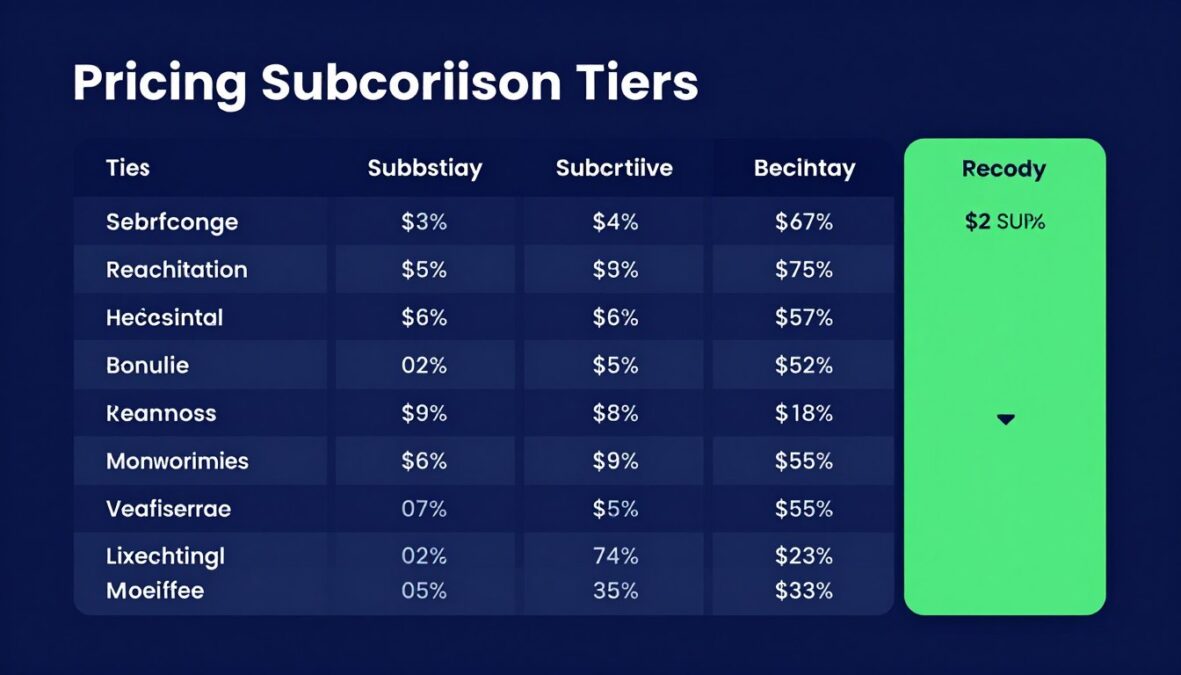
Uizard offers tiered pricing to accommodate different user needs. Understanding each plan helps determine the best value for your specific requirements. Pricing reflects the significant functionality and time savings the tool provides.
Free Plan
The free tier provides access to core features. Users create up to two projects. AI generation credits limit to ten per month. Templates and basic components remain available.
This plan suits individuals exploring the platform. Students and hobbyists find adequate functionality for learning and small projects. The free option lets you test Uizard before committing financially.
Free Plan Limitations: Limited projects, restricted AI credits, basic export options, no team collaboration features, Uizard branding on exports.
Pro Plan
The Pro subscription costs $12 per month when billed annually, or $19 monthly. This tier removes most limitations. Users create unlimited projects with significantly more AI generation credits.
Advanced features become accessible at this level. Premium templates expand design possibilities. Component libraries grow substantially. Export options include high-resolution formats without branding.
- Unlimited projects and screens
- 200 AI generation credits monthly
- Access to all templates and components
- High-resolution exports without watermarks
- Priority customer support
- Advanced prototyping features
- Design system tools
Most individual designers and freelancers find this plan sufficient. The price point balances functionality with affordability. Pro plan value increases for users creating multiple projects monthly.
Business Plan
Business tier pricing starts at $39 per user monthly. This plan targets professional teams and organizations. Collaboration features expand significantly. Administrative controls help manage multiple users.
Unlimited AI credits remove generation restrictions entirely. Advanced security options protect sensitive designs. Priority support includes faster response times and dedicated assistance.
Business Plan Features
- Everything in Pro plan
- Unlimited AI generation credits
- Advanced team collaboration
- User permission controls
- Centralized billing
- Enhanced security options
- Dedicated account manager
- Custom integrations support
- Advanced analytics
Best For
The Business plan serves product teams, design agencies, and enterprises. Organizations with multiple designers benefit from centralized management. Companies requiring enhanced security find necessary protections.
Team collaboration features justify the higher cost. Shared component libraries maintain design consistency. Centralized billing simplifies expense tracking.
Enterprise Solutions
Large organizations with specific needs access custom enterprise packages. Pricing varies based on requirements. Contact Uizard’s sales team for tailored solutions.
Enterprise offerings include everything in Business plans plus custom features. Dedicated support teams assist with implementation. Training programs help teams adopt the platform effectively.
Educational Discounts: Students and educators qualify for special pricing. Verify academic status for discounted access to Pro features. This supports learning and skill development.
Comparing Value Across Plans
| Feature | Free | Pro | Business |
| Projects | 2 projects | Unlimited | Unlimited |
| AI Credits Monthly | 10 credits | 200 credits | Unlimited |
| Templates | Basic | All templates | All templates |
| Team Collaboration | No | Limited | Advanced |
| Export Quality | Standard with branding | High-resolution | High-resolution |
| Support | Community | Priority email | Dedicated support |
| Monthly Cost | $0 | $12-19 | $39+ |
Choosing the right plan depends on usage frequency and team size. Individual designers often find Pro plans sufficient. Growing teams benefit from Business tier collaboration. Enterprises require custom solutions with dedicated support.
Annual billing saves approximately 37% compared to monthly payments. This discount rewards commitment and reduces overall software costs. Most users billing annually find better value long-term.
Pros and Cons of Using Uizard AI
Every tool has strengths and limitations. Understanding both helps set realistic expectations. This section provides balanced perspective based on extensive testing and user reviews.

Advantages
- Rapid Design Creation: Generate complete interfaces in minutes rather than hours. The time savings prove substantial for iterative work.
- Accessibility for Non-Designers: Team members without design backgrounds create professional mockups. This democratizes the design process.
- AI-Powered Innovation: Text-to-design and sketch recognition features feel genuinely revolutionary. These tools change how we approach interface creation.
- Extensive Template Library: Hundreds of starting points accelerate project beginnings. Templates cover diverse industries and use cases.
- Intuitive Interface: The learning curve remains remarkably gentle. Most users become productive within hours rather than weeks.
- Real-Time Collaboration: Teams work together seamlessly. Remote design sessions feel natural and productive.
- Cloud-Based Convenience: Access projects from any device with internet. No software installations or updates required.
- Regular Feature Updates: The platform evolves consistently. New capabilities appear frequently based on user feedback.
- Affordable Entry Point: Free plan allows meaningful exploration. Pro pricing remains competitive compared to alternatives.
- Strong Component Library: Thousands of pre-built elements save time. Drag-and-drop functionality feels smooth and responsive.
Disadvantages
- Limited Design Customization: Advanced designers may find constraints frustrating. Pixel-perfect control proves challenging compared to traditional tools.
- AI Generation Inconsistency: Results vary in quality and relevance. Sometimes outputs require significant manual refinement.
- Learning Curve for AI Features: Writing effective prompts takes practice. Achieving desired results requires understanding AI limitations.
- Internet Dependency: Cloud-only functionality means offline work remains impossible. Slow internet connections impact user experience.
- Export Limitations: Some export formats lack precision developers need. Code generation requires verification and adjustment.
- Free Plan Restrictions: Generous compared to competitors but limiting for serious projects. AI credit constraints become noticeable quickly.
- Less Control Than Professional Tools: Figma and Adobe XD offer more granular control. Experienced designers may feel constrained.
- Occasional Performance Issues: Complex projects with many screens sometimes lag. This affects larger team collaborations.
- Limited Animation Capabilities: Prototyping interactions remain basic. Advanced micro-interactions require different tools.
- Asset Management: Organizing large component libraries becomes challenging. Better asset management tools would improve workflow.
Who Benefits Most
Uizard excels for specific user groups. Product managers visualizing features quickly find tremendous value. Startup founders validating ideas before hiring designers save time and money. Marketing teams creating landing page concepts work more independently.
Non-designers communicating visual ideas benefit enormously. The tool transforms abstract thoughts into concrete mockups. This improves team communication and reduces misunderstandings.
Who Might Need Alternatives
Professional designers working on complex projects may require more powerful tools. Those needing pixel-perfect control should consider traditional design software. Teams with specific workflow requirements might find limitations frustrating.
Projects requiring advanced animations or complex interactions need specialized tools. Uizard handles standard prototyping well but lacks sophisticated animation capabilities.
Download Free Comparison Guide
Get our comprehensive comparison of Uizard versus traditional design tools. This free guide includes feature matrices, pricing comparisons, and use case recommendations to help you choose the right tool for your team.
User Experience and Interface Overview
Interface design significantly impacts tool adoption and productivity. Uizard prioritizes simplicity and accessibility. The user experience reflects careful consideration of diverse skill levels.
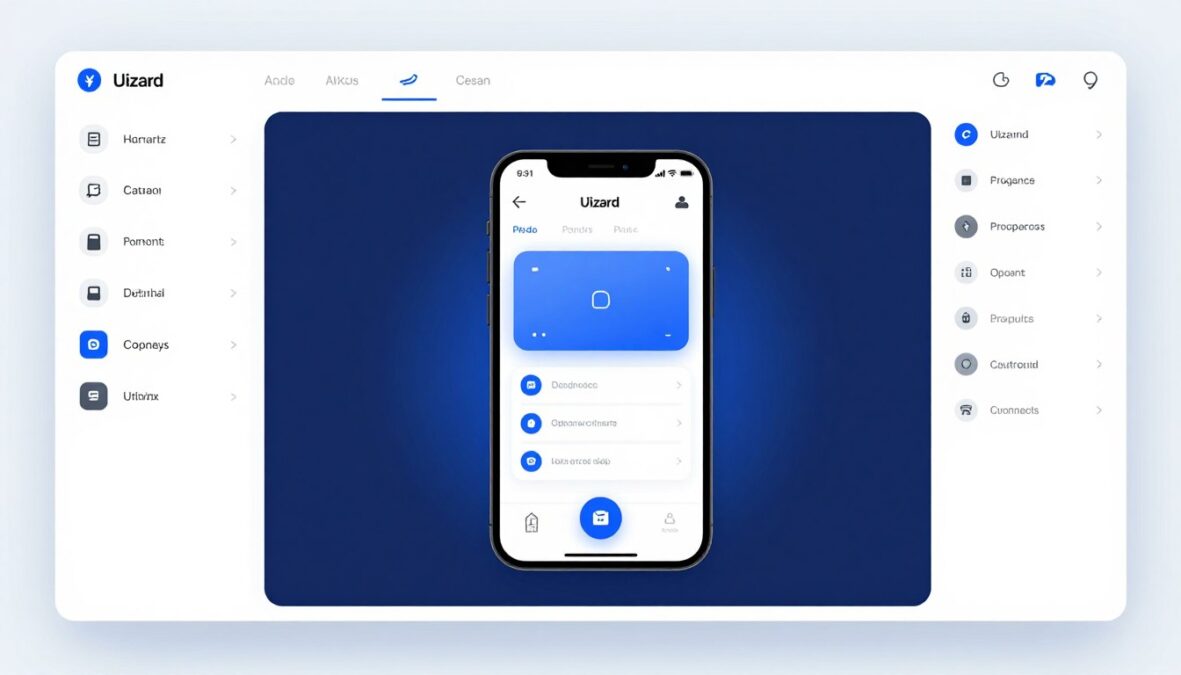
Interface Layout and Navigation
The workspace divides into three primary areas. The left sidebar contains components, templates, and project assets. The center canvas displays your active design. The right panel houses properties and settings.
This layout feels familiar to anyone who has used design software. Navigation remains intuitive even for beginners. Toolbars present only essential options, reducing cognitive load.
Design Canvas Experience
The canvas supports infinite zoom and pan. Multiple screens display simultaneously when needed. Grid and alignment guides help maintain visual consistency. Snapping functionality ensures precise element placement.
Working on the canvas feels responsive and smooth. Lag rarely occurs with standard project sizes. The interface updates in real time as changes occur.
Component Panel
The component library organizes elements logically. Search functionality helps locate specific items quickly. Recent components appear at the top for easy access.
Dragging components onto the canvas requires minimal effort. Elements snap into place intelligently. Resizing maintains proportions automatically unless overridden.
Properties Panel
The properties panel adapts based on selected elements. Common adjustments appear prominently. Advanced options hide behind expandable sections.
This contextual approach reduces interface clutter. Users see only relevant controls for their current task. The design feels clean and focused.
AI Generation Interface
The AI generation tool occupies a dedicated modal window. Text prompts go in a large input field. Generated results display immediately below. Users iterate by refining prompts or regenerating entirely.
This interface makes AI features approachable. The workflow feels conversational rather than technical. Examples and suggestions guide users toward better prompts.
Collaboration Features Interface
Collaborator cursors appear with distinct colors and names. Comments attach directly to design elements. Notification badges alert users to new feedback. The collaboration interface feels unobtrusive yet informative.
Version history appears in a slide-out panel. Thumbnails show previous project states. Reverting or comparing versions requires just a few clicks. This functionality provides safety and confidence during experimentation.
Mobile and Tablet Experience
Uizard’s web interface adapts to smaller screens. Touch interactions feel natural on tablets. Mobile phones allow viewing and commenting but limited editing. The responsive design ensures accessibility across devices.
Designers can review work on phones during commutes. Stakeholders provide feedback from any device. This flexibility supports modern work patterns.
Onboarding and Learning Curve
New users encounter a brief interactive tutorial. This covers basic operations and introduces key features. The tutorial remains optional but proves helpful for complete beginners.
Tooltips appear contextually throughout the interface. These provide just-in-time information without overwhelming users. The help center links appear prominently when needed.
Most users report feeling comfortable within their first hour. Productivity increases dramatically after a few sessions. The interface succeeds in balancing power with accessibility.
Comparison with Competitors in the AI Design Tools Market
The design tool landscape has become increasingly competitive. Understanding how Uizard compares helps inform purchasing decisions. Each platform serves different needs and preferences.
Uizard vs Figma
Figma dominates professional design workflows. The tool offers extensive customization and plugin ecosystems. Advanced designers prefer Figma’s granular control. However, Figma lacks AI-powered generation features.
Uizard wins for speed and accessibility. Non-designers accomplish more with Uizard than Figma. Projects requiring pixel-perfect precision favor Figma. Teams mixing designers and non-designers benefit from both tools serving different purposes.
- AI-powered design generation
- Sketch-to-design conversion
- Faster initial design creation
- More accessible for beginners
- Lower learning curve
- Better for rapid prototyping
Uizard Strengths
- More precise design control
- Extensive plugin ecosystem
- Superior developer handoff
- Advanced component systems
- Better for complex projects
- Industry-standard tool
Figma Strengths
Uizard vs Adobe XD
Adobe XD integrates deeply with Creative Cloud products. Designers working across Adobe tools find this valuable. XD offers robust prototyping and animation capabilities. However, Adobe’s subscription model proves more expensive.
Uizard provides better AI features and faster design generation. The learning curve remains gentler than XD. Teams without Adobe subscriptions save money choosing Uizard. XD suits designers already invested in Adobe ecosystem.
Uizard vs Sketch
Sketch remains Mac-only, limiting accessibility. The tool offers powerful design capabilities and plugin support. Many design agencies standardize on Sketch. However, collaboration features lag behind competitors.
Uizard’s cross-platform availability wins for distributed teams. Cloud-based collaboration surpasses Sketch’s offerings. AI features provide unique value Sketch cannot match. Sketch better serves experienced designers on Mac computers.
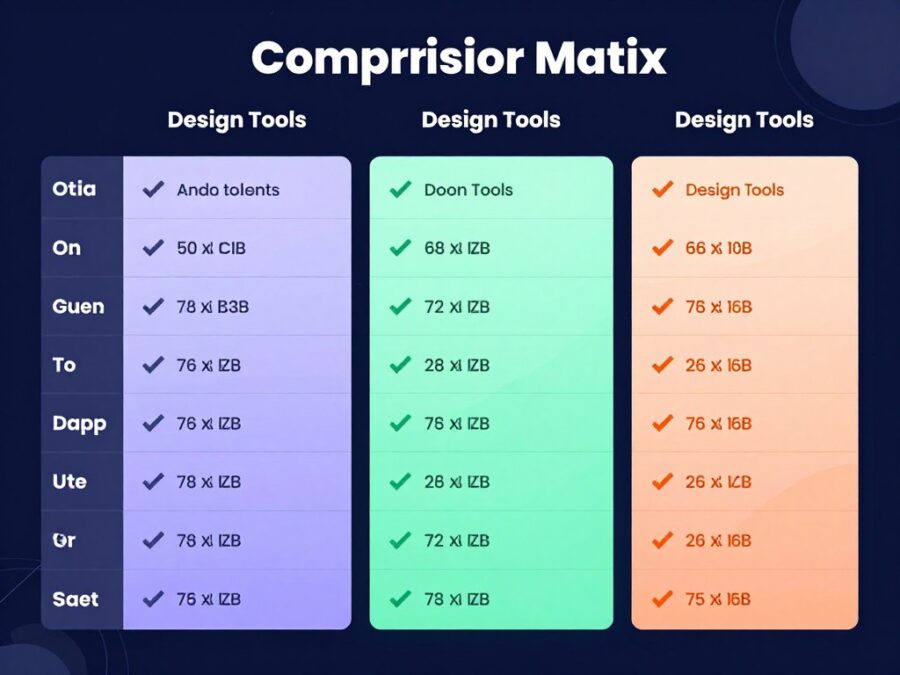
Comparison Summary
Traditional tools like Figma, XD, and Sketch target professional designers. These platforms offer maximum control and precision. Learning curves remain steep. Teams require significant training investment.
Uizard democratizes design through AI and simplicity. The tool trades some control for accessibility and speed. Non-designers contribute meaningfully. Projects move from concept to prototype faster.
Emerging AI Design Competitors
Several new tools compete in the AI design space. Galileo AI focuses on mobile interface generation. Attention Insight uses AI for design analysis. Visily offers similar sketch-to-design capabilities.
Uizard maintains advantages through mature feature sets and regular updates. The platform has longer market presence than most AI competitors. Template libraries exceed newcomers’ offerings. User base and community support remain stronger.
| Feature | Uizard | Figma | Adobe XD | Sketch |
| AI Design Generation | Yes | Limited | No | No |
| Sketch Recognition | Yes | No | No | No |
| Learning Curve | Low | Medium-High | Medium | Medium-High |
| Platform Availability | Web (All OS) | Web, Desktop | Windows, Mac | Mac Only |
| Real-Time Collaboration | Yes | Yes | Yes | Limited |
| Free Plan | Available | Available | Trial Only | Trial Only |
| Starting Price | $12/month | $12/month | $9.99/month | $10/month |
| Best For | Non-designers, Speed | Professional Design | Adobe Users | Mac Designers |
Choosing the Right Tool
Tool selection depends on specific circumstances. Consider team composition and skill levels. Evaluate project complexity and timeline requirements. Budget constraints influence decisions significantly.
Teams with experienced designers benefit from traditional tools’ power. Organizations prioritizing speed and accessibility choose Uizard. Many teams use multiple tools for different project stages. Initial concepts in Uizard, detailed design in Figma represents common workflow.
Latest Updates and New Features Introduced in 2026
Uizard continues evolving rapidly. The 2026 updates bring substantial improvements. Understanding recent changes helps users maximize platform capabilities.
Enhanced AI Generation Models
The AI engine received significant upgrades in early 2026. New machine learning models understand context better. Design outputs match prompts more accurately. The system handles complex requests with improved reliability.
Generation speed increased by approximately 40%. Results require less manual refinement. The AI now understands brand guidelines when referenced. Users provide style references and receive consistent outputs.
Advanced Component Intelligence
Components now adapt to context automatically. Buttons adjust sizes based on surrounding elements. Text fields recognize input types and format accordingly. This intelligence reduces manual adjustments substantially.
The system suggests related components during design. When adding a form, it recommends appropriate buttons and validation elements. This guidance accelerates workflow and improves design completeness.
Design System Manager
New design system tools launched in March 2026. Teams create and maintain component libraries centrally. Changes propagate across all projects automatically. This ensures brand consistency at scale.
Accessibility Checker
Automated accessibility analysis debuted in May 2026. The tool identifies contrast issues and missing alt text. Suggestions appear for improving screen reader compatibility. This feature helps teams meet compliance standards.
Version Control Integration
Git-style version control arrived in July 2026. Teams branch designs and merge changes. Conflicts resolve through visual comparison tools. This mirrors developer workflows familiar to technical teams.
Improved Mobile App Support
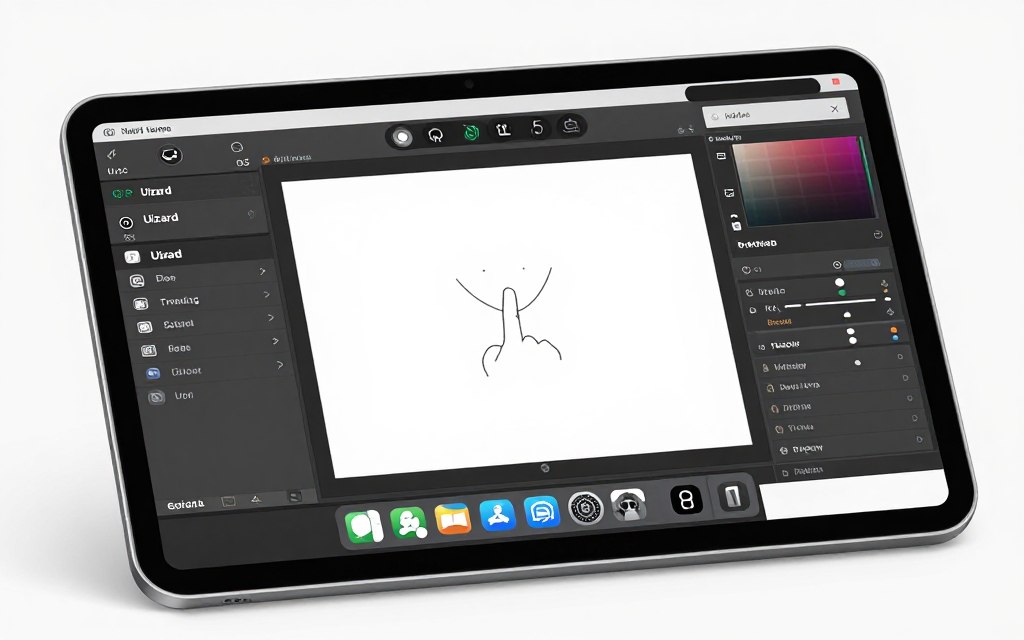
Mobile editing capabilities expanded significantly. Tablets now support full editing functionality. Phone interfaces allow more than commenting. Touch gestures feel natural and responsive. Designers work productively from any device.
API and Integration Expansion
The platform API opened to third-party developers. Custom integrations connect Uizard to existing workflows. Popular integrations include Slack notifications and Jira linking. Development teams automate design handoff processes.
Zapier support enables connections to thousands of applications. Teams trigger designs based on external events. Project management tools sync automatically with Uizard projects.
Performance Optimizations
Backend infrastructure received major upgrades. Complex projects load faster than previous versions. Collaboration with large teams runs smoother. Server response times decreased by average 35%.
Memory management improvements reduce browser requirements. Projects with hundreds of screens perform better. These optimizations particularly benefit enterprise users.
Template Library Expansion
Over 200 new templates joined the library in 2026. Industry-specific collections cover healthcare, finance, and education. Regional variations accommodate different design preferences. Templates reflect current design trends and best practices.
- Healthcare patient portal templates
- Financial services dashboard designs
- E-commerce checkout flow templates
- Educational platform interfaces
- SaaS application templates
- Social media app designs
- Fitness and wellness app templates
- Travel and booking platform designs
Animation and Micro-interaction Tools
Basic animation capabilities arrived in September 2026. Users define simple transitions and state changes. The tool handles common micro-interactions like button hovers and loading states. Advanced animations still require specialized software.
These features improve prototype realism significantly. Stakeholders better understand intended user experiences. Developer handoff includes animation specifications.
Coming Soon: Uizard’s product roadmap includes AI-powered design critique, automated responsive design generation, and voice-controlled interface creation. These features enter beta testing in late 2026.
Performance and Accuracy of AI-Generated Designs
AI capabilities define Uizard’s unique value proposition. Understanding performance characteristics helps set appropriate expectations. Real-world testing reveals both strengths and limitations.
Text-to-Design Accuracy
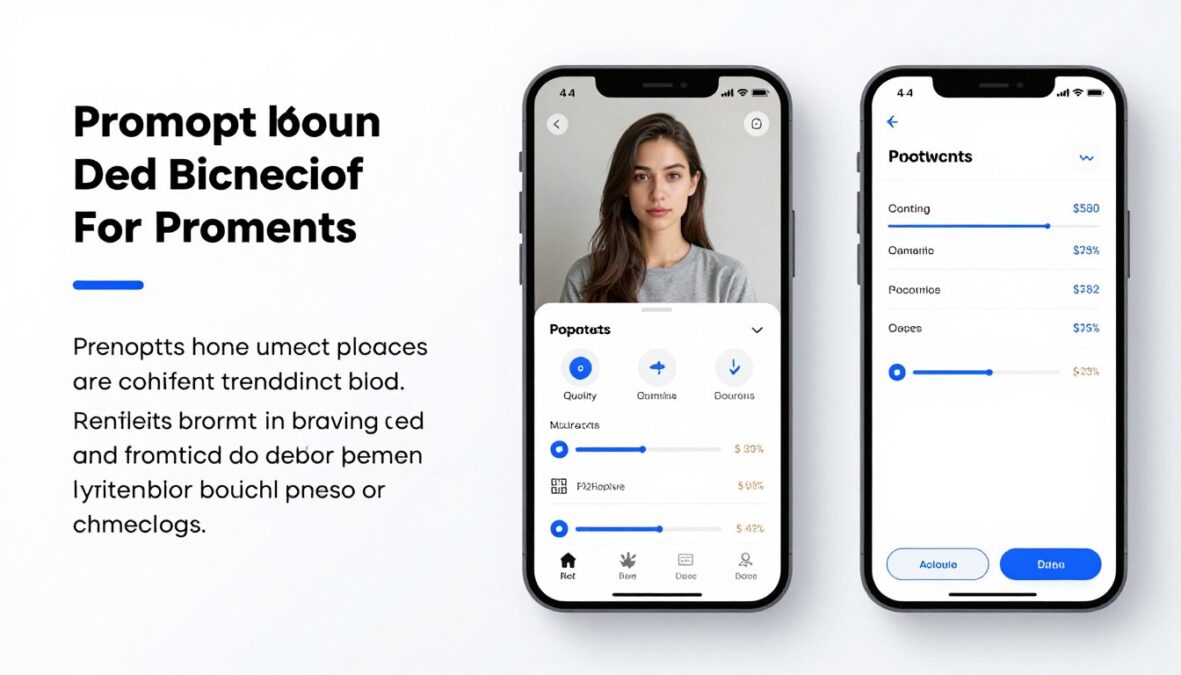
The text-to-design feature performs impressively for standard use cases. Clear, specific prompts yield better results. Vague descriptions produce generic outputs. The AI understands common design patterns well.
Success rates vary by complexity. Simple screens like login pages generate accurately 85-90% of the time. Complex dashboards require more iterations and refinement. Users learn to write effective prompts through practice.
High Success Scenarios
- Standard interface patterns (login, signup, profiles)
- Common application types (e-commerce, social media)
- Mobile-first designs with clear hierarchies
- Form-based interfaces and data entry screens
- Dashboard layouts with defined widget types
Challenging Scenarios
- Unique, never-seen-before concepts
- Designs requiring specific brand guidelines
- Complex data visualizations
- Highly customized interaction patterns
- Designs with specific technical constraints
Sketch Recognition Performance
Hand-drawn sketch conversion works remarkably well. The AI recognizes standard UI elements accurately. Buttons, text fields, images, and navigation elements convert reliably. Unusual or ambiguous sketches require clarification.
Sketch quality impacts results significantly. Clear, well-proportioned drawings produce better outputs. Messy sketches confuse the system. Users achieve best results with deliberate, clean sketches using basic shapes.
Screenshot-to-Design Conversion
Converting existing screenshots performs exceptionally well. The system accurately identifies interface elements and layout structures. Text content transfers correctly in most cases. Images become placeholders appropriately.
This feature excels for redesign projects. Teams quickly create editable versions of existing interfaces. Modifications happen faster than rebuilding from scratch. Accuracy exceeds 90% for standard web and mobile interfaces.
Design Consistency Across Projects
Maintaining consistent design language proves challenging for AI. Each generation creates slightly different interpretations. Teams need manual review to ensure brand consistency. Design system tools help but don’t eliminate this entirely.
The AI sometimes mixes design styles within single projects. Button styles might vary between screens. Typography choices occasionally conflict. Human oversight remains necessary for professional polish.
Handling Complex Layouts
Simple layouts generate more accurately than complex ones. Single-column mobile designs work excellently. Multi-column responsive layouts prove more challenging. The AI sometimes struggles with advanced grid systems.
Data-heavy interfaces require particular attention. Tables and charts generate but often need manual adjustment. Complex navigation structures sometimes produce illogical hierarchies. Review and refinement remain essential steps.
Iterative Improvement
The AI learns from corrections within sessions. Regenerating with refined prompts produces better results. Users develop intuition for effective prompt writing. This learning curve proves shorter than mastering traditional tools.
Most users achieve satisfactory results within three to five iterations. The first generation provides a foundation. Subsequent refinements address specific issues. This iterative approach proves faster than starting from blank canvas.
“Uizard’s AI gets me 70-80% of the way there. The remaining work takes way less time than starting from scratch. That’s real value for our team.”
Practical Recommendations
Write specific, detailed prompts for best results. Include information about target users, key features, and design preferences. Reference specific design patterns when applicable. Provide context about the product and its purpose.
Start with simple concepts and iterate toward complexity. Generate overall layouts first, then refine individual sections. Use AI for initial concepts but plan for manual refinement. Combine AI speed with human design judgment.
Integration Capabilities with Other Tools and Platforms
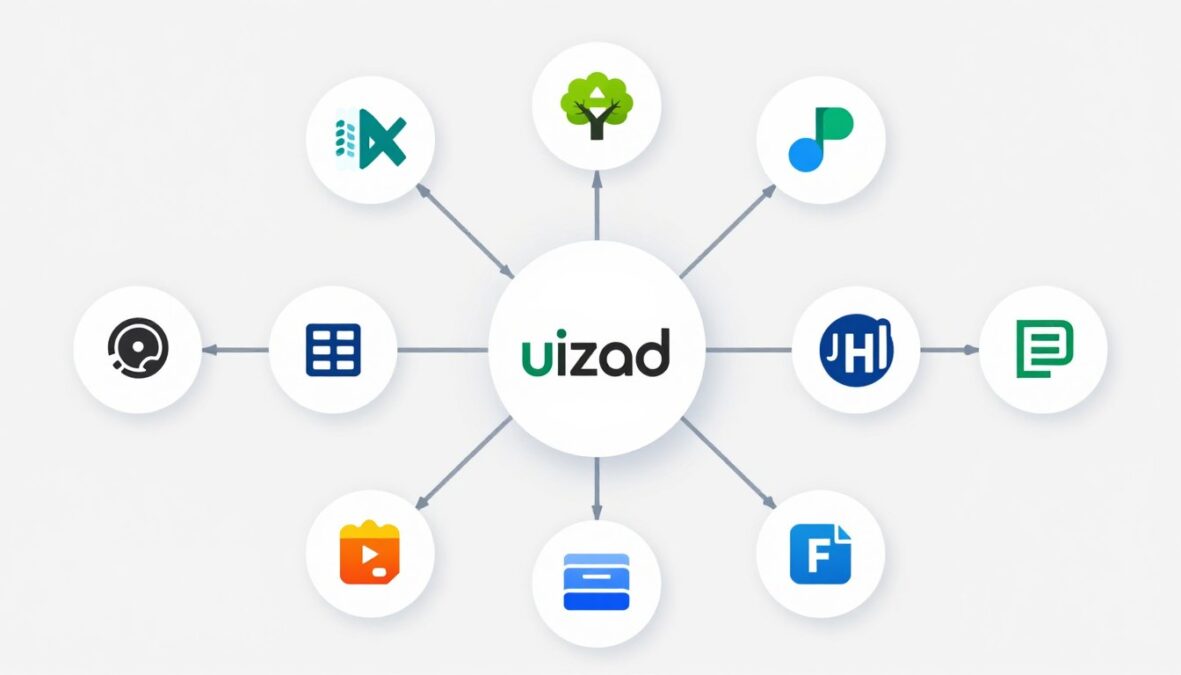
Modern design workflows involve multiple tools and platforms. Integration capabilities determine how well Uizard fits existing processes. The platform offers various connection options for different needs.
Export Options and Formats
Uizard exports designs in multiple formats. PNG images suit presentations and documentation. PDF exports create shareable documents. SVG files maintain scalability for various uses. Each format serves different workflow requirements.
Code export generates HTML and CSS for web projects. React components export for developers using that framework. The generated code provides starting points rather than production-ready implementations. Developers refine and optimize exported code.
- PNG exports at various resolutions
- PDF documents with design specifications
- SVG files for scalable graphics
- HTML/CSS code generation
- React component exports
- Design specification documents
- Asset packages with all images and icons
Developer Handoff Features
The handoff process generates detailed specifications automatically. Developers access measurements, colors, and typography information. Asset exports include all necessary images and icons. This reduces back-and-forth questions between designers and developers.
Inspect mode allows developers to click elements and view properties. CSS values copy to clipboard instantly. This streamlines implementation and reduces errors. However, generated specifications lack some precision compared to professional tools like Figma.
Collaboration Tool Integrations
Slack integration sends notifications about project updates. Comments and changes trigger messages in designated channels. Teams stay informed without constantly checking Uizard.
Microsoft Teams integration offers similar functionality. Notifications appear in relevant team channels. File sharing works smoothly between platforms. These integrations keep distributed teams synchronized.

Project Management Integrations
Jira integration links design work to development tickets. Designers attach Uizard prototypes directly to issues. Developers access latest designs within their workflow. This connection improves traceability and organization.
Asana and Trello integrations enable similar workflows. Design tasks include direct links to Uizard projects. Updates reflect across both platforms. Teams manage design work within existing project management systems.
Cloud Storage Connections
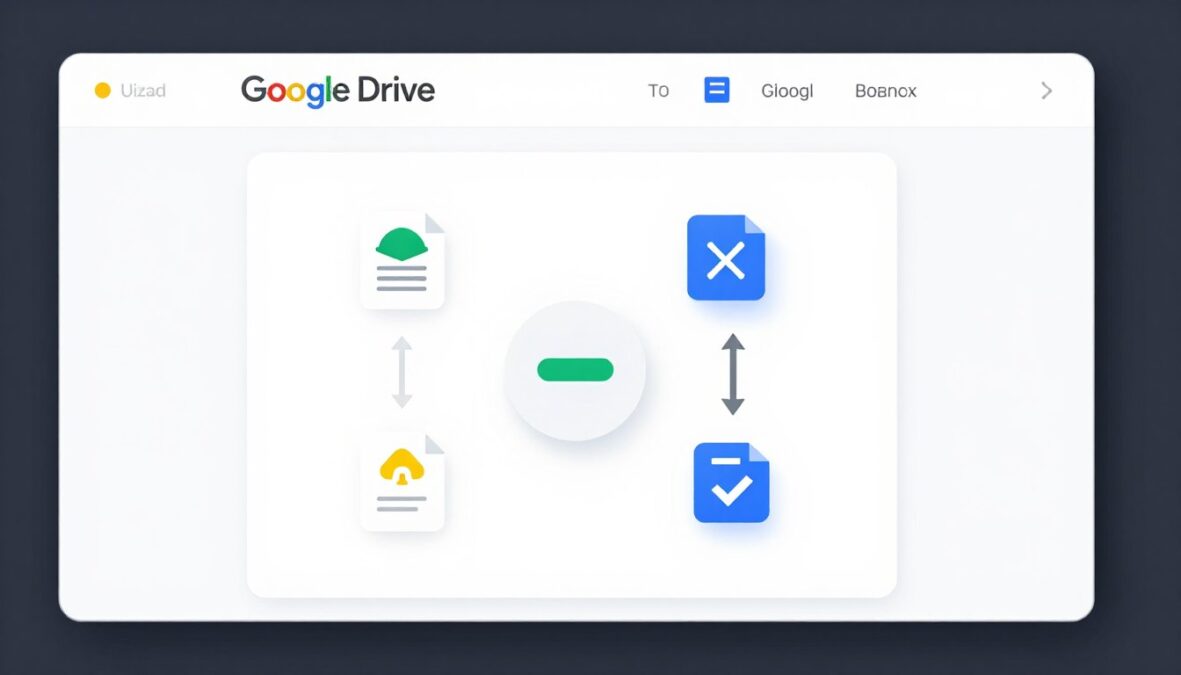
Google Drive integration enables backup and sharing. Projects export directly to designated folders. Team members access designs through familiar interfaces. This serves organizations standardized on Google Workspace.
Dropbox connectivity offers alternative cloud storage. Automatic syncing keeps offline copies current. These integrations provide additional backup beyond Uizard’s servers. Teams gain peace of mind about design asset security.
Design Tool Interoperability
Figma import brings designs into Uizard for AI enhancement. This workflow combines tools effectively. Start in Uizard for speed, refine in Figma for precision. Or generate initial concepts with AI, then import to Figma for detailed work.
Adobe XD compatibility remains limited. Direct import doesn’t exist currently. Users work around this through image exports. Hopefully future updates improve Adobe product compatibility.
API Access and Custom Integrations
The Uizard API enables custom workflow automation. Development teams build integrations matching specific needs. API documentation provides clear guidance and examples. Rate limits accommodate reasonable usage without restriction.
Webhook support triggers actions based on Uizard events. External systems respond to design changes automatically. This enables sophisticated workflow automation for technical teams.
Developer Resources: Comprehensive API documentation, code examples, and integration guides available at developers.uizard.io. Technical support assists with custom integration challenges.
Zapier Integration
Zapier connectivity opens thousands of potential integrations. Connect Uizard to virtually any business tool. Automate repetitive tasks and information flow. Non-technical users create powerful workflows without coding.
Common Zapier automations include notifying teams about new projects, backing up designs to multiple locations, and creating tasks when designs reach specific stages. The possibilities expand constantly as Zapier adds new supported applications.
Limitations and Considerations
Integration depth varies across different tools. Some connections offer basic functionality only. Advanced features may require manual processes. Organizations with complex workflows should evaluate integration capabilities carefully.
API rate limits exist to ensure platform stability. High-volume automated processes may encounter restrictions. Contact enterprise sales for increased limits when necessary. Most teams find standard limits sufficient for normal usage.
Customer Support and Resources
Quality support significantly impacts user satisfaction and productivity. Uizard provides multiple support channels and educational resources. Understanding available help options ensures users maximize their investment.
Help Center and Documentation
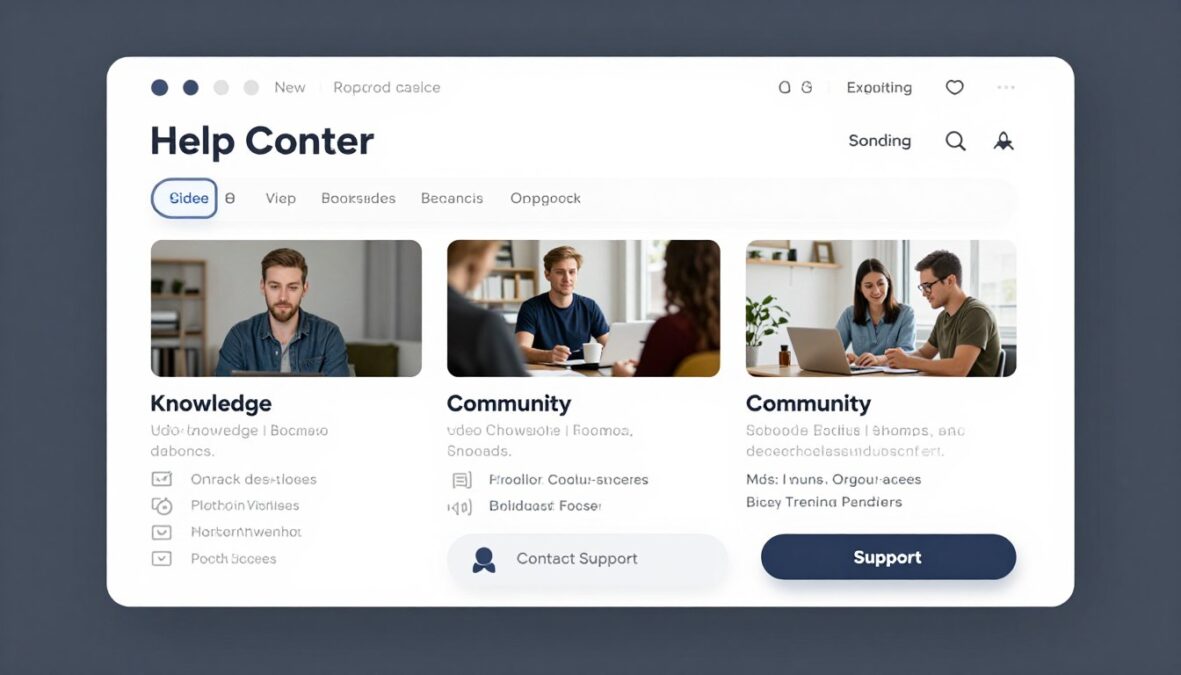
The comprehensive help center covers all platform features. Articles explain functionality with screenshots and examples. Search functionality helps locate specific information quickly. Documentation updates regularly reflecting new features.
Getting started guides walk beginners through initial projects. Advanced tutorials cover complex workflows. Video content supplements written documentation. Users choose learning formats matching their preferences.
Email Support
Free plan users access community support forums. Pro subscribers receive email support with 24-48 hour response times. Business plan customers get priority support with faster responses. Enterprise clients access dedicated support teams.
Support quality remains consistently high across user reviews. Representatives demonstrate product knowledge and provide helpful solutions. Response times typically meet or exceed stated commitments.
Available Support Channels
- Searchable help center with articles
- Video tutorial library
- Email support (paid plans)
- Live chat (Business plan)
- Community forums
- Social media channels
- Dedicated account managers (Enterprise)
Educational Resources
- Getting started courses
- Feature-specific tutorials
- Best practice guides
- Design inspiration gallery
- Webinar series
- Template usage guides
- AI prompt writing tips
Community and User Forums
Active community forums connect users globally. Members share tips, templates, and solutions. Uizard team members participate regularly. The community provides peer-to-peer support and inspiration.
Template sharing happens through community channels. Users publish their creations for others. This expands available resources beyond official library. Community contributions enhance overall platform value.
Video Tutorials and Webinars
YouTube channel hosts extensive tutorial content. Videos cover basics through advanced techniques. New content releases regularly featuring latest features. Visual learners appreciate detailed video explanations.
Live webinars occur monthly covering various topics. Sessions include Q&A opportunities with Uizard experts. Recordings become available for those unable to attend live. These events build skills and community connection.
In-App Guidance
Contextual help appears within the interface. Tooltips explain features as users hover. Interactive tutorials guide through complex processes. This just-in-time assistance reduces support ticket volume.
Feature announcements appear when logging in after updates. Users discover new capabilities naturally. Release notes detail all changes comprehensively. This keeps user knowledge current with platform evolution.
Enterprise Support Options
Large organizations receive dedicated account management. Success managers help with onboarding and adoption. Custom training programs address specific team needs. This high-touch support justifies enterprise pricing.
Priority technical support includes faster response guarantees. Direct communication channels connect to senior support staff. Enterprise customers report high satisfaction with support quality and responsiveness.
Feature Request Process
Users submit feature requests through dedicated channels. The product team reviews and prioritizes suggestions. Popular requests often appear in future releases. This responsiveness demonstrates customer-focused development.
Public roadmap shares upcoming features and improvements. Transparency helps users plan around coming capabilities. Beta programs allow early access to new features. Engaged users influence product direction meaningfully.
Learning Resources for Teams
Organization-wide training programs help teams adopt Uizard. Customized workshops address specific use cases. Training materials include exercises and practice projects. These programs accelerate team productivity and competence.
Certification programs validate user proficiency. Completed certificates demonstrate expertise to employers. This adds professional development value beyond tool usage. Users appreciate investment in their skill growth.
What Users Say: Real Reviews and Experiences
User reviews provide authentic perspectives on Uizard’s performance. Examining feedback patterns reveals consistent strengths and weaknesses. This section synthesizes insights from various review platforms and user testimonials.

Overall User Satisfaction
Uizard maintains strong ratings across review platforms. Average scores range from 4.1 to 4.5 out of 5 stars. Users consistently praise ease of use and time-saving capabilities. Some criticisms focus on limitations compared to professional design tools.
Different user types express varying satisfaction levels. Non-designers rate the platform highest, appreciating accessibility. Professional designers offer more mixed reviews, noting both benefits and constraints. This pattern reflects the tool’s target audience alignment.
Capterra Rating
Based on 127 user reviews. Users highlight intuitive interface and rapid prototyping capabilities. Common praise includes AI features and template library quality.
G2 Rating
From 89 verified users. Strong scores for ease of use and setup. Lower ratings for advanced customization options and export quality.
Product Hunt
Community feedback emphasizes innovation and accessibility. Users appreciate regular updates and responsive development team.
Common Praise Points
Users repeatedly highlight specific strengths. The learning curve remains gentle even for complete beginners. AI features genuinely accelerate design processes. Templates provide excellent starting points for common projects. Collaboration capabilities work smoothly for distributed teams.
“As a product manager without design background, Uizard transformed how I communicate ideas. I create mockups in minutes that used to take days coordinating with designers. This tool democratizes design in the best possible way.”
“The AI sketch recognition blew my mind. I drew wireframes on my tablet during a flight, photographed them, and had editable designs before landing. This workflow saves hours compared to traditional methods.”
Frequent Criticisms
Some limitations receive consistent mention. Advanced designers desire more precise control over elements. Export code quality needs improvement for production use. AI outputs occasionally require substantial manual refinement. Free plan restrictions feel limiting for serious exploration.
“Uizard excels for quick concepts but falls short for detailed design work. I use it for initial ideation then move to Figma for refinement. It’s a great first step tool rather than complete solution.”
Use Case Success Stories
Startup founders report significant value using Uizard. The tool helps visualize products before hiring design teams. This accelerates fundraising and customer validation. Several founders credit Uizard with helping secure early investment.
Marketing teams create landing page concepts independently. This reduces bottlenecks and accelerates campaign launches. Agencies prototype client ideas during discovery meetings. Rapid visualization improves client communication and satisfaction.

Learning Curve Experiences
New users report becoming productive within hours. Basic features feel immediately accessible. Most create their first acceptable prototype within a single work session. This contrasts dramatically with traditional design tool learning curves.
Advanced feature mastery takes longer but remains achievable. Users typically reach comfortable proficiency within two weeks. This timeline includes understanding AI prompting techniques and workflow optimization.
Value for Money Assessments
Free plan users appreciate generous feature access. Many continue using free tier indefinitely for personal projects. Pro plan subscribers generally consider pricing fair relative to value received. Time savings justify costs for most paying users.
Some users question Business plan pricing for smaller teams. The features may exceed needs of organizations with just a few designers. However, larger teams and enterprises report strong ROI from Business and Enterprise tiers.
- AI-powered design generation speed
- Intuitive interface requiring minimal training
- Extensive template library covering various needs
- Real-time collaboration for remote teams
- Regular updates with new capabilities
- Responsive customer support
Most Appreciated Features
- More precise element positioning controls
- Better code export quality for developers
- Enhanced animation and interaction capabilities
- Improved AI consistency across generations
- More generous free plan AI credits
- Additional export format options
Most Requested Improvements
Comparative User Perspectives
Users switching from traditional tools appreciate Uizard’s speed. Those coming from Figma or Sketch note reduced precision but faster results. The trade-off proves worthwhile for many use cases. Teams often adopt both tool types for different project stages.
Users comparing Uizard to other AI design tools generally favor it. More mature feature sets and better documentation receive praise. The established user community provides better support than newer competitors.
Overall Verdict and Recommendations for Different User Types
After comprehensive testing and analysis, Uizard demonstrates clear value for specific audiences. The tool succeeds in its mission of democratizing design through AI. However, it serves some users better than others.
Who Should Use Uizard
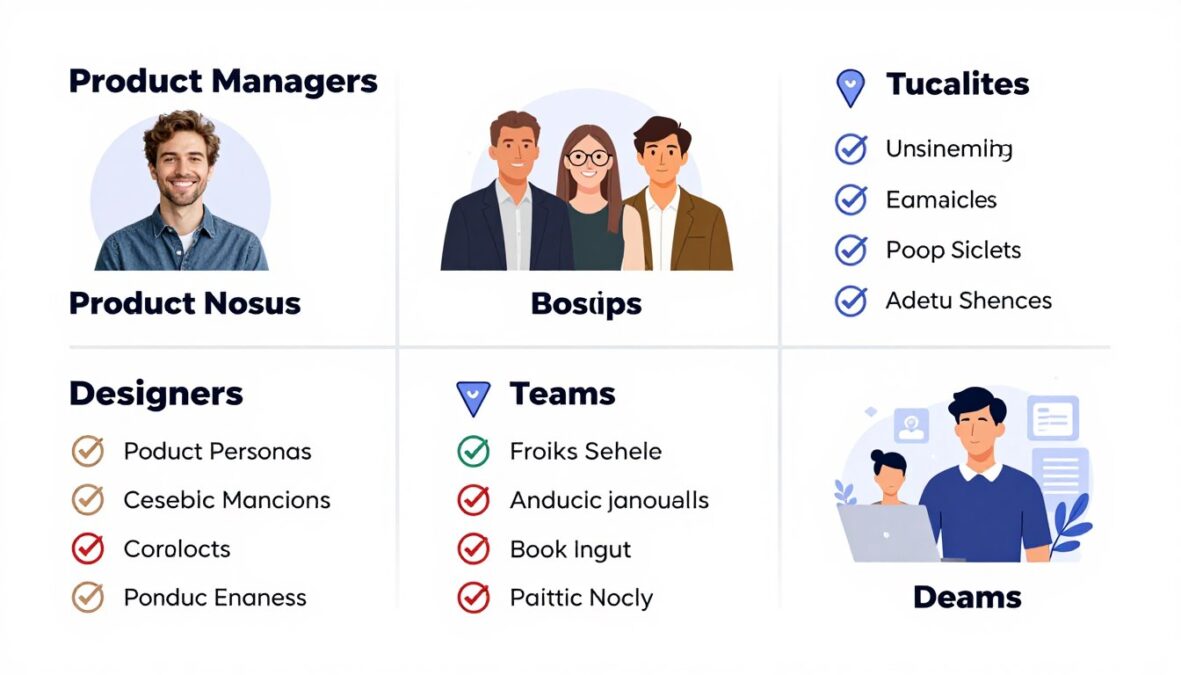
Product managers benefit tremendously from Uizard. The platform enables visual communication without design expertise. Ideas transform into tangible mockups rapidly. This accelerates team alignment and stakeholder communication.
Startup founders find excellent value throughout early stages. Visualize product concepts before hiring designers. Validate ideas with customers using realistic prototypes. Reduce dependency on external resources during validation phases.
Non-technical founders particularly appreciate accessibility. No steep learning curves delay progress. Focus remains on product vision rather than tool mastery. This alignment supports entrepreneurial momentum.
Ideal for These Users
- Product managers
- Startup founders
- Marketing professionals
- Business analysts
- Project managers
- Consultants
- Educators
- Students
Great for These Scenarios
- Rapid prototyping
- Concept visualization
- Stakeholder presentations
- Customer validation
- Team brainstorming
- Initial ideation
- Requirements documentation
- Design exploration
Consider Alternatives For
- Pixel-perfect designs
- Complex animations
- Production-ready code
- Advanced interactions
- Detailed design systems
- Print design work
- Illustration creation
- Photo editing
Designer Perspectives
Professional designers should view Uizard as complementary rather than replacement. The tool accelerates initial stages of design processes. Use it for rapid ideation and exploration. Transition to traditional tools for refinement and detail work.
Junior designers gain value through accessible learning. Practice interface design principles without technical barriers. Build portfolio pieces demonstrating conceptual thinking. Uizard serves as training wheels before mastering complex software.
Freelance designers accelerate client proposals and discovery phases. Create multiple concept directions quickly. Present options without excessive time investment. This improves win rates and client satisfaction.
Team and Organization Fit
Cross-functional teams with mixed skill levels benefit significantly. Everyone participates in design discussions meaningfully. Communication gaps between technical and creative members shrink. This democratic approach improves overall product quality.
Remote and distributed teams leverage collaboration features effectively. Real-time editing and commenting keep everyone synchronized. Time zone differences matter less with persistent cloud access. The tool supports modern work arrangements naturally.
Large enterprises with diverse needs may find limitations. Standardized design systems require more robust tools. Complex workflows need advanced capabilities. However, Uizard serves specific departments or use cases within larger organizations.

Industry-Specific Recommendations
Technology startups particularly benefit from rapid prototyping capabilities. Software development teams visualize features quickly. This accelerates sprint planning and development cycles. Integration with development tools streamlines handoff processes.
Healthcare organizations appreciate compliance-focused templates. Medical interface designs meet industry standards. Patient portal mockups communicate concepts to stakeholders. However, verify regulatory compliance separately as Uizard doesn’t guarantee this.
Educational institutions find excellent value for teaching purposes. Students learn interface design principles accessibly. No expensive software licenses required for classroom settings. Academic pricing makes deployment financially feasible.
Project Size Considerations
Small to medium projects suit Uizard excellently. Mobile apps, simple websites, and focused tools work perfectly. The platform handles typical project complexity comfortably. Teams complete most standard projects entirely within Uizard.
Large, complex applications may exceed optimal scope. Dozens of interconnected screens become harder to manage. Consider breaking massive projects into smaller modules. Alternatively, use Uizard for initial phases only.
Ongoing product maintenance proves manageable. Update existing designs rather than starting fresh repeatedly. Version control helps track changes over time. This supports iterative product development approaches.
Budget Considerations
Free plan suffices for occasional personal projects. Students and hobbyists find adequate functionality. However, serious professional use demands paid subscriptions. Consider free tier as extended trial rather than long-term solution.
Pro plan delivers excellent value for individual professionals. The pricing remains competitive with alternatives. Return on investment materializes quickly through time savings. Most users recover costs within first month of regular use.
Business plans justify costs for collaborative teams. Shared features and administrative controls add value. Calculate ROI based on team size and project volume. Larger teams typically achieve clear positive returns.
Make Your Decision with Confidence
Whether Uizard fits your needs or you explore alternatives, we’ve provided comprehensive information to guide your choice. Try Uizard free to experience AI-powered design firsthand, or check out our comparison guide for detailed alternatives analysis.
Final Recommendation Summary
Uizard succeeds at democratizing design through artificial intelligence. The platform delivers on promises of accessibility and speed. AI features genuinely transform how non-designers approach interface creation. Regular updates demonstrate committed development and user focus.
Limitations exist primarily for advanced use cases. Pixel-perfect control remains elusive compared to traditional tools. Professional designers need complementary software for detailed work. These constraints affect specific audiences rather than target users.
For the right users and use cases, Uizard provides exceptional value. Product teams, startups, and non-designers gain disproportionate benefits. The tool fills a genuine market gap effectively. Consider Uizard strongly if rapid visualization and accessibility matter most.
Teams should evaluate specific needs against Uizard’s capabilities. Free trial eliminates purchase risk entirely. Test real projects rather than hypothetical scenarios. Most users gain clarity about fit within first few projects.
Frequently Asked Questions About Uizard AI
Is Uizard completely free to use?
Uizard offers a free plan with limited features. You can create up to two projects and receive ten AI generation credits monthly. Free users access basic templates and components but face export limitations. Paid plans remove restrictions and unlock advanced functionality. Most serious users eventually upgrade to Pro or Business plans for full capabilities.
Do I need design experience to use Uizard effectively?
No design experience is necessary. Uizard specifically targets non-designers and beginners. The AI features transform simple descriptions and sketches into professional designs. Most users become productive within hours rather than weeks. However, basic understanding of interface design principles helps achieve better results faster.
How accurate is Uizard’s AI design generation?
AI accuracy varies by complexity and specificity of requests. Standard interface patterns generate reliably 85-90% accurately. Complex or unique designs require more iterations and refinement. Users learn to write effective prompts through practice. The AI provides excellent starting points even when not perfect initially. Most users achieve satisfactory results within three to five generation attempts.
Can I export production-ready code from Uizard?
Uizard generates HTML, CSS, and React code exports. However, this code serves as starting point rather than production-ready implementation. Developers typically need to refine and optimize exported code. The handoff features provide specifications and assets for manual development. Consider code exports as helpful references rather than final implementations.
How does Uizard compare to Figma?
Uizard and Figma serve different primary purposes. Figma offers more precise control and advanced features for professional designers. Uizard prioritizes speed and accessibility for non-designers. AI-powered generation features distinguish Uizard significantly. Many teams use both tools for different project stages. Choose based on your skill level and project requirements.
Can multiple team members work on projects simultaneously?
Yes, Uizard supports real-time collaboration. Multiple users edit projects simultaneously with changes appearing instantly. Comment threads attach directly to design elements. Version history tracks all modifications. Collaboration features work on Pro plans with limitations, and expand significantly on Business plans. Remote teams find these features particularly valuable.
What file formats can I export from Uizard?
Uizard exports designs in PNG, PDF, and SVG formats. Code exports include HTML/CSS and React components. Design specification documents generate automatically for developer handoff. Asset packages include all images, icons, and graphics. Export quality and options expand with higher subscription tiers. Free plan exports include Uizard branding watermarks.
Does Uizard work offline?
No, Uizard requires internet connection. The platform operates entirely in web browsers through cloud infrastructure. This enables real-time collaboration and automatic saving but prevents offline access. Reliable internet connection is necessary for optimal experience. Mobile data connections work but may impact performance with large projects.
What kind of customer support does Uizard provide?
Free users access community forums and self-service help center. Pro subscribers receive email support with 24-48 hour response times. Business plan customers get priority support with faster responses. Enterprise clients access dedicated support teams and account managers. Support quality receives consistently positive reviews across user feedback.
Can I import existing designs into Uizard?
Yes, Uizard converts screenshots into editable designs. Upload images of existing interfaces and the AI recreates them as editable projects. This works excellently for redesign projects and competitive analysis. Sketch imports also work through photograph uploads. However, direct file imports from other design tools remain limited currently.
Is Uizard suitable for mobile app design?
Absolutely, mobile app design represents a primary use case. Extensive mobile-specific templates accelerate project starts. The platform handles iOS and Android design patterns well. Prototyping features enable mobile interaction testing. Many successful apps began as Uizard prototypes. The tool particularly suits early-stage mobile product development.
How often does Uizard add new features?
Uizard releases updates regularly throughout the year. Major feature launches occur quarterly. Smaller improvements and bug fixes happen more frequently. The public roadmap shares upcoming capabilities. Beta programs allow early access to experimental features. This consistent development demonstrates active product investment and user focus.
Conclusion: Is Uizard AI Worth It in 2026?
After extensive testing and analysis, Uizard AI delivers meaningful value for its target audience. The platform successfully democratizes design through accessible AI-powered tools. Time savings prove substantial for rapid prototyping and concept visualization.
The tool excels for product managers, startup founders, and non-designers needing quick visual communication. AI features genuinely transform how these users approach interface design. Learning curves remain gentle while productivity gains arrive quickly. Collaboration features support modern distributed teams effectively.
Professional designers find Uizard valuable for specific workflow stages. Initial ideation and client presentations benefit from AI speed. However, detailed design work still requires traditional tools. Consider Uizard complementary rather than replacement for advanced design software.
Pricing remains competitive relative to value delivered. Free plans allow meaningful exploration before commitment. Pro subscriptions justify costs through time savings for regular users. Business plans serve collaborative teams with appropriate feature sets.
The platform continues evolving with regular meaningful updates. Recent 2026 improvements demonstrate responsive development and user focus. Future roadmap promises additional valuable capabilities. This active development supports long-term platform viability.
Limitations exist primarily for advanced use cases. Pixel-perfect control proves challenging compared to professional tools. Code exports require developer refinement. Complex projects may exceed optimal tool scope. However, these constraints affect minority of potential users.
Uizard fills a genuine market gap effectively. The intersection of accessibility, AI power, and design functionality creates unique value. Similar tools either lack AI sophistication or prove less accessible. Uizard balances these factors successfully for target audiences.
Strong user reviews across platforms validate platform quality. Satisfaction rates remain high particularly among non-designer users. Professional designers offer more mixed feedback reflecting different needs. This pattern confirms appropriate target market focus.
For product teams, startups, and non-designers, Uizard represents excellent investment. The tool accelerates workflows, improves communication, and reduces design bottlenecks. Try the free plan to evaluate fit with specific needs. Most users gain clarity about value within first few projects.
Traditional designers should evaluate Uizard for complementary use. The platform handles specific workflow stages exceptionally well. However, maintain primary design tools for detailed work. Combined tool approaches often yield optimal results.
Ultimately, Uizard succeeds at its mission of making design accessible through artificial intelligence. The platform delivers tangible benefits to right users. Consider your specific needs, team composition, and project types. Uizard likely fits if accessibility and speed outweigh need for maximum control.
The design tool landscape continues evolving rapidly. Uizard positions itself well for continued relevance through AI focus. The platform demonstrates clear understanding of market needs and user pain points. This strategic positioning supports positive long-term outlook.
We recommend Uizard for rapid prototyping, concept validation, and cross-functional collaboration. The tool empowers non-designers meaningfully while accelerating designer workflows selectively. Strong value proposition justifies consideration for most product teams and organizations.
There are no reviews yet. Be the first one to write one.