
Glasshand is a paid hosted-hardware service for developers and teams whose agents need to work directly on a real iPhone or Mac. Visual control means an agent reads a device screen and acts through taps, typing, swipes, or clicks. Unlike an emulator, the service connects agents to real Apple hardware. This Glasshand AI device automation review 2026 weighs practical fit, cost, and risks, not a promise that every task will work. It launched November 5, 2026. The offer may suit teams that need native Apple apps or device behavior, but it adds a recurring hardware cost. Your best use case is one where screen-based access solves a real workflow problem that an API cannot.
Key Takeaways
- Rent a real iPhone or Mac for workflows that depend on Apple hardware.
- Agents act through the visible device interface.
- Monthly rental cost makes frequency and team time important.
- Device state persists between tasks until release.
- Test a workflow with human review before regular use.
Glasshand is most compelling when a workflow depends on native Apple apps or hardware, not merely on moving data between web services.
What Can an AI Agent Do on a Real iPhone or Mac?
An agent uses Glasshand by seeing the hosted screen and acting through the same visible controls a person would use. That visual control lets an agent tap buttons, enter information, swipe through screens, or click Mac controls. Each device is a real iPhone or Mac dedicated to one customer, not a shared emulator.
The controller gives the agent a view of the screen and a way to send those actions. An agent could open an app, move through its menus, fill in a form, and check what appears next. That approach supports interface testing and automation that depends on what the device actually displays.
Use rented hardware when a task depends on a real Apple interface, not just a route for moving data.
iPhone tasks across native apps
On an iPhone, an agent can navigate an app and test how its screens respond to taps and text entry. That can help teams check a sign-in path, review a checkout flow, or explore how an app presents a particular setting.
Visual control is useful when an app has no suitable API for the task. It can also expose interface problems that a data-only integration would miss, such as a button that is hard to find or a screen that changes after a tap.
A simple app-to-app data transfer may not need this kind of device access. If two services already exchange information through reliable APIs, adding an iPhone can mean extra steps without improving the result.
Mac development and testing in Xcode
A hosted Mac gives developers access to macOS and Xcode for building and testing apps. An agent can interact with the development interface and check the visible result, which can be useful when the task depends on a native Mac tool.
The device retains its state across tasks until release, so a development environment can remain available between work sessions. That persistence can help with ongoing tasks, but it also means the environment is not freshly reset after each task.
Choose a real-device workflow when the task depends on native iOS or macOS behavior rather than just an API connection.
How Do You Connect an Agent to Glasshand?
Glasshand offers two connection routes: an API connection or a paste-ready prompt for an agent. The better fit depends on how your current agent workflow is built. Choose the route your team can maintain and understand.
The API route connects the agent through Glasshand’s platform interface. The prompt route gives you instructions to paste into an agent, which can be a simpler way to try a short workflow without changing how your tools are set up.
Glasshand names these compatible agents:
- Claude Code
- Codex
- Cursor
- OpenClaw
- Hermes
Compatibility names do not guarantee that every agent can follow every instruction or handle every task. Connection details can change as the platform and agent tools evolve, so check Glasshand’s current instructions before giving an agent access.
For a developer already using an API-based workflow, the API may fit naturally. A paste-ready prompt may be more convenient for a team trying a single app task or testing an agent’s ability to follow device instructions.
Confirm the agent can follow the supplied connection instructions before building a workflow around it.
Glasshand AI Device Automation Review 2026: Pricing and Value
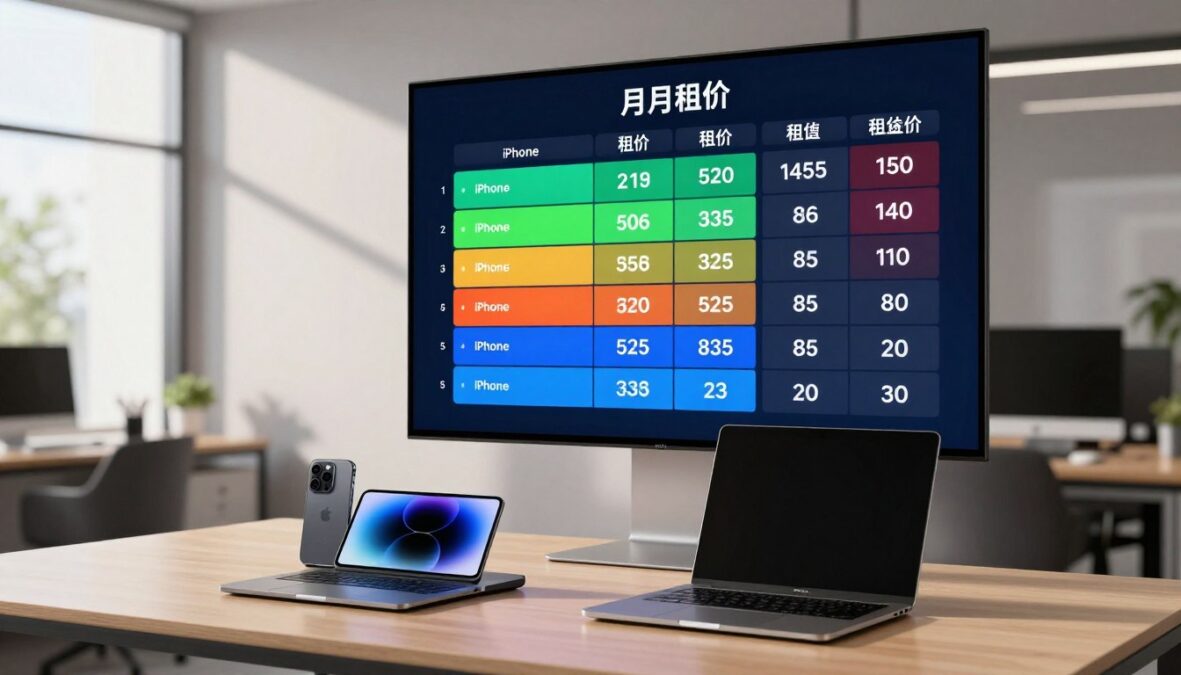
Glasshand charges $60 per month plus applicable taxes for a dedicated iPhone and $90 per month plus applicable taxes for a dedicated Mac. That recurring cost makes usage frequency central to the value question. Both devices use month-to-month billing.
The rental keeps Apple hardware available to a team without requiring it to set up and manage that device itself. The value depends on how often an automation workflow needs real Apple hardware and how much team time the device access saves.
| Item | iPhone | Mac |
|---|---|---|
| Monthly rental price | $60/month plus applicable taxes | $90/month plus applicable taxes |
| Billing cadence | Month-to-month | Month-to-month |
| Availability after cancellation | Through the current billing period | Through the current billing period |
After cancellation, the device remains available through the end of its current billing period. That timing can matter if a team plans to stop a rental between project phases rather than at a milestone.
For teams, the cost is easier to justify when hardware-dependent tasks recur and avoid enough manual setup or execution time. A one-off task may not use enough of the month to make a rental worthwhile.
Pricing alone cannot show whether the automation will save time. Track how often the task needs an Apple device and how much work the agent completes without correction.
Compare the monthly rental against the frequency of hardware-dependent tasks, not against every task an agent can perform.
What Should Teams Check About Security and Data?
A Glasshand device is dedicated to one customer, so its app and login state can persist between tasks until the customer releases it. That retained state is separate from what happens after release. Glasshand says it erases customer data and resets the device when a customer releases it.
Devices start factory-reset, then keep their state across tasks until release. This can support ongoing work, but it also means an agent may encounter information left in an app from an earlier task.

Dedicated device state and release
Release ends the rental and resets its device. Before release, review which apps and accounts remain signed in, since the reset is not the same as a fresh start between each task.
Glasshand supports signing in to accounts such as iCloud for calendars, contacts, messages, and files. An agent with access to those accounts can interact with information available there, so account access deserves its own review.
Account access and practical safeguards
Use a few practical checks to limit exposure while teams test device workflows:
- Use a dedicated account where practical.
- Grant only the access needed for the task.
- Avoid exposing passwords or recovery codes in prompts.
- Review what remains signed in before release.
These checks reduce avoidable exposure, but neither a dedicated device nor a reset process guarantees account security. Teams should also consider which personal or work information an agent can reach through a signed-in app.
Treat signed-in account access as a separate security decision from renting the hardware.
Which Workflows Benefit From Real Apple Hardware?
Real Apple hardware is most useful when a workflow depends on an iOS app, macOS development, or phone-based verification. The deciding factor is whether the task needs the actual device interface or hardware behavior. An API or web service may handle other automation without a rental.
For developers, Glasshand’s hosted Macs support building and testing apps in Xcode. On iPhone, teams can install apps such as Instagram, TikTok, and WhatsApp from the App Store and work with their visible interfaces.
| Workflow | Device | Why real Apple hardware matters |
|---|---|---|
| Native iOS sign-in or checkout testing | iPhone | Tests the app’s actual iOS interface |
| Building and testing a native app in Xcode | Mac | Runs the macOS development environment |
| SMS verification or iMessage using an eSIM plan | iPhone | Uses phone-based messaging features |
An iPhone with an eSIM plan can use SMS for verification texts and iMessage. That can support workflows involving phone-based checks, though it does not make every service or app suitable for automated use.
Social-account posting or replies and personal administration are possible task examples. An agent could interact with the available app interface, but outcomes depend on the task and app rules. A team should not assume that automation can bypass platform policies.
A task that works reliably through an existing web service or API may not justify the added hardware cost. In those cases, the device adds another tool without solving a hardware-dependent step.
Rent for the hardware-dependent step, not simply because a workflow includes an AI agent.
What Are Glasshand’s Limits for Reliable Automation?
Stronger general benchmarks do not guarantee that an agent will complete your own device workflow correctly. Task-specific quality still depends on the chosen agent and the steps it must handle. Benchmark gains measure progress on their own tests, not success in every hosted-device workflow.
General results can show that agents are improving at computer tasks. They cannot tell a team whether its agent will complete a particular sequence of screens, respond well to an unexpected prompt, or avoid a wrong action.
What benchmark scores do and do not show
OSWorld accuracy rose from roughly 12% to 66.3%, leaving agent performance within 6 percentage points of human performance. Frontier-model performance on Humanity’s Last Exam rose by 30 percentage points in a single year. These benchmark results describe broad progress, not a Glasshand-specific test.
| Benchmark | Reported result | What it measures |
|---|---|---|
| OSWorld | Roughly 12% to 66.3% accuracy, within 6 percentage points of human performance | Accuracy on computer-use tasks |
| Humanity’s Last Exam | 30-percentage-point annual performance rise | Frontier-model performance on the exam |
| Real workflow pilot | Task-specific result measured by your team | Completion of your own workflow |
Test your own workflow before scaling
A small pilot can reveal problems a broad score cannot. Pick a repeatable task with clear start and finish points, then keep a person involved while the agent runs it.
A high benchmark score can hide a brittle step in a multi-screen task.
Record whether each run completes, which wrong actions occur, and where failures stop progress. Include ordinary variations, such as a screen taking longer to load or a prompt appearing in a different place.
Glasshand has not been independently benchmarked in these results, so teams should judge its fit through their own trials. Keep a workflow under human review until repeated trials show it handles the important steps consistently.
Conclusion
Glasshand is a focused option for teams that need an agent to work directly on Apple hardware. It is worth evaluating when an iPhone or Mac is a necessary part of the task, especially when a native app or macOS tool matters.
An API-first workflow may not need rented hardware. For a device-dependent job, a small test can show whether the agent saves team time without creating too much review work.
Choose one low-risk, hardware-dependent task, test it with human review, and verify the current rental terms before committing.
FAQ
Which AI is more powerful now?
What to never say to AI?
Is a real iPhone necessary to test an iOS app?
Can I use Glasshand without signing in to my personal Apple account?
How should I test an agent before letting it handle a recurring workflow?
There are no reviews yet. Be the first one to write one.