
Design has evolved dramatically over the past few years. Traditional design processes that once took hours now happen in minutes thanks to artificial intelligence. Uizard AI stands at the forefront of this revolution, promising to transform how designers and non-designers alike create digital products.
This comprehensive review examines whether Uizard AI delivers on its promises. We’ll explore its features, analyze its pricing structure, and help you determine if this platform deserves a place in your design toolkit.
Ready to Explore AI-Powered Design?
Experience how Uizard AI can transform your design workflow. Start creating beautiful interfaces in minutes, not hours.
What Is Uizard AI?
Uizard AI represents a new generation of design tools that leverage artificial intelligence to streamline the entire design process. This platform enables users to generate professional-quality user interfaces through simple text prompts, sketches, or screenshots.
The tool targets both experienced designers seeking efficiency and non-designers who need to create mockups quickly. Whether you’re building a mobile app, website, or software interface, Uizard provides the tools to bring your ideas to life without extensive design training.
At its core, Uizard transforms the traditional design workflow. Instead of starting with a blank canvas and manually placing each element, users can describe what they want in plain language. The platform’s AI interprets these descriptions and generates complete screen designs instantly.
Core Features That Define Uizard AI
Uizard AI packs numerous features designed to accelerate design creation. Understanding these capabilities helps you evaluate whether the platform meets your specific needs.
AutoDesigner 2.0: The Brain Behind the Platform
AutoDesigner 2.0 serves as Uizard’s flagship feature. This AI-powered generator creates entire multi-screen projects from simple text prompts. Users describe their vision in natural language, and the system produces complete design mockups within seconds.
The technology analyzes your prompt, identifies key interface elements, and assembles screens that match your description. Each generation includes appropriate components, layouts, and visual hierarchy tailored to your project type.
Text-to-Design Generation
Beyond complete projects, Uizard enables text-to-design generation for individual screens and components. Type what you need, and the platform creates matching interface elements immediately.
This feature proves particularly valuable when you need specific screens added to existing projects. The AI maintains design consistency while generating new content based on your prompts.
Screenshot to Design Conversion
Uizard’s screenshot scanning feature transforms existing designs into editable mockups. Upload an image of any interface, and the tool converts it into a fully editable project with separated layers and components.
This capability accelerates redesign projects and competitive analysis. Teams can quickly recreate competitor interfaces, modify them, and explore alternative approaches without starting from scratch.
Hand-Drawn Sketch Recognition
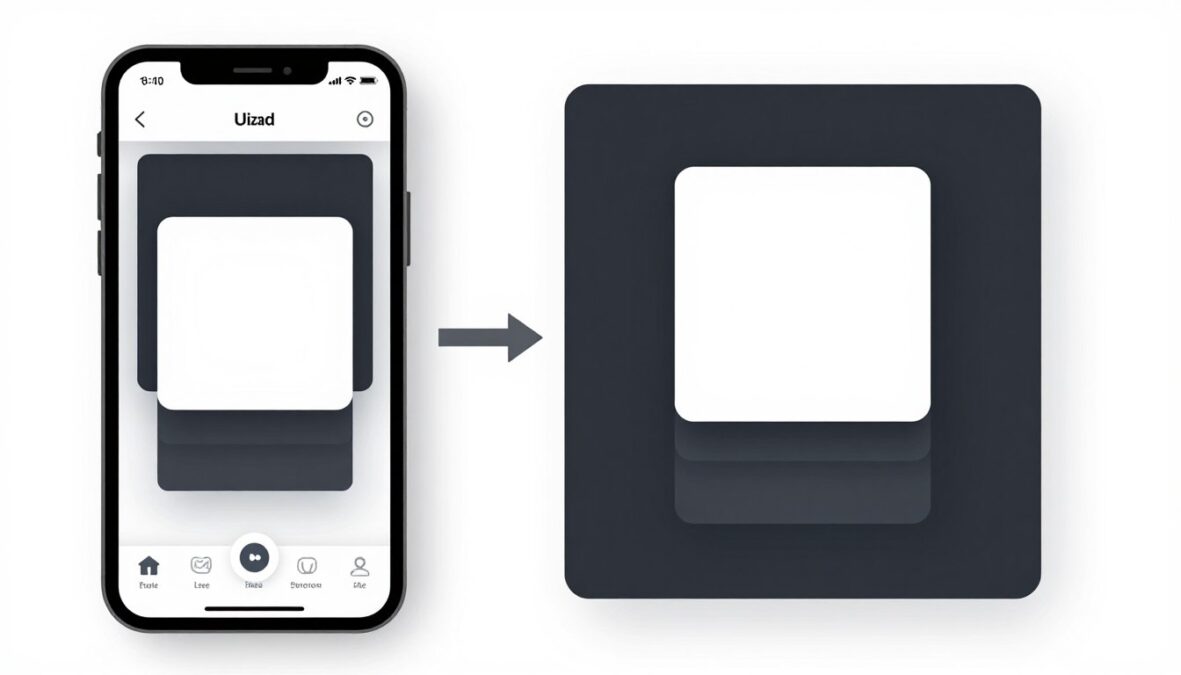
The platform includes sketch-to-design functionality that digitizes hand-drawn wireframes. Sketch your idea on paper, photograph it, and upload it to Uizard. The AI interprets your drawing and creates a digital version with proper components and layouts.
This bridges the gap between initial ideation and digital execution. Designers can maintain their preferred sketching workflow while benefiting from rapid digital conversion.
Design Tools and Customization Options
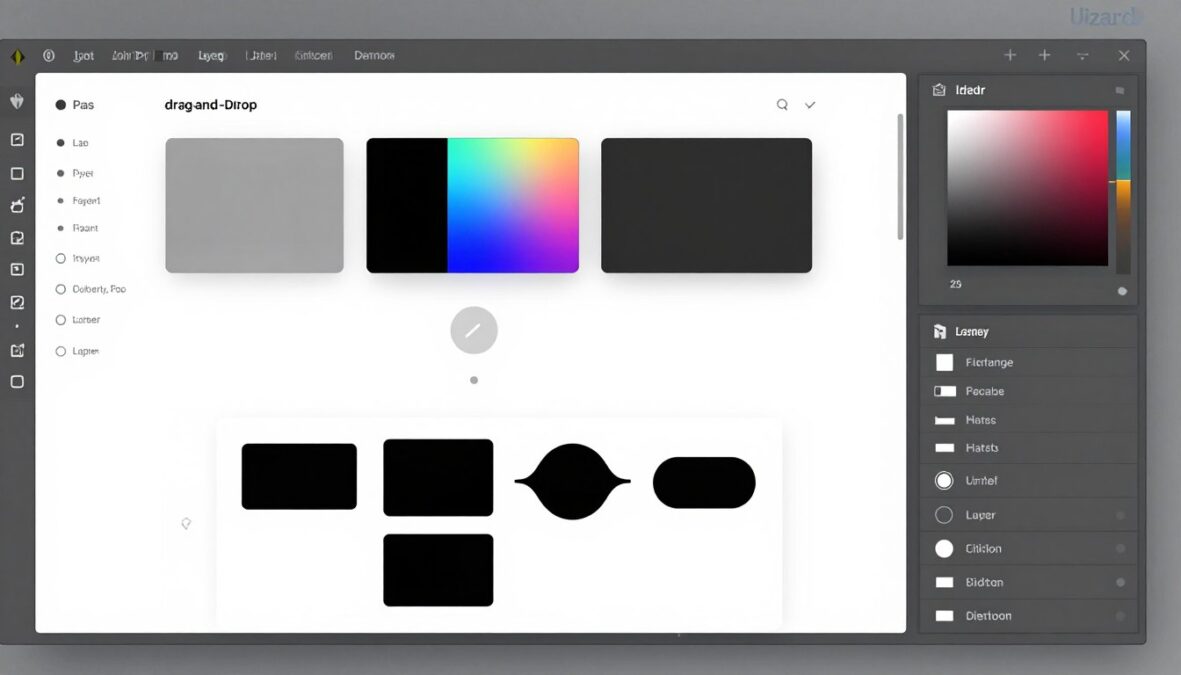
While AI generation provides the foundation, Uizard offers comprehensive editing tools for refinement and customization. These features ensure your designs match your exact vision.
Component Library and Design Systems
The platform provides an extensive library of pre-built components. Buttons, forms, navigation elements, cards, and other interface building blocks are readily available for drag-and-drop use.
Users can also create custom components and build their own design systems. This maintains consistency across projects and speeds up repetitive design tasks.
UI Elements
Comprehensive component collection for rapid interface assembly.
- Navigation bars and menus
- Form inputs and controls
- Cards and containers
- Buttons and call-to-action elements
Design Assets
Ready-to-use visual elements that enhance your designs.
- Icon libraries for multiple styles
- Stock images and illustrations
- Color scheme suggestions
- Typography pairings
Templates
Pre-designed starting points for common project types.
- Mobile app templates
- Web application layouts
- Marketing landing pages
- Dashboard designs
Patterns
Proven design patterns for standard user flows.
- Onboarding sequences
- Authentication screens
- E-commerce checkout flows
- Settings and profile pages
Theme Generator and Color Schemes
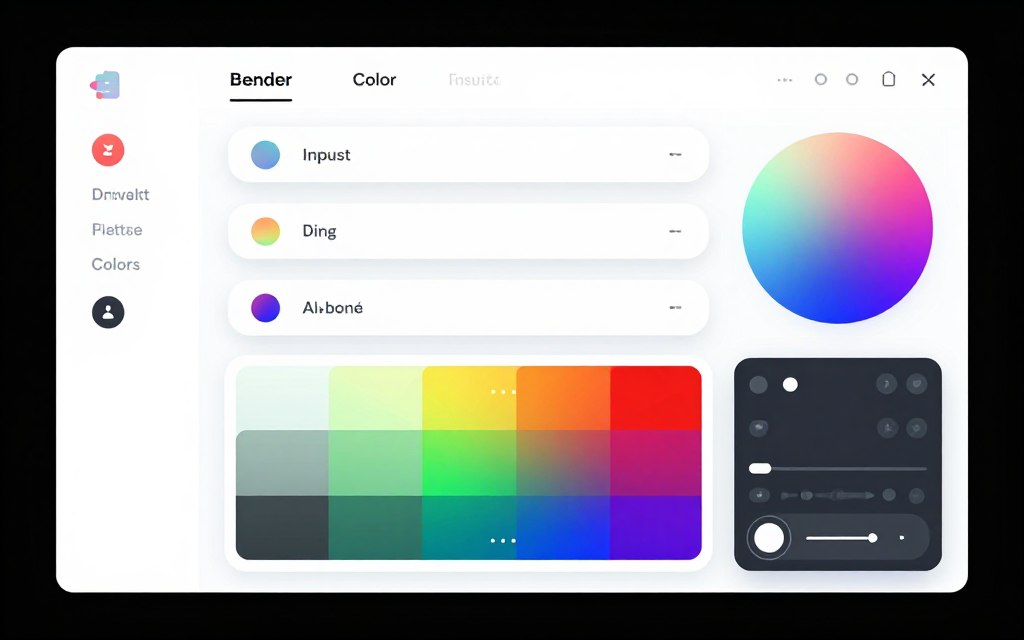
Uizard’s theme generator creates cohesive color palettes based on your preferences or brand guidelines. The system suggests complementary colors and applies them consistently across your entire project.
Users can input brand colors, and the platform generates appropriate variations for backgrounds, text, buttons, and accents. This ensures visual harmony without manual color selection for each element.
Team Collaboration and Project Management

Modern design work requires seamless collaboration. Uizard includes several features that facilitate teamwork and streamline project management across distributed teams.
Real-Time Collaboration
Multiple team members can work on the same project simultaneously. Changes appear in real-time, allowing designers to collaborate without version control headaches or file conflicts.
This feature proves essential for remote teams who need to iterate quickly. Stakeholders can observe design progress and provide immediate feedback during working sessions.
Comments and Feedback Tools
Built-in commenting functionality lets team members leave feedback directly on designs. Comments attach to specific elements or screens, ensuring clarity about what needs adjustment.
The system tracks comment threads, marks resolved suggestions, and notifies relevant team members of updates. This keeps everyone aligned throughout the design process.
Templates, Wireframes, and Starting Points
Uizard provides numerous templates and wireframe options that accelerate project initiation. These starting points cater to various industries, use cases, and design styles.
The template library includes fully designed examples for mobile apps, web applications, dashboards, and marketing sites. Each template is fully customizable and serves as either a finished product or a foundation for further development.
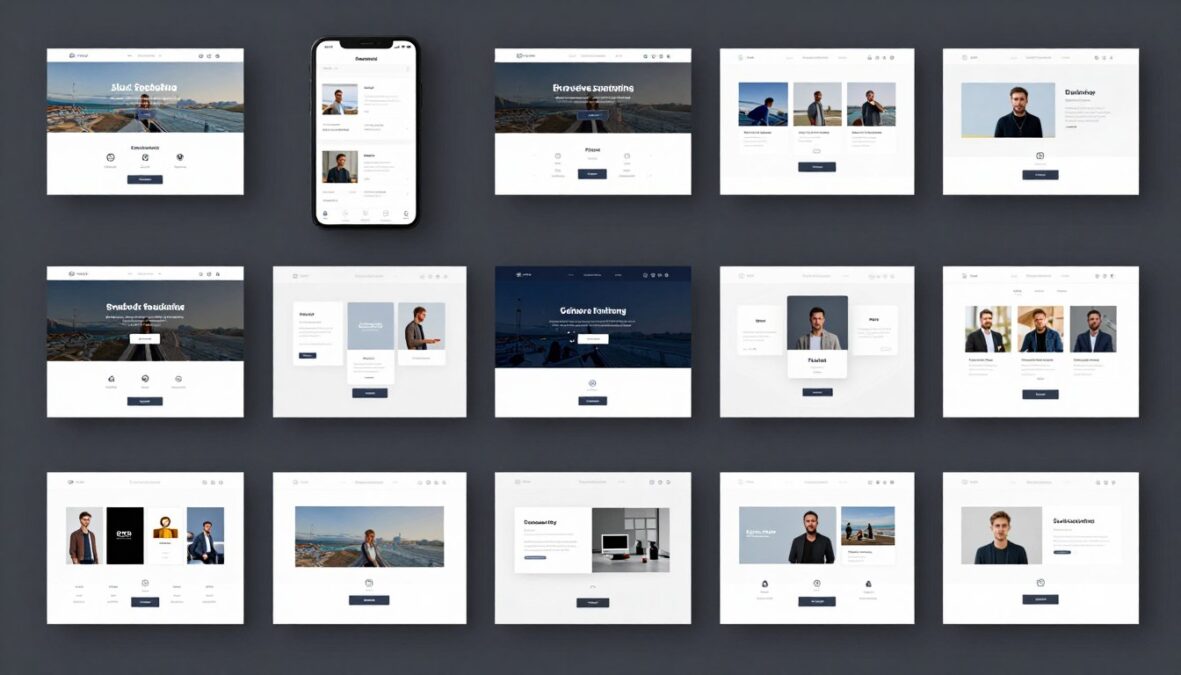
Wireframe templates offer lower-fidelity options for early-stage planning. These focus on structure and layout without detailed visual design, perfect for initial stakeholder presentations and concept validation.
Start Designing Faster with Templates
Access hundreds of professional templates and customize them for your specific needs. No design experience required.
Uizard AI Pricing: Plans and Costs Breakdown
Understanding Uizard’s pricing structure helps determine which plan fits your needs and budget. The platform offers multiple tiers designed for different user types and team sizes.
Free Version: Getting Started
Uizard provides a free version that includes core functionality. This option allows users to test the platform and create basic projects without financial commitment.
The free version includes limited projects, screens, and features. Users can generate designs, access templates, and explore the interface. However, advanced features like AutoDesigner 2.0 and team collaboration require paid plans.

Free Plan Highlights
- 2 active projects maximum
- 10 screens per project
- Basic template access
- Screenshot scanning
- Manual design tools
- Public project sharing
Pro Plan ($12/month)
- Unlimited projects
- Unlimited screens
- AutoDesigner 2.0 access
- AI text-to-design generation
- Premium templates
- Export capabilities
- Private projects

Business Plan ($39/month)
- Everything in Pro
- Team collaboration tools
- Real-time co-editing
- Advanced commenting
- Team management features
- Priority support
- Custom component libraries
Pricing Comparison Table
| Feature | Free | Pro | Business |
| Monthly Price | $0 | $12 | $39 |
| Active Projects | 2 | Unlimited | Unlimited |
| Screens per Project | 10 | Unlimited | Unlimited |
| AutoDesigner 2.0 | Limited | Full Access | Full Access |
| Team Collaboration | No | No | Yes |
| Premium Templates | Basic Only | All Templates | All Templates |
| Export Options | Limited | Full Export | Full Export |
| Priority Support | No | No | Yes |
Uizard AI Advantages and Limitations
Every tool has strengths and weaknesses. Understanding Uizard’s advantages and limitations helps set appropriate expectations and determine fit for your specific use case.
Advantages
- Dramatically reduces design time through AI generation
- No design experience required for basic mockups
- Intuitive interface with minimal learning curve
- AutoDesigner 2.0 creates impressive multi-screen projects
- Screenshot scanning enables quick competitive analysis
- Affordable pricing compared to traditional design tools
- Regular feature updates and platform improvements
- Strong template library for various use cases
- Effective team collaboration features in Business plan
- Text prompts make design accessible to non-designers
Limitations
- AI-generated designs sometimes lack originality
- Limited advanced customization versus professional tools
- Export options may not suit all development workflows
- Free version severely restricted for serious projects
- AI interpretation of prompts can be inconsistent
- Not ideal for highly detailed, pixel-perfect designs
- Experienced designers may find tools simplistic
- Design systems features less robust than Figma
- Generation quality varies based on prompt specificity
- Some niche design needs not well-supported
Who Should Use Uizard AI?

Uizard excels in specific scenarios and user contexts. Identifying whether you match these profiles helps determine if the platform suits your needs.
Startup Founders and Entrepreneurs
Non-technical founders benefit tremendously from Uizard. The platform enables rapid mockup creation for investor presentations, user testing, and development handoff without hiring a designer.
Early-stage startups can validate ideas quickly by generating functional prototypes. This speeds up the iteration cycle and reduces costs during the critical validation phase.
Product Managers
Product managers use Uizard to communicate vision to development teams and stakeholders. Creating visual representations of feature concepts becomes straightforward, even without design skills.
The tool facilitates better requirement documentation. Instead of lengthy written specifications, product managers can provide visual mockups that convey intent clearly.
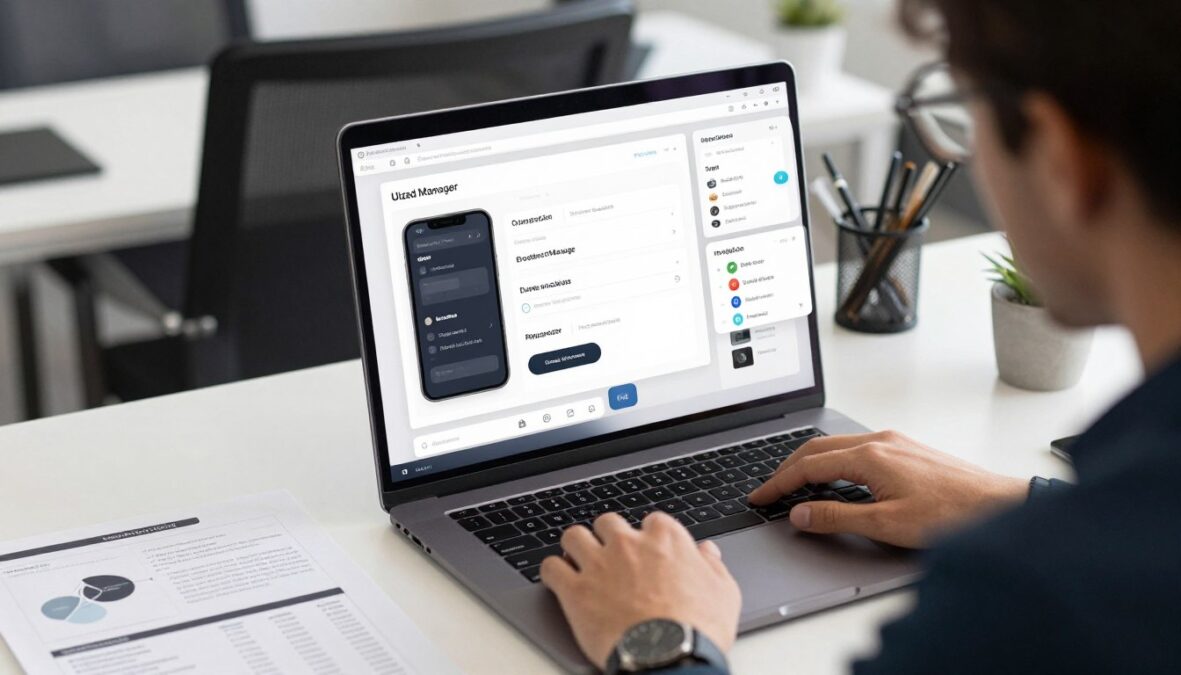
UX Designers Seeking Speed
Experienced designers leverage Uizard for rapid ideation and client presentations. While not replacing primary design tools, it accelerates the early conceptual phases.
Designers use AutoDesigner to quickly explore multiple design directions. This provides starting points for refinement in more advanced tools like Figma or Adobe XD.
Small Design Teams
Teams of two to five designers find Uizard’s collaboration features valuable. The platform centralizes design work and enables efficient handoff between team members.
Small agencies can deliver client mockups faster, increasing project throughput. The time saved on initial design generation allows more focus on refinement and client communication.
Getting Started with Uizard AI
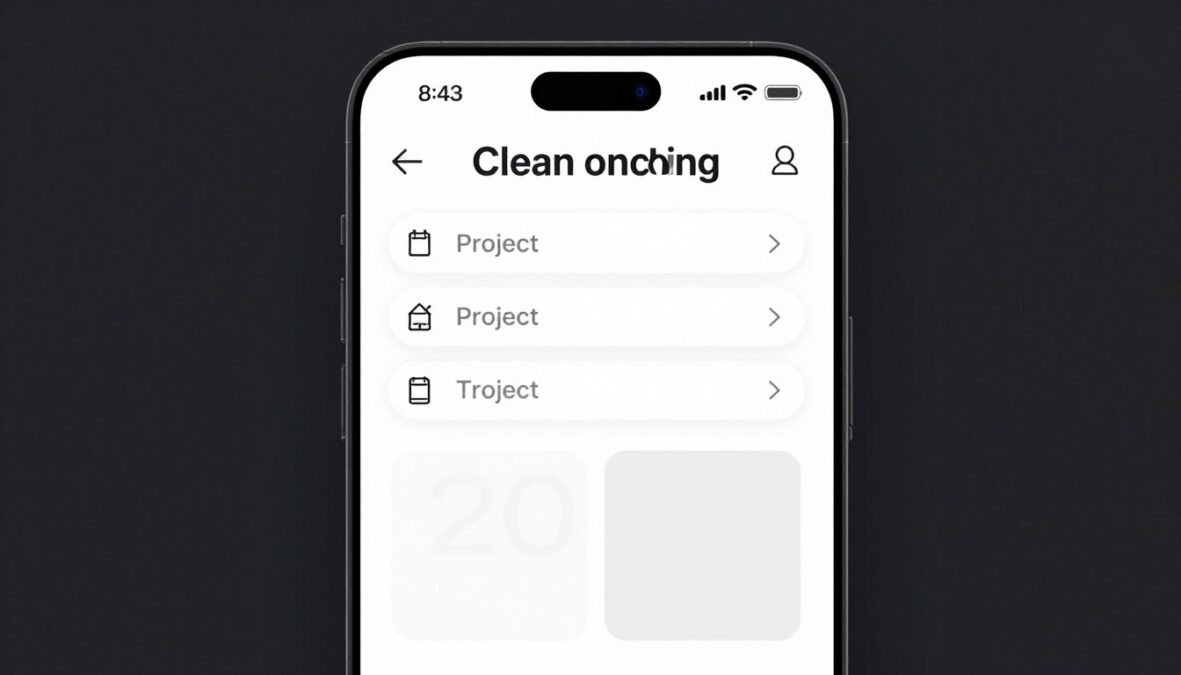
Starting with Uizard takes just minutes. The platform’s streamlined onboarding process gets users creating designs quickly.
Account Creation and Setup
Visit Uizard’s website and create a free account using email or Google authentication. The signup process requires minimal information and takes less than a minute.
After account creation, Uizard presents a brief tutorial covering basic features. This optional walkthrough demonstrates text-to-design generation, component usage, and project navigation.
- Choose between blank project or template
- Select your target platform (mobile, web, tablet)
- Name your project for easy identification
- Decide between AI generation or manual design
- Set project parameters like screen size
First Project Steps
- Write detailed, specific prompts for better results
- Include style preferences in your description
- Mention target audience and use case
- Specify color preferences or brand guidelines
- Iterate by refining prompts based on results
AI Generation Tips
- Review AI-generated screens carefully
- Replace placeholder content with real text
- Adjust colors to match brand identity
- Fine-tune spacing and alignment
- Add custom components as needed
Design Customization
Maximizing AutoDesigner 2.0
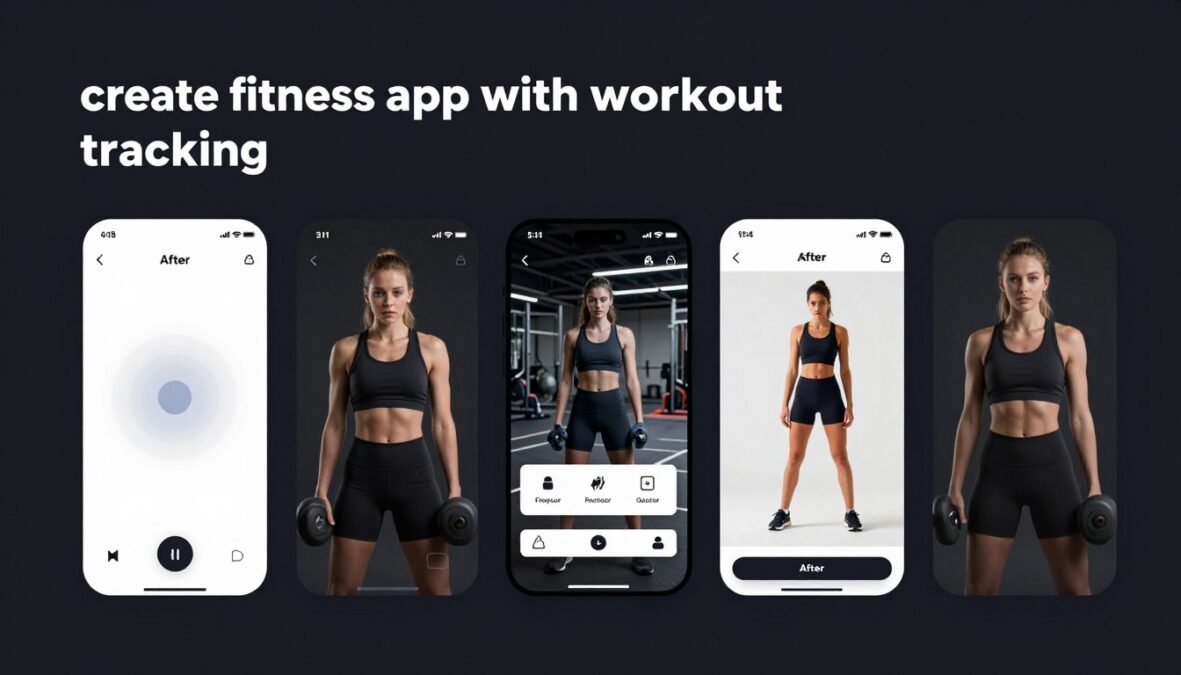
AutoDesigner works best with specific, detailed prompts. Instead of “create a fitness app,” try “create a fitness app for tracking workouts with exercise library, progress charts, and social sharing features.”
Include stylistic direction in prompts. Mention whether you want minimalist, colorful, corporate, or playful aesthetics. The AI interprets these descriptors and adjusts the visual output accordingly.
Uizard AI vs. Competing Design Tools
The AI design tool market includes several competitors. Understanding how Uizard compares helps contextualize its value proposition.
Uizard vs. Figma AI Features
Figma recently added AI capabilities, but its primary strength remains collaborative design rather than AI generation. Uizard focuses exclusively on AI-powered creation, making it more accessible for non-designers.
Figma offers superior customization and advanced design features. However, its learning curve is steeper, and it requires more design knowledge to use effectively.
Uizard vs. Other AI Design Generators
Tools like Galileo AI and Visily compete directly with Uizard. Each has unique strengths. Galileo emphasizes enterprise features, while Visily focuses on wireframing specifically.
Uizard balances accessibility and functionality better than most competitors. Its interface remains intuitive while offering comprehensive design capabilities beyond basic wireframing.
Practical Applications and Use Cases

Understanding how real teams use Uizard provides context for its practical value. These scenarios demonstrate the platform’s versatility across different contexts.
Rapid Prototyping for User Testing
Product teams generate multiple design variations for A/B testing. AutoDesigner creates different approaches quickly, enabling teams to present users with diverse options during research sessions.
One startup reported cutting prototype creation time from two weeks to two days. This acceleration enabled more frequent user testing cycles and faster product iteration.
Client Presentation and Pitch Decks
Agencies use Uizard to create polished mockups for client proposals. Instead of presenting rough sketches, they deliver professional-looking designs that win projects.
The visual quality impresses stakeholders who lack technical knowledge. Complete interface designs communicate vision more effectively than written specifications or wireframes.
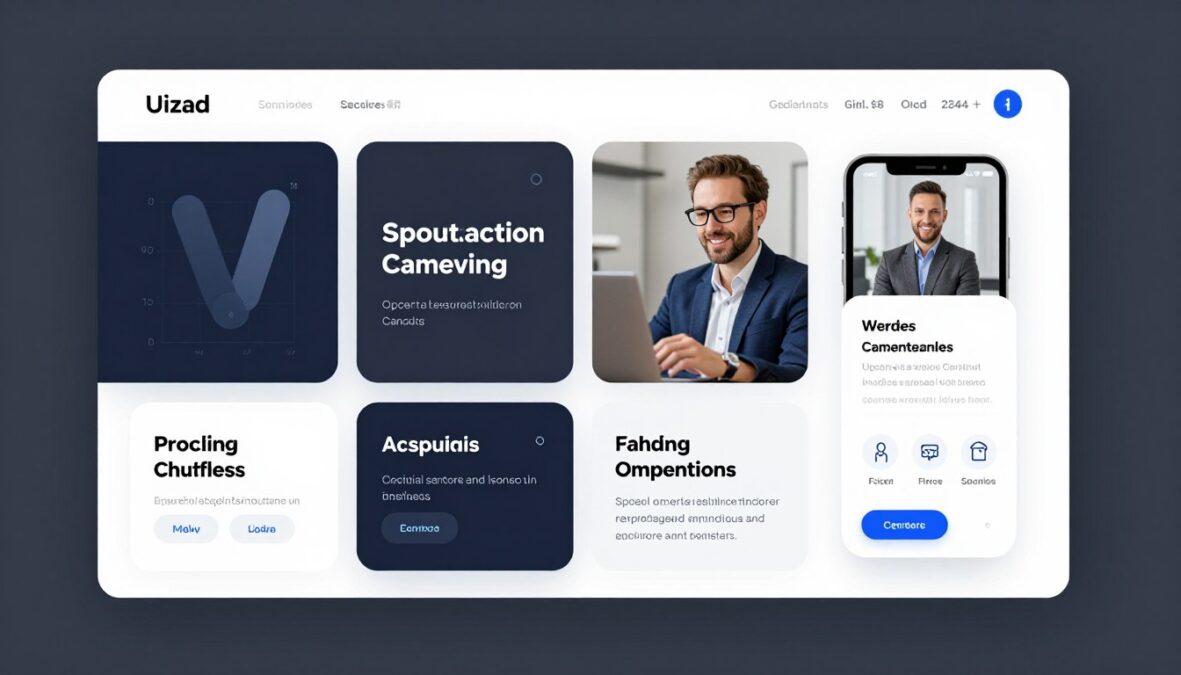
Developer Handoff and Documentation
Development teams receive clear visual specifications from Uizard exports. This reduces ambiguity about intended functionality and layout.
The platform’s export options provide developers with necessary assets and measurements. This streamlines the transition from design to implementation.
Important Considerations Before Choosing Uizard

While Uizard offers compelling advantages, certain scenarios require more specialized tools. Recognizing these situations prevents misaligned expectations.
When Traditional Design Tools Remain Superior
Complex design systems requiring extensive component libraries work better in Figma or Sketch. These platforms offer granular control over every design aspect.
Pixel-perfect designs for high-fidelity deliverables need more precise tools. Uizard excels at speed but sacrifices some detailed control that professional designers require.
AI Generation Limitations
AutoDesigner produces impressive results but cannot replace human design thinking. The AI generates functional layouts but lacks the strategic reasoning behind design decisions.
Brand-specific customization requires manual intervention. While AI understands general design principles, it cannot automatically apply unique brand guidelines without explicit instruction.
Learning Resources and Community
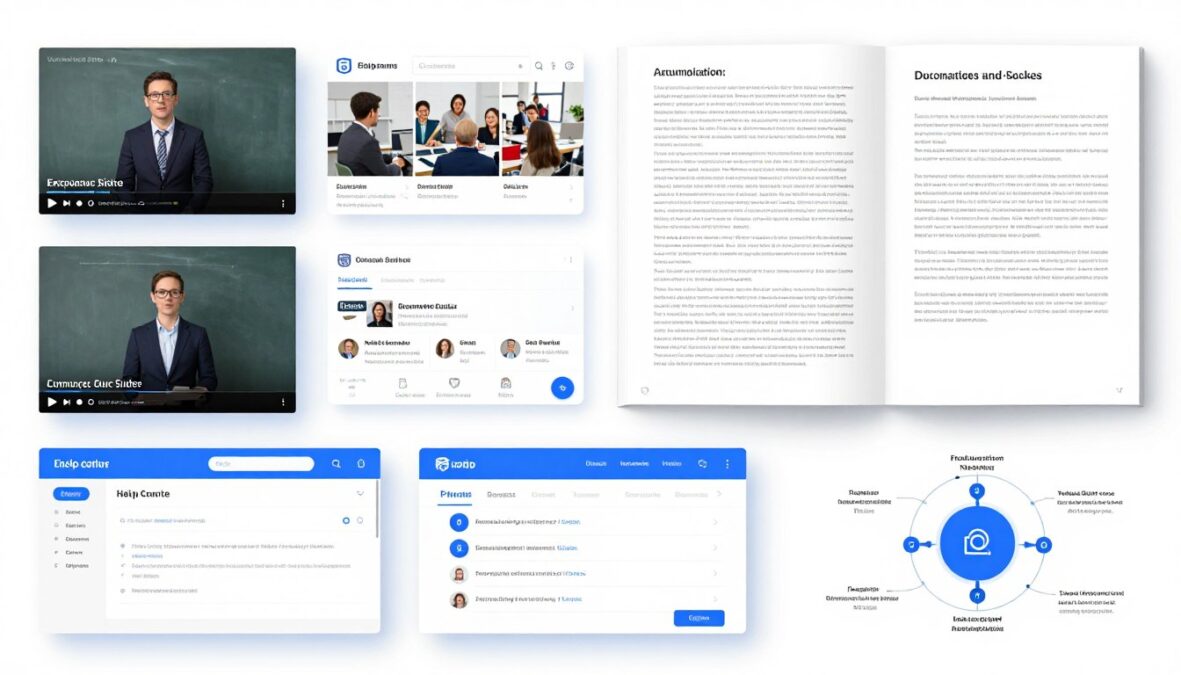
Uizard provides various resources to help users maximize platform value. These materials range from basic tutorials to advanced technique guides.
Official Documentation and Tutorials
The platform includes comprehensive documentation covering all features. Video tutorials demonstrate common workflows and advanced techniques.
Uizard’s YouTube channel regularly publishes new content. These videos cover feature updates, best practices, and real-world project examples.
Community and Support Options
Users access support through email ticketing and an active community forum. Response times vary by plan tier, with Business plan subscribers receiving priority assistance.
The community forum enables peer-to-peer learning. Experienced users share templates, prompt strategies, and workflow optimizations.
Platform Roadmap and Future Updates

Uizard continues evolving with regular feature releases. Understanding the development trajectory provides insight into long-term platform viability.
Recent updates introduced improved AI generation quality and expanded template libraries. The company commits to monthly feature releases and continuous platform refinement.
Planned enhancements include deeper integration with development tools, advanced design system management, and more sophisticated AI understanding of design patterns.
Is Uizard AI Right for Your Needs?
Choosing the right design tool depends on your specific requirements, team structure, and project complexity. Several factors help determine if Uizard fits your situation.
Budget Considerations
At twelve dollars per month for individual Pro access, Uizard costs significantly less than Adobe Creative Cloud or Figma Professional. This makes it attractive for budget-conscious individuals and small teams.
However, teams requiring advanced collaboration should factor in the Business plan cost. At thirty-nine dollars per user monthly, larger teams may find enterprise design tools comparably priced with more features.
Skill Level and Learning Curve
Non-designers find Uizard immediately accessible. The low learning curve means productive use within hours rather than weeks.
Professional designers may feel constrained by simplified controls. These users often prefer Uizard as a supplementary tool rather than their primary platform.
Project Complexity Requirements
Simple to moderate complexity projects suit Uizard perfectly. Mobile apps, basic web applications, and marketing sites work well within the platform’s capabilities.
Highly complex enterprise software with extensive design systems may exceed Uizard’s current feature set. These projects benefit from more robust design platforms with advanced component management.
Experience Uizard AI Risk-Free
Start with the free version to evaluate if Uizard meets your design needs. No credit card required. Upgrade only when you’re ready for advanced features.
Frequently Asked Questions About Uizard AI
Can I use Uizard AI completely free?
Yes, Uizard offers a permanent free version with limitations. Free users can create up to two projects with ten screens each, access basic templates, and use screenshot scanning features. However, unlimited projects, AutoDesigner 2.0, and advanced features require a Pro or Business subscription.
Does Uizard replace professional designers?
No, Uizard complements but does not replace professional designers. The platform accelerates initial design phases and makes basic mockup creation accessible to non-designers. However, strategic design thinking, brand development, and complex user experience work still require human expertise. Most professional designers use Uizard for rapid ideation while relying on tools like Figma for final production work.
What export formats does Uizard support?
Uizard allows exports to PNG images, PDF documents for presentations, and shareable links for stakeholder review. Pro and Business users can export complete design specifications for developer handoff. The platform also supports exporting individual screens or entire projects depending on your needs.
How accurate is the AI design generation?
AutoDesigner 2.0 typically produces usable designs that require refinement rather than complete redesign. Accuracy improves with detailed, specific prompts. Simple applications like basic mobile apps generate with 70-80% accuracy, while complex enterprise interfaces may need more manual adjustment. The AI excels at layout and component placement but benefits from human review for brand consistency and detailed customization.
Can teams collaborate in real-time on Uizard?
Real-time collaboration is available exclusively on the Business plan. This feature allows multiple team members to edit simultaneously, leave comments, and track changes. Free and Pro accounts support project sharing for review purposes but not simultaneous editing. Business plan subscribers also access team management tools and centralized project organization.
Is Uizard suitable for mobile app design?
Yes, mobile app design is one of Uizard’s primary strengths. The platform includes numerous mobile app templates, automatically generates mobile-optimized layouts, and provides appropriate component libraries for iOS and Android design patterns. Many users specifically choose Uizard for rapid mobile app prototyping and mockup creation.
What happens to my projects if I downgrade from paid to free?
Existing projects remain accessible in read-only mode if you exceed free plan limits. You can view but not edit projects beyond the two-project limit until you delete projects or upgrade again. Exported files and screenshots taken during your paid subscription remain yours permanently. Uizard recommends exporting important work before downgrading.
Does Uizard work offline?
No, Uizard is a cloud-based platform requiring internet connection. All design work, AI generation, and project storage happens online. This ensures automatic saving and enables collaboration features but means you cannot work without connectivity. The cloud-based approach eliminates concerns about local file storage and enables access from any device.
Final Verdict: Should You Choose Uizard AI?
Uizard AI delivers on its promise to democratize design through artificial intelligence. The platform successfully makes interface creation accessible to non-designers while providing value to professionals seeking speed.
Its greatest strength lies in rapid ideation and initial mockup creation. Teams that need to visualize concepts quickly, test multiple design directions, or communicate ideas to stakeholders will find immediate value.
The pricing structure offers genuine value, especially for individuals and small teams. The free version provides enough functionality for casual users, while Pro and Business plans remain affordable compared to traditional design software.
However, Uizard should not be viewed as a complete replacement for professional design tools. It excels as a complementary platform that accelerates specific phases of the design process rather than handling every aspect of design work.
For startups, product managers, and small teams without dedicated designers, Uizard represents an excellent solution. The ability to generate professional-looking mockups quickly justifies the investment and dramatically improves communication efficiency.
Professional designers may find Uizard most valuable during brainstorming sessions and client presentations. It supplements rather than replaces their primary toolset, offering speed where precision can wait until later refinement stages.
Bottom Line: Uizard AI successfully delivers accessible, AI-powered design creation that saves significant time. While not suitable for every design scenario, it provides exceptional value for rapid prototyping, ideation, and initial mockup development. The platform continues improving, making it a worthwhile consideration for anyone seeking to accelerate their design workflow.
Ready to Transform Your Design Process?
Join thousands of designers, product managers, and entrepreneurs who are creating better designs faster with Uizard AI. Start your free account today and experience the future of AI-powered design.
There are no reviews yet. Be the first one to write one.